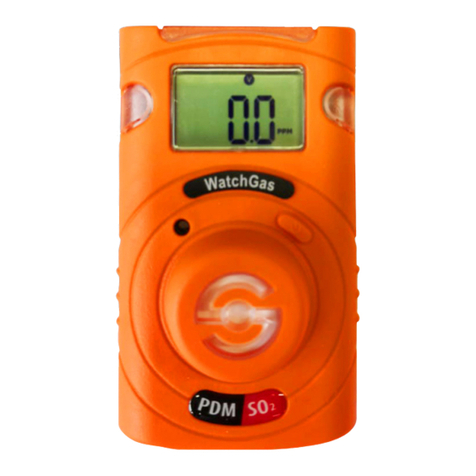
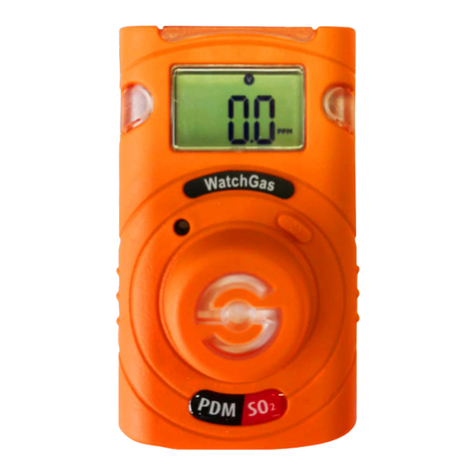
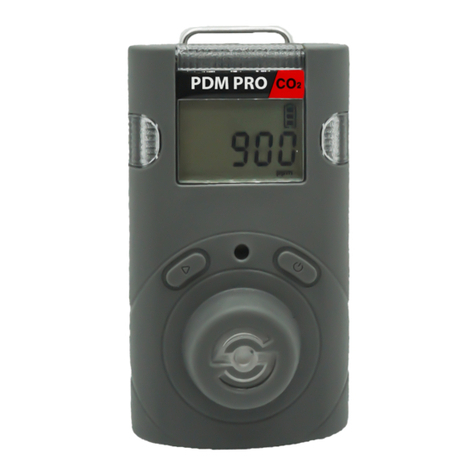
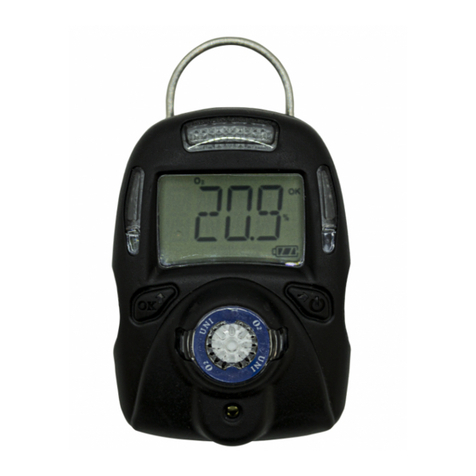
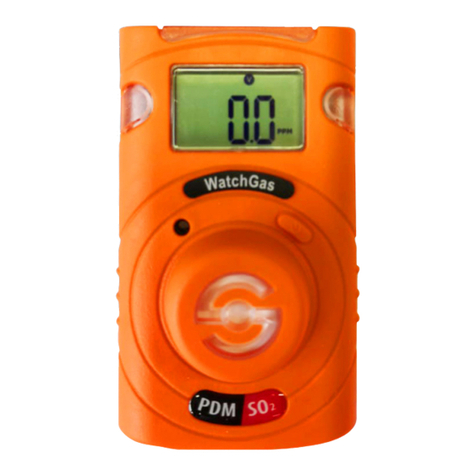
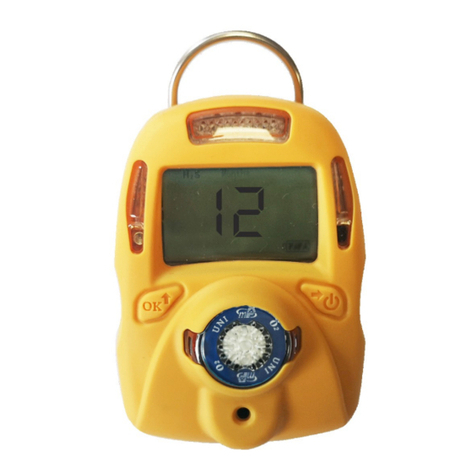
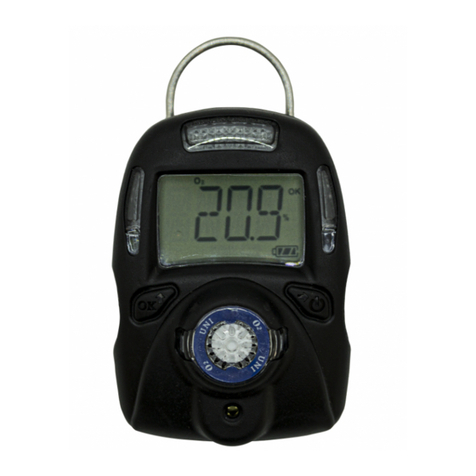
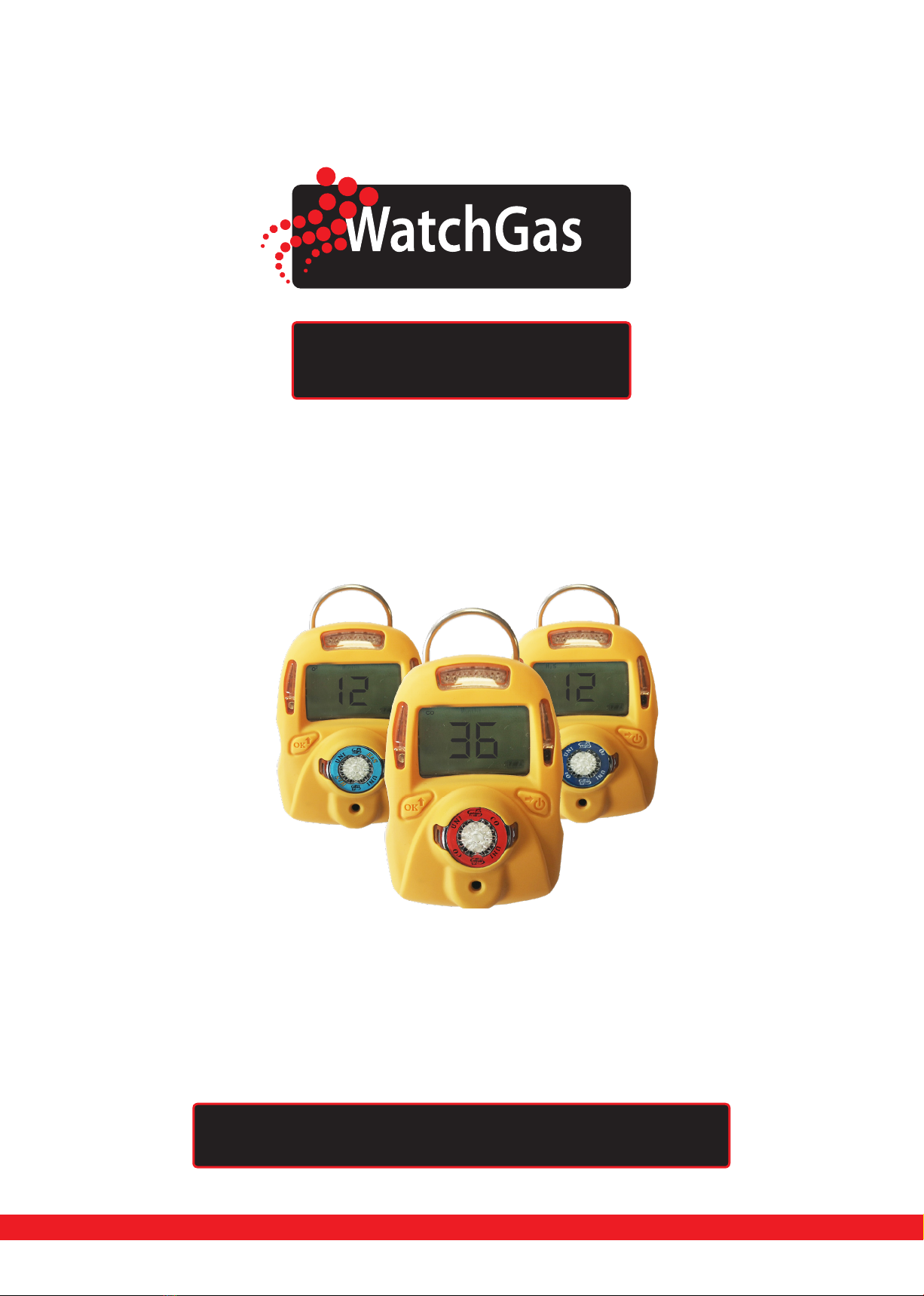
Detection UNI Disposable Single Gas Detector User Manual
D e t e c t i on
6 7
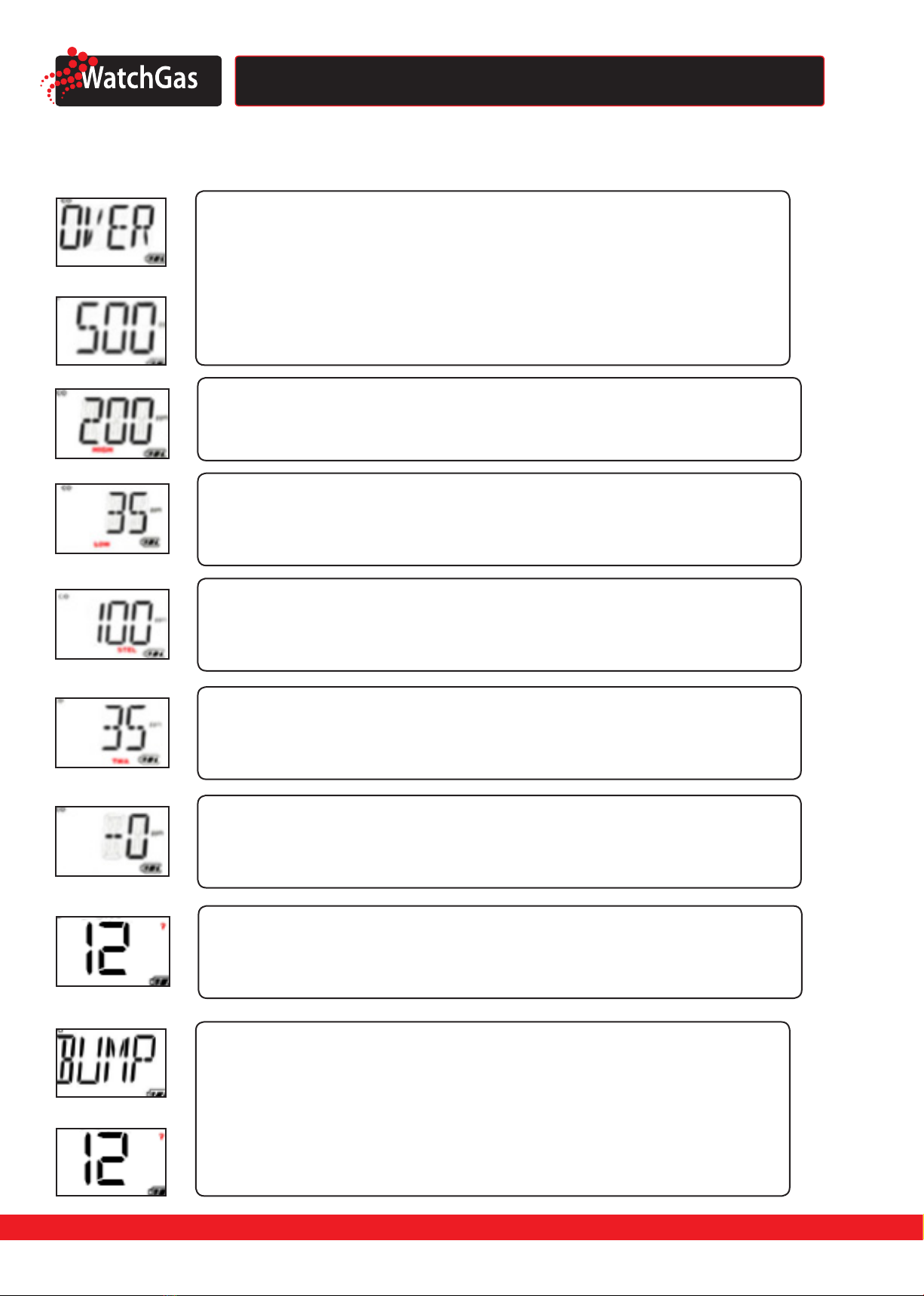
Bump Fail Alarm (For Service Use Only)
If the instrument fails a Bump test using the WatchGas Docking Station, it will alternately display
and the remaining run time once per second.
Bump Due Alarm (For Service Use Only)
If the Bump Due setting is enabled and the due date has passed, the question mark will ash once per
second while the display continues to show the remaining run time.
4. Conguration Mode
In Cong mode, the user can do a zero (fresh air) calibration only. In general, use the Left Key
to increase the number or conrm, use the Right Key to move the cursor or move to the next
programming item. Detailed conguration settings can be performed using the mPower Suite
software through the WatchGas Docking Station.
4.1 ENTER CONFIG MODE
Press and hold the Left Key and the Right Key simultaneously for 3 seconds. The unit prompts for a
password* by displaying and , with one digit ashing. To input the password, use the
Left Key to increase the number, and the Right Key to move the cursor. Once all four digits are entered,
the cursor will move to “OK”, use the Left Key to nish password input and enter the Cong mode. To
correct a digit input mistake, use the Right Key to move the cursor between the four digits and“OK”
mark, to change the input.
* The WatchGas Disposable preset password is 0000.
4.2 ZERO (FRESH AIR) CALIBRATION
Zero calibration is to set the base line for the sensor. It is done in fresh air or other source known to be
free of detectable gas (For an O unit, “zeroing” sets the value to 20.9%, so air must be used). When the
LCD displays press the Left Key to start zero calibration. The unit will start a 15 second count-
down, and then display the calibration result as either pass or fail . The user can abort
the zero calibration during the 15 seconds count-down by pressing the Right Key, after which is
displayed.
4.3 EXIT CONFIGURATION MODE
After zero calibration is either skipped or completed, the unit displays . Press the Left Key to exit
back to normal mode.
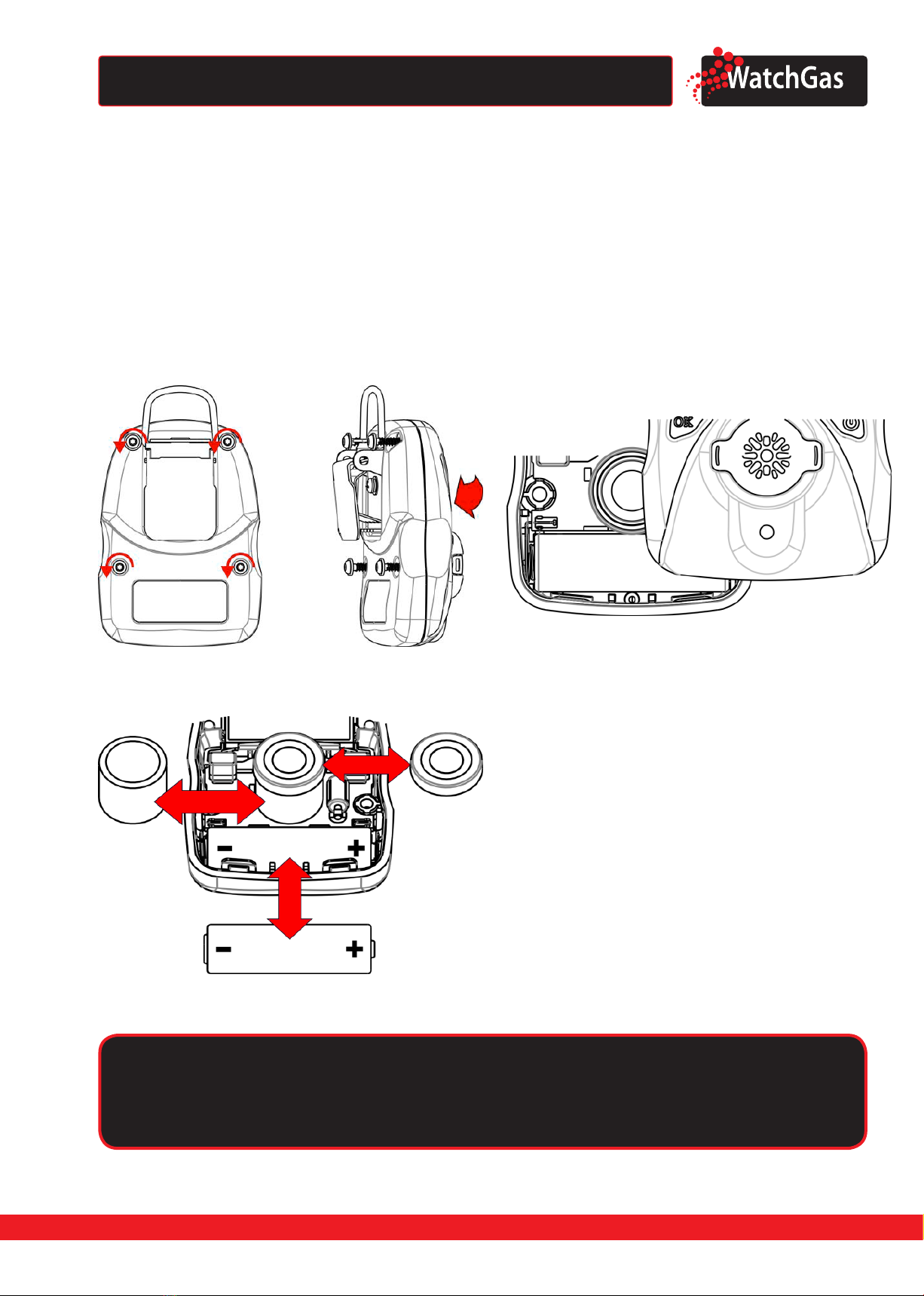
5. Maintanance
NOTE: The UNI Disposable is designed as a disposable instrument and does not need maintenance
under normal circumstances. However, in highly dusty or wet environments, it may be necessary to
replace the sensor lter as described below. Also The UNI Disposable has to be calibrated.
Caution
Maintenance should be performed only by a qualied person who has proper training and
fully understands the contents of the manual.