5
Storing Frequencies into Memory
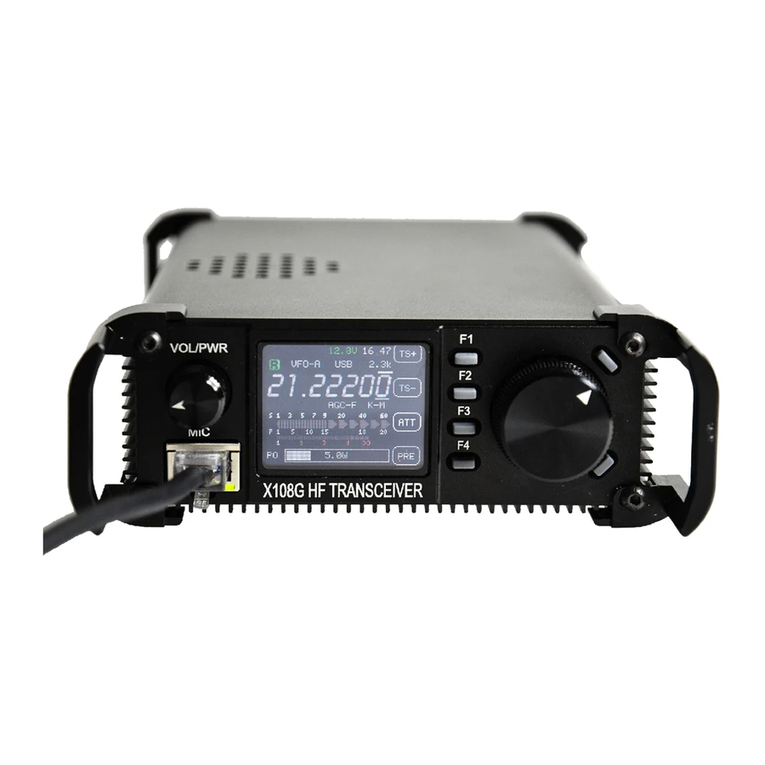
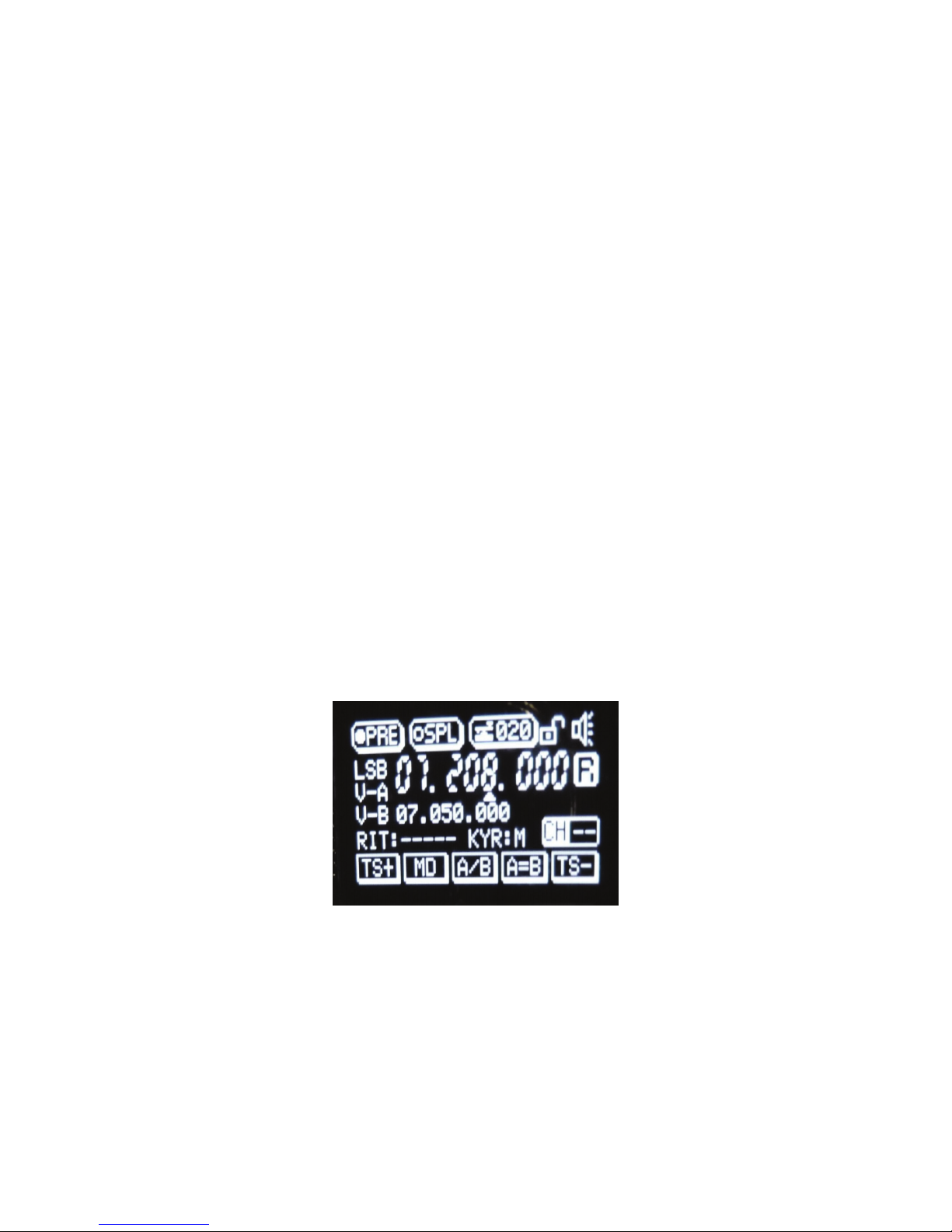
1. Set VFO frequency and transmit mode, and preamp options as desired. The system will
remember the mode and preamp setting as well as the frequency. Both VFOa and VFOb
are stored to memory. When in memory mode, the A/B button will toggle between the
two stored VFOs.
2. Press the V/M button to enter memory mode.
3. Rotate the frequency knob until the word “Blank” appears above a channel number,
unless you want to write over an existing stored channel value.
4. A long press of the V>M button stores the VFOs and modes into the desired channel.
Press V/M a second time to confirm the change.
Channel selection is determined in memory mode by rotating the frequency knob. There are
effectively 64 memory storage locations in pairs. See the following for use of the split mode,
where storing VFO pairs is useful.
Doing “splits” with the two VFOs
Set desired transmit frequency into VFOb. Set the desired receive frequency into VFOa. Activate
the SPL mode. Reception will be from VFOa and transmit will be from VFOb. Splits only work in
the SSB modes. VFOa and VFOb can be reversed with the A/B key. Transmission is from the
inactive VFO.
Systems Menu
Like all modern ham radios, the functionality and options for the radio are programmed via an
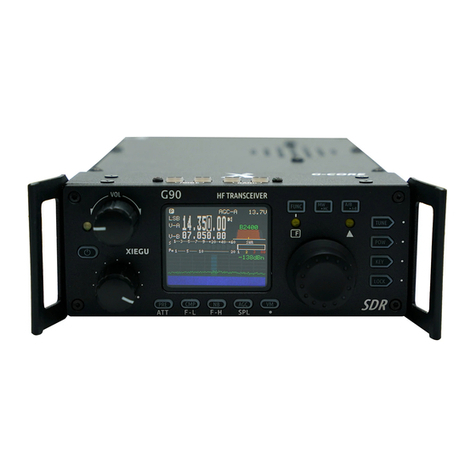
extensive set of internal menus. To access the various menus, press and hold the LK/SYS button
for two seconds to give access to the following functions. Make sure the keyboard is not locked!
Rotate the frequency knob to select the desired menu item. Press the knob again the allow
alteration of the value. Use the frequency knob and F1/F5 keys to select the desired digit. When
you are done, press LK/SYS again for a “Yes – No” to save or not save the settings. Use the
frequency knob to select “Yes” or “No.” Press the frequency knob to make your selection and
return to normal operation. The various options are as follows:
01. IF OFST: Set the intermediate frequency offset.
02. LSB BFO: Set the LSB BFO frequency.
03. USB BFO: Set the USB BFO frequency.
04. CW BFO: Set the CW BFO frequency.
05. CW TONE: Sets the side tone value in CW mode. Default is 800 HZ.
06. CW TDLY: CW transceiver delay. “QSK” delay
07. KYR SPD: Speed for automatic keyer rate adjustment. Default is 20 WPM.
08. TXP TIM: Transmitting time set. This is to avoid “frying the finals." Works in all modes.
09. BRITNES: Screen intensity setting. The display cannot be turned off.
10. CNTRST: Screen contrast setting.
11. FBND TX: Inhibit transmission on non-amateur frequencies. Spurious radiation will occur
when transmitting outside of the five pre-filtered bands shown in the specifications. Some type of
external band pass filter should be used if transmitting outside the five Amateur bands!
12. DDS CLK: DDS clock setting.