
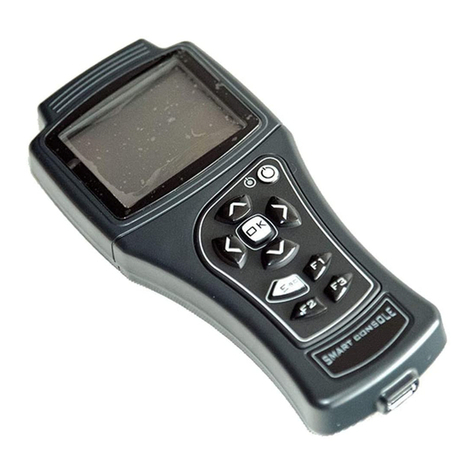
Zapi SMART CONSOLE User manual

ZAPI SMART CONSOLE
Introduction for WRT60

Location of CAN Connection

Traction VACC
Turn on ZAPI Handset
Push and hold the power button for 3s
The Display will show: Cons AFG ZP021*
The Display will show : Cons AFG ZP021*
CAN CONSOLE
Press or button until CAN
CONSOLE shows on the display
Press OK to go into the
CANCONSOLE Menu

The Display will show:
The Display will show:
CANCONSOLE
SELECT NODE
Push , or
To select Node 2
SELECT NODE
NODE 2
Press OK to go into the
Traction controller
The Display will show: AD0T2B WF6EP1.11
24V 320A 0H
Press OK to go into the
Main Menu
The Display will show: Main Menu

Press or button until
PROGRAM VACC shows on the display
The Display will show: MAIN MENU
PROGRAM VACC
Press ENTER to go into the PROGRAM
VACC function
The Display will show the minimum and
maximum values of throttle voltage. Both
directions are shown
VACC SETTING
CURRENT VALUE
Press ENTER to clear these values.
Display will show 0.0
Select Forward Direction FORWARD x.xV x.xV

Slowly depress the accelerator to its
maximum value. The new minimum
and maximum voltages will be displayed on
the Console.
Select the Reverse Direction and
repeat the item above BACKWARD x.xV x.xV
When finished , press ESC
The Display will ask : APPLY
CHANGES ? APPLY CHANGES?
YES= OK NO=ESC
Press OK for yes

When finished, the Console shows : Main Menu
Press and hold power button 3s to
turn off the Console
Other manuals for SMART CONSOLE
6
Other Zapi Controllers manuals
Zapi
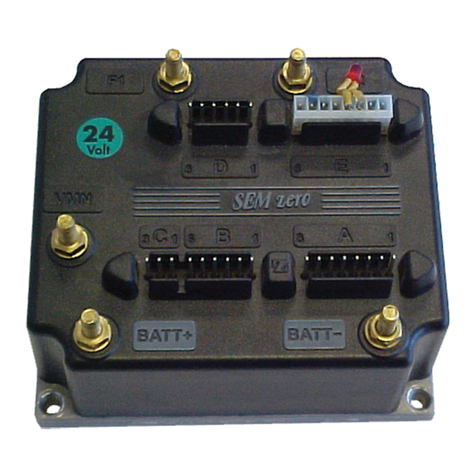
Zapi SEM-Zero User manual
Zapi
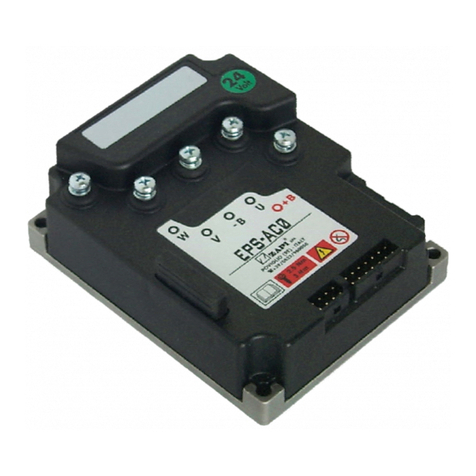
Zapi EPS-AC0 User manual
Zapi
Zapi DUALACE2 NEW GENERATION User manual
Zapi
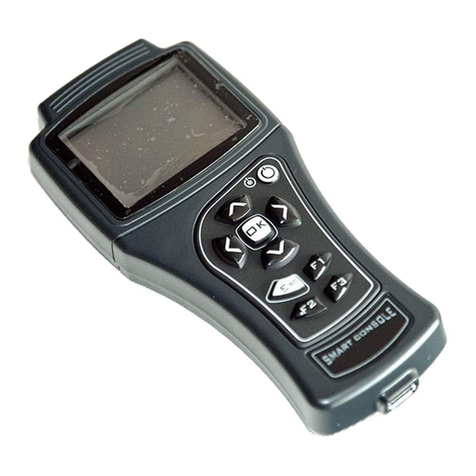
Zapi SMART CONSOLE User manual
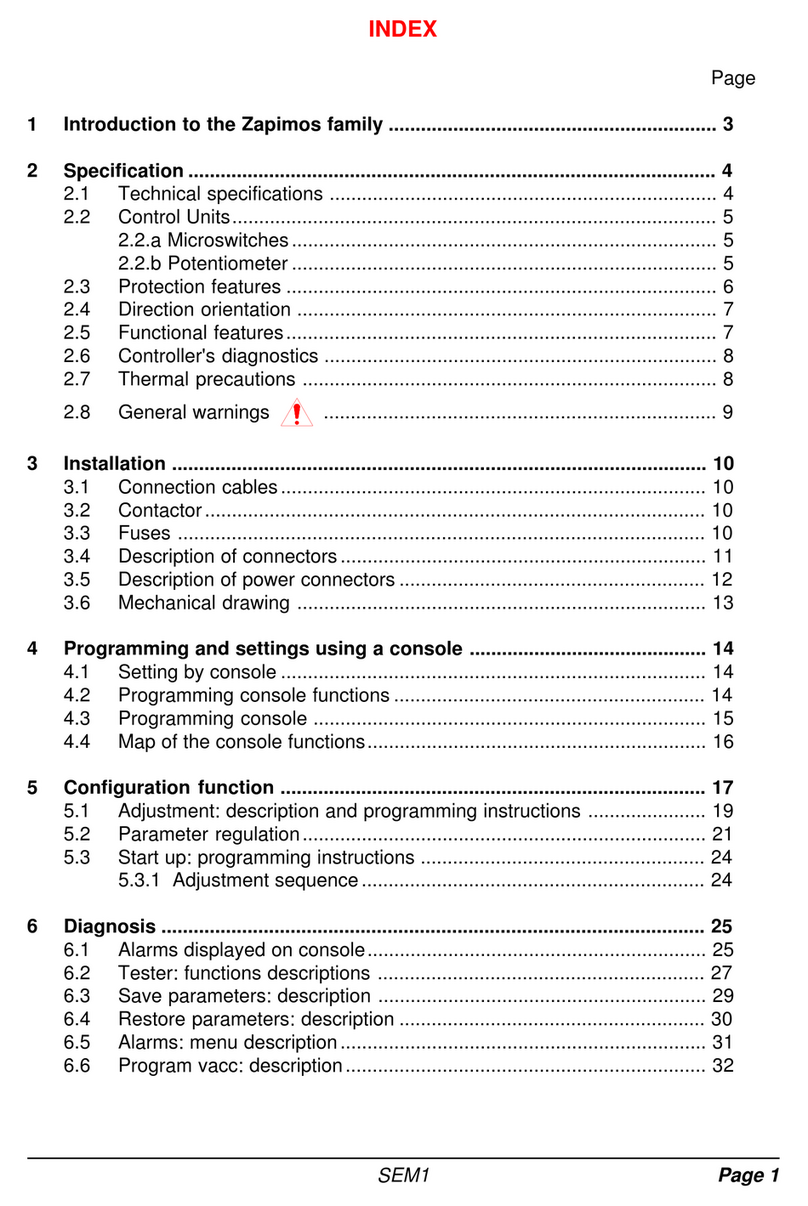
Zapi
Zapi COMBI SEM-1 User manual

Zapi
Zapi ADPZP0CC User manual
Zapi
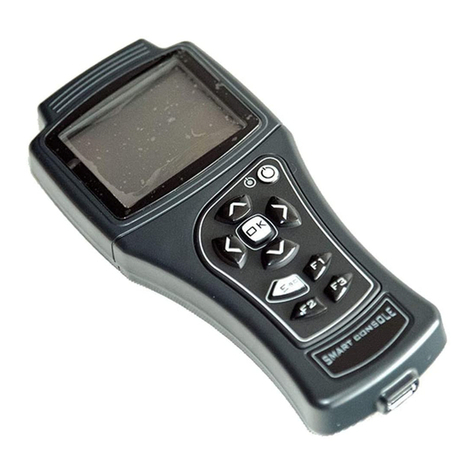
Zapi SMART CONSOLE User manual
Zapi
Zapi ZAPIMOS HP 350A User manual
Zapi
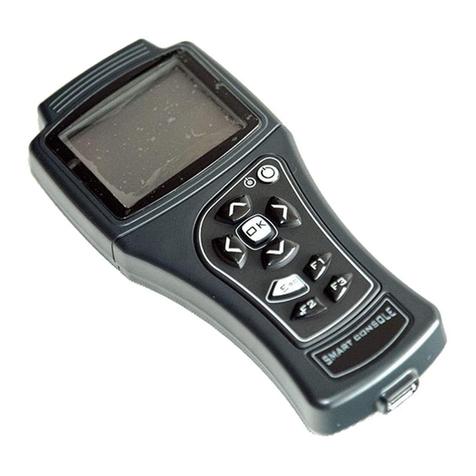
Zapi SMART CONSOLE User manual
Zapi
Zapi ZAPIMOS H2 96V 400A User manual
Popular Controllers manuals by other brands

Digiplex
Digiplex DGP-848 Programming guide

YASKAWA
YASKAWA SGM series user manual

Sinope
Sinope Calypso RM3500ZB installation guide

Isimet
Isimet DLA Series Style 2 Installation, Operations, Start-up and Maintenance Instructions

LSIS
LSIS sv-ip5a user manual

Rockwell Automation
Rockwell Automation 1769-L31 installation instructions










