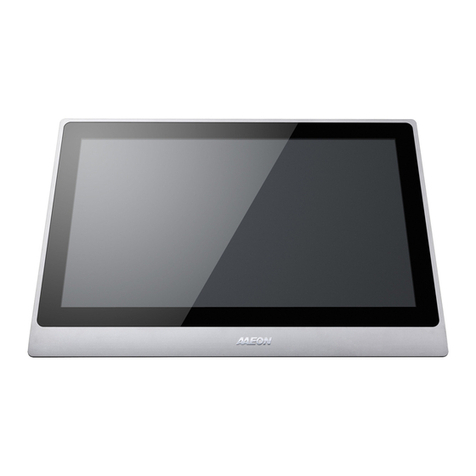
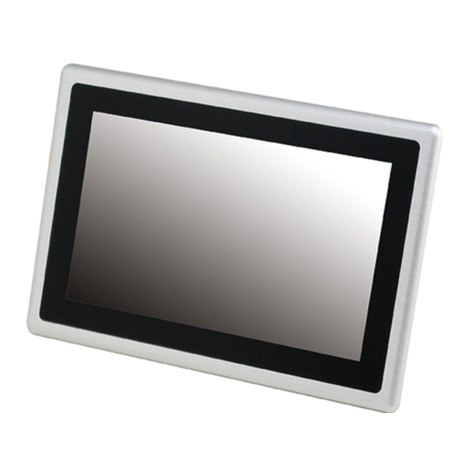
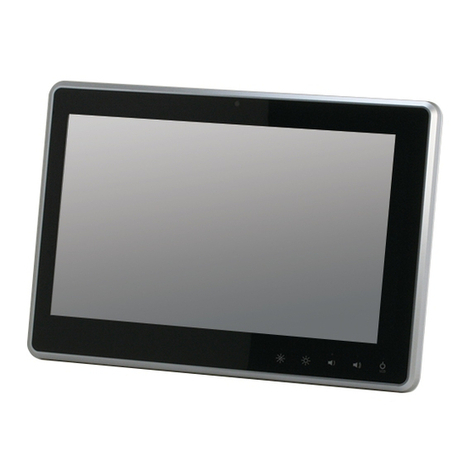
LCD Display ACD-110D
Contents
Chapter 1 General Information
1.1 Introduction................................................................ 1-2
1.2 Features .................................................................... 1-3
1.3 General Specification................................................1-4
1.4 Dimensions................................................................ 1-6
Chapter 2 Hardware Installation
2.1 Before Unpacking...................................................... 2-2
2.2 Connecting to Power Supply..................................... 2-3
2.3 Connecting to the Computer ..................................... 2-4
2.4 VGA Port Connector.................................................. 2-5
2.5 DVI Port Connector................................................... 2-6
2.6 Touchscreen Mini USB Connector............................ 2-7
2.7 VESA Wall Mount...................................................... 2-8
2.8 Mounting the Display................................................. 2-10
Chapter 3 On-screen Display Settings
3.1 On-screen Display (OSD) Board............................... 3-2
3.2 OSD Main Menu........................................................ 3-3
3.3 Input Source..............................................................3-4
3.4 Contrast/ Brightness- Submenu................................3-5
3.5 Geometry Menu......................................................... 3-6
3.6 Color/ Temperature- Submenu. ................................3-7
viii