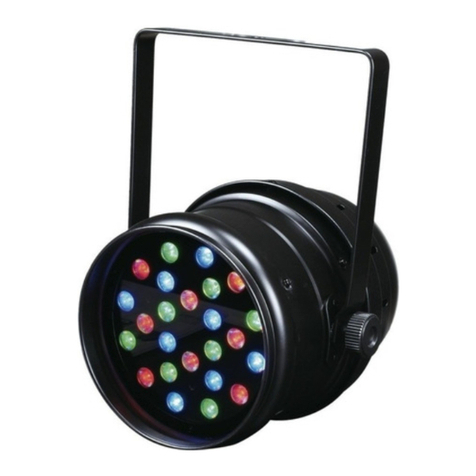
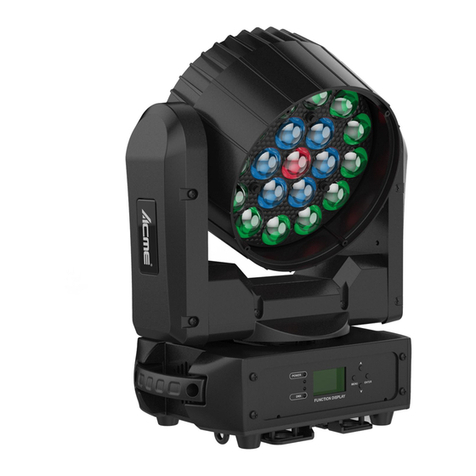
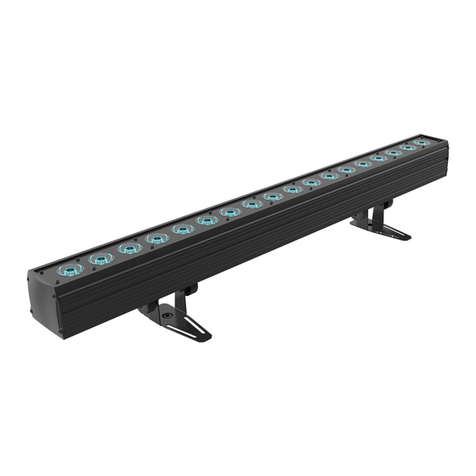
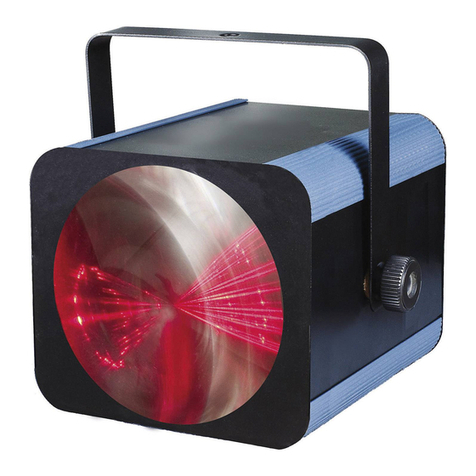
Press the MENU button to show on the display. Press the ENTER button and all
channels of the unit will return to their standard position.
5. How To Control The Unit
You can operate the unit in three ways:
1. Master/slave built-in preprogram function
2. Easy controller
3. Universal DMX controller
No need to turn the unit off when you change the DMX address, as new DMX address
setting will be effect at once. Every time you turn the unit on, it will show on the
display and move all the motors to their ‘home’ position and you may hear some noises for
about 20 seconds. After that the unit will be ready to receive DMX signal or run the built in
programs.
5.1 Master/Slave Built In Preprogrammed Function
By linking the units in master/slave connection, the first unit will control the other units to
give an automatic, sound activated, synchronized light show. This function is good when
you want an instant show. Its DMX input jack will have nothing plugged into it, and Its
master LED will be constantly on and sound LED will flash to the music. The other units
will have to set in slave mode and select (Slave 1) or (slave 2)
mode, Their DMX cables plugged into the DMX input jacks (daisy chain) and the slave led
lights will constantly on.
2-light show
In (slave mode), means the unit works normally and means
2-light show. In order to create a great light show, you can set on the second unit
to get contrast movement to each other, even if you have two units only.
5.2 Easy Controller (by CA-8/CA-9/CA-9RTX)
The easy remote control is used only in master/slave mode. By
connecting to the 4-pin jack of the first unit, you will find that the remote
controller on the first unit will control all the other units for Stand by,
Function and Mode selection
5.3 DMX Controller
By using a universal DMX controller to control the units, you have to set DMX address
from 1 to 512 channel so that the units can receive DMX signal.
Press the MENU button up to when the is showing on the display. Pressing
ENTER button and the display will blink. Use DOWN and UP button to change the
DMX512 address. Once the address has been selected, press and keep ENTER button
pressed up to when the display stops blinking or storing automatically 8 seconds later. To
go back to the functions without any change press the MENU button again. If you use
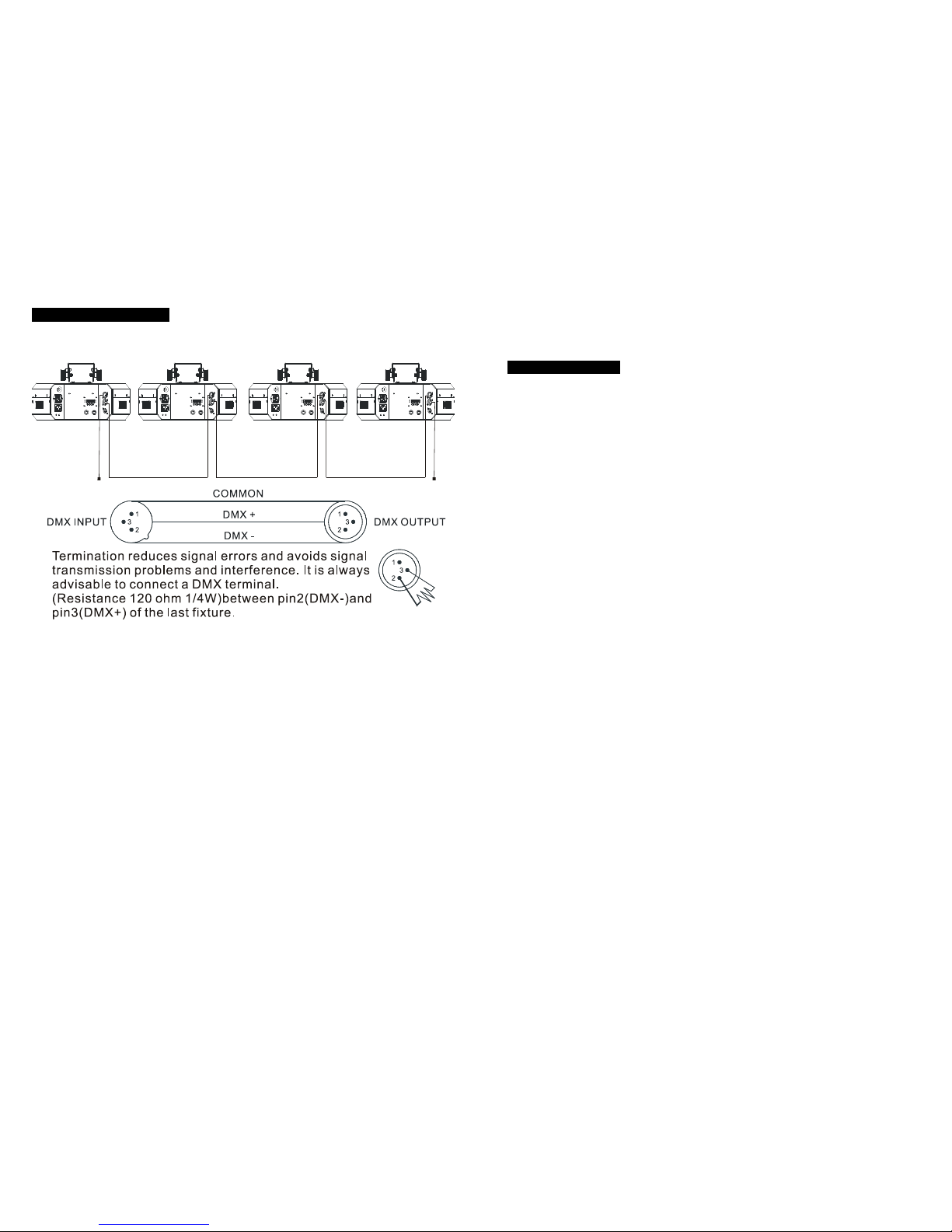
please refer to the following diagram to address your DMX512 channel for the first 4 units:
6. DMX 512 Configuration