manuals.online logo
Brands
  1. Home
  2. •
  3. Brands
  4. •
  5. APS
  6. •
  7. Automobile Accessories
  8. •
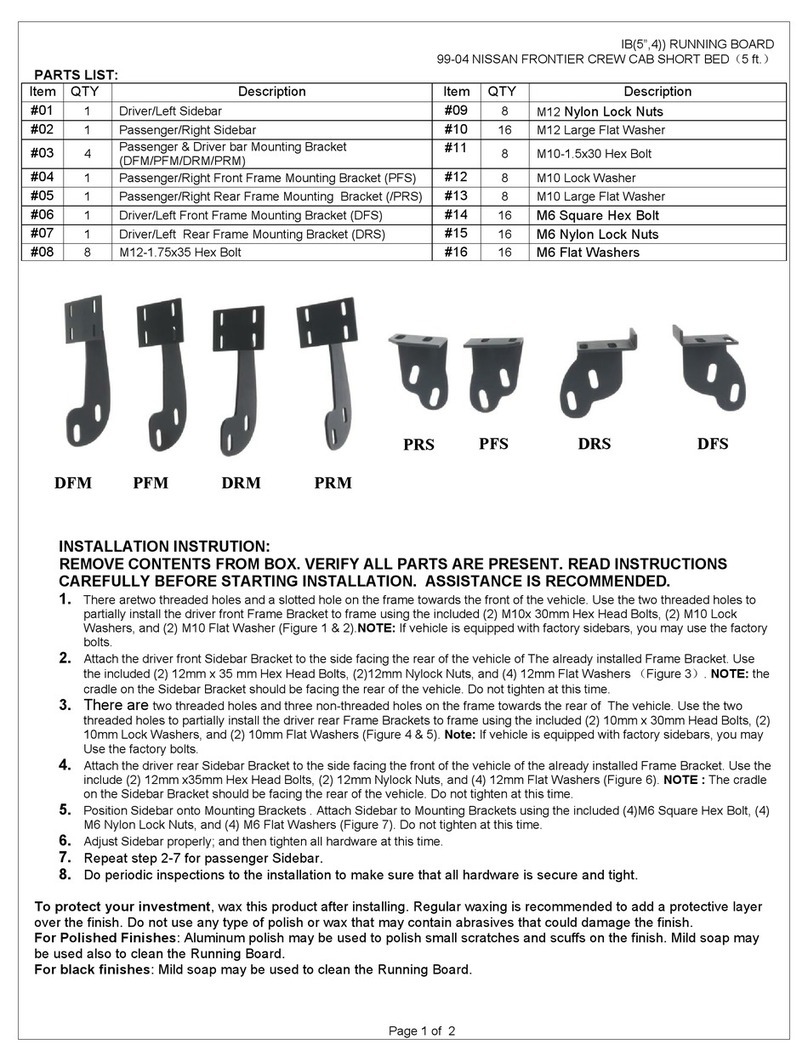
  9. APS iBoard IB-R911 User manual

APS iBoard IB-R911 User manual

Other APS Automobile Accessories manuals
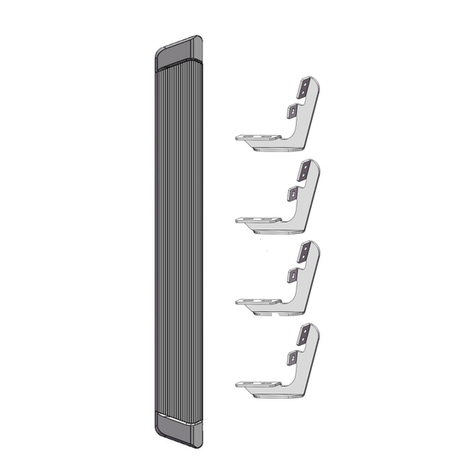
APS IA06SAG5B User manual

APS

APS IA06SAG5B User manual

APS iBoard IB-014A-B User manual

APS

APS iBoard IB-014A-B User manual

APS iBoard IB-R922 User manual

APS

APS iBoard IB-R922 User manual

APS IA06SJD4B User manual

APS

APS IA06SJD4B User manual

APS IA04SBE8B User manual

APS

APS IA04SBE8B User manual

APS iArmor User manual

APS

APS iArmor User manual

APS iBoard IB-R921 User manual

APS

APS iBoard IB-R921 User manual

APS GR18HEC11A User manual

APS

APS GR18HEC11A User manual

APS IA06SIB6B User manual

APS

APS IA06SIB6B User manual

APS IB03DJJ7A User manual

APS

APS IB03DJJ7A User manual

APS iArmor User manual

APS

APS iArmor User manual

APS IA20SJI8B User manual

APS

APS IA20SJI8B User manual

APS iBoard User manual

APS

APS iBoard User manual

APS iBoard IB-R004 User manual

APS

APS iBoard IB-R004 User manual

APS iBoard IB-R934 User manual

APS

APS iBoard IB-R934 User manual

APS iArmor User manual

APS

APS iArmor User manual

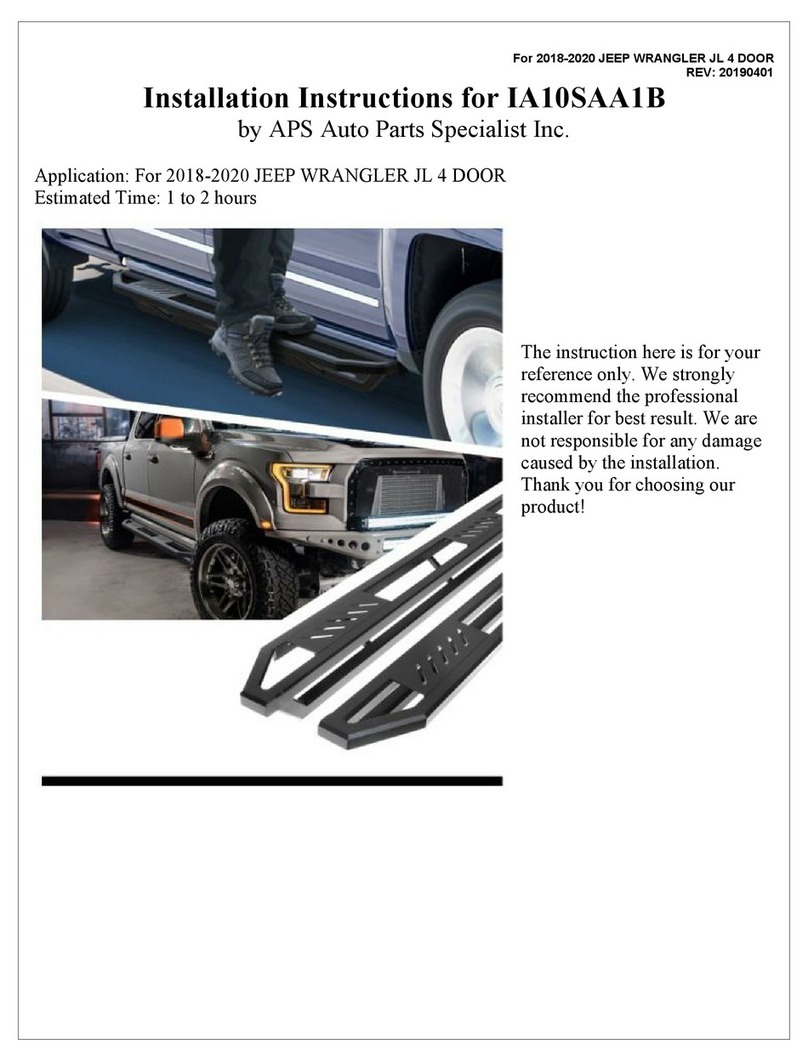
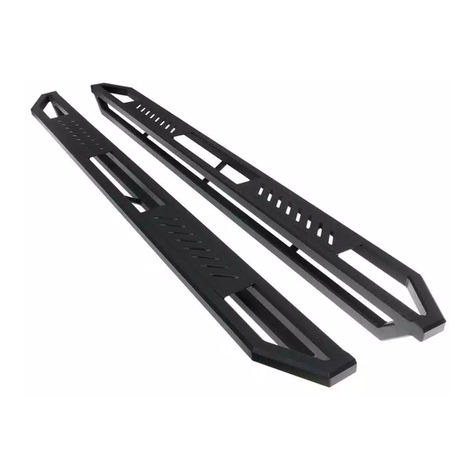
APS IA10SAA1B User manual

APS

APS IA10SAA1B User manual

APS IA06SJA1B User manual

APS

APS IA06SJA1B User manual

APS iBoard IB-R009 User manual

APS

APS iBoard IB-R009 User manual

APS iBoard IB-192A-B User manual

APS

APS iBoard IB-192A-B User manual

APS iBoard IB-R961 User manual

APS

APS iBoard IB-R961 User manual

APS iBoard IB-R046 User manual

APS

APS iBoard IB-R046 User manual

APS iArmor IA-S926H User manual

APS

APS iArmor IA-S926H User manual
APS iBoard IB-019&020A-B User manual

APS

APS iBoard IB-019&020A-B User manual
Popular Automobile Accessories manuals by other brands

Magneti Marelli AC161 Installation instruction

Magneti Marelli

Magneti Marelli AC161 Installation instruction

FDI uEZ GUI Start here

FDI

FDI uEZ GUI Start here

JCROffroad JT Install instructions

JCROffroad

JCROffroad JT Install instructions

Rostra VOXXElectronics 250-1930 owner's guide

Rostra

Rostra VOXXElectronics 250-1930 owner's guide

TOP VEHICLE TECH GR3FORD5 installation manual

TOP VEHICLE TECH

TOP VEHICLE TECH GR3FORD5 installation manual

Safe Fleet PRIME DESIGN AR-2000-BLK manual

Safe Fleet

Safe Fleet PRIME DESIGN AR-2000-BLK manual

Skoda Fabia Combi 5J Fitting instructions

Skoda

Skoda Fabia Combi 5J Fitting instructions

Camcar 40077 Al Mounting instructions

Camcar

Camcar 40077 Al Mounting instructions

Camcar 40089 AL Mounting instructions

Camcar

Camcar 40089 AL Mounting instructions

Impac Tradesman 2000 installation manual

Impac

Impac Tradesman 2000 installation manual

DVB OFFROAD BRSB-01 installation manual

DVB

DVB OFFROAD BRSB-01 installation manual

Safari Snorkel SS385HF installation guide

Safari Snorkel

Safari Snorkel SS385HF installation guide

ULTIMATE SPEED 279746 Assembly and Safety Advice

ULTIMATE SPEED

ULTIMATE SPEED 279746 Assembly and Safety Advice

SSV Works DF-F65 manual

SSV Works

SSV Works DF-F65 manual

ULTIMATE SPEED CARBON Assembly and Safety Advice

ULTIMATE SPEED

ULTIMATE SPEED CARBON Assembly and Safety Advice

Witter F174 Fitting instructions

Witter

Witter F174 Fitting instructions

WeatherTech No-Drill installation instructions

WeatherTech

WeatherTech No-Drill installation instructions

TAUBENREUTHER 1-336050 Installation instruction

TAUBENREUTHER

TAUBENREUTHER 1-336050 Installation instruction

manuals.online logo
manuals.online logoBrands
  • About & Mission
  • Contact us
  • Privacy Policy
  • Terms and Conditions

Copyright 2025 Manuals.Online. All Rights Reserved.

iBoard
®
Customer Support: info@iboardauto.com
Rev. 20220601
1
iBoard® by APS PART#: IB-R911
READ INSTRUCTIONS CAREFULLY BEFORE START ING
INSTALLATION. REMOVE CONTENTS FROM BOX AND
VERIFY ALL PARTS ARE PRESENT. ASSISTANCE IS
RECOMMENDED.
*ROCKER PANEL MOUNT
*DRILLING IS REQUIRED
Fastener Size Tightening Torque (ft-lbs) Required
6mm 6-7 √
8mm 16-18 √
10mm 31-32 X
12mm 56-58 X
14mm 92-94 X
Driver Passenger
Front
1#
2#
1#
1#
1#
2#
1#
2#
1#
1#
1#
2#
2#
2#
2#
2#
iBoard
®
Customer Support: info@iboardauto.com
Rev. 20220601
2
Hardware Package A (For Bracket Installation)
Item QTY Description Item QTY Description
1# 8Mounting Brackets 5# 32 M8 Large Flat Washers
2# 8Bar Brackets 6# 32 M8X1.25 Hex Flange Nuts
3# 40 M8X1.25-20mm Hex Bolts 7# 8M8X1.25 Nylon Lock Nuts
4# 16 M8 Flat Washers 8# 16 ST6.3-22 Hex Self Tapping Screws
3# 4#
2#
1# 3#
Hardware Package B (For Step Bar Installation)
Item QTY Description Item QTY Description
1# 16 M6X1-20mm Square Head Bolts 3# 16 M6 Nylon Lock Nuts
2# 16 M6 Large Flat Washers
5# 6# 7# 8#
iBoard
®
Customer Support: info@iboardauto.com
Rev. 20220601
3
STEP 1
Start the installation under the driver side of the vehicle. Drill (4)
M8 holes in pinch weld as shown, (Fig 1).
(Fig 1) Driver Side Mounting Locations
STEP 2
Assemble Mounting Bracket and Bar Bracket with (4) M8X1.25-
20mm Hex Bolts, (4) M8 Large Flat Washers and (4) M8X1.25
Hex Flange Nuts, (Figs 2 &4). Do not fully tighten hardware at
this time.
Note: All Mounting Brackets are universal. All Bar Brack-
ets are universal.
Mounting Bracket
Bar Bracket
(4) M8X1.25-20mm Hex Bolts
(4) M8 Large Flat Washers
(4) M8X1.25 Hex Flange Nuts
(Fig 2) Driver Side Brackets Assembly
STEP 3
Attach the assembled Brackets to the 5/8” drilled holes on
pinch with (1) M8X1.25-20mm Hex Bolt, (2) M8 Flat Washers
and (1) M8X1.25 Nylon Lock Nut, (Figs 3 & 4).
Market and drill (2) 5mm holes on body panel for each Mount-
ing Bracket. And then, secure the Mounting Brackets to the
body panel with (2) ST6.3-22 Hex Self Tapping Screws for
each bracket.
(Fig 4) Driver Side Mounting Bracket Installation
(Fig 3) Driver Side Mounting Bracket Installation
(2) ST6.3-22 Hex Self Tapping Screws
(1) M8X1.25-20mm Hex Bolt
(2) M8 Flat Washers
(1) M8X1.25 Nylon Lock Nut
iBoard
®
Customer Support: info@iboardauto.com
Rev. 20220601
4
STEP 5
Level and adjust the Running Board and fully tighten all hard-
ware.
Important: Please follow the recommended Tightening Tor-
ques shown in the table on page 1. Don’t over tighten, or
the nuts/bolts will be damaged.
STEP 6
Repeat Steps 1-5 for the other side Running Board installation.
The installation is completed .
Attention
Do periodic inspections to the installation to make sure
that all hardware is secure and tight.
In order to protect your bars/boards, please use mild
soap/non-abrasive products for cleaning only.
STEP 4
Once all (4) mounting brackets are installed. Select a Running
Board. Slide (4) M6X1-20mm Square Head Bolts into each
bottom channel (Fig 5). Carefully position the Running Board
onto the (4) Mounting Brackets. Attach the Running Board to
Mounting Bracket with (2) M6X1-20mm Square Head Bolts, (2)
M6 Large Flat Washers and (2) M6X1 Nylon Lock Nuts (Fig 6).
Do not fully tighten at this time.
IMPORTANT: Do not slide the Running Board on the Brackets
or the bottom surface of the board will be damaged.
M6X1-20mm Square Head Bolts
(Fig 5) Slide M6X1-20mm Square Head Bolts Into The
Bottom Channels
(Fig 6) Running Board Installed Onto Mounting Bracket
(2) M6X1-20mm Square Head Bolts
(2) M6 Large Flat Washers
(2) M6X1 Nylon Lock Nuts