iii
Contents ...................................................................................................... iii
Safety information ....................................................................................... v
License notice and trademark acknowledgement for Dolby Digital..... vii
License notice and trademark acknowledgement for DTS.................... vii
About this user guide................................................................................ vii
Chapter 1 Getting started
Welcome .................................................................................................... 1-1
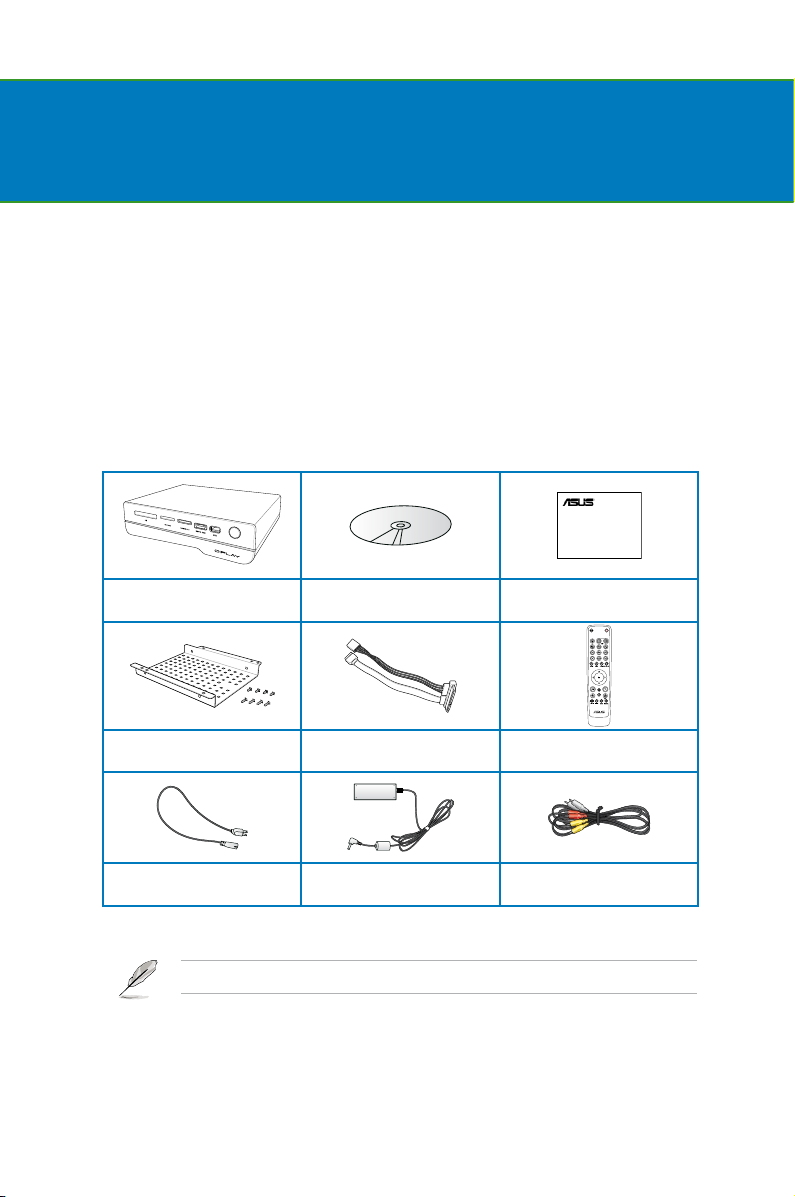
Package contents ..................................................................................... 1-1
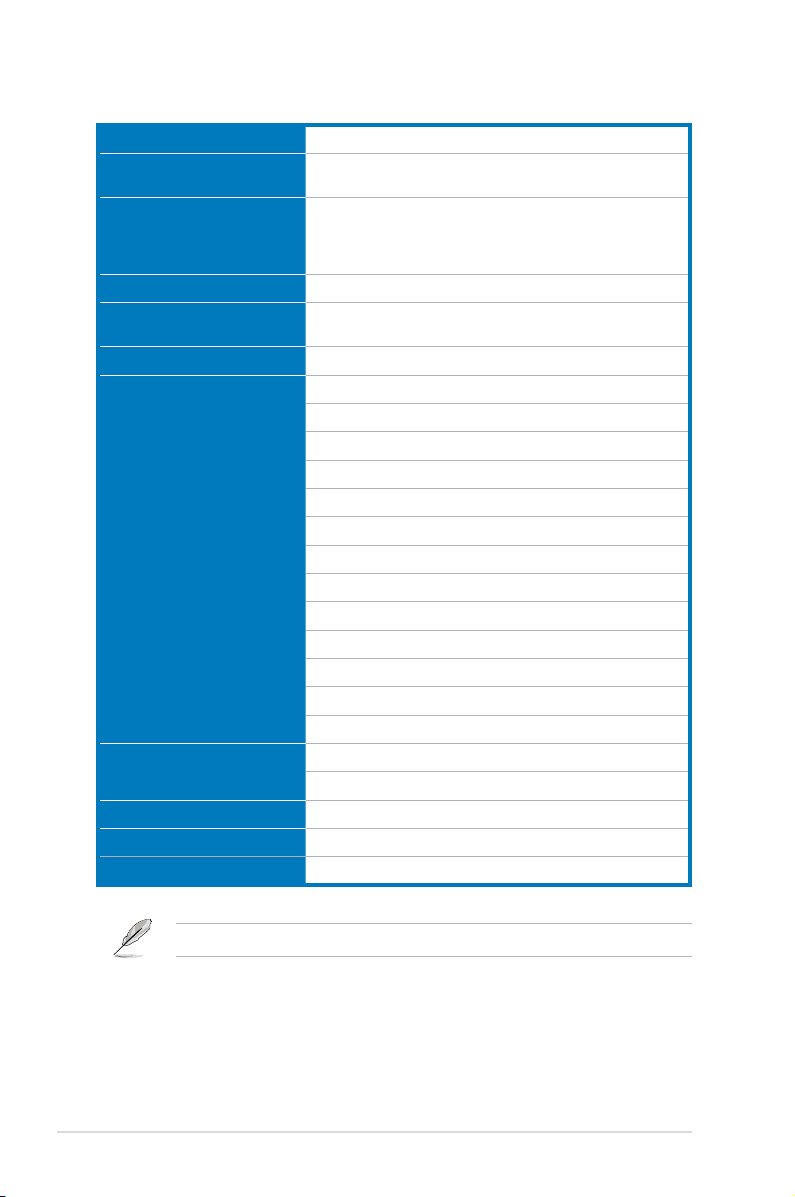
Specications summary .......................................................................... 1-2
System requirements ............................................................................... 1-3
Getting to know your O!Play HD2 media player .................................... 1-3
Front panel..................................................................................... 1-3
Rear panel...................................................................................... 1-5
Remote control............................................................................... 1-6
Getting your O!Play HD2 media player ready ........................................ 1-9
Installing the hard disk drive........................................................... 1-9
Connecting the power adapter..................................................... 1-12
Connecting devices to your HD media player.............................. 1-12
Starting for the rst time............................................................... 1-15
Chapter 2 Network setup and services
Connecting to a network.......................................................................... 2-1
Using DHCP IP (network setup with a router) ................................ 2-1
Using FIX IP (network setup with a direct connection to a computer).... 2-3
PPPoE ........................................................................................ 2-8
DLNA ........................................................................................ 2-9
UPnP ...................................................................................... 2-10
Sharing les over the network .............................................................. 2-14
Sharing les under Windows®XP OS .......................................... 2-14
Sharing les under Windows®Vista OS....................................... 2-15
Sharing les under Windows®7 OS............................................. 2-17
Sharing les under Mac OS X 10.5.xx ......................................... 2-19
Chapter 3 Using your O!Play HD2 media player
The Home screen...................................................................................... 3-1
Conguring the O!Play HD2 settings...................................................... 3-2
Contents