Cisco IP DECT 6800 Series User manual

1 | Page
Cisco DECT 6800 – How to Lock/Unlock Dial Pad on Handset
The Cisco 6800 DECT handset will allow you to disable or manually lock the keypad to stop accidental
dialing. When you lock the keypad, the softkey label does not display.
Procedure on how to lock the handset:
Press and hold Zero (0) until the message “Press and hold 0” and the key lock icon is displayed
on the screen.
Procedure on how to unlock the handset:
Press and hold Zero (0) until the message “Press and hold *” and the key lock icon does not
display on the screen.
You can set up the handset to require a PIN to unlock it.
Procedure to set up handset unlock PIN:
1. Press Menu
2. Select Settings >Security>Phone lock.
3. Enter the PIN and press OK.
4. Highlight Phone lock.
5. Press Off to turn off the need for a PIN or On to require a PIN.
6. Select Change PIN.
7. Enter a new PIN and press OK. You must use four digits for the PIN.
8. Press Select to save the setting.
Note: The default PIN is 0000
Note: When the keypad is locked, you can only dial emergency numbers.

Set the Timer to Automatically Lock the Handset
You can set the handset to lock the keypad after a specific length of inactivity. When the keypad locks,
you need to unlock it before you can use it.
Procedure:
1. Press Menu
2. Select Settings Security Automatic key lock.
3. Highlight your choice.
•Off (default): The keypad never locks.
•15 seconds: The keypad locks in 15 seconds.
•30 seconds: The keypad locks in 30 seconds.
•45 seconds: The keypad locks in 45 seconds.
•1 minute: The keypad locks in 1 minute.
•2 minutes: The keypad locks in 2 minutes.
•3 minutes: The keypad locks in 3 minutes.
•4 minutes: The keypad locks in 4 minutes.
•5 minutes: The keypad locks in 5 minutes.
4. Press Select to save the setting.
Note: When the keypad is locked, you can only dial emergency numbers.
CONTACT US: USA +1 (866) 588.5885 | UK +44 (0) 207 173 6900 | sales@masergy.com
Other manuals for IP DECT 6800 Series
5
Table of contents
Other Cisco Handset manuals
Cisco
Cisco IP DECT 6800 Series User manual

Cisco
Cisco 6825 User manual

Cisco
Cisco SPA302D User manual
Cisco
Cisco IP 69 Series User manual

Cisco
Cisco DATAVOX 7941 User manual
Cisco
Cisco IP DECT 6823 User manual

Cisco
Cisco 7965G - Unified IP Phone VoIP User manual
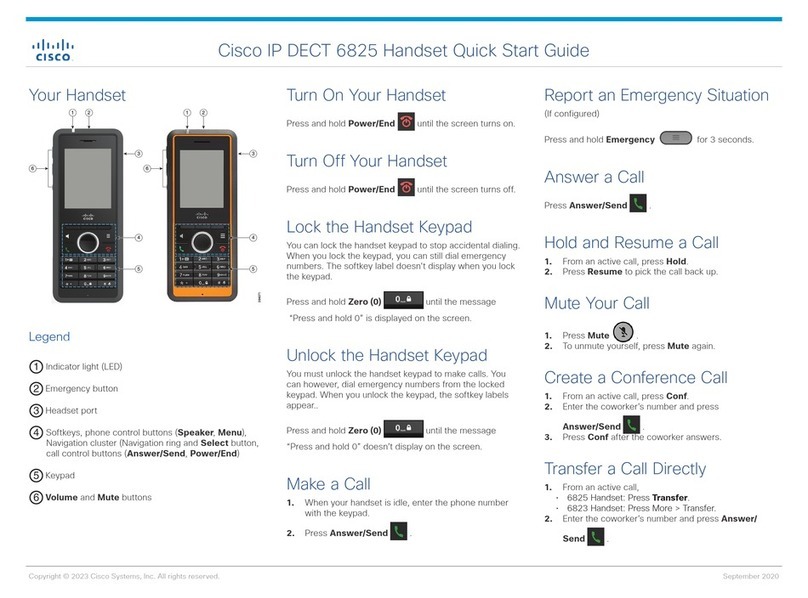
Cisco
Cisco 6825 User manual
Cisco
Cisco SPA302D User manual
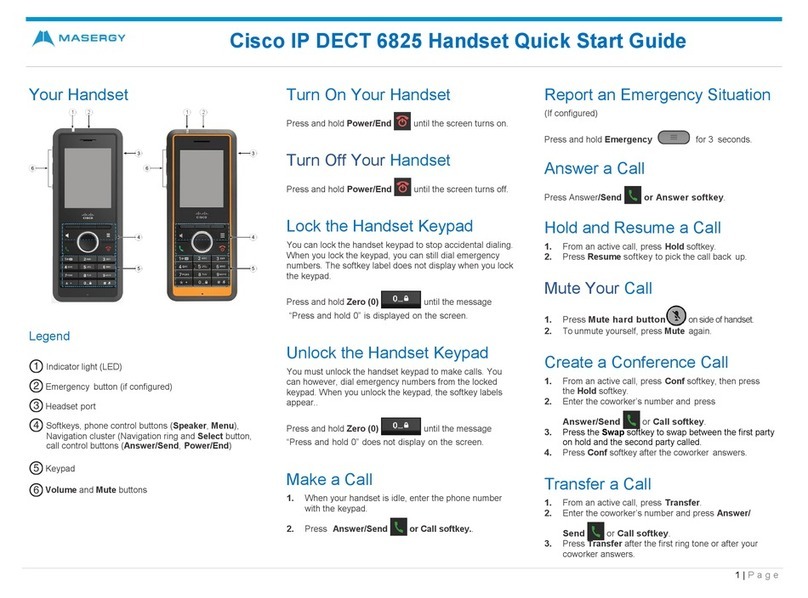
Cisco
Cisco IP DECT 6825 User manual