manuals.online logo
Brands
  1. Home
  2. •
  3. Brands
  4. •
  5. CODELOCKS
  6. •
  7. Door Lock
  8. •
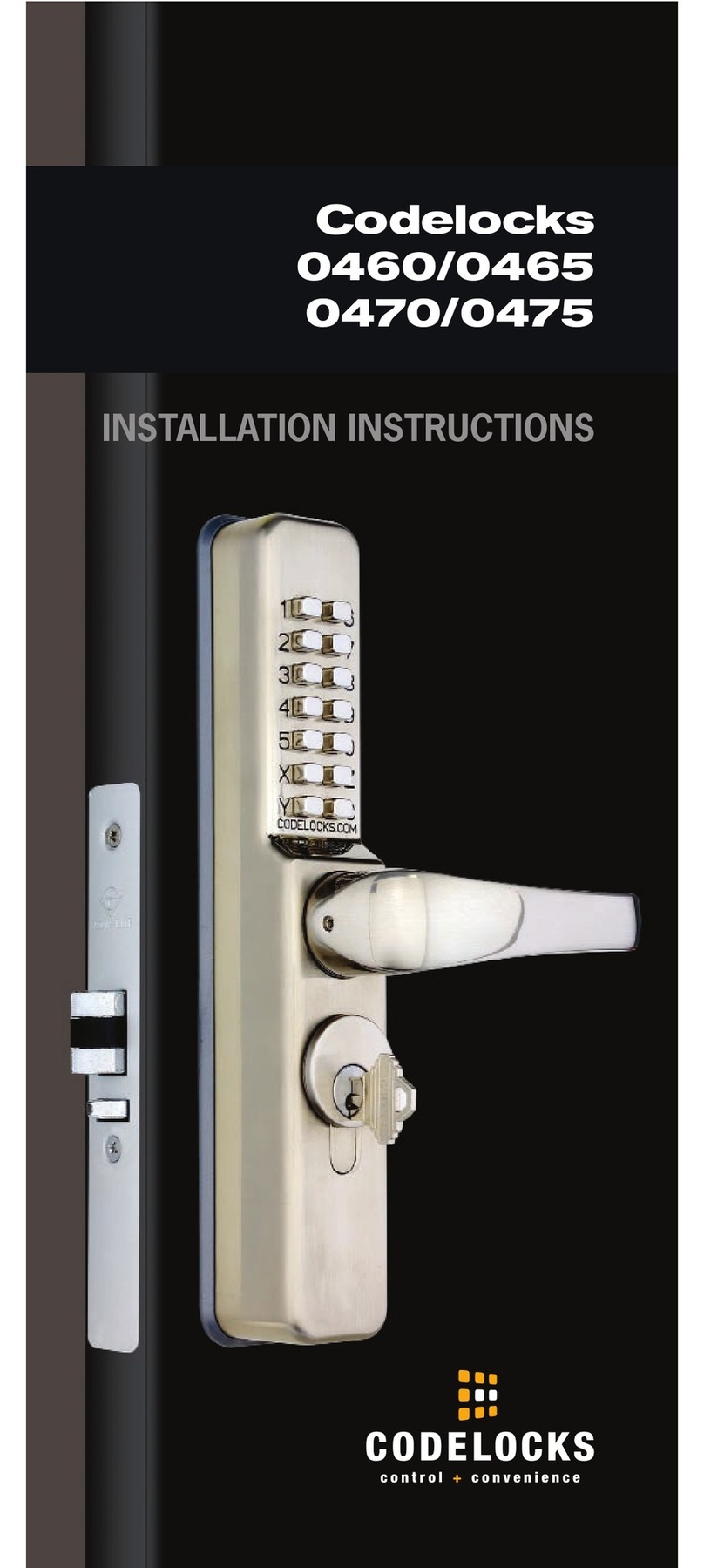
  9. CODELOCKS GLASS DOOR LOCK User manual

CODELOCKS GLASS DOOR LOCK User manual

This manual suits for next models

1

Other CODELOCKS Door Lock manuals

CODELOCKS CL600 User manual

CODELOCKS

CODELOCKS CL600 User manual

CODELOCKS CL1200 User manual

CODELOCKS

CODELOCKS CL1200 User manual

CODELOCKS CL500 Administrator guide

CODELOCKS

CODELOCKS CL500 Administrator guide

CODELOCKS KL1000 User manual

CODELOCKS

CODELOCKS KL1000 User manual

CODELOCKS KL1200 User manual

CODELOCKS

CODELOCKS KL1200 User manual

CODELOCKS CL160 User manual

CODELOCKS

CODELOCKS CL160 User manual

CODELOCKS KL1000 Classic+ User manual

CODELOCKS

CODELOCKS KL1000 Classic+ User manual

CODELOCKS CL460 User manual

CODELOCKS

CODELOCKS CL460 User manual

CODELOCKS CL5500 SERIES User manual

CODELOCKS

CODELOCKS CL5500 SERIES User manual

CODELOCKS CL5510 User manual

CODELOCKS

CODELOCKS CL5510 User manual

CODELOCKS Codelock 100 User manual

CODELOCKS

CODELOCKS Codelock 100 User manual

CODELOCKS KL1000 G3 NetCode User manual

CODELOCKS

CODELOCKS KL1000 G3 NetCode User manual

CODELOCKS CL5010BB User manual

CODELOCKS

CODELOCKS CL5010BB User manual

CODELOCKS CL520 User manual

CODELOCKS

CODELOCKS CL520 User manual

CODELOCKS CL410 User manual

CODELOCKS

CODELOCKS CL410 User manual

CODELOCKS CODELOCK 300 User manual

CODELOCKS

CODELOCKS CODELOCK 300 User manual

CODELOCKS CL610 User manual

CODELOCKS

CODELOCKS CL610 User manual

CODELOCKS 2010 User manual

CODELOCKS

CODELOCKS 2010 User manual

CODELOCKS 0460 Administrator guide

CODELOCKS

CODELOCKS 0460 Administrator guide

CODELOCKS CL5510 User manual

CODELOCKS

CODELOCKS CL5510 User manual

CODELOCKS CL400 User manual

CODELOCKS

CODELOCKS CL400 User manual

CODELOCKS CL5000 User manual

CODELOCKS

CODELOCKS CL5000 User manual

CODELOCKS CL400 User manual

CODELOCKS

CODELOCKS CL400 User manual

CODELOCKS 0460 User manual

CODELOCKS

CODELOCKS 0460 User manual

Popular Door Lock manuals by other brands

Dorma MUNDUS PREMIUM US 10 Mounting instruction

Dorma

Dorma MUNDUS PREMIUM US 10 Mounting instruction

Defiant LG600BRA4BGT Instructions for installation

Defiant

Defiant LG600BRA4BGT Instructions for installation

TRU-BOLT M1740024 manual

TRU-BOLT

TRU-BOLT M1740024 manual

Opera ARCA SLIDE installation instructions

Opera

Opera ARCA SLIDE installation instructions

tell CODELOCK CL5500 Series installation instructions

tell

tell CODELOCK CL5500 Series installation instructions

ABH LR6000 installation instructions

ABH

ABH LR6000 installation instructions

Assa Abloy effeff 827A-IP Mounting instructions

Assa Abloy

Assa Abloy effeff 827A-IP Mounting instructions

Iseo MA1A installation guide

Iseo

Iseo MA1A installation guide

ID Lock 150 user manual

ID Lock

ID Lock 150 user manual

Lockly ACCESS TOUCH PRO user manual

Lockly

Lockly ACCESS TOUCH PRO user manual

iLoq G50S user guide

iLoq

iLoq G50S user guide

SDC Z7835 installation instructions

SDC

SDC Z7835 installation instructions

ilco 452 Installation

ilco

ilco 452 Installation

Samsung shs-h705 user guide

Samsung

Samsung shs-h705 user guide

TRU-BOLT 08102017 user manual

TRU-BOLT

TRU-BOLT 08102017 user manual

CDVI 500-LADJ quick start guide

CDVI

CDVI 500-LADJ quick start guide

Igloohome Deadbolt 2S Metal Grey Installer/user guide

Igloohome

Igloohome Deadbolt 2S Metal Grey Installer/user guide

eSSL FL-300 user manual

eSSL

eSSL FL-300 user manual

manuals.online logo
manuals.online logoBrands
  • About & Mission
  • Contact us
  • Privacy Policy
  • Terms and Conditions

Copyright 2025 Manuals.Online. All Rights Reserved.

3
Installation Instructions
Electronic Digital Patch Lock for Glass Doors
II/4kGD-0910
4000
CODELOCKS INC
2930 - B College Avenue
Costa Mesa
CA 92626
USA
Tel +1 714 979 2900
Fax +1 714 979 2902
[email protected]
CODELOCKS LTD
Castle Industrial Park
Kiln Road, Newbury
Berkshire RG14 2EZ
UNITED KINGDOM
Tel + 44 (0) 1635 239645
Fax + 44 (0) 1635 239644
[email protected]
www.codelocks.com
5
60mm (23/8”)
ASSEMBLY DIAGRAM (RH version illustrated)
61mm (23/8”)
Lever Handle
Spindle
Inside Lever Boss
Internal Latch Patch Fitting
Gasket
Door
Frame
Glass Door
Through Fixing
Allen Bolts
Front Patch Fitting
Front Plate
45mm (13/4”) 45mm (13/4”)
Glass Preparation
Tools Required
• Philipsscrewdriver
2 3
Check the contents of the box are correct
Box Contents
1Front Plate
2Lever Handles x 2
3Inside Lever Boss
4Spindle + Spacer
5Front Patch Fitting (LH or RH)
6 2PieceInternalLatchPatchfitting(withGasket)
7Batteries x 4 `N cell`
8Front Plate Cylinder Keys
9Through Fixing Allen bolts x 2
10 Patch Fixing Allen bolts x 2 (short)
11 Internal Patch Steel Cover Plate
12 Strike Plate
13 Allen Keys
14 Front Plate Cylinder Cover
15 Classroom Function Tailpiece
This box should also contain Programming and
Operating Instructions.
4
You should familiarise yourself with the lock
and its operation before attempting to fit. Locks
are supplied as either RH or LH versions check
you have the correct product to suit the hand
of your door. Illustration page 5 shows RH
version.
1.Withdigitallockfacedownonabenchremovethe
transit strip from the rear of the lock by removing the
twotransitscrews.
2. Install batteries into lock ensuring that the positive
and negative ends are correctly orientated.
3.Ensurethattheclutchbelowthebatteryholderis
inthecorrectpositionwithorangeandblackcable
exiting the top left of the clutch. If not rotate into the
correct position.
4.Fitthefrontpatchfittingtothefrontplatewiththe
twoshorttransitboltsandtighten.
Note – ensure cables are not trapped.
5. Test the factory master code by pressing 1234.
Thebluelightshouldsignaltoshowacorrectcode.
Theredlightwillsignalafter5secondstoshowthe
code operation period has expired.
6. Fit the lever handle to the frontplate boss
accordingtothehandofyourdoorandsecurewith
grubscrew.
7. Remove the steel coverplate from the latch patch
fitting by unthreading the Nylon nut.
8. Ensure that the latch patch fitting is handed
to suit your door. The hand can be changed by a
combination of reversing the latch head (via the
securing screw) and/or by turning the latch patch
fitting 180 degrees.
9. The spindle supplied is suitable for glass
doors up to 15mm (9/16”) thick. For doors thicker
than 15mm (9/16”) please install the spacer piece
provided onto the long end of the spindle.
Nowtaketheinternallatchpatchfittingandpass
INSTALLATION OF GLASS DOOR LOCK
thespindlethroughthelatchfollowerwiththeshort
end facing the code side. Push the spindle through
untilthewasherrestsagainstthepatchlock.
10. Place the thin plastic gasket on the latch patch
fitting so it is seated against the glass door and latch
whenassembled.
11. Holding latch patch fitting in place take the
frontplate assembly and fit over spindle.
12. Using the 2 through fixing bolts from the latch
side secure the code side and latch side together,
ensuring the lock is aligned vertically and horizontally
withthedoor.
13. Refit the steel coverplate to the latch patch fitting
andsecurewithNylonnut.
14. Take the internal lever boss and fit, pushing
firmlyontospindle.Securewithgrubscrew.
15. Fit internal lever onto boss according to hand of
doorandsecurewithgrubscrew.
Operation Check
A)Enterthemastercodewaitforthebluelightand
depresstheleverwhichshouldretractthelatch.
Aftertheredlightdepresstheleveroncemorewhich
should not retract the latch.
B)Depresstheinternalleverwhichshouldretract
the latch.
IfA)orB)donotworkpleasecheckinstallationfrom
step 12 and that lock has not been set in passage
function by key (see programming instructions).
NOW - Change factory set Mastercode
(see programming instructions).