Corporate Office: 724.584.5500 Instant Access 24/7 (Parts and Service): 800.458.1960 Parts and Service: 814.437.6861
6
GRANULATOR OPERATION:
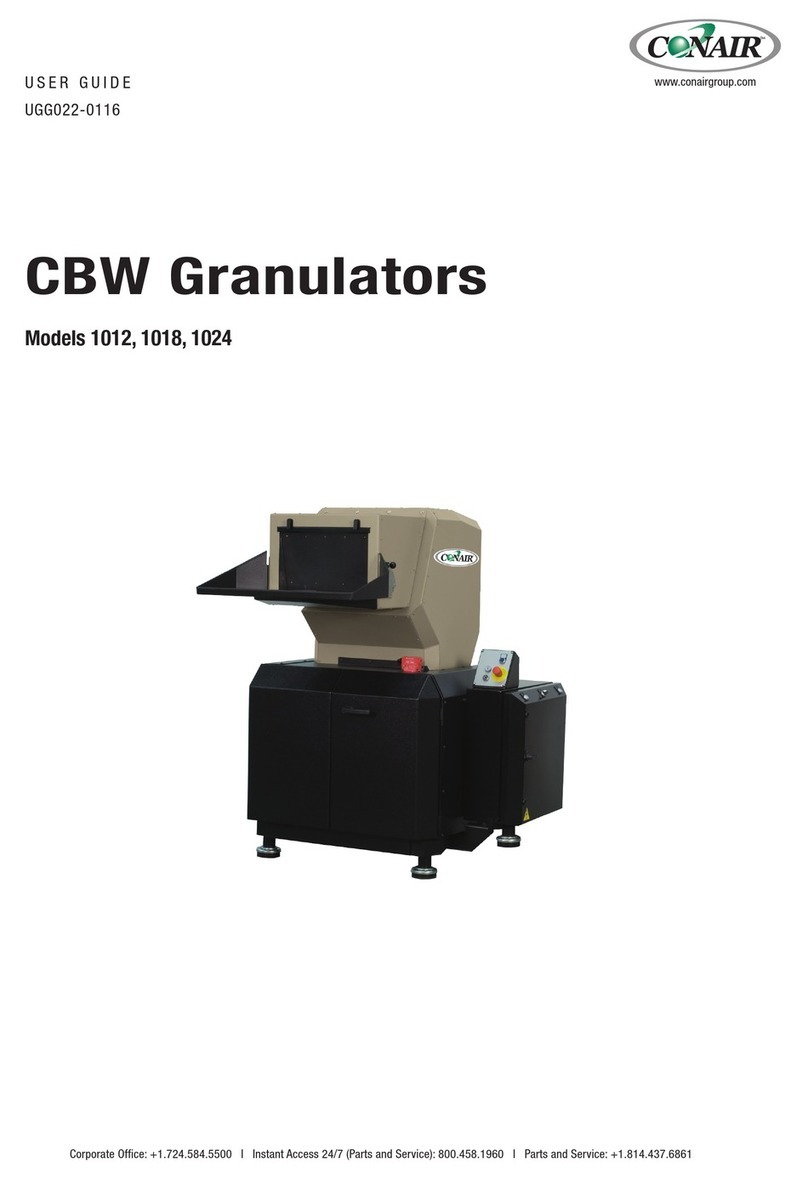
Conair recommends running the granulator for the first time, with low quality material and giving it two or three passes
through the granulator, so that the internal walls of the machine can be cleaned from quantities of rust inhibitor
grease or dust.
Before starting the granulator, make sure that there is no material in the cutting chamber and the pulley can rotate
manually. Once the rotor has reached its maximum speed, you can gradually feed the parts through the feeding
hopper. In case of material overfeeding, the granulator’s overload protection will stop the motor.
The overload is a sustained condition of a higher current than motor rated current on the serial tag. During operation,
current will show very high instant peaks, this will not cause an overload as long as high current is not constant.
When the granulator stops because of an overload, it will be necessary to:
- Disconnect the main power.
- Open the cutting chamber and remove excess material.
- Verify that there are no blown fuses.
- Verify that the overload relay element has been reset.
- Close the granulator, restore power, and start the machine again.
Before the granulator is turned off, allow it to operate several minutes without material, to allow regrind material to
clear the cutting chamber. If you do not perform this step, it will be necessary to manually remove material from the
cutting chamber before starting the granulator again.
It is important to mention that the operator should use caution and avoid allowing metallic parts inside the cutting
chamber since this will cause severe damage to the equipment.
MAINTENANCE:
LUBRICATION:
Do not over grease bearings. This can cause damage to the seal. The frequency of lubrication is in direct proportion
to the hours of actual granulator operation. See suggested lubrication schedule.
HOURS OF AMOUNT LUBRICATION
OPERATION PERIOD IN WEEKS
8 1 OUNCE TO 1/4 OF TUBE 12
16 2 OUNCES AS REQUIRED 6
24 3 OUNCES AS REQUIRED 4
Conair recommends the use of SKFGRA-TM3 grade 3MLGI grease or a type that is compatible.
. NOTE: If grease is protruding from bearing seals you are over greasing. Remove excess grease
protruding out of bearing and extend your lubrication periods.
DRIVE BELTS:
Periodically check the tension of the drive belts. Disconnect and lock out power per standard procedures. To access
the belts, remove the belt guard cover plate and rear sound enclosure. Always maintain proper belt tension and care.
Adjust the motor tensioning bolts in order to tension the drive belts.
SCREEN REMOVAL:
1. Disconnect and lock out power per standard procedures.
2. Remove the discharge bin.
3. Remove the bolts on the screen cradle access door.
4. Remove the screen cradle bolts and lower with caution.
5. Remove screen from cradle and inspect for any wear or damage. Be sure to observe screen orientation as
screen is not reversible. The stamped number on the screen should face you during installation.