
DeLOCK 89220 User manual

PCI Express Card > 2 x Serial
Gebrauchsanweisung
User manual
Manuel d'utilisation
Manual del usuario
Product-No:89220
User manual no:89220-a
www.delock.com
Příručka uživatele
Instrukcja obsługi

-1-
English
Description
The Delock PCI Express card expands your PC by two external serial ports. You
can connect devices like scanner, printer, mouse etc. to the card.
Specification
• Connector:
external: 2 x serial RS-232 DB9 male
internal: 1 x PCI Express x1, V1.1
• Chipset: Oxford
• Data transfer rate up to 230.4 Kb/s
• Compatible with 16C950 UART
• FIFO: 128 byte
System requirements
• Windows XP/Server-2003/Server-2003-64/Vista/Vista-64/7/7-64/8/8.1
• PC with one free PCI Express slot
Package content*
• PCI Express card
• 2 x low profile bracket
• Driver CD
• User manual
*Make sure that the product package contains all items before operation. If any
item is missing or damaged, then please contact your dealer immediately.
Safety instructions:
• Protect the product against moisture
• Avoid anti-static electricity when installing the card
Hardware Installation
Note:
Follow the general instructions for installation of the card. If necessary, read the
manual of your computer, or ask a specialist for help.
1. Turn off your PC, and unplug the power cord.
2. Open the housing.
3. Remove the slot holder from the available PCI Express slot.
4. Insert the card straight and carefully into the free PCI Express slot, until it is
well seated.

-2-
English
5. Use a screw to attach the card to the housing.
6. Reattach the housing, and connect the power cord to the AC adapter.
7. Switch on your computer.
Driver Installation
Windows Vista/7/8
1. After installation of the device, and after start of Windows the Hardware
wizard appears.
2. The driver won't be found automatically.
3. Put the driver CD in the CD ROM drive.
4. Open device manager, than right click on the error port and click "Update
Driver".
5. Choose "Search for drivers on the computer (extended)".
6. Click "Browse" and choose the path: "CD-ROM\PCIe\
OXPCIe952>Serial>x86" and click on "Next".
7. When driver is located, click "Continue installation".
8. Click on "Finish".
9. Restart your PC.
10. After restart you can start using the device immediately.
Windows XP/Server-2003
1. After installing the hardware and starting your computer the hardware wizard
will appear. Choose the option "No, not this time" and click "Next".
2. Put the driver CD in the CD ROM drive.
3. Choose the option "Install software from a list or from another source" and
click on "Next".
4. Click "Browse" and choose the path: "CD-ROM\PCIe\
OXPCIe952>Serial>x86" and click on "Next".
5. When driver is located, click "Continue installation".
6. Click on "Finish".
7. Restart your PC.
8. After restart you can start using the device immediately.

-3-
English
Support Delock
If you have further questions, please contact our customer support
You can find current product information on our homepage: www.delock.com
Final clause
Information and data contained in this manual are subject to change without
notice in advance. Errors and misprints excepted.
Copyright
No part of this user manual may be reproduced, or transmitted for any purpose,
regardless in which way or by which means, electronically or mechanically,
without explicit written approval of Delock.
Edition: 06/2014

-4-
Deutsch
Kurzbeschreibung
Die Delock PCI Express Karte erweitert Ihren PC um zwei externe serielle Ports.
Sie können an die Karte verschiedene Geräte wie z. B. Scanner, Drucker, Mäuse
etc. anschließen.
Technische Daten
• Anschlüsse:
extern: 2 x Seriell RS-232 DB9 Stecker
intern: 1 x PCI Express x1, V1.1
• Chipsatz: Oxford
• Datentransferrate bis zu 230.4 Kb/s
• Kompatibel mit 16C950 UART
• FIFO: 128 byte
Systemvoraussetzungen
• Windows XP/Server-2003/Server-2003-64/Vista/Vista-64/7/7-64/8/8.1
• PC mit einem freien PCI Express Steckplatz
Packungsinhalt*
• PCI Express Karte
• 2 x Low Profile Blende
• Treiber CD
• Bedienungsanleitung
*Überzeugen Sie sich vor Inbetriebnahme, dass alle Bestandteile des
Lieferumfangs in der Verpackung enthalten sind. Sollte etwas fehlen oder
beschädigt sein, wenden Sie sich bitte umgehend an Ihren Fachhändler.
Sicherheitshinweise:
• Produkt vor Feuchtigkeit schützen
• Vermeiden Sie antistatische Aufladung beim Einbau der Karte
Hardware Installation
Hinweis:
Folgen Sie den hier anschließenden allgemeinen Anweisungen zur Installation
der Karte. Bei Bedarf lesen Sie bitte in Ihrem Computerhandbuch nach oder
wenden Sie sich an einen Fachmann.
1. Schalten Sie Ihren PC aus, ziehen Sie das Netzkabel.
2. Öffnen Sie das Gehäuse.

-5-
Deutsch
3. Entfernen Sie das Slotblech vom gewünschten freien PCI Express
Steckplatz.
4. Stecken Sie die Karte gerade und vorsichtig in den freien PCI Express Slot,
bis sie fest sitzt.
5. Befestigen Sie die Karte mit einer Schraube am Gehäuse.
6. Schließen Sie das Gehäuse wieder und verbinden Sie das Netzkabel mit
dem Netzteil.
7. Schalten Sie den Computer ein.
Treiber Installation
Windows Vista/7/8
1. Nach dem Einbau des Gerätes erscheint nach dem Start der Hardware-
Assistent.
2. Der Treiber wird nicht automatisch gefunden.
3. Legen Sie die Treiber CD in Ihr Laufwerk.
4. Öffnen Sie den Geräte Manager und klicken Sie mit der rechten Maustaste
auf den nicht installierten Anschluss und aktivieren Sie "Treibersoftware
aktualisieren".
5. Wählen Sie "Auf dem Computer nach Treibersoftware suchen" (erweitert).
6. Klicken Sie auf "Durchsuchen" und wählen den Pfad: "CD-Laufwerk\PCIe\
OXPCIe952>Serial>x86" und klicken Sie auf "Weiter".
7. Der Treiber wird gefunden, auf "Installation fortsetzen" klicken.
8. Klicken Sie auf "Fertig stellen".
9. Starten Sie den PC neu.
10. Nach dem Neustart können Sie das Gerät verwenden.
Windows XP/Server-2003
1. Nach dem Einbau des Gerätes erscheint nach dem Start der Hardware-
Assistent, wählen Sie "Nein, diesmal nicht" und klicken Sie auf "Weiter".
2. Legen Sie die Treiber CD in Ihr Laufwerk.
3. Wählen Sie die Option "Software von einer Liste oder bestimmten Quelle
installieren" und klicken Sie auf "Weiter".
4. Klicken Sie auf "Durchsuchen" und wählen den Pfad: "CD-Laufwerk\PCIe\
OXPCIe952>Serial>x86" und klicken Sie auf "Weiter".
5. Der Treiber wird gefunden, auf "Installation fortsetzen" klicken.
6. Klicken Sie auf "Fertig stellen".
7. Starten Sie den PC neu.
8. Nach dem Neustart können Sie das Gerät verwenden.

-6-
Deutsch
Support Delock
Bei weitergehenden Supportanfragen wenden Sie sich bitte an
Aktuelle Produktinformationen und Treiber Downloads finden Sie auch auf
unserer Homepage: www.delock.de
Schlussbestimmung
Die in diesem Handbuch enthaltenen Angaben und Daten können ohne vorherige
Ankündigung geändert werden. Irrtümer und Druckfehler vorbehalten.
Copyright
Ohne ausdrückliche schriftliche Erlaubnis von Delock darf kein Teil dieser
Bedienungsanleitung für irgendwelche Zwecke vervielfältigt oder übertragen
werden, unabhängig davon, auf welche Art und Weise oder mit welchen Mitteln,
elektronisch oder mechanisch, dies geschieht.
Stand: 06/2014

-7-
Français
Description
La carte PCI Express Delock étend votre PC avec deux ports série externes.
Vous pouvez connecter des périphériques tels que scanner, imprimante, souris
etc. sur la carte.
Spécifications techniques
• Connecteur:
externe: 2 x RS-232 DB9 mâle
interne: 1 x PCI Express x1, V1.1
• Chipset: Oxford
• Débit de données jusqu‘à 230.4 Kb/s
• Compatible avec 16C950 UART
• FIFO: 128 byte
Configuration système requise
• Windows XP/Server-2003/Server-2003-64/Vista/Vista-64/7/7-64/8/8.1
• PC avec un slot PCI Express libre
Contenu de l’emballage*
• PCI Express Carte
• 2 x low profile slot arrière
• CD d’installation des pilotes
• Mode d’emploi
*Assurez-vous que l'emballage du produit contient tous les éléments avant de
procéder. Si un quelconque élément venait à manquer ou était endommagé,
veuillez contacter immédiatement votre revendeur.
Instructions de sécurité:
• Protéger le produit contre l’humidité
• Éviter l’électricité statique lors de l’installation de la carte
Installation matérielle
Note:
Suivez les instructions générales pour l'installation de la carte. Si nécessaire,
consultez le manuel de votre ordinateurs, ou demander l'aide d'un spécialiste.
1. Eteignez votre PC et débranchez le cordon d'alimentation.
2. Ouvrez le boîtier.
3. Enlevez le cache du slot PCI Express disponible.

-8-
Français
4. Insérez la carte tout droit et avec précaution dans le slot PCI Express libre
jusqu'à ce qu'elle soit bien en place.
5. Utilisez une vis pour attacher la carte au boîtier.
6. Remontez le boîtier et branchez le cordon d'alimentation et l'adaptateur AC.
7. Allumez votre ordinateur.
Installation du pilote
Windows Vista/7/8
1. Après installation du périphérique, et après démarrage de Windows,
l'assistant matériel apparaît.
2. Le pilote ne sera pas détecté automatiquement.
3. Mettez le CD pilote dans le lecteur CD ROM.
4. Ouvrez le gestionnaire des périphériques, cliquez avec le bouton droit sur le
port avec une erreur puis cliquez sur "Mettre à jour le pilote".
5. Choisissez "Rechercher les pilotes sur l’ordinateur (étendu)".
6. Cliquez sur "Parcourir", choisissez le chemin: "CD-drive\PCIe\
OXPCIe952>Serial>x86" et cliquez sur "Suivant".
7. Une fois le pilote repéré, cliquez sur "Continuer l'installation".
8. Cliquez sur "Terminer".
9. Redémarrez votre PC.
10. Après redémarrage vous pouvez immédiatement commencer à utiliser le
périphérique.
Windows XP/Server-2003
1. Après l'installation matérielle et le démarrage de votre ordinateur, l'assistant
matériel apparaît. Choisissez l'option "Non, pas pour l'instant" et cliquez sur
"Continuer".
2. Mettez le CD pilote dans le lecteur CD ROM.
3. Sélectionner "Installer à partir d'une liste ou d'un emplacement spécifié" puis
cliquez sur "Suivant".
4. Cliquez sur "Parcourir", choisissez le chemin: "CD-drive\PCIe\
OXPCIe952>Serial>x86" et cliquez sur "Suivant".
5. Une fois le pilote repéré, cliquez sur "Continuer l'installation".
6. Cliquez sur "Terminer".
7. Redémarrez votre PC.
8. Après redémarrage vous pouvez immédiatement commencer à utiliser le
périphérique.

-9-
Français
Assistance Delock
Si vous avez d'autres questions, veuillez contacter notre assistance client:
Vous pouvez trouver les informations sur nos produits actuels sur notre page
d'accueil: www.delock.fr
Clause finale
Les informations et données contenues dans ce manuel sont sujettes à
modifications sans préavis. Sont exclues les erreurs et les fautes d'impression.
Copyright
Aucune partie de ce manuel d'utilisation ne peut être reproduite ou transmise,
quel qu'en soit le but, et sous quelque moyen que ce soit, électronique ou
mécanique, sans l'approbation écrite expresse de Delock.
Version: 06/2014
Table of contents
Languages:
Other DeLOCK Computer Hardware manuals




DeLOCK
DeLOCK 47189 User manual

DeLOCK
DeLOCK 61052 User manual

DeLOCK
DeLOCK 64057 User manual
DeLOCK
DeLOCK 89377 User manual

DeLOCK
DeLOCK SuperSpeed 89008 User manual
DeLOCK
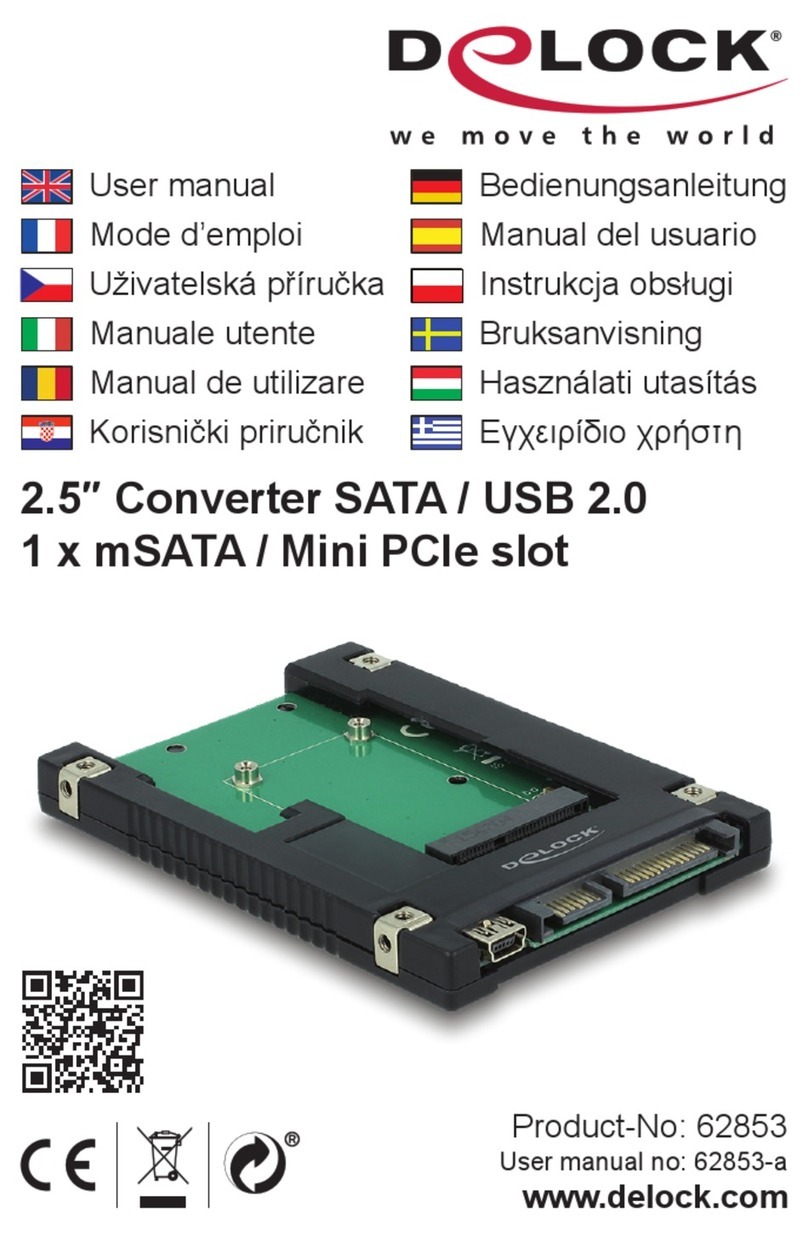
DeLOCK 62853 User manual

DeLOCK
DeLOCK 47209 User manual

DeLOCK
DeLOCK 47199 User manual

DeLOCK
DeLOCK 91748 User manual
DeLOCK
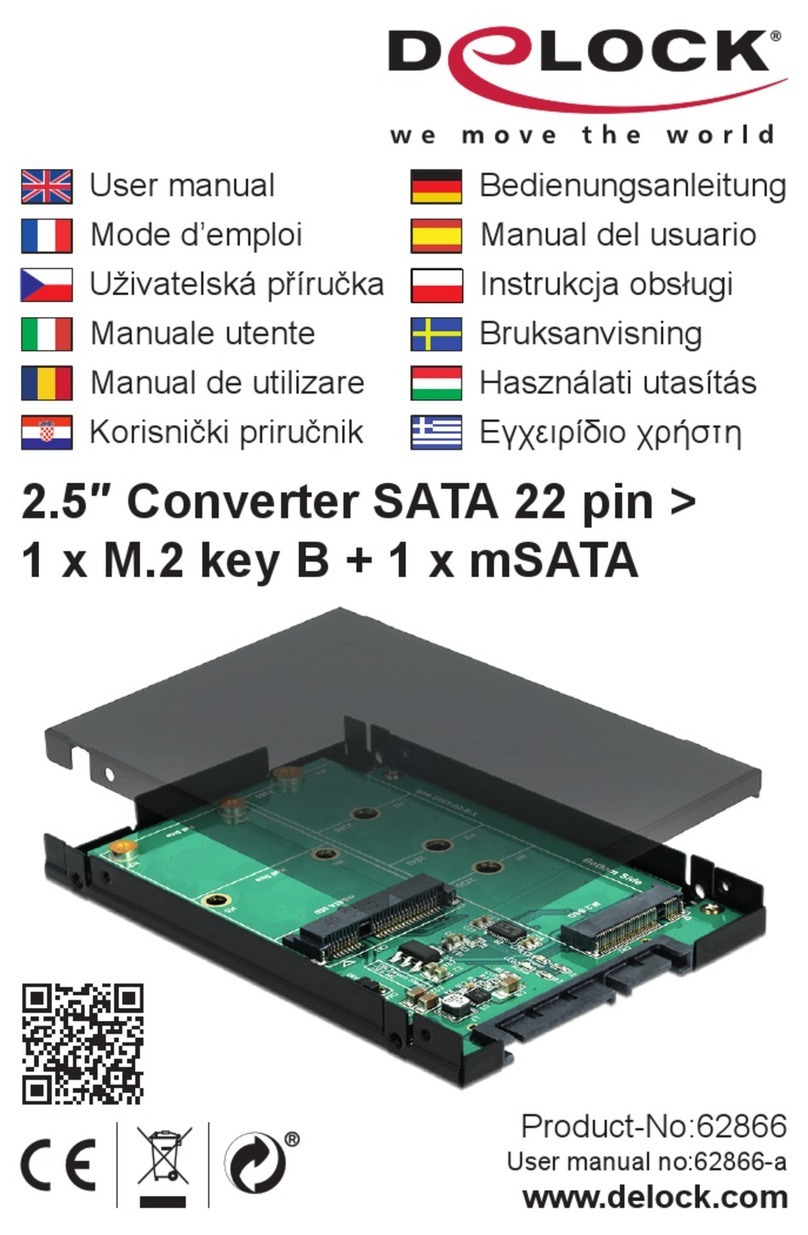
DeLOCK 62866 User manual

Popular Computer Hardware manuals by other brands

EMC2
EMC2 VNX Series Hardware Information Guide

Panasonic
Panasonic DV0PM20105 Operation manual

Mitsubishi Electric
Mitsubishi Electric Q81BD-J61BT11 user manual

Gigabyte
Gigabyte B660M DS3H AX DDR4 user manual

Raidon
Raidon iT2300 Quick installation guide

National Instruments
National Instruments PXI-8186 user manual











