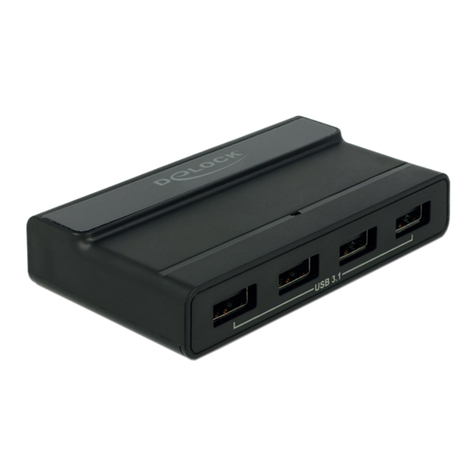
DeLOCK 64155 User manual

3.5″ USB 5 Gbps Hub
2 x USB-C™ + 2 x USB-A
Product-No: 64155
User manual no: 64155-a
www.delock.com
User manual
Mode d’emploi
Uživatelská příručka
Manuale utente
Manual de utilizare
Korisnički priručnik
Bedienungsanleitung
Manual del usuario
Instrukcja obsługi
Bruksanvisning
Használati utasítás
Εγχειρίδιο χρήστη

-2-
English
Description
This hub by Delock can be installed into a 3.5″ bay of the PC. It will be connected
internally via a USB pin header male on the motherboard. It has two USB Type-A
and two USB Type-C™ ports.
Specication
• Connectors:
external:
2 x USB 5 Gbps USB Type-C™ female
2 x USB 5 Gbps Type-A female
internal:
1 x 19 pin USB 5 Gbps pin header female port on the cable
1 x 4 pin power connector
• Chipset: VIA VL822
• Data transfer rate up to 5 Gbps
• Cable data:
1 x 19 pin USB pin header female cable, length ca. 54 cm (without connectors)
1 x power cable 4 pin female to 1 x SATA 15 pin plug, length ca. 17 cm (without
connectors)
• 3.5″ metal frame
• Colour: black
• Hot Swap, Plug & Play
System requirements
• Linux Kernel 3.3 or above
• Windows 8.1/8.1-64/10/10-64/11
• PC with one free 3.5″ bay
• Motherboard with a free 19 pin USB pin header male
• Power supply with SATA 15 pin receptacle
Package content
• 3.5″ Hub
• USB cable
• Power cable
• Screws
• User manual

-3-
English
Safety instructions
• Protect the product against moisture
• Avoid anti-static electricity when installing the product
Hardware Installation
1. Turn o your PC and unplug the power cord.
2. Open the housing.
3. Remove the panel from the available bay.
4. Insert the hub into the bay and screw it to the housing.
5. Connect the USB cable to the USB port of the hub and to a free internal 19
pin USB port on your motherboard.
6. Then connect the power cable to the hub and a free SATA power connector.
7. Reattach the housing and connect the power cord to the AC adapter.
Driver Installation
1. Switch on your computer.
2. The hub will be recognized and you can start using the device immediately.
Support Delock
If you have further questions, please contact our customer support
You can nd current product information on our homepage: www.delock.com
Final clause
Information and data contained in this manual are subject to change without
notice in advance. Errors and misprints excepted.
Copyright
No part of this user manual may be reproduced, or transmitted for any purpose,
regardless in which way or by any means, electronically or mechanically, without
explicit written approval of Delock.
Edition: 07/2023

-4-
Deutsch
Kurzbeschreibung
Dieser Hub von Delock kann in einen 3.5″ Schacht des PCs eingebaut werden.
Er wird intern über einen USB Pfostenstecker an das Mainboard angeschlossen.
Er verfügt über zwei USB Typ-A und zwei USB Type-C™ Ports.
Spezikation
• Anschlüsse:
extern:
2 x USB 5 Gbps USB Type-C™ Buchse
2 x USB 5 Gbps Typ-A Buchse
intern:
1 x 19 Pin USB 5 Gbps Pfostenbuchse am Kabel
1 x 4 Pin Stromanschluss
• Chipsatz: VIA VL822
• Datentransferrate bis zu 5 Gbps
• Kabel Daten:
1 x 19 Pin USB Pfostenbuchsenkabel, Länge ca. 54 cm (ohne Anschlüsse)
1 x Stromkabel 4 Pin Buchse zu 1 x SATA 15 Pin Stecker, Länge ca. 17 cm (ohne
Anschlüsse)
• 3.5″ Metallrahmen
• Farbe: schwarz
• Hot Swap, Plug & Play
Systemvoraussetzungen
• Linux Kernel 3.3 oder höher
• Windows 8.1/8.1-64/10/10-64/11
• PC mit einem freien 3.5″ Schacht
• Mainboard mit einem freien 19 Pin USB Pfostenstecker
• Netzteil mit SATA 15 Pin Buchse
Packungsinhalt
• 3.5″ Hub
• USB Kabel
• Stromkabel
• Schrauben
• Bedienungsanleitung

-5-
Deutsch
Sicherheitshinweise
• Produkt vor Feuchtigkeit schützen
• Vermeiden Sie antistatische Auadung beim Einbau des Produktes
Hardwareinstallation
1. Schalten Sie Ihren PC aus, ziehen Sie das Netzkabel.
2. Önen Sie das Gehäuse.
3. Entfernen Sie die Blende vom gewünschten freien Schacht.
4. Stecken Sie den Hub in den Schacht und schrauben Sie diesen an den
Seiten fest.
5. Verbinden Sie das USB Kabel mit der USB Buchse des Hubs und mit einem
freien internen 19 Pin USB Port auf Ihrem Mainboard.
6. Anschließend verbinden Sie das Stromkabel mit dem Hub und einem freien
SATA Stromanschluss.
7. Schließen Sie das Gehäuse wieder und verbinden Sie das Netzkabel mit
dem Netzteil.
Treiberinstallation
1. Schalten Sie den Computer ein.
2. Der Hub wird sofort erkannt und Sie können das Gerät sofort verwenden.
Support Delock
Bei weitergehenden Supportanfragen wenden Sie sich bitte an
Aktuelle Produktinformationen nden Sie auf unserer Homepage: www.delock.de
Schlussbestimmung
Die in diesem Handbuch enthaltenen Angaben und Daten können ohne vorherige
Ankündigung geändert werden. Irrtümer und Druckfehler vorbehalten.
Copyright
Ohne ausdrückliche schriftliche Erlaubnis von Delock darf kein Teil dieser
Bedienungsanleitung für irgendwelche Zwecke vervielfältigt oder übertragen
werden, unabhängig davon, auf welche Art und Weise oder mit welchen Mitteln,
elektronisch oder mechanisch, dies geschieht.
Stand: 07/2023

-6-
Français
Conguration système requise
• Linux Kernel 3.3 ou version ultérieure
• Windows 8.1/8.1-64/10/10-64/11
• PC avec une baie 3.5″ disponible
• Carte mère avec une embase libre USB à 19 broches
• Alimentation avec SATA 15 broches femelle
Contenu de l’emballage
• Hub 3.5″
• Câble USB
• Câble d’alimentation
• Vis
• Mode d’emploi
Instructions de sécurité
• Protéger le produit contre l’humidité
• Evitez l’électricité électrostatique lorsque vous installez le produit
Installation matérielle
1. Eteignez votre PC et débranchez le cordon d'alimentation.
2. Ouvrez le boîtier.
3. Enlevez le panneau de la baie disponible.
4. Insérez le concentrateur dans la baie et vissez-le dans le logement.
5. Connecter le câble USB au port USB du hub et à un port interne disponible
USB 19 broches sur la carte-mère.
6. Puis connecter le câble d’alimentation électrique au hub et à un connecteur
SATA disponible.
7. Remontez le boîtier et branchez le cordon d'alimentation et l'adaptateur AC.
Installation du pilote
1. Allumez votre ordinateur.
2. Le Hub de bureau est reconnu et vous pouvez immédiatement commencer à
l'utiliser.

-7-
Español
Requisitos del sistema
• Linux Kernel 3.3 o superior
• Windows 8.1/8.1-64/10/10-64/11
• Equipo con un hueco libre para una unidad de 3.5″
• Placa base con una base de conexiones USB de 19 pines disponible macho
• Fuente de alimentación con SATA de 15 pines hembra
Contenido del paquete
• Hub de 3.5″
• Cable USB
• Cable de alimentación
• Tornillos
• Manual del usuario
Instrucciones de seguridad
• Proteja el producto contra el polvo
• Evite la electricidad antiestática al instalar el producto
Hardware Instalación
1. Apague su equipo y desconecte el cable de alimentación.
2. Abra la carcasa.
3. Retire el panel de la bahía para unidades.
4. Inserte el concentrador en la bahía y atorníllelo a la carcasa.
5. Conecte el cable USB al puerto USB del concentrador y a un puerto USB
interno de 19 pines libres en su tarjeta madre.
6. Luego, conecte el cable de alimentación al concentrador y un conector de
alimentación SATA libre.
7. Vuelva a colocar la carcasa y conecte el adaptador de CA del cable de
alimentación.
Instalación del controlador
1. Encienda su PC.
2. El Hub será reconocida y podrá comenzar a utilizar el dispositivo
inmediatamente.

-8-
České
Systémové požadavky
• Linux Kernel 3.3 nebo vyšší
• Windows 8.1/8.1-64/10/10-64/11
• PC s volnou 3.5″ pozicí
• Základní deska s volným 19 pin USB konektorem samec
• Napájecí zdroj se SATA 15 pin samicí
Obsah balení
• 3.5″ Hub
• USB kabel
• Napájecí kabel
• Šroubky
• Uživatelská příručka
Bezpečnostní pokyny
• Chraňte produkt před vlhkostí
• Při instalaci produktu se vyvarujte antistatické elektřině
Instalace hardware
1. Vypněte PC a odpojte přívodní šňůru napájení.
2. Otevřte kryt PC.
3. Vyjměte záslepný panel z volné pozice.
4. Vložte hub do pozice a přišroubujte ke skříni.
5. Připojte kabel USB k portu USB hubu a k volnému internímu portu 19 pin
USB na vaší základní desce.
6. Poté připojte napájecí kabel k hubu a volnému konektoru SATA.
7. Nasaďte zpět kryt a připojte napájecí šňůru.
Instalace ovladače
1. Zapněte počítač.
2. Hub je počítačem rozpoznán a může být okamžitě používán.

-9-
Polsku
Wymagania systemowe
• Linux Kernel 3.3 lub nowszy
• Windows 8.1/8.1-64/10/10-64/11
• Komputer PC z jedną wolną wnęką 3.5″
• Płyta główna z jedną wolną męską 19-pinową listwą USB
• Zasilacz z 15-pin żeńskie złącze SATA
Zawartość opakowania
• Hub z kablem
• USB kabel
• Kabel zasilający
• Śruby
• Instrukcja obsługi
Instrukcje bezpieczeństwa
• Produkt należy zabezpieczyć przed wilgocią
• Podczas instalacji produktu należy unikać elektryczności statycznej
Instalacja sprzętu
1. Wyłącz komputer i odłącz kabel zasilania.
2. Otwórz obudowę.
3. Zdjąć zaślepkę wolnej zatoczki.
4. Włóż huba do wnęki i przymocuj go śrubami do obudowy.
5. Podłączyć kabel USB do portu USB na panelu przednim i wolnego portu
wewnętrzny 19 pin USB na płycie głównej.
6. Następnie połączyć kabel zasilania do huba i wolnego złącza zasilania
SATA.
7. Zamknij z powrotem obudowę i podłącz kabel do zasilacza.
Instalacja sterownika
1. Włącz komputer.
2. Hub zostanie rozpoznany, po czym będzie można rozpocząć używanie
urządzenia.

-10-
Italiano
Requisiti di sistema
• Linux Kernel 3.3 o superiore
• Windows 8.1/8.1-64/10/10-64/11
• PC con un alloggiamento da 3.5″ libero
• Scheda madre con un connettore USB maschio a 19 pin disponibile
• Alimentazione con SATA a 15 pin femmina
Contenuto della confezione
• Hub da 3.5″
• Cavo USB
• Cavo di alimentazione
• Viti
• Manuale utente
Istruzioni per la sicurezza
• Proteggere il prodotto dall'umidità
• Evitare l'elettricità antistatica durante l'installazione del prodotto
Installazione dell'hardware
1. Spegnere il PC e scollegare il cavo di alimentazione.
2. Aprire l'alloggiamento.
3. Rimuovere il pannello dall'alloggiamento disponibile.
4. Inserire l'hub nell'alloggiamento e avvitarlo.
5. Collegare il cavo USB alla porta USB del hub e alla porta USB interna libera
a 19 pin sulla scheda madre.
6. Quindi collegare il cavo di alimentazione al hub e a un connettore di
alimentazione SATA libero.
7. Reinserire l'alloggiamento e collegare il cavo di alimentazione all'adattatore
CA.
Installazione del driver
1. Accendere il computer.
2. L'hub viene riconosciuto ed è possibile iniziare ad utilizzare immediatamente
il dispositivo.
Table of contents
Languages:
Other DeLOCK Switch manuals
DeLOCK
DeLOCK 11367 User manual
DeLOCK
DeLOCK 63264 User manual
DeLOCK
DeLOCK 87704 User manual
DeLOCK
DeLOCK 87758 User manual
DeLOCK
DeLOCK 11500 User manual
DeLOCK
DeLOCK 64234 User manual
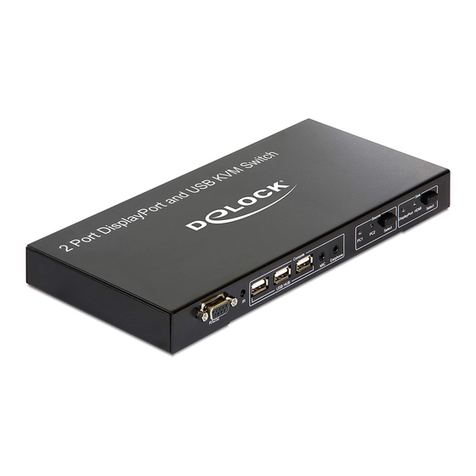
DeLOCK
DeLOCK 11367 User manual
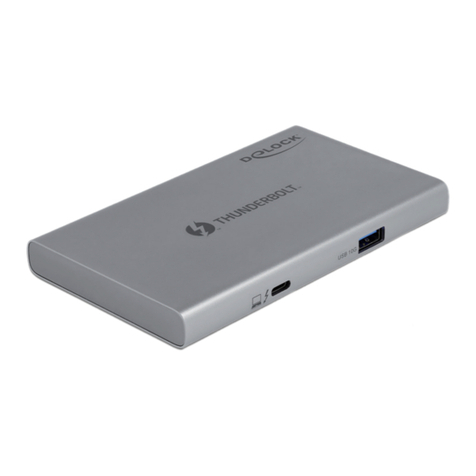
DeLOCK
DeLOCK 64157 User manual

DeLOCK
DeLOCK 62653 User manual
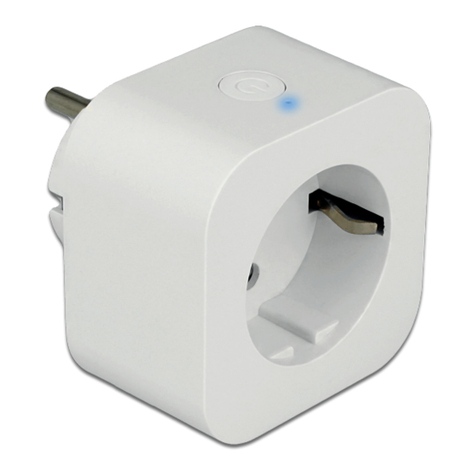
DeLOCK
DeLOCK 11826 User manual
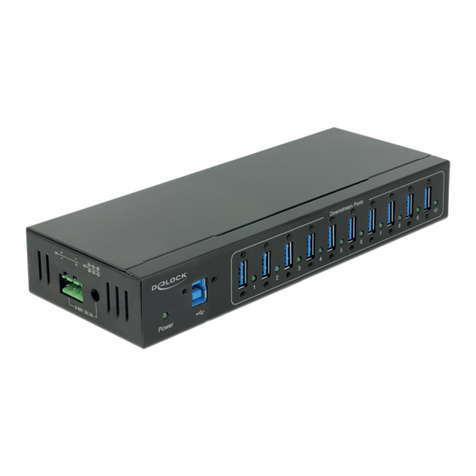
DeLOCK
DeLOCK 63919 User manual
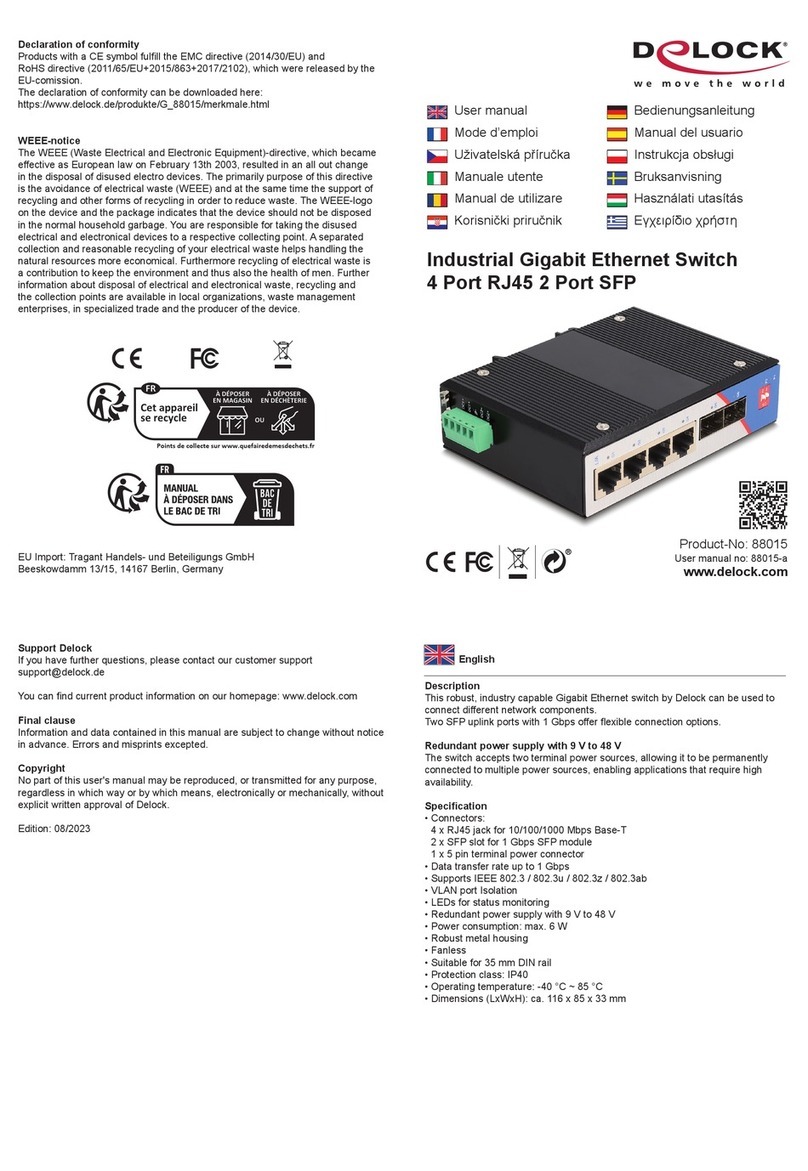
DeLOCK
DeLOCK 88015 User manual

DeLOCK
DeLOCK 64236 User manual
DeLOCK
DeLOCK 87699 User manual
DeLOCK
DeLOCK 63739 User manual

DeLOCK
DeLOCK 11476 User manual

DeLOCK
DeLOCK 11488 User manual
DeLOCK
DeLOCK 18600 User manual

DeLOCK
DeLOCK 87588 User manual
DeLOCK
DeLOCK 11482 User manual