EnglishDeutsch
 logo
Brands
  1. Home
  2. •
  3. Brands
  4. •
  5. Displays2go
  6. •
  7. Indoor Furnishing
  8. •
  9. Displays2go TVCON58MO User manual

Displays2go TVCON58MO User manual

This manual suits for next models

2

Other Displays2go Indoor Furnishing manuals
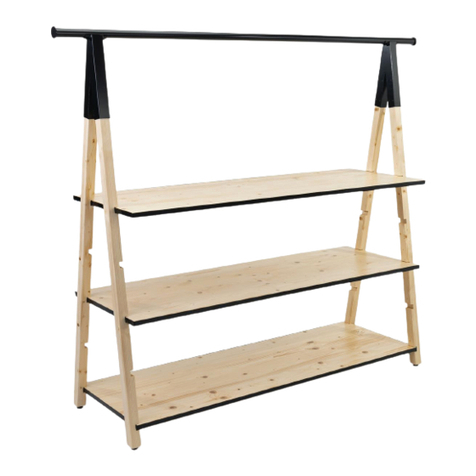
Displays2go PPLNTPSW2NAT User manual

Displays2go

Displays2go PPLNTPSW2NAT User manual
Displays2go LCKDPHS Series User manual

Displays2go

Displays2go LCKDPHS Series User manual

Displays2go DIGART32 User manual

Displays2go

Displays2go DIGART32 User manual

Displays2go SMGEOSHNT1 User manual

Displays2go

Displays2go SMGEOSHNT1 User manual

Displays2go SMFB Series User manual

Displays2go

Displays2go SMFB Series User manual
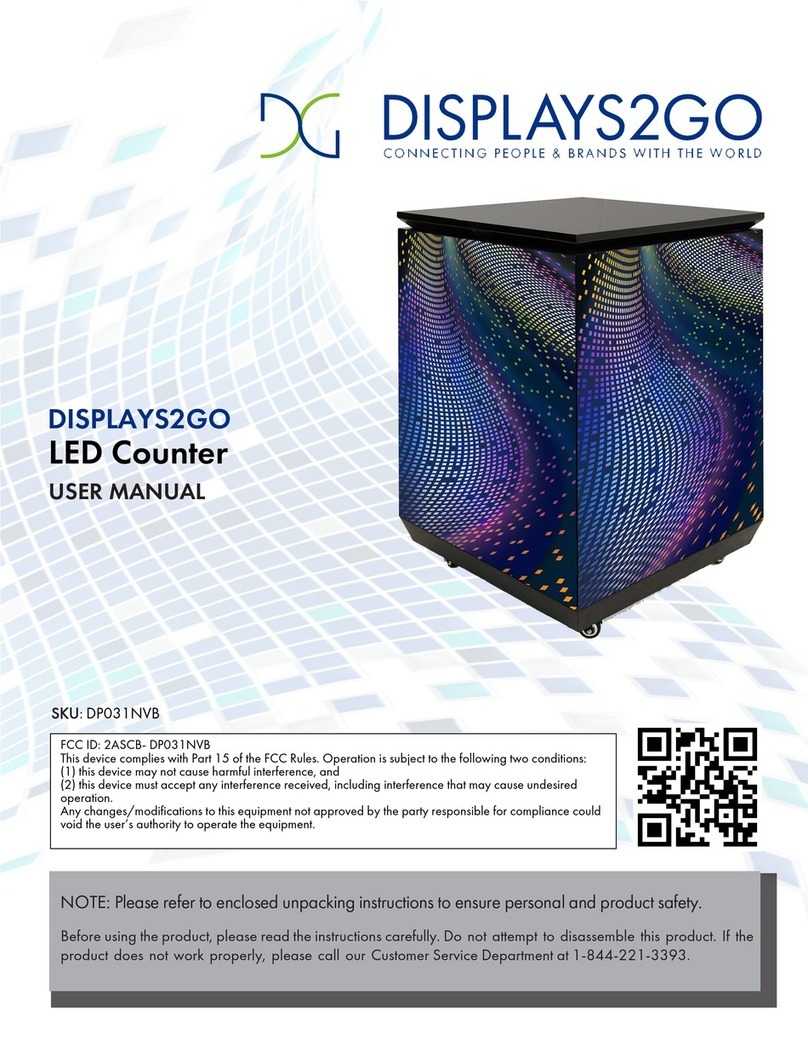
Displays2go DP031NVB User manual

Displays2go

Displays2go DP031NVB User manual

Displays2go WRADC User manual

Displays2go

Displays2go WRADC User manual

Displays2go SMHSNATLG User manual

Displays2go

Displays2go SMHSNATLG User manual
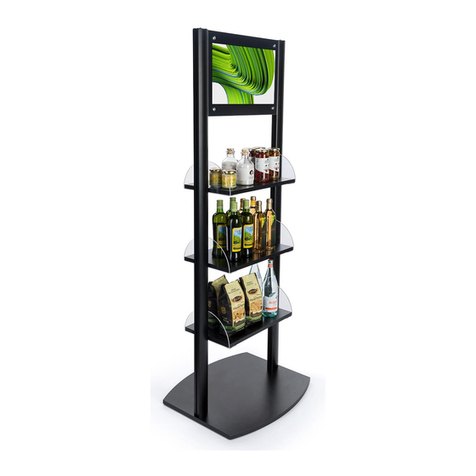
Displays2go DRS21BK User manual

Displays2go

Displays2go DRS21BK User manual
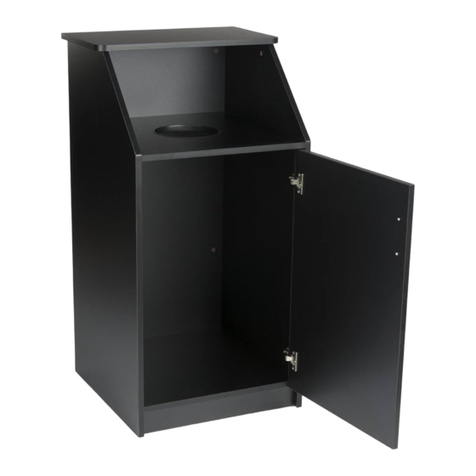
Displays2go LCKDTLCSBK2 User manual

Displays2go

Displays2go LCKDTLCSBK2 User manual

Displays2go UPTSECOLB1 User manual

Displays2go

Displays2go UPTSECOLB1 User manual
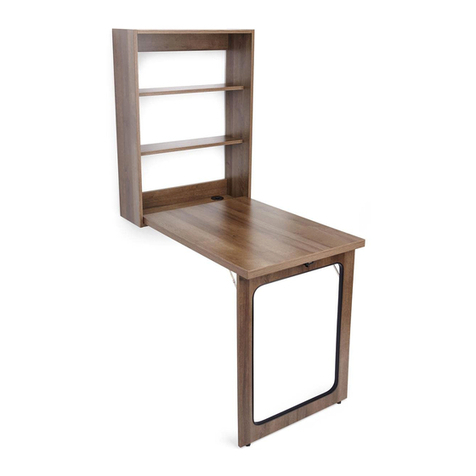
Displays2go FDWMDWBBRN User manual

Displays2go

Displays2go FDWMDWBBRN User manual
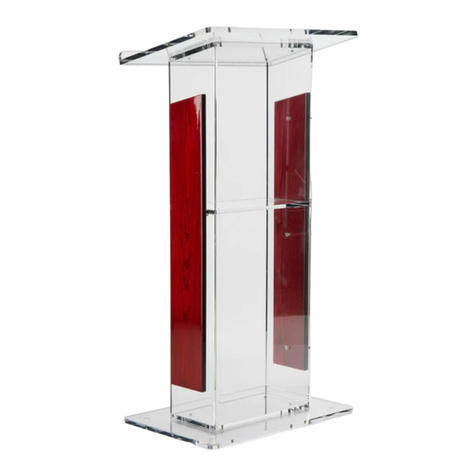
Displays2go LECTFLCHW User manual

Displays2go

Displays2go LECTFLCHW User manual

Displays2go SMTMSF68C User manual

Displays2go

Displays2go SMTMSF68C User manual
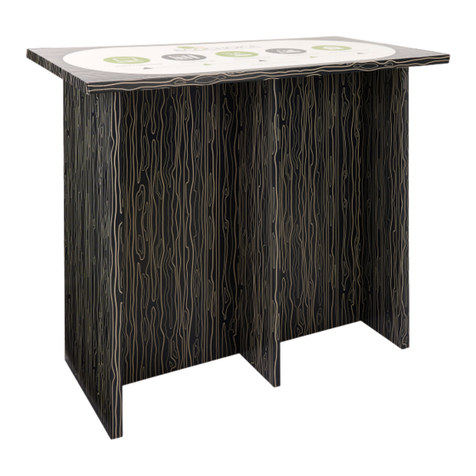
Displays2go TSECOHTT User manual

Displays2go

Displays2go TSECOHTT User manual
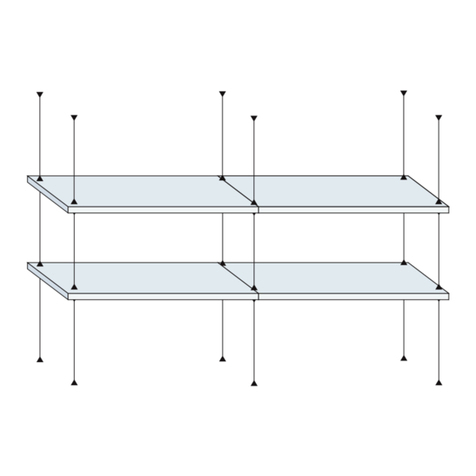
Displays2go SMHG Series User manual

Displays2go

Displays2go SMHG Series User manual
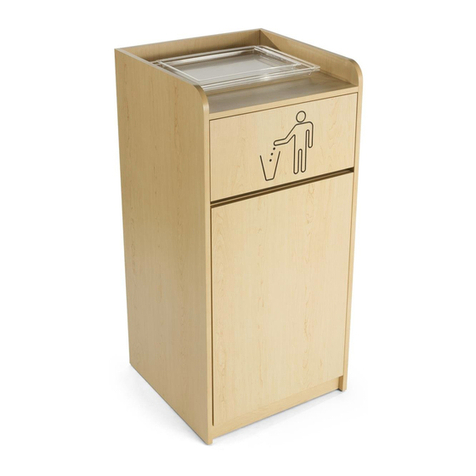
Displays2go LITTER GRAPHIC User manual
Displays2go

Displays2go LITTER GRAPHIC User manual

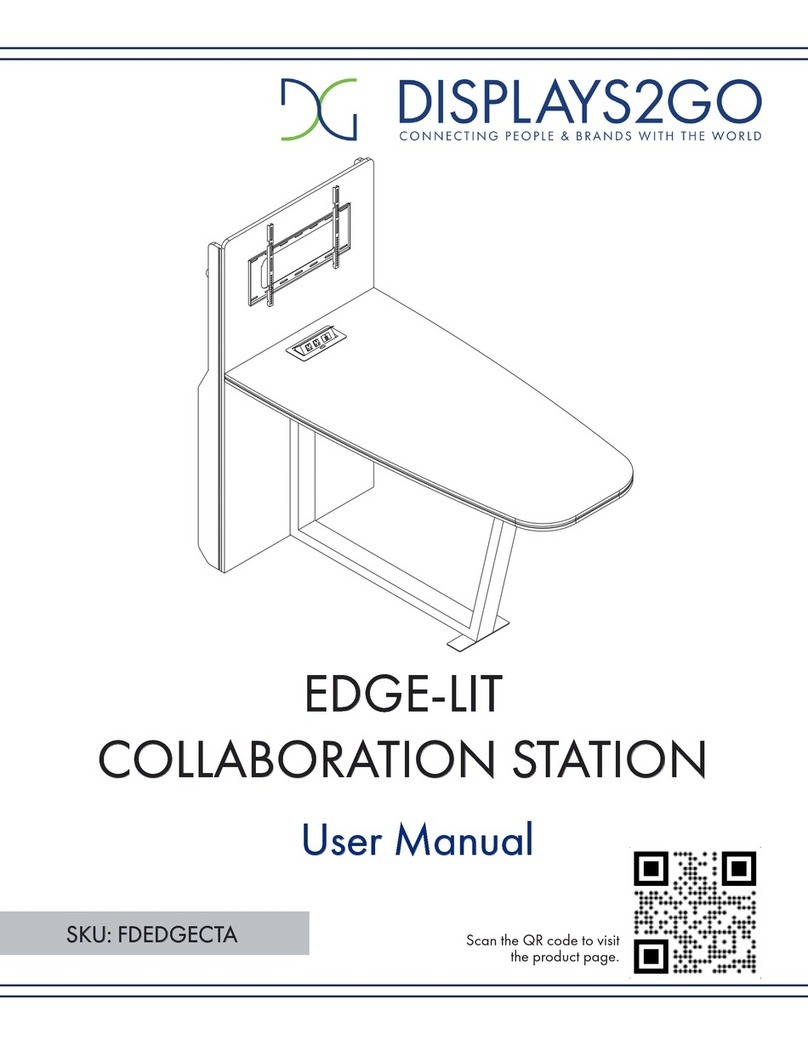
Displays2go FDEDGECTA User manual

Displays2go

Displays2go FDEDGECTA User manual
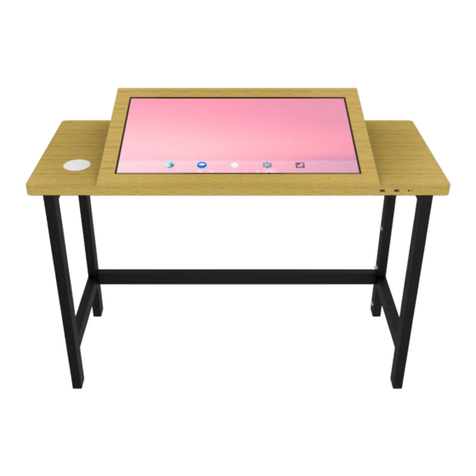
Displays2go DGTCHTWD32 User manual

Displays2go

Displays2go DGTCHTWD32 User manual
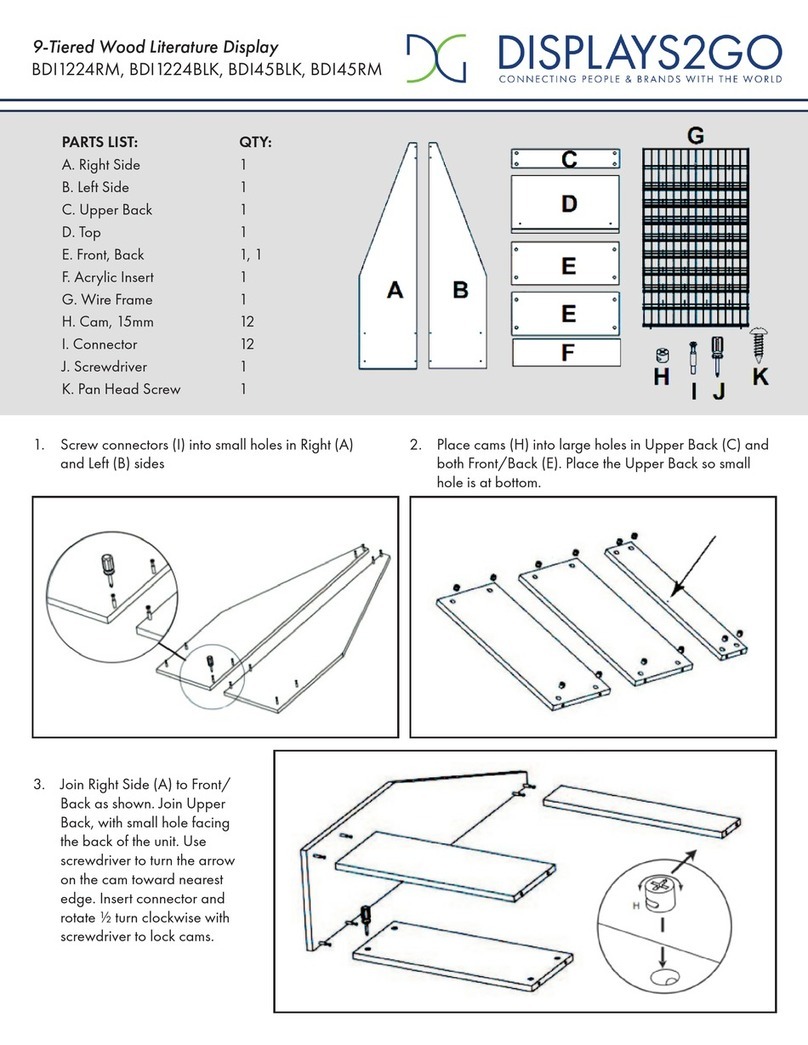
Displays2go BDI1224RM User manual

Displays2go

Displays2go BDI1224RM User manual
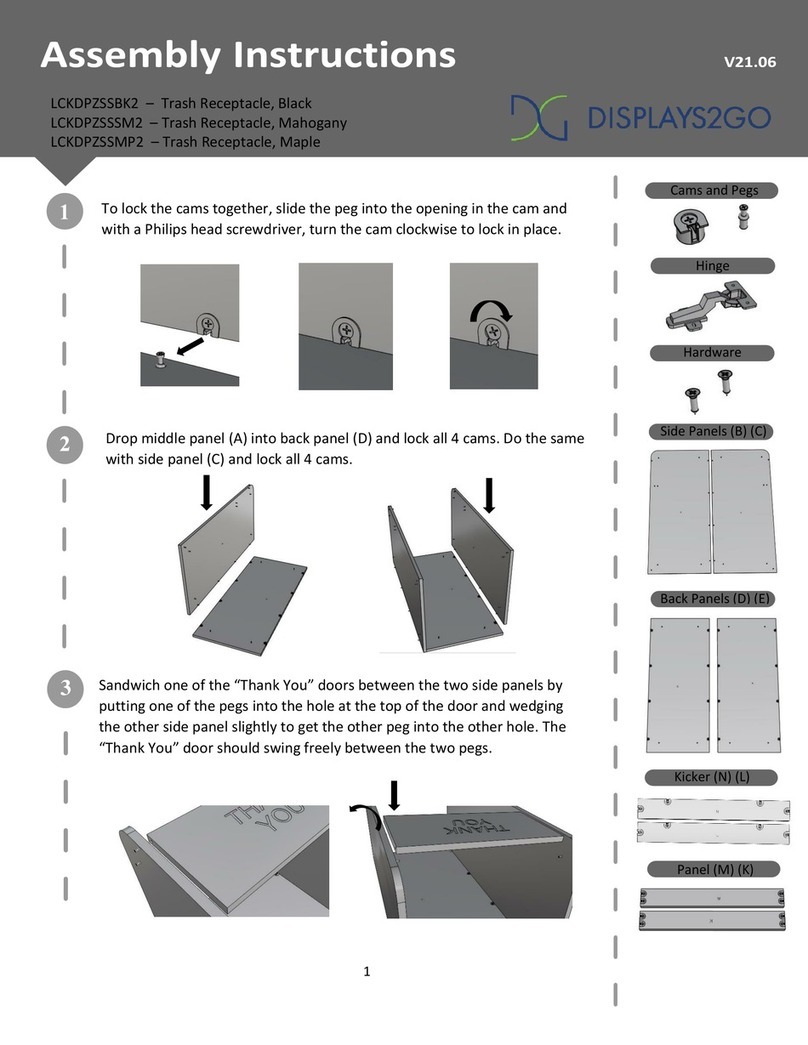
Displays2go LCKDPZSSBK2 User manual

Displays2go

Displays2go LCKDPZSSBK2 User manual

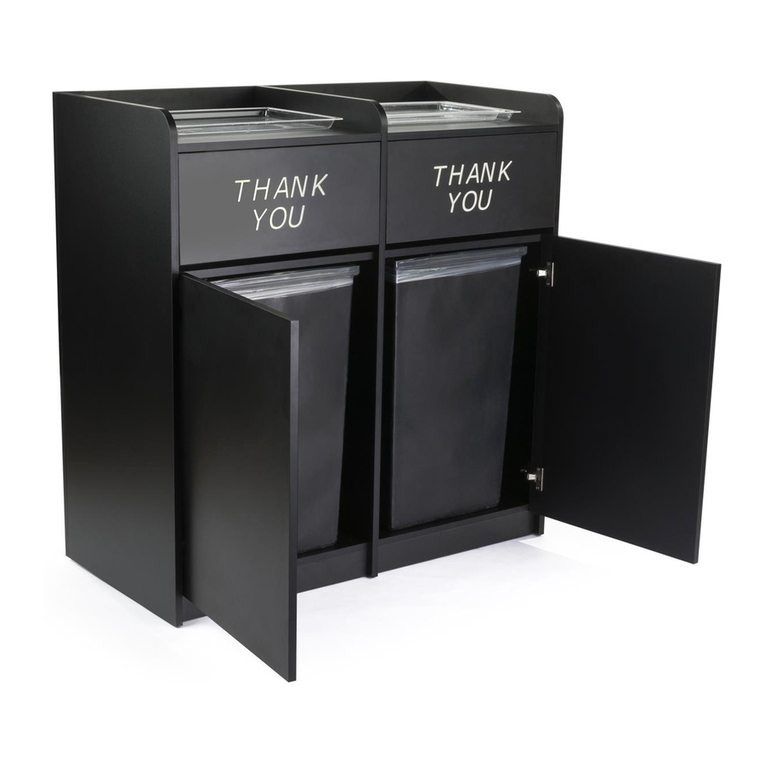
Displays2go THANK YOU Trash Receptacle Bin User manual

Displays2go

Displays2go THANK YOU Trash Receptacle Bin User manual

Displays2go SMSFSSC35 User manual

Displays2go

Displays2go SMSFSSC35 User manual

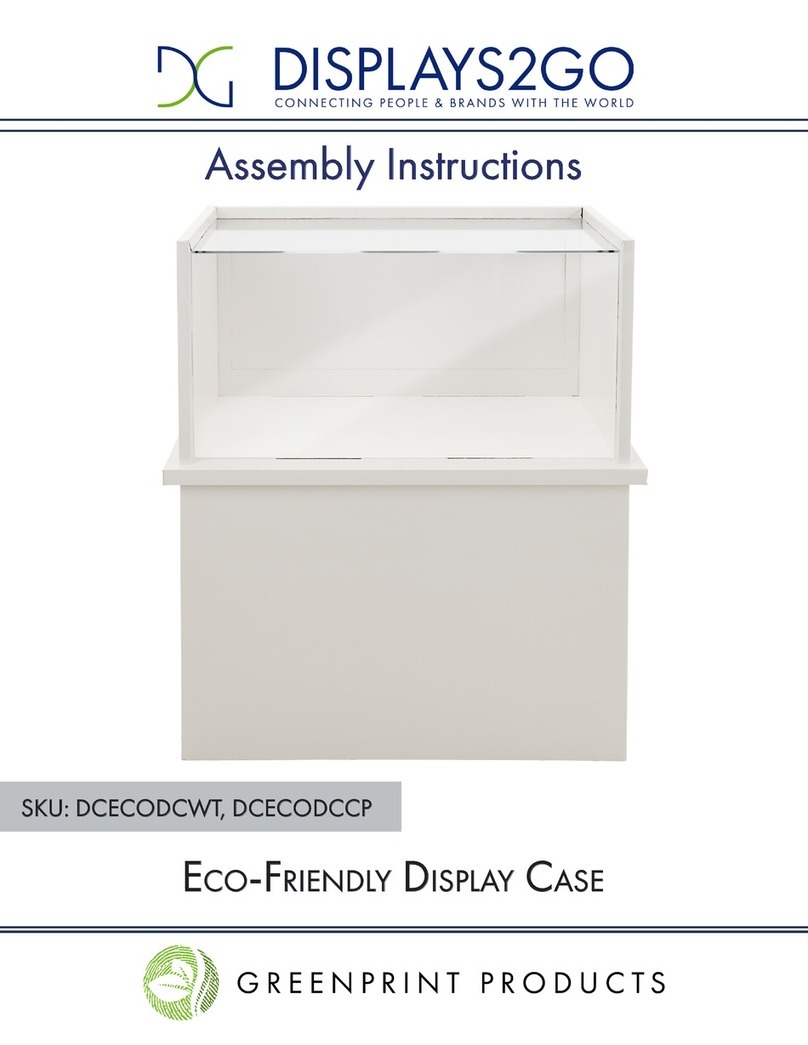
Displays2go DCECODCWT User manual

Displays2go

Displays2go DCECODCWT User manual

Popular Indoor Furnishing manuals by other brands

Homelegance California 1662PEK-1CK Assembly instruction

Homelegance

Homelegance California 1662PEK-1CK Assembly instruction

Osmond Ergonomics FLO instructions

Osmond Ergonomics

Osmond Ergonomics FLO instructions

OVE ELOISE 42 installation manual

OVE

OVE ELOISE 42 installation manual

overstock MF286255 Assembly instructions

overstock

overstock MF286255 Assembly instructions

Sonoma 160-801 Assembly instructions

Sonoma

Sonoma 160-801 Assembly instructions

BOLERO Wicker Side Chair CF158 Care Instructions

BOLERO

BOLERO Wicker Side Chair CF158 Care Instructions

Coaster 4799N Assembly instructions

Coaster

Coaster 4799N Assembly instructions

Stor-It-All WS39MP Assembly/installation instructions

Stor-It-All

Stor-It-All WS39MP Assembly/installation instructions

Lexicon 194840161868 Assembly instruction

Lexicon

Lexicon 194840161868 Assembly instruction

Next AMELIA NEW 462947 Assembly instructions

Next

Next AMELIA NEW 462947 Assembly instructions

impekk Manual II Assembly And Instructions

impekk

impekk Manual II Assembly And Instructions

Elements Ember Nightstand CEB700NSE Assembly instructions

Elements

Elements Ember Nightstand CEB700NSE Assembly instructions

JWA CARY 68429 Assembly instruction

JWA

JWA CARY 68429 Assembly instruction

VIPACK AMORI AMKB9014 Assembly instructions

VIPACK

VIPACK AMORI AMKB9014 Assembly instructions

Rowico SANNA Assembly instructions

Rowico

Rowico SANNA Assembly instructions

Southern Enterprises CK556000TX Assembly instructions

Southern Enterprises

Southern Enterprises CK556000TX Assembly instructions

hygena 314/5041 Assembly instructions

hygena

hygena 314/5041 Assembly instructions

VINNOVA Kinsley 536060S manual

VINNOVA

VINNOVA Kinsley 536060S manual

https://manuals.online logo
https://manuals.online logoBrands
  • About & Mission
  • Contact us
  • Privacy Policy
  • Terms and Conditions

Copyright 2026 Manuals.Online. All Rights Reserved.

1. Insert 2 cam posts (H2) into holes on 1 Back Panel D.
Tighten only until snug. Fit cam holes in the edge of 1 Shelf
E over the cam posts. Insert 2 cam locks (H1) into cam lock
holes on the Shelf E, use a phillips screw driver to turn cam
locks clockwise to secure cam posts.
DO NOT over-tighten.
B
B
E
D
2. Insert cam posts into Panel B that has cam holes on both
sides. Sandwich the assembled Panel D and E with Panel B by
inserting cam posts into the cam lock holes as shown below.
Insert cam locks into cam lock holes then turn cam locks
clockwise with a phillips screw driver to secure cam posts.
PARTS LIST
No. Qty. Description Qty. DescriptionNo.
Join Panels H2 Insert Cam Lock
H1
Tighten Cam Lock
(a) (b) (c)
Side Panel
Bottom Panel
Top PanelA 1
B
C
4
1
H2
H3
46
Cam Post
Back PanelD 3
Shelf
E 1
5Foot Bolt
H1
46
Cam Lock
FootF 5
H4 Grommet Cap
4
H5 Grommet Sleeve
4
How to join 2 boards with CAM lock:
(a) Insert cam post into flat surface of a board and fix it with
a screw driver. Do not over tighten. Fit the hole in the edge
of the joining board over the cam post.
(b) Insert the cam lock into the cam hole. Be sure the
opening section on the back fits the head of the cam post.
(c) Use a screw driver to turn the cam lock clockwise so it
locks onto the head of the cam post. Do not over tighten.
Tool Needed:
Phillips Screwdriver
ASSEMBLY INSTRUCTIONS
1 of 3
V21.05
58” TV Console
TVCON58MO
TVCON58SS
TVCON58OK
2 people
are required
B
DB
D
C
3. Insert cam posts into Panel B that has cam holes on one side. Do the same for another side Panel B.
Attach 1 Panel D to the panel assembled in Step 2 and use cam locks to securely lock it in place. Attach 1 Panel B to the
other side of Panel D and secure it with cam locks as shown.
4. Insert 14 cam posts into the Bottom Panel C. Carefully turn the finished assembly in Step 3 upside down with the bottom
side facing up. Attach Panel C to the panel assembly and secure it with cam locks.
Repeat the step to assemble the other side.
ASSEMBLY INSTRUCTIONS
2 of 3
A
H4 & H5
4 places
F
H3
5. Insert the remaining cam posts into the Top Panel A.
Carefully flip the finished assembly in Step 4 so the top side facing up. Insert 1 Grommet (H5) into each grommet hole on the
back panel and press in until it fit snugly. Attach the Grommet Caps (H4) to the cable grommets.
Assemble the Panel A on top of it by inserting the cam posts into corresponding holes. Fix the top panel with the rest cam
locks.
6. Insert 5 Feet (F) into the Bottom Panel C and secure them with 5 Bolt (H3).
Carefully turn the TV console to its standing position. The assembly is finished.
If you have any questions regarding our products, please visit us at www.displays2go.com or contact D2g customer service at 844-221-3388.
ASSEMBLY INSTRUCTIONS
3 of 3
Scan QR code to visit
the product page: