EnglishDeutsch
 logo
Brands
  1. Home
  2. •
  3. Brands
  4. •
  5. Enabling Devices
  6. •
  7. Toy
  8. •
  9. Enabling Devices Carnival Tube User manual

Enabling Devices Carnival Tube User manual

This manual suits for next models

1

Other Enabling Devices Toy manuals

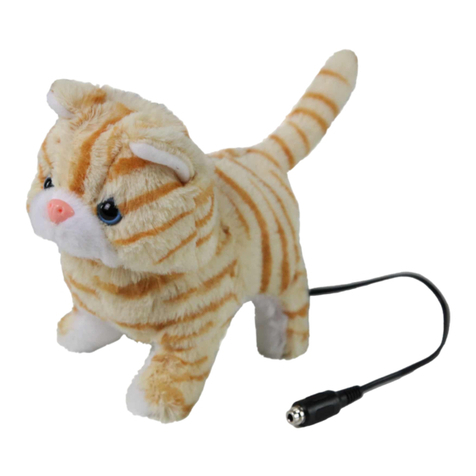
Enabling Devices Tabby Kitten User manual

Enabling Devices

Enabling Devices Tabby Kitten User manual

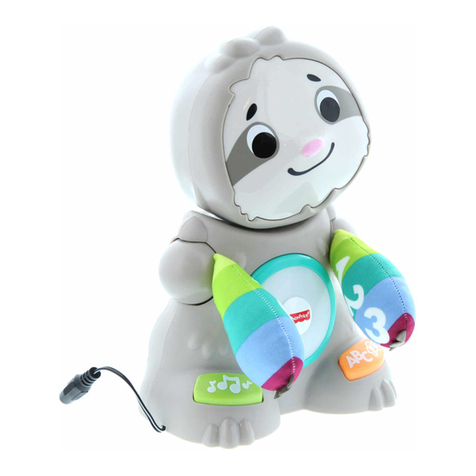
Enabling Devices Smooth Moves Sloth User manual

Enabling Devices

Enabling Devices Smooth Moves Sloth User manual

Enabling Devices 3092 User manual

Enabling Devices

Enabling Devices 3092 User manual

Enabling Devices Whirly Wheel 3094 User manual

Enabling Devices

Enabling Devices Whirly Wheel 3094 User manual

Enabling Devices Bump n Bubble Robot User manual

Enabling Devices

Enabling Devices Bump n Bubble Robot User manual

Enabling Devices Giggle Gang User manual

Enabling Devices

Enabling Devices Giggle Gang User manual

Enabling Devices Under The Dome User manual

Enabling Devices

Enabling Devices Under The Dome User manual

Enabling Devices ShihTzu Puppy User manual

Enabling Devices

Enabling Devices ShihTzu Puppy User manual

Enabling Devices Matching Picture Lotto Bingo 943 User manual

Enabling Devices

Enabling Devices Matching Picture Lotto Bingo 943 User manual

Enabling Devices Tic Tac Toe User manual

Enabling Devices

Enabling Devices Tic Tac Toe User manual

Enabling Devices Wiggle Giggle Song Mickey User manual

Enabling Devices

Enabling Devices Wiggle Giggle Song Mickey User manual

Enabling Devices Mini Dome 72 User manual

Enabling Devices

Enabling Devices Mini Dome 72 User manual

Enabling Devices 768 User manual

Enabling Devices

Enabling Devices 768 User manual

Enabling Devices Let Loose Lenny User manual

Enabling Devices

Enabling Devices Let Loose Lenny User manual

Enabling Devices Ollie the Octopus 5130 User manual

Enabling Devices

Enabling Devices Ollie the Octopus 5130 User manual

Enabling Devices Wheelie User manual

Enabling Devices

Enabling Devices Wheelie User manual

Enabling Devices Army Bear User manual

Enabling Devices

Enabling Devices Army Bear User manual

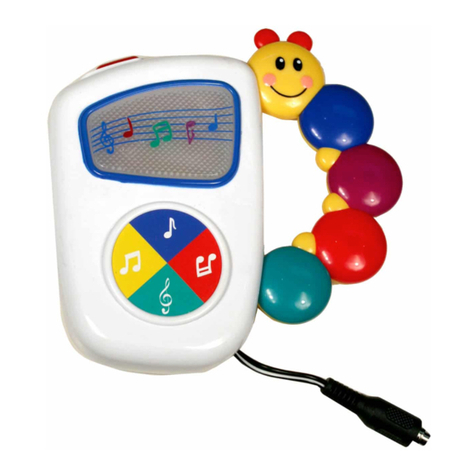
Enabling Devices Baby Einstein Take Along Tunes User manual

Enabling Devices

Enabling Devices Baby Einstein Take Along Tunes User manual

Enabling Devices 1464 User manual

Enabling Devices

Enabling Devices 1464 User manual

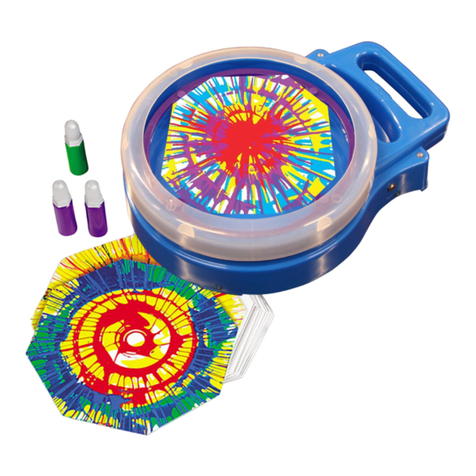
Enabling Devices Musical Swirl Art User manual

Enabling Devices

Enabling Devices Musical Swirl Art User manual

Enabling Devices Baby Retriever User manual

Enabling Devices

Enabling Devices Baby Retriever User manual

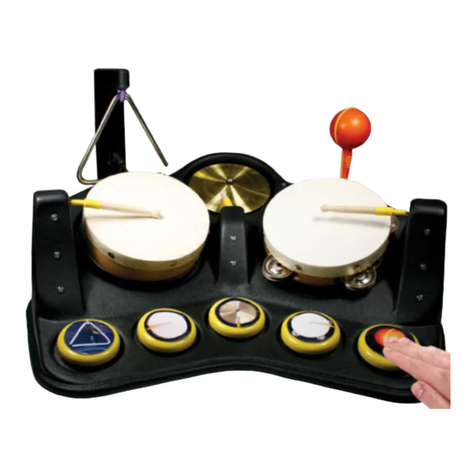
Enabling Devices Band Jam User manual

Enabling Devices

Enabling Devices Band Jam User manual

Enabling Devices Musical Snail User manual

Enabling Devices

Enabling Devices Musical Snail User manual

Enabling Devices 9230 User manual

Enabling Devices

Enabling Devices 9230 User manual

Popular Toy manuals by other brands

marklin 37321 instruction manual

marklin

marklin 37321 instruction manual

Canon PAPER CRAFT Assembly instructions

Canon

Canon PAPER CRAFT Assembly instructions

GREAT PLANES Pitts M-12S instruction manual

GREAT PLANES

GREAT PLANES Pitts M-12S instruction manual

NOCH 14261 manual

NOCH

NOCH 14261 manual

Hausler 450 SE V2 quick start

Hausler

Hausler 450 SE V2 quick start

Dynaflite Daydream instruction manual

Dynaflite

Dynaflite Daydream instruction manual

Kenner Batman 63651 instructions

Kenner

Kenner Batman 63651 instructions

LEGO 8527 instructions

LEGO

LEGO 8527 instructions

Multiplex EasyStar II Building instructions

Multiplex

Multiplex EasyStar II Building instructions

iKarus ECO 8 Assembly instruction

iKarus

iKarus ECO 8 Assembly instruction

Walkera 38 User handbook

Walkera

Walkera 38 User handbook

Hasbro TRANSFORMERS BUMBLEBEE manual

Hasbro

Hasbro TRANSFORMERS BUMBLEBEE manual

MD MXION SWD user manual

MD

MD MXION SWD user manual

Mattel Disney Pixar Cars Cozy Cone Spiral Rampway instructions

Mattel

Mattel Disney Pixar Cars Cozy Cone Spiral Rampway instructions

marklin 39671 user manual

marklin

marklin 39671 user manual

LEGO TECHNIC 8735 instructions

LEGO

LEGO TECHNIC 8735 instructions

Mattel HOTWHEELS DWL04 instructions

Mattel

Mattel HOTWHEELS DWL04 instructions

REVELL Bristol Beaufighter TF.X Assembly manual

REVELL

REVELL Bristol Beaufighter TF.X Assembly manual

https://manuals.online logo
https://manuals.online logoBrands
  • About & Mission
  • Contact us
  • Privacy Policy
  • Terms and Conditions

Copyright 2026 Manuals.Online. All Rights Reserved.

For Technical Support:
Call our Technical Service Department
Monday through Friday, 9 a.m. to 5 p.m. (EST)
1-800-TEC-TOYS or 1-800-832-8697
customer_support@enablingdevices.com
Carnival Tube - #158
USER’S GUIDE
50 Broadway
Hawthorne, NY 10532
Tel. 914.747.3070 / Fax 914.747.3480
Toll Free 800.832.8697
www.enablingdevices.com
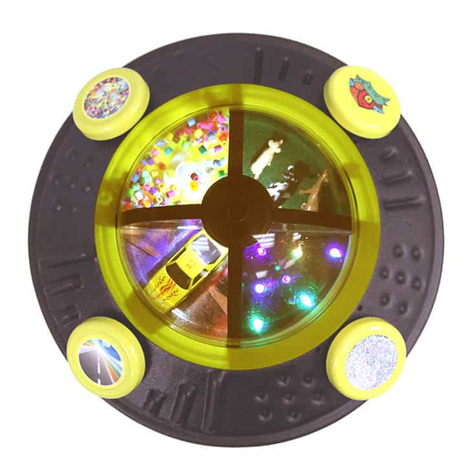
A simple swipe at the mounted Rainstick creates lights, music and
vibration it’s a magical combination of sound and color that will captivate
the young and old, Watch and listen as a rainbow of multi-colored beads
and lights cascades through the tube. Can also be used as a switch and has
a hidden control on the bottom that allows you to turn on or off any of the
rewards. Size: 6.75"L x 14.5"W x 4.25"H. Requires 4 AA Batteries.
Operation:
1. The Carnival Tube requires 4 AA batteries (Not included). Please
Note: Alkaline batteries are required (e.g. Duracell or Energizer
brand) Do not use rechargeable or heavy duty batteries as they will
not work with this device. Never mix old and new batteries
together. Carefully turn the unit over, and then remove the Philips
head screws from the battery covers. Install new batteries, being
careful to observe proper battery polarity. Replace covers and
screws.
2. To turn the desired stimuli ON or OFF (1-vibration; 2-music; 3-
lights), push the small white rocker switches located on the bottom
of the unit, to the ON or (open position). Open position means
OFF. Please see Fig 1.
Fig .1
3. Rotate or spin the Carnival Tube and you will be rewarded with
lights, music and vibration (if selected). Stopping rotation or
spinning of the Carnival Tube will cause the Lights, Music and
Vibration to stop after a brief delay of about 5 seconds.
4. To use the Carnival Tube as a switch plug one end of the supplied
1/8" to 1/8" cord into the Textured Roller’s input jack and the other
end into your adapted toy/device. Rotate or spin the Carnival Tube
and your toy/device will activate as long as rotating or spinning of
the Roller is sustained.
Troubleshooting:
Problem: The Carnival Tube has no light or Vibration.
Action #1: Check both sets of batteries for strength and proper battery
polarity. Replace if weak or dead.
Problem: The Carnival Tube has no music.
Action: Check both sets of batteries for strength and proper battery
polarity. Replace if weak or dead.
Problem: The Carnival Tube does not work at all.
Action: Check all Batteries for strength and proper battery polarity.
Replace if weak or dead.
Problem: Carnival Tube does not activate a toy or device.
Action # 1: Make sure all connections are tight.
Action # 2: Check batteries in toy/device, replace if weak or dead.
Action # 3: If adapters are being used they must be Mono, stereo adapters
will not work.
Care of Unit:
The Carnival Tube can be wiped clean with mild household multi-
purpose cleaner and disinfectant. We recommend Simple Green, which is
a non toxic biodegradable all-purpose cleaner.
Do not submerge the unit in any fluids, as it will damage the contents
and the electrical components.
Do not use abrasive cleaners, as they will scratch the surface of the unit.
Rev 4/20/06