EnglishDeutsch
 logo
Brands
  1. Home
  2. •
  3. Brands
  4. •
  5. Enabling Devices
  6. •
  7. Toy
  8. •
  9. Enabling Devices Army Bear User manual

Enabling Devices Army Bear User manual

Other Enabling Devices Toy manuals

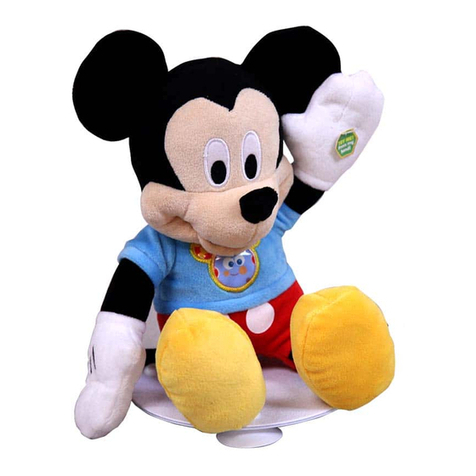
Enabling Devices Clubhouse Fun Mickey 9411 User manual

Enabling Devices

Enabling Devices Clubhouse Fun Mickey 9411 User manual

Enabling Devices 1363 User manual

Enabling Devices

Enabling Devices 1363 User manual

Enabling Devices Mini Dome 72 User manual

Enabling Devices

Enabling Devices Mini Dome 72 User manual

Enabling Devices Bouncy Bunny 3816 User manual

Enabling Devices

Enabling Devices Bouncy Bunny 3816 User manual

Enabling Devices 7071 User manual

Enabling Devices

Enabling Devices 7071 User manual

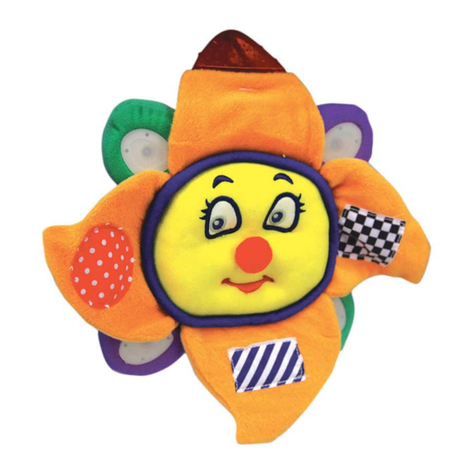
Enabling Devices Sunshine Symphony User manual

Enabling Devices

Enabling Devices Sunshine Symphony User manual

Enabling Devices Lonestar the Longhorn User manual

Enabling Devices

Enabling Devices Lonestar the Longhorn User manual

Enabling Devices 3610 User manual

Enabling Devices

Enabling Devices 3610 User manual

Enabling Devices Nature's Fire User manual

Enabling Devices

Enabling Devices Nature's Fire User manual

Enabling Devices Baby Retriever User manual

Enabling Devices

Enabling Devices Baby Retriever User manual

Enabling Devices Boppin' Beaver User manual

Enabling Devices

Enabling Devices Boppin' Beaver User manual

Enabling Devices Baa Baa Baby Lamb User manual

Enabling Devices

Enabling Devices Baa Baa Baby Lamb User manual

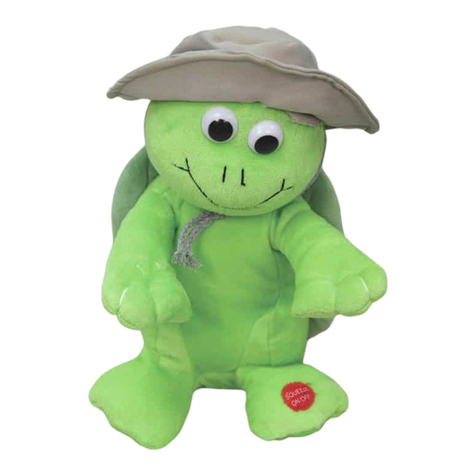
Enabling Devices Travelin' Turtle User manual

Enabling Devices

Enabling Devices Travelin' Turtle User manual

Enabling Devices St. Bernard Puppy User manual

Enabling Devices

Enabling Devices St. Bernard Puppy User manual

Enabling Devices Pretty Kitten 904 User manual

Enabling Devices

Enabling Devices Pretty Kitten 904 User manual

Enabling Devices 646 Mini User manual

Enabling Devices

Enabling Devices 646 Mini User manual

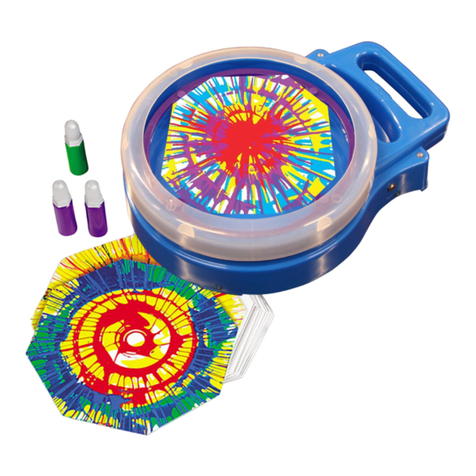
Enabling Devices Musical Swirl Art User manual

Enabling Devices

Enabling Devices Musical Swirl Art User manual

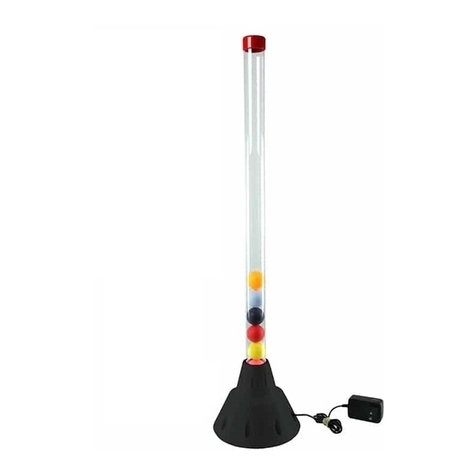
Enabling Devices Tube Tracker User manual

Enabling Devices

Enabling Devices Tube Tracker User manual

Enabling Devices 9349 User manual

Enabling Devices

Enabling Devices 9349 User manual

Enabling Devices 2045 User manual

Enabling Devices

Enabling Devices 2045 User manual

Enabling Devices 1439 User manual

Enabling Devices

Enabling Devices 1439 User manual

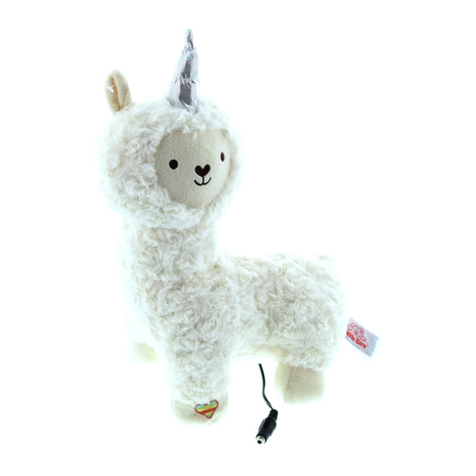
Enabling Devices Fa La La Llama User manual

Enabling Devices

Enabling Devices Fa La La Llama User manual

Enabling Devices Krazy Kats Ginger User manual

Enabling Devices

Enabling Devices Krazy Kats Ginger User manual

Enabling Devices Seven Message Take N’ Talk Go! Board Series User manual

Enabling Devices

Enabling Devices Seven Message Take N’ Talk Go! Board Series User manual

Popular Toy manuals by other brands

marklin 37321 instruction manual

marklin

marklin 37321 instruction manual

Canon PAPER CRAFT Assembly instructions

Canon

Canon PAPER CRAFT Assembly instructions

GREAT PLANES Pitts M-12S instruction manual

GREAT PLANES

GREAT PLANES Pitts M-12S instruction manual

NOCH 14261 manual

NOCH

NOCH 14261 manual

Hausler 450 SE V2 quick start

Hausler

Hausler 450 SE V2 quick start

Dynaflite Daydream instruction manual

Dynaflite

Dynaflite Daydream instruction manual

Kenner Batman 63651 instructions

Kenner

Kenner Batman 63651 instructions

LEGO 8527 instructions

LEGO

LEGO 8527 instructions

Multiplex EasyStar II Building instructions

Multiplex

Multiplex EasyStar II Building instructions

iKarus ECO 8 Assembly instruction

iKarus

iKarus ECO 8 Assembly instruction

Walkera 38 User handbook

Walkera

Walkera 38 User handbook

Hasbro TRANSFORMERS BUMBLEBEE manual

Hasbro

Hasbro TRANSFORMERS BUMBLEBEE manual

MD MXION SWD user manual

MD

MD MXION SWD user manual

Mattel Disney Pixar Cars Cozy Cone Spiral Rampway instructions

Mattel

Mattel Disney Pixar Cars Cozy Cone Spiral Rampway instructions

marklin 39671 user manual

marklin

marklin 39671 user manual

LEGO TECHNIC 8735 instructions

LEGO

LEGO TECHNIC 8735 instructions

Mattel HOTWHEELS DWL04 instructions

Mattel

Mattel HOTWHEELS DWL04 instructions

REVELL Bristol Beaufighter TF.X Assembly manual

REVELL

REVELL Bristol Beaufighter TF.X Assembly manual

https://manuals.online logo
https://manuals.online logoBrands
  • About & Mission
  • Contact us
  • Privacy Policy
  • Terms and Conditions

Copyright 2026 Manuals.Online. All Rights Reserved.

For Technical Support:
For Technical Support:For Technical Support:
For Technical Support:
Call our Technical Service Department
Monday through Friday, 9 a.m. to 5 p.m. (EST
1-800-832-8697
customer_support@enablingdevices.com
Army Bear #9314
USER’S GUIDE
50 Broadway
Hawthorne, NY 10532
Tel. 914.747.3070 / Fax 914.747.3480
Toll Free 800.832.8697
www.enablingdevices.com
Go Army!
Go Army!Go Army!
Go Army!
Activate your capability switch and this bear’s head sways and
mouth moves while he sings “The Army Goes Rolling Along”, the
official song of the US Army. Works both with and without a switch.
Size: 19"H x 8"W. Requires 3 AA Batteries. Weight: 1¼ lbs.
Opera
OperaOpera
Operation:
tion:tion:
tion:
1. Army Bear requires 3 AA batteries (Not included to operate. Use
alkaline batteries only (e.g. Duracell or Energizer brand . Do not
use rechargeable batteries or any other type of batteries
because they supply lower voltage and the unit will not perform
properly. Never mix old and new batteries together or different
brands or types together.
2. The battery compartment is on the bottom of the Bear inside the
zipper enclosed compartment. Open the flap then, using a
Phillips head screwdriver open and remove the batter cover.
Next install 3 AA batteries paying close attention to proper
battery polarity.
3. Replace the battery compartment cover and secure it with the
screw. Set the ON/OFF switch to ON.
4. Connect Army Bear to any external capability switch (not
included via the jack located at the end of his cord. Army Bear is
equipped with a 1/8" jack for use with external capability
switches with a 1/8" plug. Make sure to plug your switch all the
way in. There should be no gaps.
5. Actuate your external capability switch or squeeze the Bear’s
paw and bear’s and his head sways and mouth moves while he
sings “The Army Goes Rolling Along”, the official song of the US
Army. Pressing your switch or his paw while he is singing will stop
him. Pressing your switch or squeezing his paw again will start
him from the beginning of the song.
6. When finished using Army Bear turn his ON/OFF switch to off to
prevent false activations and to prevent battery drain.
Troubleshooting:
Troubleshooting:Troubleshooting:
Troubleshooting:
Problem:
Problem:Problem:
Problem:
Army Bear does not function correctly.
Action #1:
Action #1: Action #1:
Action #1: Replace the batteries paying close attention to proper
battery polarity.
Action #2:
Action #2:Action #2:
Action #2: Make sure that the connection between the external
capability switch and the jack is pushed in all the way. There should
be NO gaps.
Action #3:
Action #3: Action #3:
Action #3: Try your switch with another switch operated toy/device
in an effort to rule out your switch as the source of the problems.
Care of Unit:
Care of Unit:Care of Unit:
Care of Unit:
If you will not be using Army Bear for an extended amount of time,
we recommend removing the batteries.
Do not subme
Do not submeDo not subme
Do not submerge
rgerge
rge the unit in water, as it will damage the electrical
components. Army Bear is surface washable only.
Rev
Rev Rev
Rev 6
66
6/7
/7/7
/7/17

/17/17

/17