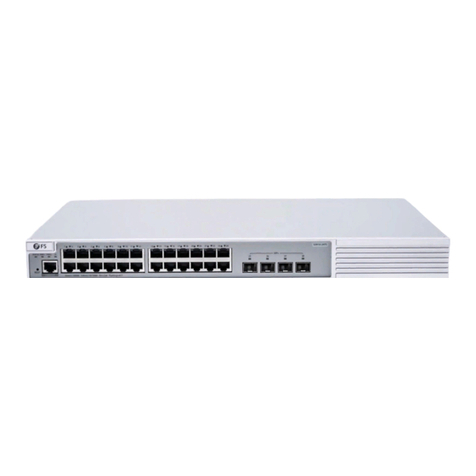
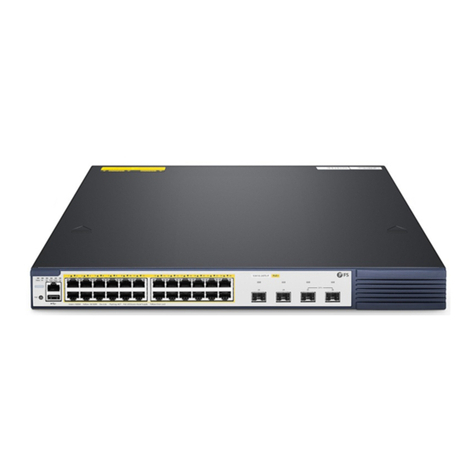
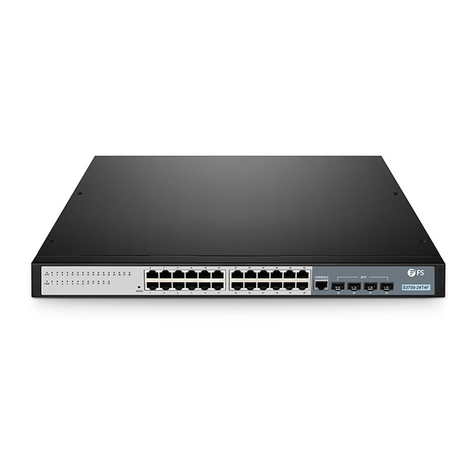
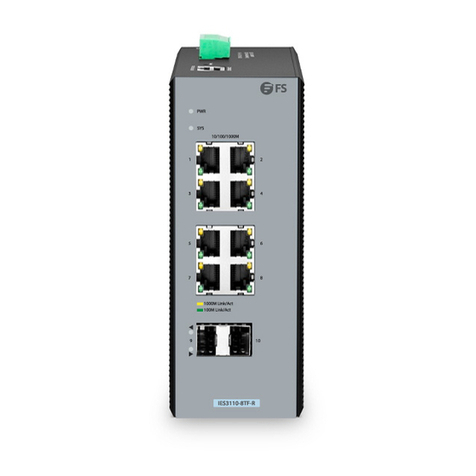
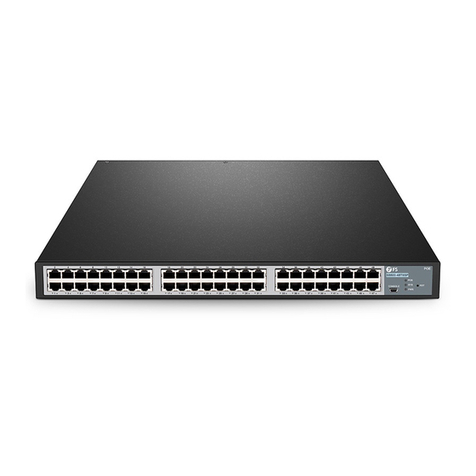
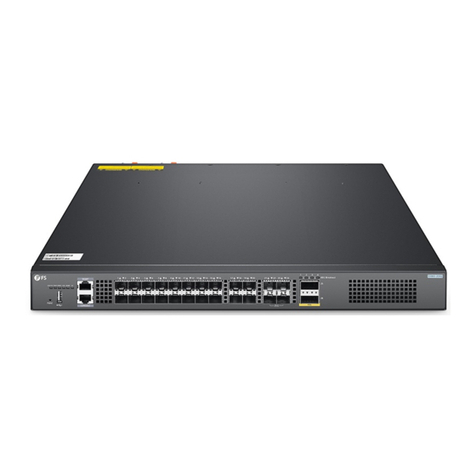
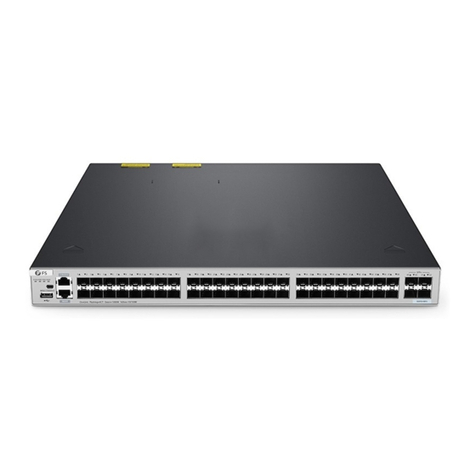
1、Description
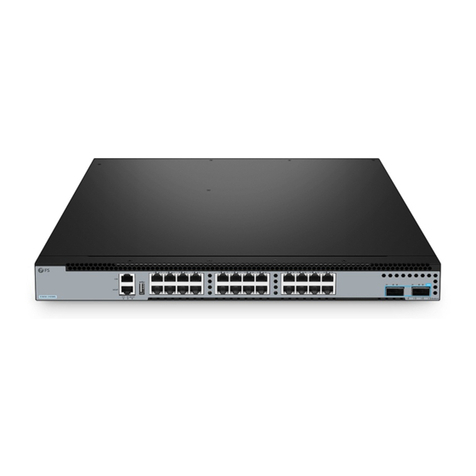
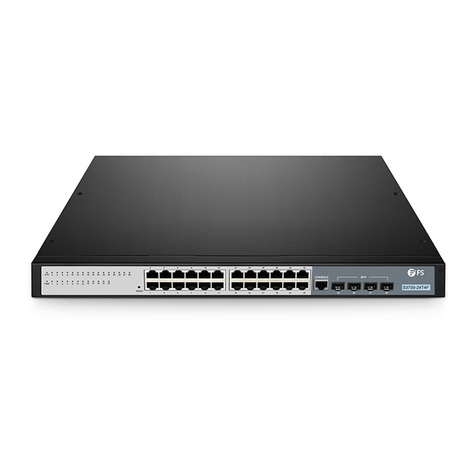
Please use two cables or modules + jumper to stack devices.The device stack is called
BVSS.
2、Precautions
Please use the 10G port to stack
3、BVSS Configuration
Network Topology
Configuration Steps
1. Connect the device
# Connect the PC and the switch to the network cable and the console port. Connect one end of the RJ-45 network
cable to the network card interface of the PC and the other end to the network port of the SW. Connect one end of
the console cable USB to the USB port of the PC. One end of the RJ-45 is connected to the console port on the
front panel of the switch.
2. Download the configuration software
# After the connection is complete, here we recommend HyperTerminal, putty or SecureCRT tools to configure the
switch.
3. Open the switch and use the login software
# Power on the switch, then open the installed login software, select the serial login mode, Port is determined by
the device manager, Baud rate: 115200, Data bits: 8, Parity: None, Stop bits: 1.