manuals.online logo
Brands
  1. Home
  2. •
  3. Brands
  4. •
  5. GE
  6. •
  7. Medical Equipment
  8. •
  9. GE OEC 9800 Plus User manual

GE OEC 9800 Plus User manual

Other GE Medical Equipment manuals
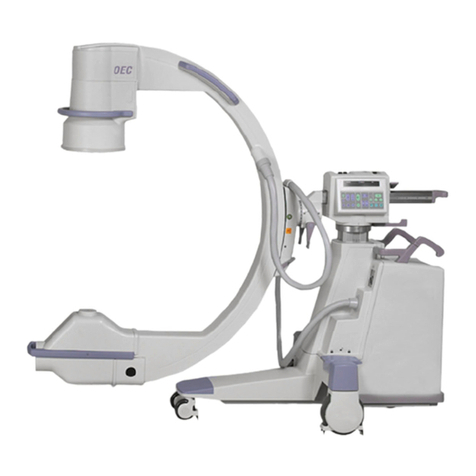
GE Brivo OEC 715 User manual

GE

GE Brivo OEC 715 User manual

GE PANDA User manual

GE

GE PANDA User manual

GE Precision RXi User manual

GE

GE Precision RXi User manual

GE Giraffe OmniBed User manual

GE

GE Giraffe OmniBed User manual

GE enFlow IV User manual

GE

GE enFlow IV User manual

GE Novii User guide

GE

GE Novii User guide

GE MAC 800 User manual

GE

GE MAC 800 User manual

GE MAC 5000 User manual

GE

GE MAC 5000 User manual

GE MAC 600 SPY User manual

GE

GE MAC 600 SPY User manual

GE Venue Fit User manual

GE

GE Venue Fit User manual

GE eBike BASIC User manual

GE

GE eBike BASIC User manual
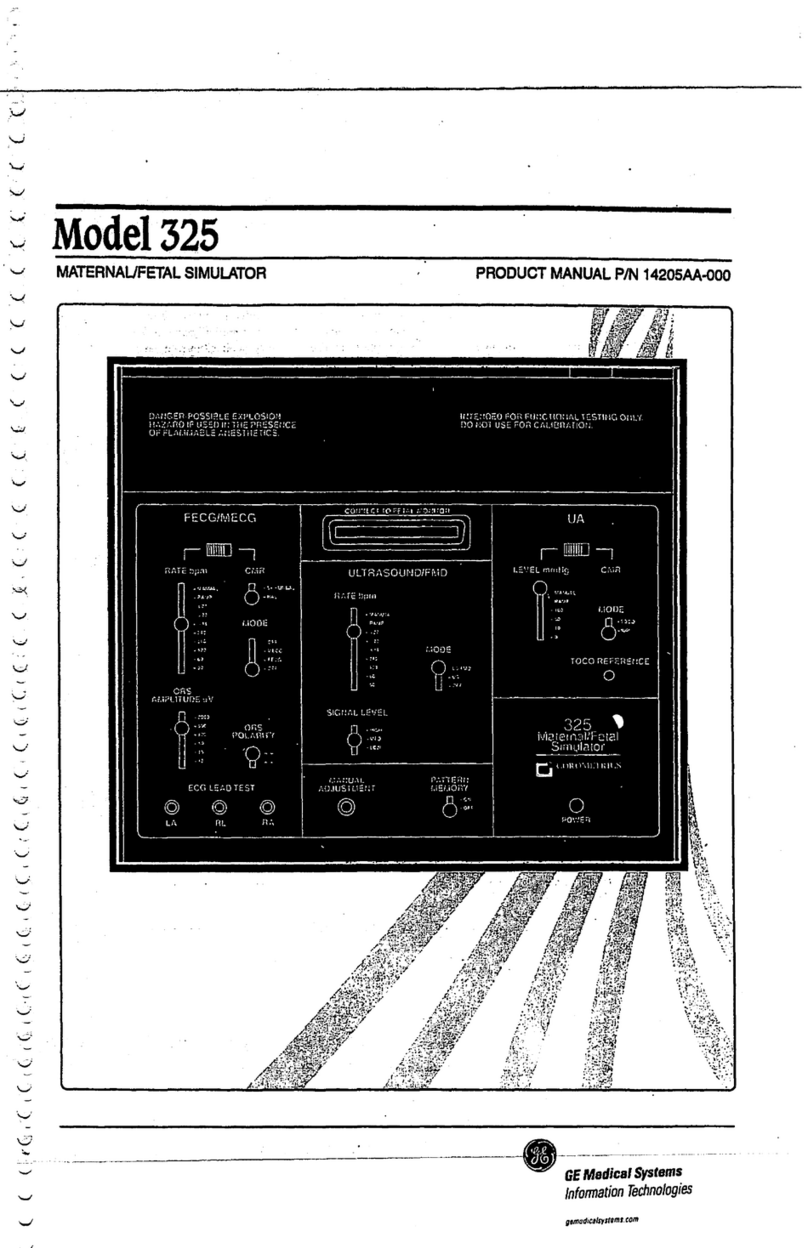
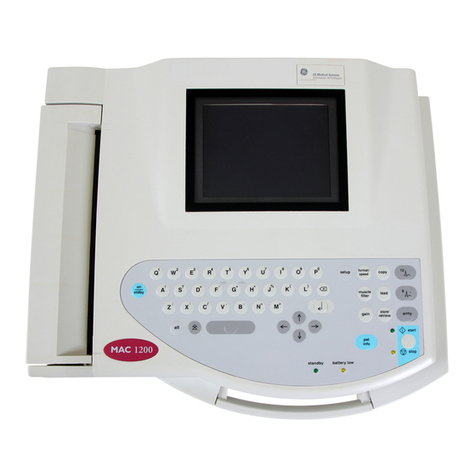
GE GEH-ECG 1200 User manual

GE

GE GEH-ECG 1200 User manual

GE Venue Go User manual

GE

GE Venue Go User manual
GE AMX 4+ User manual
GE

GE AMX 4+ User manual

GE Revolution CT User manual

GE

GE Revolution CT User manual

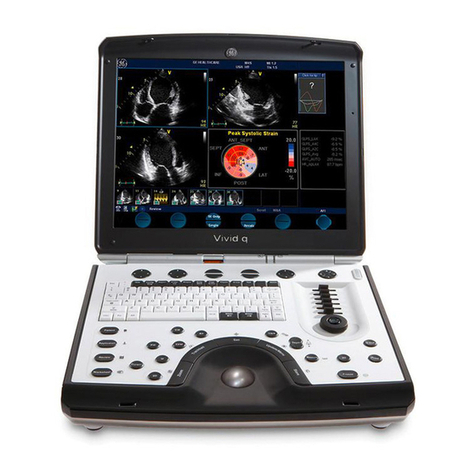
GE Vivid iq User manual

GE

GE Vivid iq User manual

GE LOGIQ 7 Pro User manual

GE

GE LOGIQ 7 Pro User manual

GE Vivid q N User manual

GE

GE Vivid q N User manual

GE Voluson P6 User manual

GE

GE Voluson P6 User manual

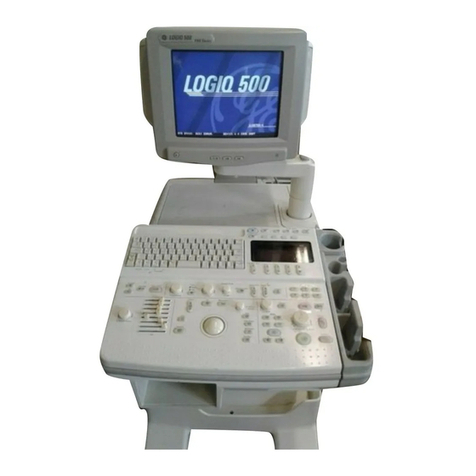
GE Logiq 500 User manual

GE

GE Logiq 500 User manual

GE SIGNA Voyager User manual

GE

GE SIGNA Voyager User manual

GE MAC 5000 User manual

GE

GE MAC 5000 User manual

GE Vivid S5 User manual

GE

GE Vivid S5 User manual

GE MAC 5000 User manual

GE

GE MAC 5000 User manual

Popular Medical Equipment manuals by other brands

Itamar Medical WatchPAT Operation manual

Itamar Medical

Itamar Medical WatchPAT Operation manual

PROTEOR 1P650 KNEE Assembling and adjustment instructions

PROTEOR

PROTEOR 1P650 KNEE Assembling and adjustment instructions

Liberate Medical VentFree user manual

Liberate Medical

Liberate Medical VentFree user manual

Dicarre DA20 user guide

Dicarre

Dicarre DA20 user guide

Stryker Medical M Series Operation manual

Stryker Medical

Stryker Medical M Series Operation manual

Invacare ScanBed 750 user manual

Invacare

Invacare ScanBed 750 user manual

Getinge Arjohuntleigh Nimbus 3 Professional Instructions for use

Getinge

Getinge Arjohuntleigh Nimbus 3 Professional Instructions for use

Mettler Electronics Sonicator 730 Maintenance manual

Mettler Electronics

Mettler Electronics Sonicator 730 Maintenance manual

Pressalit Care R1100 Mounting instruction

Pressalit Care

Pressalit Care R1100 Mounting instruction

Denas MS DENAS-T operating manual

Denas MS

Denas MS DENAS-T operating manual

bort medical ActiveColor quick guide

bort medical

bort medical ActiveColor quick guide

AccuVein AV400 user manual

AccuVein

AccuVein AV400 user manual

agiliti NP Trio user manual

agiliti

agiliti NP Trio user manual

Rocket Medical Rocket Digital Oocyte Aspiration Pump Service manual

Rocket Medical

Rocket Medical Rocket Digital Oocyte Aspiration Pump Service manual

Monteris Medical Neuroblate Instructions for use

Monteris Medical

Monteris Medical Neuroblate Instructions for use

Otto Block 8E33 7 manual

Otto Block

Otto Block 8E33 7 manual

ADVANCED HOME CARE Helios Guide

ADVANCED HOME CARE

ADVANCED HOME CARE Helios Guide

NeuLog NUL-208 Guide

NeuLog

NeuLog NUL-208 Guide

manuals.online logo
manuals.online logoBrands
  • About & Mission
  • Contact us
  • Privacy Policy
  • Terms and Conditions

Copyright 2025 Manuals.Online. All Rights Reserved.

IQ Quick Reference Guide
for the OEC*9800 Plus
OEC Systems are designed to oer superb image quality
in almost any surgical imaging situation. This reference
has tips for optimizing your OEC system in order to improve
image quality.
GE Healthcare
The image appears
dark
Image appears too
grainy
Problem:
Solution:
Problem:
Solution:
1. INCREASE NOISE FILTER
2. DECREASE EDGE
ENHANCEMENT
3. USE HLF/DIGITAL SPOT
(RIGHT EXPOSURE
SWITCH) (p. 3-23, of
Op Man.)
For each situation referenced, use the rst recommended step then take an image. If the quality is still not sucient move on to recommended step #2. Repeat for as many steps as necessary to obtain a clear image.
1. USE COLLIMATION,
2. CHECK CENTERING
3. ADJUST BRIGHTNESS
AND CONTRAST (p. 3-10,
of Op Man.)
4. USE HLF/DIGITAL SPOT
(RIGHT EXPOSURE
SWITCH) (p. 3-23, of
Op Man.)
Image appears
washed out because
of metal in the eld
1. USE SMART METAL (p. 3-10,
of Operators Manual)
2. MANUALLY ADJUST
BRIGHTNESS / CONTRAST
(p. 3-10, of Op Man.)
Image appears
blurry (lag)
CAUSED BY MOTION /
BREATHING, REDUCE NOISE
FILTER
Problem:
Solution:
Problem:
Solution:
For each situation referenced, use the rst recommended step then take an image. If the quality is still not sucient move on to recommended step #2. Repeat for as many steps as necessary to obtain a clear image.
LR-980084-01
©2011 General Electric Company –
All rights reserved.
General Electric Company reserves the
right to make changes in specications
and features shown herein, or
discontinue the product described at
any time without notice or obligation.
Contact your GE Representative for the
most current information.
* GE, GE Monogram and OEC are
trademarks of General Electric Company.
GE OEC Medical Systems, Inc., doing
business as GE Healthcare.
GE Healthcare,
Surgery — Americas:
Phone 801-328-9300
Fax 801-328-4300
imagination at work
g