manuals.online logo
Brands
  1. Home
  2. •
  3. Brands
  4. •
  5. GIGAIPC
  6. •
  7. Industrial PC
  8. •
  9. GIGAIPC QBiX-JMB-CMLA47EHG-B1 Installation and operation manual

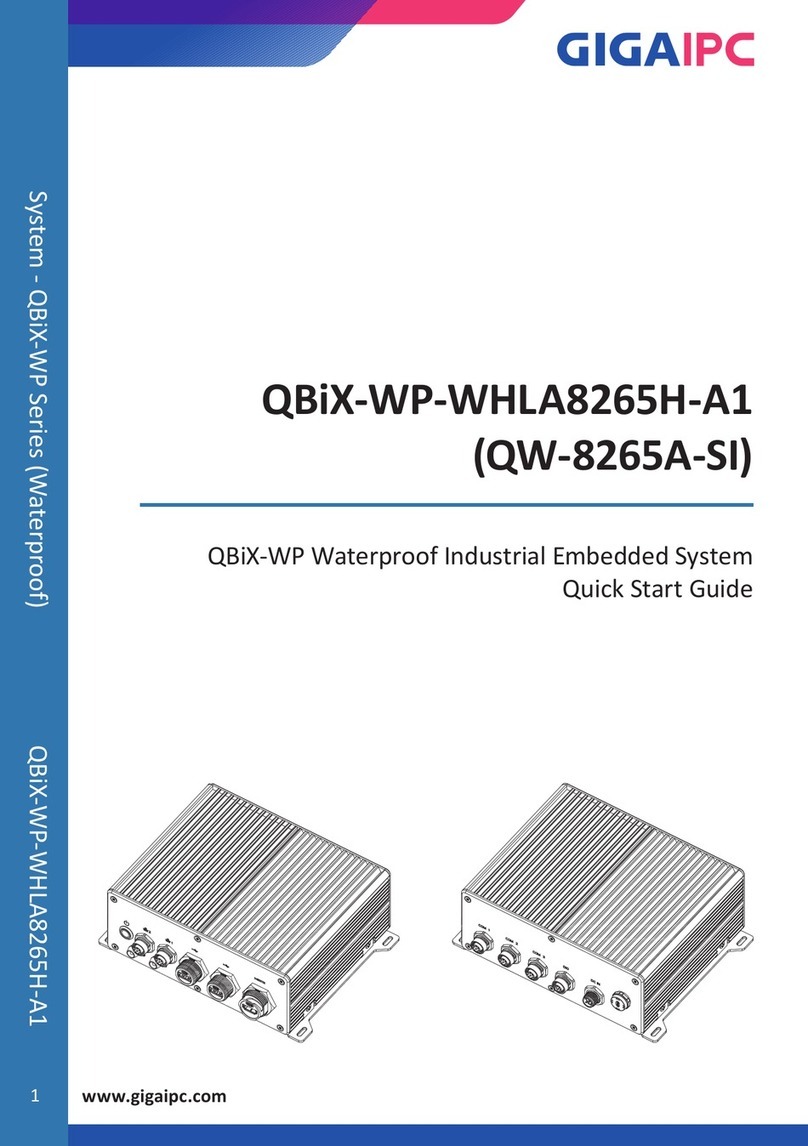
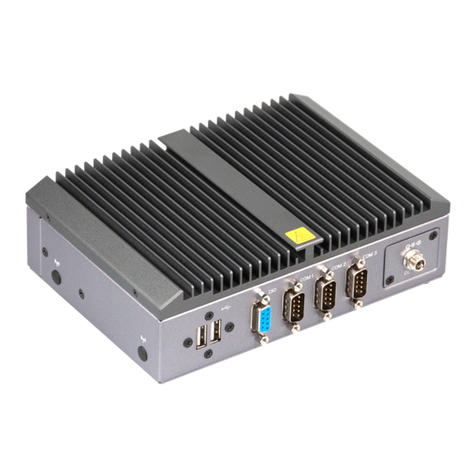
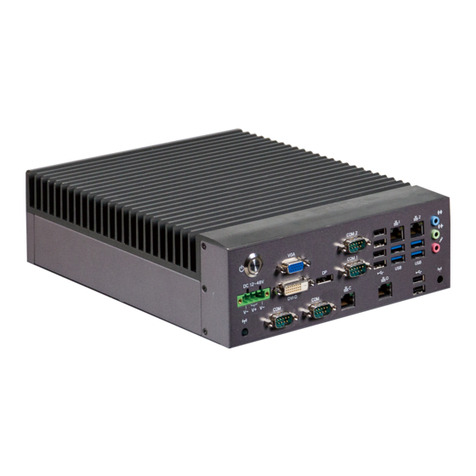
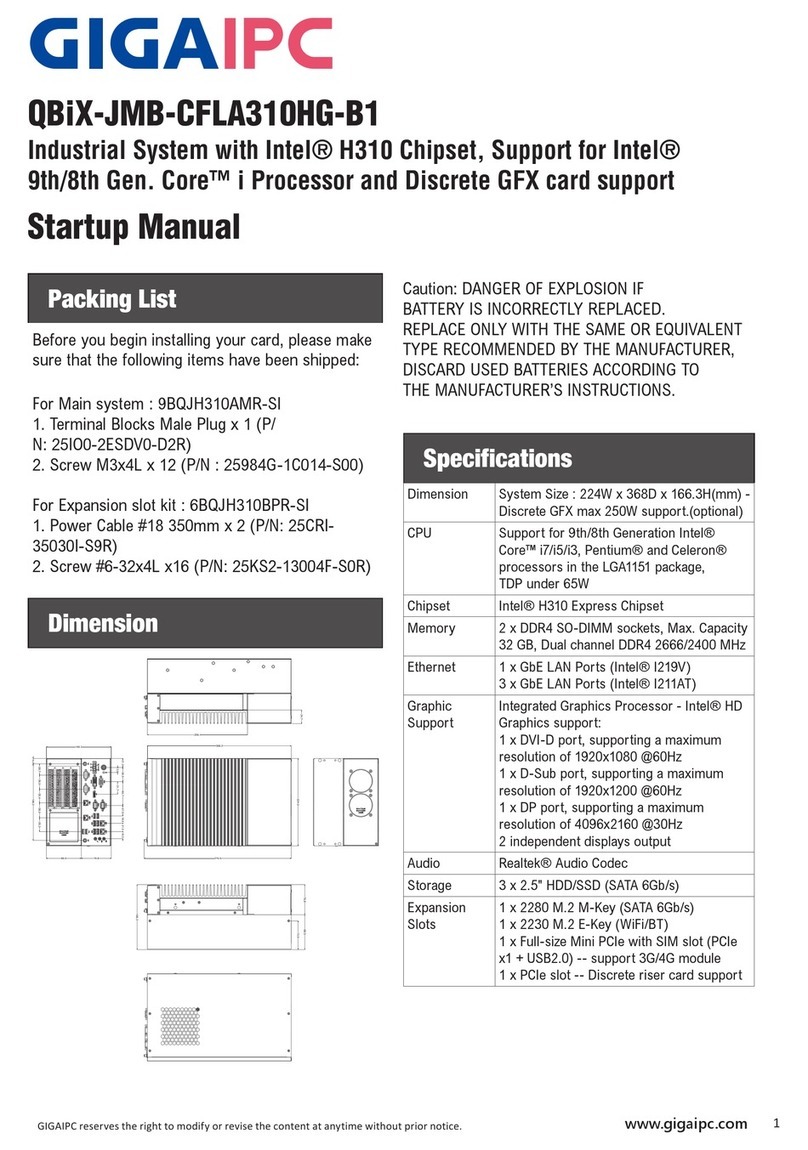
GIGAIPC QBiX-JMB-CMLA47EHG-B1 Installation and operation manual

Other GIGAIPC Industrial PC manuals
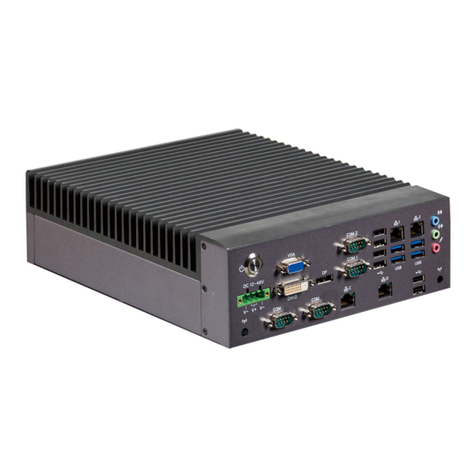
GIGAIPC QBiX-JMB-CMLA47EH-A1 Installation and operation manual

GIGAIPC

GIGAIPC QBiX-JMB-CMLA47EH-A1 Installation and operation manual

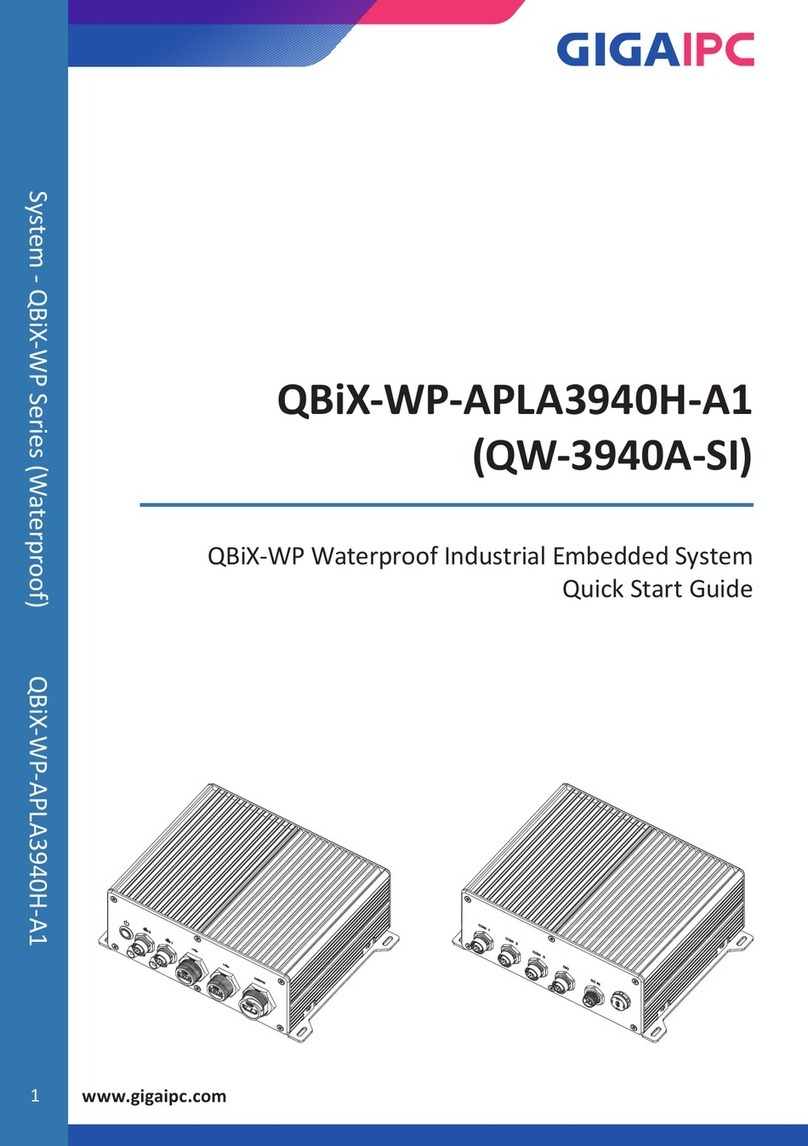
GIGAIPC QBiX-WP Series User manual

GIGAIPC

GIGAIPC QBiX-WP Series User manual

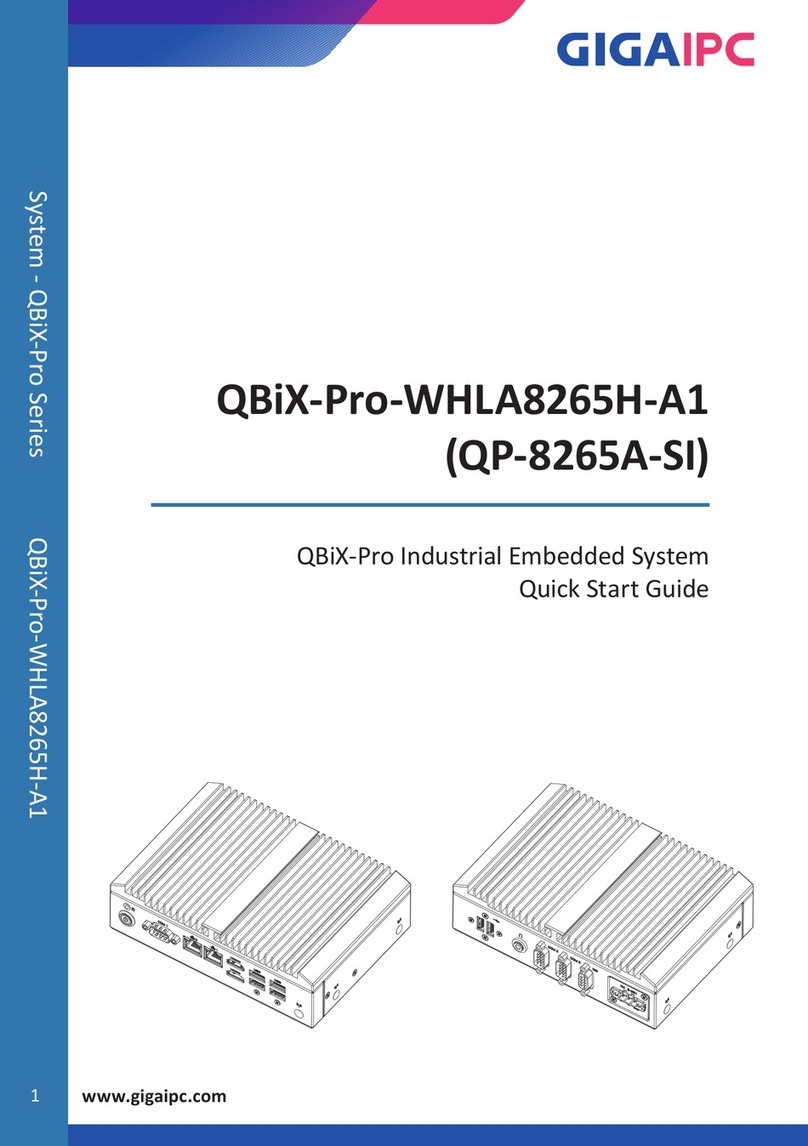
GIGAIPC QBiX-Pro-WHLA8265H-A1 User manual

GIGAIPC

GIGAIPC QBiX-Pro-WHLA8265H-A1 User manual

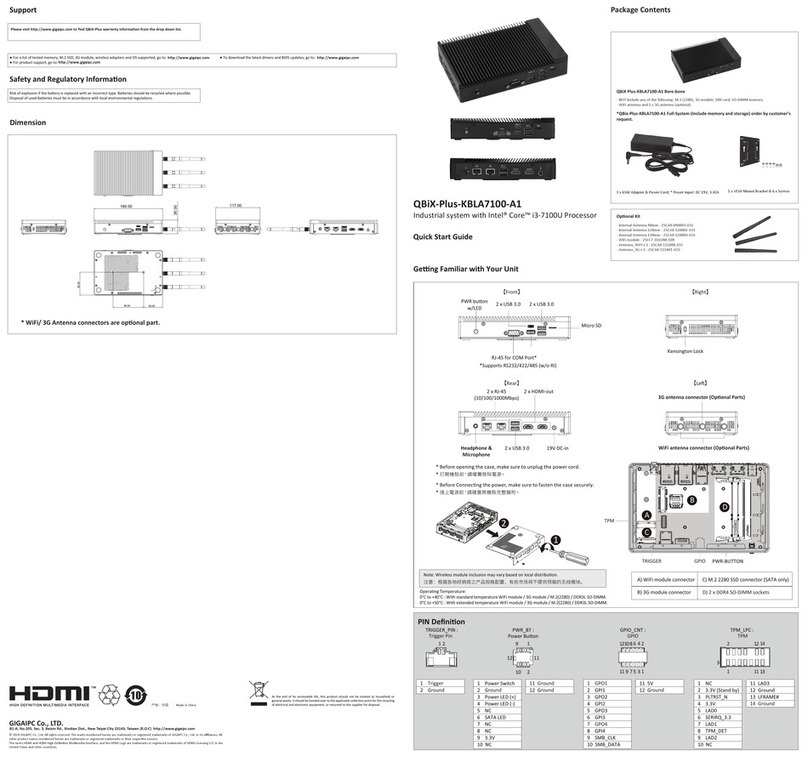
GIGAIPC QBiX-Plus-KBLA7100-A1 User manual

GIGAIPC

GIGAIPC QBiX-Plus-KBLA7100-A1 User manual

GIGAIPC QBiX-Pro Series User manual

GIGAIPC

GIGAIPC QBiX-Pro Series User manual

GIGAIPC QBiX-Pro-TGLA1135G7H-A2 User manual

GIGAIPC

GIGAIPC QBiX-Pro-TGLA1135G7H-A2 User manual

GIGAIPC QBiX-JMB-CMLA47EH-A1 Installation and operation manual

GIGAIPC

GIGAIPC QBiX-JMB-CMLA47EH-A1 Installation and operation manual

GIGAIPC QBiX-TGLA1135G7-A1 User manual
GIGAIPC

GIGAIPC QBiX-TGLA1135G7-A1 User manual

GIGAIPC QBiX-Pro-KBLB3965H-A1 User manual

GIGAIPC

GIGAIPC QBiX-Pro-KBLB3965H-A1 User manual

GIGAIPC QBiX-Expert Series User manual

GIGAIPC

GIGAIPC QBiX-Expert Series User manual

GIGAIPC QBiX-WHLA8565H-A1 User manual

GIGAIPC

GIGAIPC QBiX-WHLA8565H-A1 User manual

GIGAIPC QP-8265A-SI User manual

GIGAIPC

GIGAIPC QP-8265A-SI User manual

GIGAIPC QBiX-Pro Series User manual

GIGAIPC

GIGAIPC QBiX-Pro Series User manual

GIGAIPC QBiX-Pro-ADLA1255H User manual

GIGAIPC

GIGAIPC QBiX-Pro-ADLA1255H User manual

GIGAIPC QBiX-Pro-KBLB7200H-A2 User manual

GIGAIPC

GIGAIPC QBiX-Pro-KBLB7200H-A2 User manual

GIGAIPC QBiX-DR-EHLA6412H-A1 User manual

GIGAIPC

GIGAIPC QBiX-DR-EHLA6412H-A1 User manual

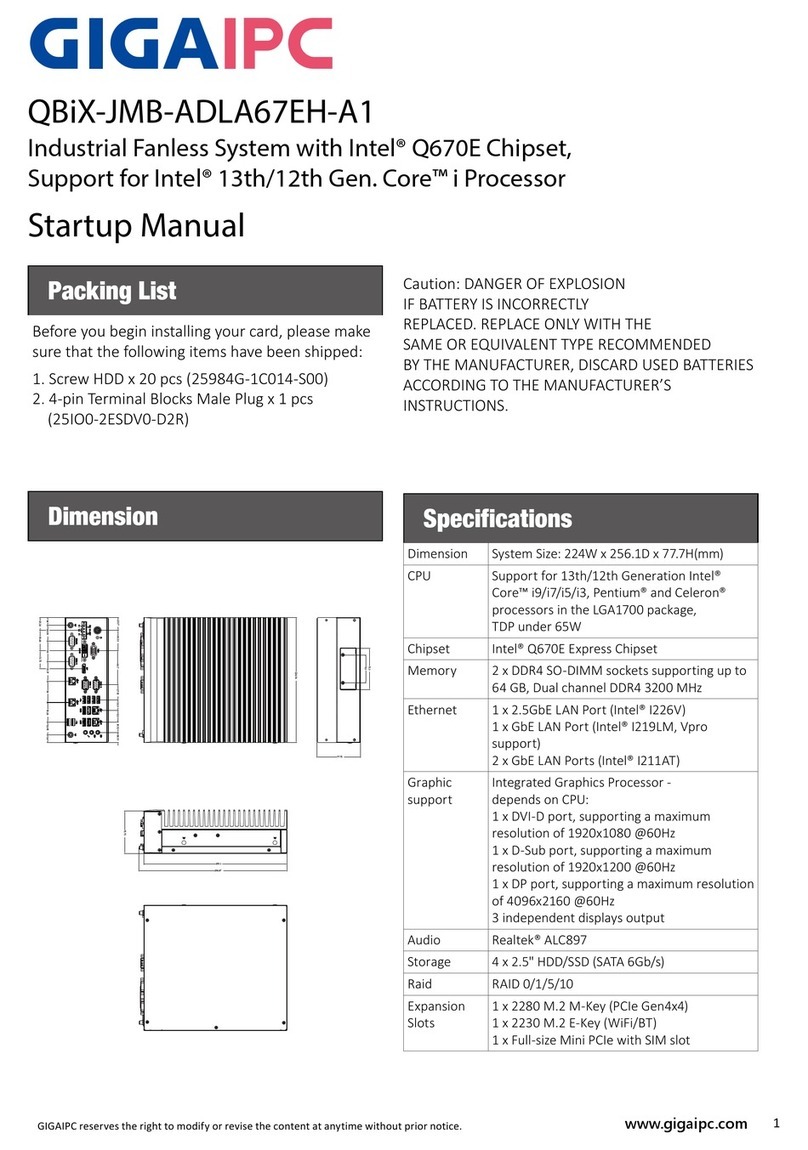
GIGAIPC QBiX-JMB-ADLA67EH-A1 Installation and operation manual

GIGAIPC

GIGAIPC QBiX-JMB-ADLA67EH-A1 Installation and operation manual

GIGAIPC QBiX-Pro-APLC4200H-B2 User manual

GIGAIPC

GIGAIPC QBiX-Pro-APLC4200H-B2 User manual

GIGAIPC QBiX Jumbo Series User manual

GIGAIPC

GIGAIPC QBiX Jumbo Series User manual

GIGAIPC QBiX-Pro-EHLA6412H-A2 User manual

GIGAIPC

GIGAIPC QBiX-Pro-EHLA6412H-A2 User manual

GIGAIPC QBiX-Pro Series User manual

GIGAIPC

GIGAIPC QBiX-Pro Series User manual

GIGAIPC QBiX-Pro-EHLA6412H-A1 User manual

GIGAIPC

GIGAIPC QBiX-Pro-EHLA6412H-A1 User manual

GIGAIPC QBiX-Lite Series User manual

GIGAIPC

GIGAIPC QBiX-Lite Series User manual

GIGAIPC QBiX-WP Series User manual

GIGAIPC

GIGAIPC QBiX-WP Series User manual
Popular Industrial PC manuals by other brands

Aaeon PER-1603 Quick installation guide

Aaeon

Aaeon PER-1603 Quick installation guide

Siemens SIMATIC IPC627E Quick install guide

Siemens

Siemens SIMATIC IPC627E Quick install guide

Advantech UNO-2184G user manual

Advantech

Advantech UNO-2184G user manual

MSI MS-9A76 manual

MSI

MSI MS-9A76 manual

Stackrack THOR200 user manual

Stackrack

Stackrack THOR200 user manual

Moxa Technologies DA-682C Series user manual

Moxa Technologies

Moxa Technologies DA-682C Series user manual

Nodka eBOX-3000-ETC user manual

Nodka

Nodka eBOX-3000-ETC user manual

MSI MS-9A89 user manual

MSI

MSI MS-9A89 user manual

Chipsee PPC-A72-101 manual

Chipsee

Chipsee PPC-A72-101 manual

Siemens SIMATIC Rack PC 840 V2 Getting started

Siemens

Siemens SIMATIC Rack PC 840 V2 Getting started

Advantech IPPC-6152A user manual

Advantech

Advantech IPPC-6152A user manual

Beckhoff CX9020 manual

Beckhoff

Beckhoff CX9020 manual

Dell Embedded Box PC 5000 Installation and operation manual

Dell

Dell Embedded Box PC 5000 Installation and operation manual

IBASE Technology ASB200-918 Series user manual

IBASE Technology

IBASE Technology ASB200-918 Series user manual

Lenovo ThinkCentre M90q Hardware Maintenance Manual

Lenovo

Lenovo ThinkCentre M90q Hardware Maintenance Manual

IXXAT Econ 100 Hardware manual

IXXAT

IXXAT Econ 100 Hardware manual

Kontron KBox A-151-TGL user guide

Kontron

Kontron KBox A-151-TGL user guide

AXIOMTEK ICO500-518 Series user manual

AXIOMTEK

AXIOMTEK ICO500-518 Series user manual
manuals.online logo
manuals.online logoBrands
  • About & Mission
  • Contact us
  • Privacy Policy
  • Terms and Conditions

Copyright 2025 Manuals.Online. All Rights Reserved.

1
www.gigaipc.com
GIGAIPC reserves the right to modify or revise the content at anytime without prior notice.
QBiX-JMB-CMLA47EHG-B1
Industrial System with Intel® Q470E Chipset,
Support for Intel® 10th Gen. Core™ i Processor
Startup Manual
Packing List
Before you begin installing your card, please make
sure that the following items have been shipped:
For Main system : 9BQJQ47EAMR-SI
1. Terminal Blocks Male Plug x 1 (P/
N: 25IO0-2ESDV0-D2R)
2. Screw M3x4L x 16 (P/N : 25984G-1C014-S00)
*Quantity of the HDD screws in the accessory kit may decreased based on
actual HDD assemble quantity.
For Expansion slot kit : 6BQJH310BPR-SI
1. Power Cable #18 350mm x 2 (P/N: 25CRI-35030I-
S9R)
2. Screw #6-32x4L x16 (P/N: 25KS2-13004F-S0R)
Dimension
Specifications
Dimension System Size: 224W x 368D x 166.3H(mm) - Discrete
GFX support (Optional)
CPU Support for 10th Generation Intel® Core™
i9/i7/i5/i3, Pentium® and Celeron® processors in
the LGA1200 package, TDP under 65W
Chipset Intel® Q470E Express Chipset
Memory 2 x DDR4 SO-DIMM sockets supporting up to 64
GB,
Dual channel DDR4 3200 MHz
Ethernet 1 x GbE LAN Port (Intel® I219V)
3 x GbE LAN Ports (Intel® I211AT)
Graphic
support
Integrated Graphics Processor - Intel® HD Graphics
support:
1 x DVI-D port, supporting a maximum resolution
of 1920x1080 @60Hz
1 x D-Sub port, supporting a maximum resolution
of 1920x1200 @60Hz
1 x DP port, supporting a maximum resolution of
4096x2160 @60Hz
(3 independent displays output)
Audio Realtek® Audio Codec
Storage 4 x 2.5" HDD/SSD (SATA 6Gb/s)
Expansion
Slots
1 x 2280 M.2 M-Key (PCIe x4 & SATA 6Gb/s)
1 x 2230 M.2 E-Key
1 x Full-size mini PCIe with SIM slot
1 x PCIe slot -- Discrete riser card support
Caution: DANGER OF EXPLOSION
IF BATTERY IS INCORRECTLY
REPLACED. REPLACE ONLY WITH THE
SAME OR EQUIVALENT TYPE RECOMMENDED
BY THE MANUFACTURER, DISCARD USED BATTERIES
ACCORDING TO THE MANUFACTURER’S
INSTRUCTIONS.
2www.gigaipc.com GIGAIPC reserves the right to modify or revise the content at anytime without prior notice.
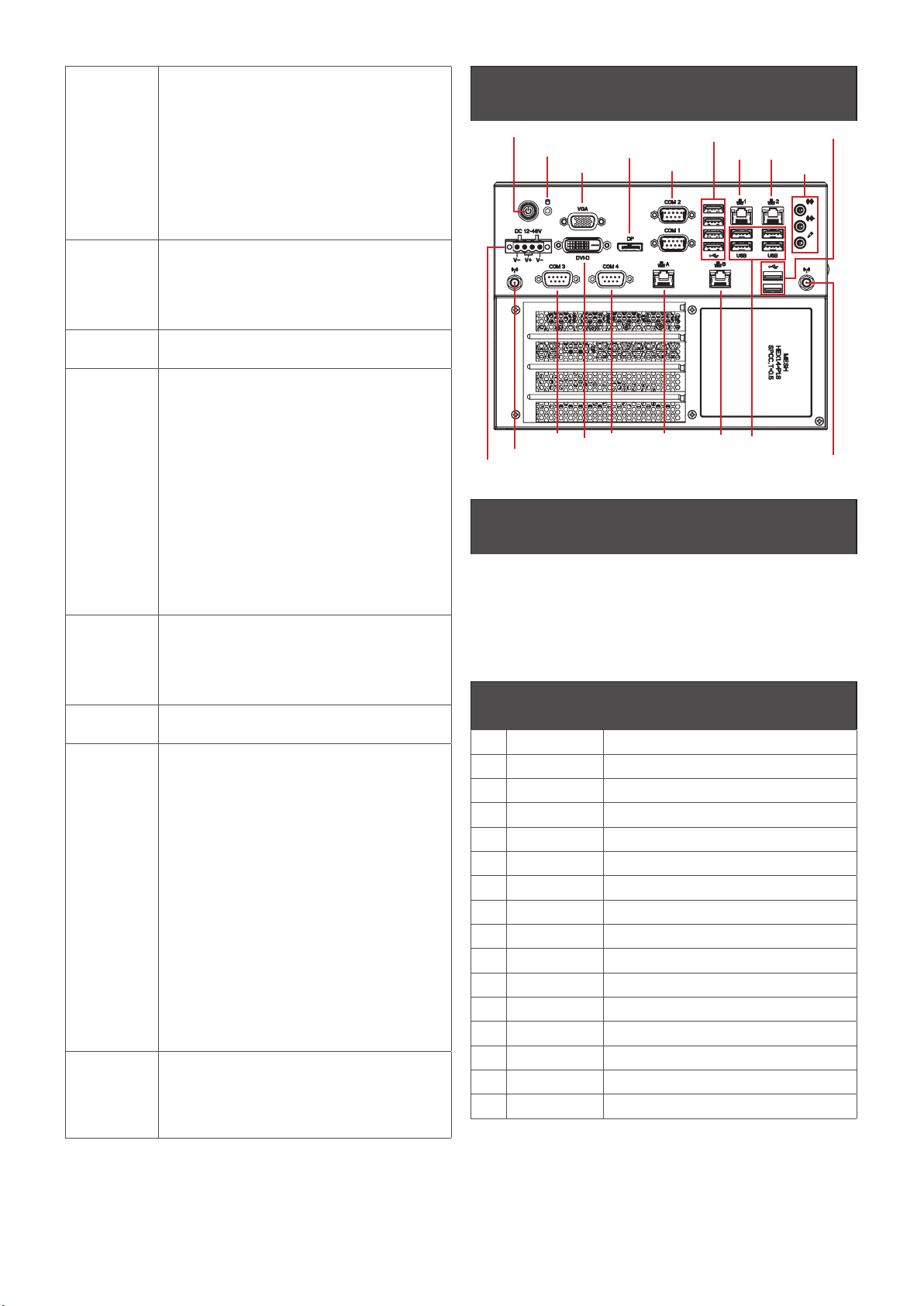
Front I/O 1 x Power Switch/Power/HDD LED
3 x Audio Jacks (Line in, Line out, Mic in)
1 x Display Port/1 x DVI-D/1 x VGA
2 x COM Ports (RS-232/422/485 & RI/5V/12V)
2 x COM Ports (RS-232)
4 x RJ45 LAN Ports
4 x USB 3.2 Gen 1
6 x USB 2.0
1 x 4-pin Terminal Block
2 x External Antenna Holes (Optional)
Riser Card
(Optional)
1 x PCIe x4 (Gen3 x4)
2 x PCIe x16
— Single at Gen3 x16 only
or
— Dual at Gen3 x8 + Gen3 x8
Power +24V~48VDC (Full Range) -- Support discrete GFX
card
Operation
Temperature
For Main system :
Operating temperature: -20°C to 50°C (CPU 65W
TDP)
Operating temperature: -20°C to 60°C (CPU 35W
TDP)
For Full system :
Depends on the Graphic cards installed in the
system
Operating humidity: 0-90% (non-condensing)
Non-operating temperature: -40°C to 85°C
Non-operating humidity: 0%-95% (non-
condensing)
Use wide temperature range memory and storage
Vibration
During
Operation
Operation: IEC 60068-2-64, 1 Grms, random,
5 ~ 500 Hz, 1 hr / Per Axis, with SSD/M.2 2280
& Without Graphics Cards
Non-operation: IEC 60068-2-6, 2 G, Sine, 10 ~ 500
Hz, 1 Oct/min, 1 hr / Per Axis
Shock During
Operation
Operation: IEC 60068-2-27, 50 G, half sine,
11 ms duration, With SSD
Packaging
Content
For Main system : 9BQJQ47EAMR-SI
Carton size: 351 x 300 x 166 (mm)
Packing Capacity: 1pc
Including:
Terminal Blocks Male Plug x 1 (P/N: 25IO0-2ESDV0-
D2R)
Screw M3x4L x 16 (P/N : 25984G-1C014-S00)
*Quantity of the HDD screws in the accessory kit may
decreased based on actual HDD assemble quantity.
For Expansion slot kit : 6BQJH310BPR-SI
Carton size: 460 x 315 x 279 (mm)
Packing Capacity: 1pc
Including:
Power Cable #18 350mm x 2 (P/N: 25CRI-35030I-
S9R)
Screw #6-32x4L x16 (P/N: 25KS2-13004F-S0R)
Order
Information
System : 9BQJQ47EAMR-SI & 6BQJH310BPR-SI
(Built in Components: Please contact with your
sales representative for more information or
e-mailed to : sales@gigaipc.com)
Jumpers and Connectors
The board has a number of jumpers that allow
you to configure your system to suit your
application. The table below lists the function
of each of the jumpers and connectors.
Front I/O Connectors
No. Code Scription
1VGA VGA Connector
2DVI-D DVI-D Connector
3DP Digital Display Port
4COM 1/2 RS-232/422/485
5COM 3/4 RS-232
6USB 1 4 x USB 3.2 Gen 1
7USB 2 4 x USB 2.0
8 USB C1 2 x USB 2.0
9 LAN 1 Intel® I219V
10 LAN 2 Intel® I211AT
11 LAN A Intel® I211AT
12 LAN B Intel® I211AT
13 LED Power and Storage Device Status LED
14 DC-24-48V Power connector
15 Audio Audio Jacks (Line in, Line out & Mic in)
System I/O Interface
LAN 1
LAN B
LAN A
COM 4
DVI-D
COM 3
External Antenna (optional) External Antenna (optional)
VGA
HDD LED
Power switch
COM 1/2
Digital Display
USB2 (USB2.0)
USB1 (USB3.0)
USBC1 (USB2.0)
Audio Jacks
LAN 2
DC IN (4-pin Terminal block, 24V~48V)
3
www.gigaipc.com
GIGAIPC reserves the right to modify or revise the content at anytime without prior notice.
Internal I/O Connectors
COM3
2 x DDR4 SO-DIMM
sockets
SATA Power Connector
4 x SATA 6 Gb/s
Connector
TPM Connector
M2E Slot
M2M Slot
MINI-PCIe Slot Supports SIM Slot
SIM Card Slot
PCIE X8 Slot PCIE X16 Slot
COM4
4www.gigaipc.com GIGAIPC reserves the right to modify or revise the content at anytime without prior notice.
Expansion I/O Connectors
No. Code Scription
1DC_OUT1 GPU Power Supply Connector DC Output 1
2DC_OUT2 GPU Power Supply Connector DC Output 2
3SYS_FAN1 Fan1 Power Connector
4SYS_FAN2 Fan2 Power Connector
5PCIEX4 PCIE x4 Slot (Gen3 x4)
6PCIEX8 PCIE x16 Slot*
7PCIEX16 PCIE x16 Slot*
DC_OUT2
SYS_Fan 1 PCIE x4 Slot (Gen3 x4)
PCIE x16 Slot
PCIE x16 Slot
SYS_Fan 2
Expansion Front View Expansion Rear View
4 x I/O Bracket System FAN2
System FAN1
DC_OUT1
* Below are the possible configurations :
code name PCIEX8 PCIEX16
Config. 1 0 Signal at x16
Config. 2 Signal at x8 Signal at x8 By auto switch
5
www.gigaipc.com
GIGAIPC reserves the right to modify or revise the content at anytime without prior notice.
System Dimensions
6www.gigaipc.com GIGAIPC reserves the right to modify or revise the content at anytime without prior notice.
Memory Installation
QBiX-JMB-CMLA47EH-A1 supports DDR4 SO-DIMM type memory module.
1. Loosen 7 screws and remove the bottom cover.
2. Loosen 4 screws to remove memory thermal cover.
3. Remove the release paper, and assemble memory.
4. Install 4 screws and memory thermal cover.
Note : Thermal pad and memory thermal cover must be fully mated and compacted.
5. Replace the bottom cover and secure with screws.
Simple Installation Process
1
12
34
7
www.gigaipc.com
GIGAIPC reserves the right to modify or revise the content at anytime without prior notice.
M2E (Support NGFF-2230 Wifi/BT) Installation
1. Loosen 7 screws and remove the bottom cover.
2. Loosen 4 screws to remove M2E thermal cover.
3. Install the module in the M2E (Support NGFF-2230 Wifi/BT) slot and secure with screws.
4. Remove the release paper on the thermal pad.
5. Install 4 screws and M2E thermal cover.
6. Replace the bottom cover and secure with screws.
1
11
2
1
31
4
8www.gigaipc.com GIGAIPC reserves the right to modify or revise the content at anytime without prior notice.
Storage Installation 1 (2.5” HDD/SSD)
1. Loosen 7 screws and remove the bottom cover
2. Loosen 4 screws to remove storage tray.
3. Secure storage with 4 x screws.
4. Assemble SATA cable/power cable and replace storage tray securely with 4 x screws.
5. Replace the bottom cover and secure with screws.
1
11
2
1
31
4
9
www.gigaipc.com
GIGAIPC reserves the right to modify or revise the content at anytime without prior notice.
Storage Installation 2 (M2M Storeage)
1. Loosen 7 screws, and then remove the bottom cover
2. Loosen 4 screws to remove storage tray.
3. Loosen the 2 screws to remove the aluminum heat sink.
4. Assemble the M2M (NGFF-2280 SATA) storage hard drive, and remove the release paper which is
on the aluminum heat sink.
5. Install the 2 screws to securely replace the aluminum heat sink and heat sink paste.
6. Install 4 screws to firmly install storage tray.
7. Replace the bottom cover and secure with screws.
1
11
2
1
31
4
10 www.gigaipc.com GIGAIPC reserves the right to modify or revise the content at anytime without prior notice.
Mini-PCIe Slot (PCIex1 + USB2.0) and SIM Card Slot Installation
QBiX-JMB-CMLA47EH-A1 supports one full size Mini-PCIe.
1. Loosen 7 screws, and then remove the bottom cover.
2. Loosen 4 screws to remove storage tray.
3. Assemble the Mini-PCIe expansion Card (Mini-PCIex1 + USB2.0) or 3G/4G SIM Card in SIM Slot.
4. Install 4 screws to firmly install strorage tray.
5. Replace the bottom cover and secure with screws.
1
11
2
1
3