Introduction 7
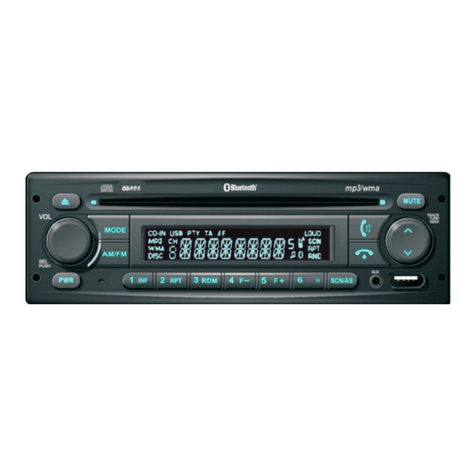
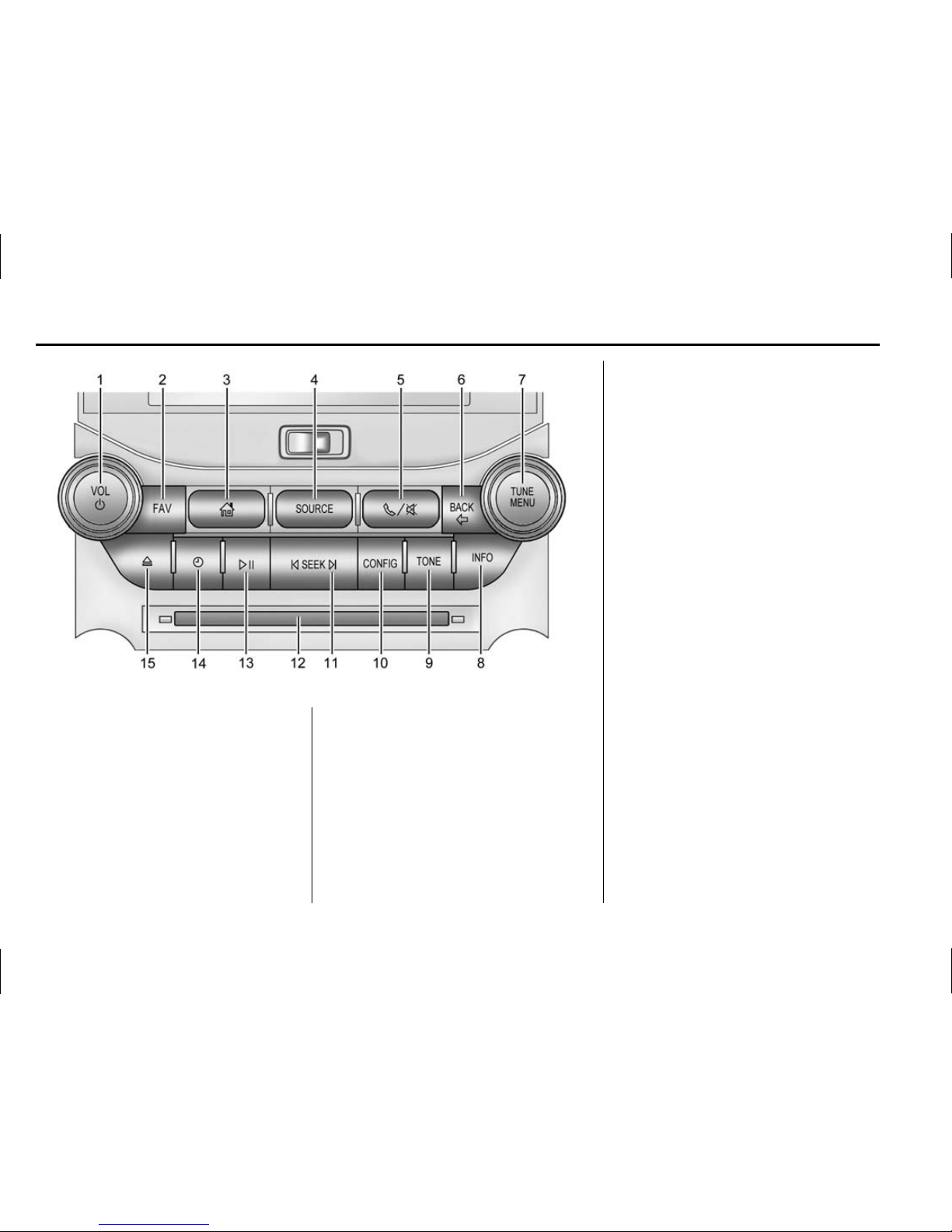
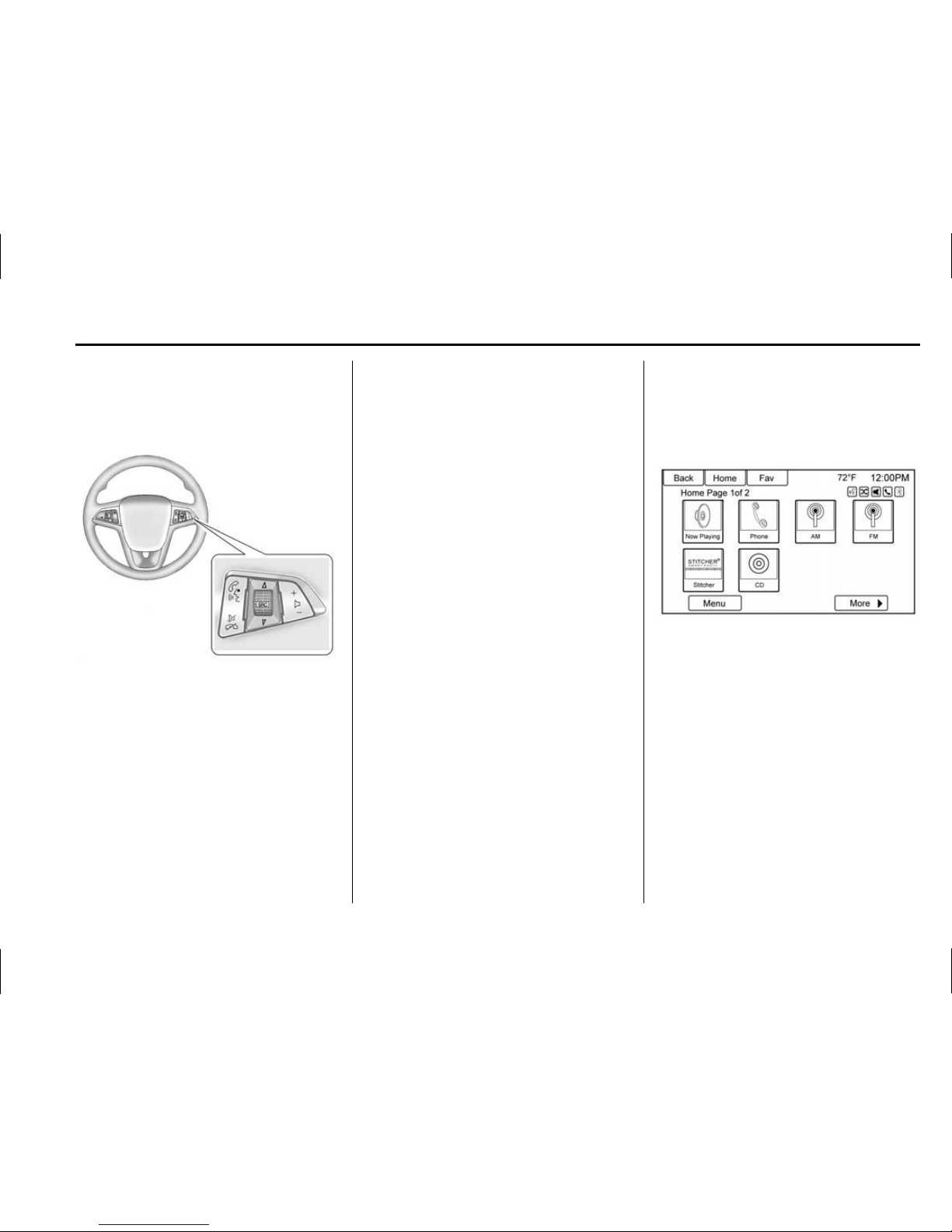
5or 5/>(Phone or
Phone/Mute):
.Press to enter the phone main
screen. See Bluetooth 075 or
“OnStar”in the owner manual.
.Press and hold to mute or
unmute the infotainment system.
SRCE : Press to change the audio
source to AM, FM, XM (if equipped),
Pandora
®
(if equipped), Stitcher
®
,
CD, USB/iPod, AUX, or Bluetooth
Audio.
TUNE/ MENU or MENU/ SEL:
.Press to enter the menu for the
current band or media.
.Turn to highlight a feature.
.Press to activate the highlighted
feature.
.Turn to manually change the
radio station.
BACK//:Press to return to the
previous screen in a menu.
INFO (Information) : Press to
toggle through an audio or
navigation information screen.
CONFIG (Configuration Menu) :
Press to adjust features for
Languages, Time and Date, Radio
Settings, Phone Settings, Display
Settings, and Vehicle Settings.
NAV (Navigation):
.Press to view the vehicle’s
current position on the map
screen.
.Continue pressing to cycle
through the full map and split
screens.
DEST(Destination):
.Press to enter a destination.
.If a destination has already been
entered, press to access the
Destination Menu. See
Destination 050.
gor ©SEEK (Previous/
Reverse):
.CD, USB, Bluetooth Audio:
Press to seek to the beginning of
the current or previous track.
.CD, USB, Bluetooth Audio:
Press and hold to quickly
reverse through a track. Release
the button to return to playing
speed. See CD Player 034,
USB 035, or Bluetooth Audio
042.
.AM, FM, XM (if equipped): Press
to seek to the previous strong
station.
RPT or RPT NAV (Repeat
Navigation) : Press to repeat the
last voice guidance prompt.
Oor VOL/ O(Volume/Power):
.Press to turn the system on
and off.
.Turn to adjust the volume.
dor SEEK ¨(Next/Forward):
.CD, USB, Bluetooth Audio:
Press to seek the next track.
.CD, USB, Bluetooth Audio:
Press and hold to fast forward
through a track. Release the
button to return to playing
speed. See CD Player 034,
USB 035, or Bluetooth Audio
042.
.AM, FM, XM (if equipped): Press
to seek to the previous strong
station.