manuals.online logo
Brands
  1. Home
  2. •
  3. Brands
  4. •
  5. Growatt
  6. •
  7. Measuring Instrument
  8. •
  9. Growatt SPH Series User manual

Growatt SPH Series User manual

Other manuals for SPH Series

4

This manual suits for next models

2

Other Growatt Measuring Instrument manuals
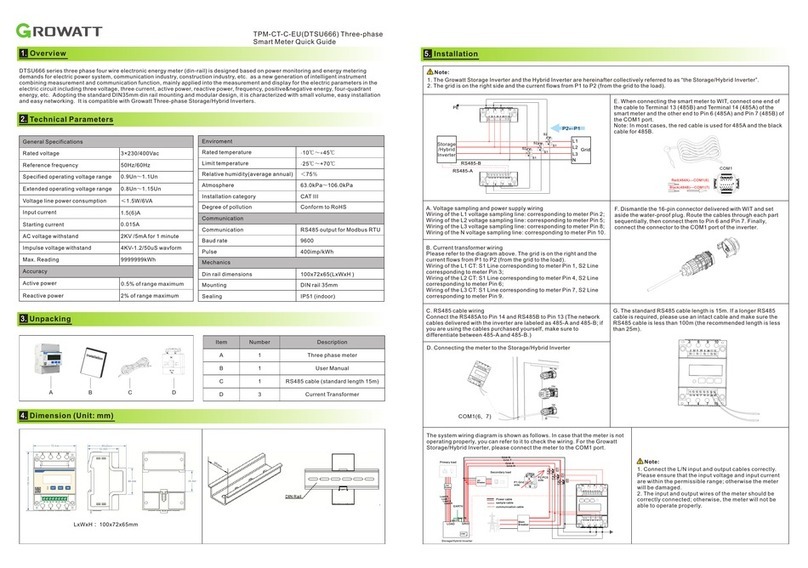
Growatt ShineLink-X Operating and maintenance instructions

Growatt

Growatt ShineLink-X Operating and maintenance instructions

Growatt Lucas User manual

Growatt

Growatt Lucas User manual

Growatt ShineLimit User manual

Growatt

Growatt ShineLimit User manual

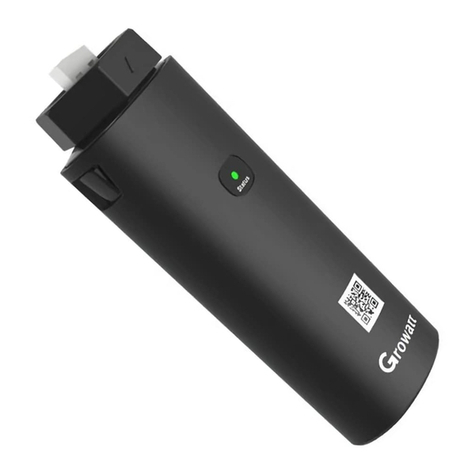
Growatt ShineLink-X User manual

Growatt

Growatt ShineLink-X User manual

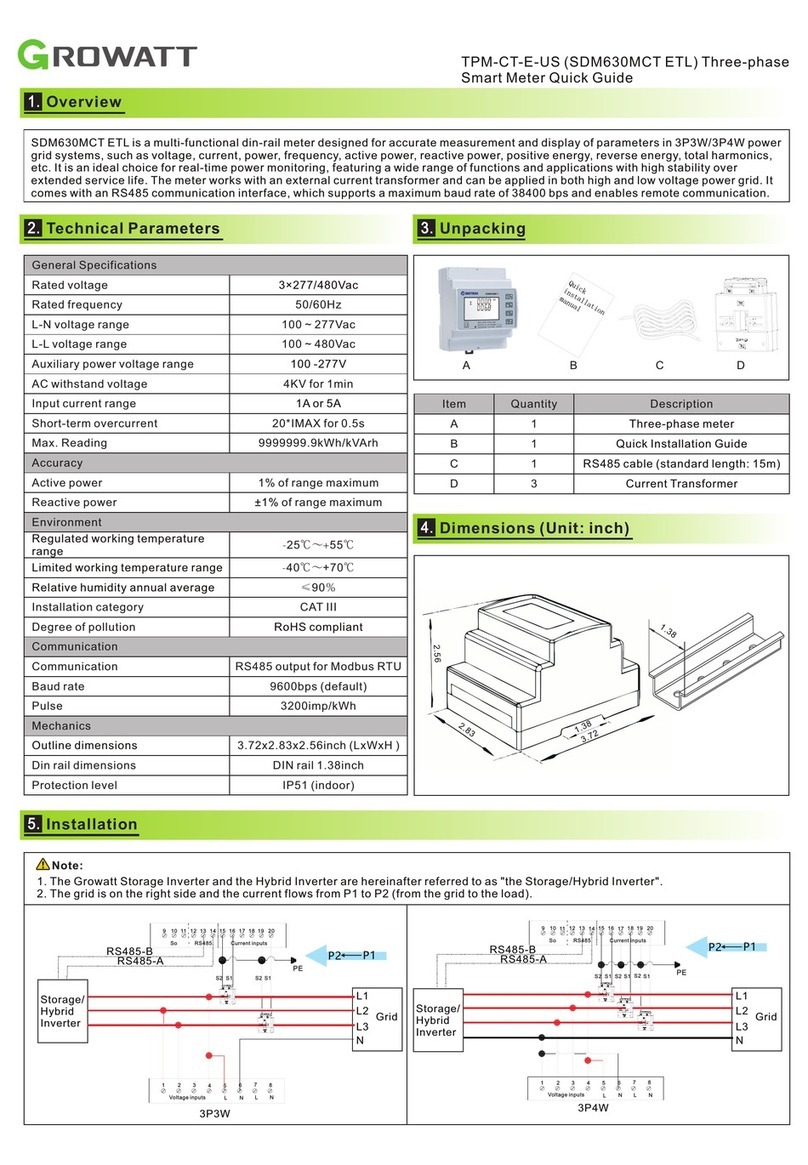
Growatt TPM-CT-E-US User manual

Growatt

Growatt TPM-CT-E-US User manual

Growatt ShineWiFi-X User manual

Growatt

Growatt ShineWiFi-X User manual

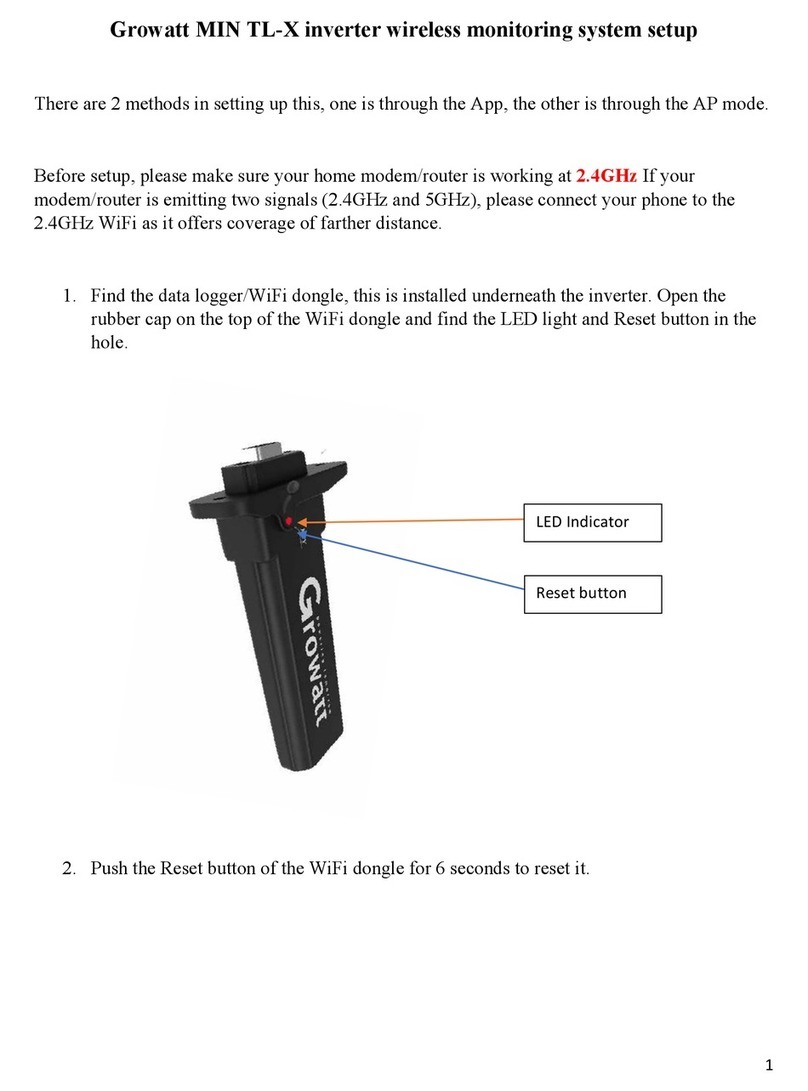
Growatt MIN TL-X Manual

Growatt

Growatt MIN TL-X Manual

Growatt Smart Meter-US User manual

Growatt

Growatt Smart Meter-US User manual

Growatt Shine3G Instruction sheet

Growatt

Growatt Shine3G Instruction sheet

Growatt ShineWiFi-X User manual

Growatt

Growatt ShineWiFi-X User manual

Growatt TPM-CT-E-EU User manual

Growatt

Growatt TPM-CT-E-EU User manual

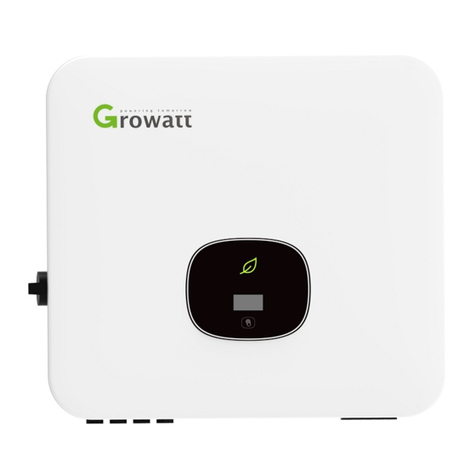
Growatt MOD 3-15KTL3-X User manual

Growatt

Growatt MOD 3-15KTL3-X User manual

Growatt ShineWiFi Instruction sheet

Growatt

Growatt ShineWiFi Instruction sheet

Growatt Shine GPRS-F User manual

Growatt

Growatt Shine GPRS-F User manual

Growatt ShineVision User manual

Growatt

Growatt ShineVision User manual

Growatt ShineMaster User manual

Growatt

Growatt ShineMaster User manual

Growatt ShineWiFi-X Instruction sheet

Growatt

Growatt ShineWiFi-X Instruction sheet

Growatt TPM-E SDM630-Modbus V3 User manual

Growatt

Growatt TPM-E SDM630-Modbus V3 User manual

Growatt ShineWiFi-X User manual

Growatt

Growatt ShineWiFi-X User manual

Growatt ShineWiFi-S Instruction sheet

Growatt

Growatt ShineWiFi-S Instruction sheet

Growatt TPM-CT-C-EU User manual

Growatt

Growatt TPM-CT-C-EU User manual
Popular Measuring Instrument manuals by other brands

Powerfix Profi 278296 Operation and safety notes

Powerfix Profi

Powerfix Profi 278296 Operation and safety notes

Test Equipment Depot GVT-427B user manual

Test Equipment Depot

Test Equipment Depot GVT-427B user manual

Fieldpiece ACH Operator's manual

Fieldpiece

Fieldpiece ACH Operator's manual

FLYSURFER VIRON3 user manual

FLYSURFER

FLYSURFER VIRON3 user manual

GMW TG uni 1 operating manual

GMW

GMW TG uni 1 operating manual

Downeaster Wind & Weather Medallion Series instruction manual

Downeaster

Downeaster Wind & Weather Medallion Series instruction manual

Hanna Instruments HI96725C instruction manual

Hanna Instruments

Hanna Instruments HI96725C instruction manual

Nokeval KMR260 quick guide

Nokeval

Nokeval KMR260 quick guide

HOKUYO AUTOMATIC UBG-05LN instruction manual

HOKUYO AUTOMATIC

HOKUYO AUTOMATIC UBG-05LN instruction manual

Fluke 96000 Series Operator's manual

Fluke

Fluke 96000 Series Operator's manual

Test Products International SP565 user manual

Test Products International

Test Products International SP565 user manual

General Sleep Zmachine Insight+ DT-200 Service manual

General Sleep

General Sleep Zmachine Insight+ DT-200 Service manual

Sensa Core Lacto Spark user manual

Sensa Core

Sensa Core Lacto Spark user manual

VOLTCRAFT UTS-1980 operating instructions

VOLTCRAFT

VOLTCRAFT UTS-1980 operating instructions

EBCHQ 94915 Operation manual

EBCHQ

EBCHQ 94915 Operation manual

Balluff BIP LD2-T017-01-EP-S4 Series user guide

Balluff

Balluff BIP LD2-T017-01-EP-S4 Series user guide

Pulsar IMP Lite Series instruction manual

Pulsar

Pulsar IMP Lite Series instruction manual

ETCR 6800 user manual

ETCR

ETCR 6800 user manual

manuals.online logo
manuals.online logoBrands
  • About & Mission
  • Contact us
  • Privacy Policy
  • Terms and Conditions

Copyright 2025 Manuals.Online. All Rights Reserved.

Voltage
input
Rated voltage
3×220/400V
Reference frequency
50Hz/60Hz
Power consumption
<2W
Current
input
Input current
0.5-10(100)A
Starting current
0.004Ib
Power consumption
<1VA (maximum current)
Pulse
Pulse width
200/100/60ms
Pulse constant
400imp/kWh
Communi-
cation
Interface
RS485(A+, B-)
Protocol
MODBUS, DL/T 645-2007
Overall
dimension
L×W×H
100mm×72mm×66mm
Maximum onnecting
capacity
Flexible cable
Flexible cable
16mm^2
Temperature range
Working
temperature
-25℃~55℃
Storage
temperature
-40℃~70℃
- 3 0 ℃~ 7 0 ℃
Humidity
≤90%(no condensation)
Altitude
<2000m
Buttonicon
Button function
Selects the Voltage and Current display screens
In Set-up Mode, this is the “Left” or “Back” button.
Select the Frequency and Power factor display
screens
In Set-up Mode, this is the “Up” button
Select the Power display screens
In Set-up Mode, this is the “Down” button.
Select the Energy display screens
In Set-up mode, this is the “Enter” or “Right” button
1 3 5 N L1 L1' L2 L2' L3 L3' N'
A
B
C
N
1 3 5 N L1 L1' L2 L2' L3 L3' N'
A
B
C
N
* * *
.. .
BA - + - +
RS485 Clock1 pulse Clock2 pulse
G
1.LED status:the indicator LED is flashing or off.
Description:
(1)the red light is pulse output. the flash frequency of the red light
can show the power strength. the bigger power measured,the red
light will flash faster.
2.Fault description: the measurement is not inaccurate.
Suggestion: check the wiring of inlet and outlet of energy meter.
Namely, make sure that the wiring of A/B/C(three phase) of energy
meter is matched with the A/B/C phase of utility grid.
3.Fault description:the energy meter failed to communicate with
SPH.
Suggestion:
(1)check the“CT mode“ of SPH is “energy meter mode“.
(2)check the voltage between A+ and B- is within the range of
+(4.4~4.5)V
(3)check the RS485 communication cable is right. That is to say
the A+/B+ of energy meter is matched to A+/B- of SPH. Also,
make sure the wiring is fixed firmly.
a.When SPH series products are used in three-phase power grid
system, please set the “CT mode” of SPH as “Meter Mode”.
More details, please refer to SPH user manual.
b. When connecting three-phase energy meter, SPH gets the
information of the sum of three-phase active power to process the
logical control by RS485 communication.
Note: We describe Growatt-SPH6000 and Growatt-SPH11000
TL3-HV as “SPH” as below.
d.Connect the end of the RS485 cable to SPH RJ45(Sensor)
port.
e. Connect the A+ of RS485 cable to Pin7 and B- of it to Pin8.
Meter
Load
RS-485
∑P≥0 , Charge
∑P≤0 , Discharge
L1
L2
L3
N