7
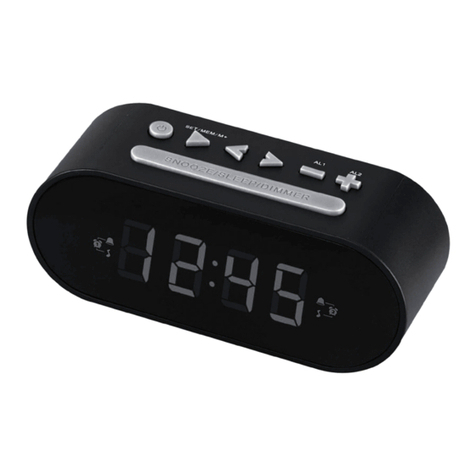
•Press and hold the ▲button (13) for approx. 3 seconds until the time zone symbol Fis displayed.
•Press and hold the MODE button (11) for approx. 3 seconds to set the required time zone difference.
•To select the individual values, press the ▲button (13) or the button (12) and conrm each selection by
pressing the MODE button (11).
•Press and hold the ▲button (13) for 3 seconds to switch the display between local and time zone-shifted
time.
Selecting 12 or 24-hour format
•Press the ▲button (13) to switch between the 12 and 24-hour formats.
5.3. Temperature display
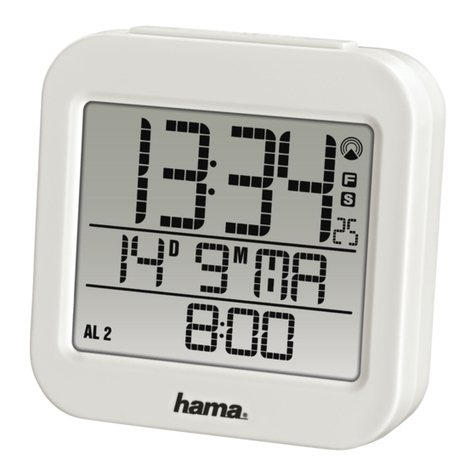
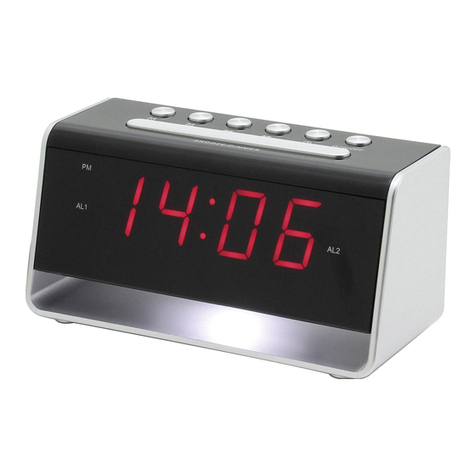
•Press the °C/°F/WAVE button (10) to choose between °C and °F for the temperature display (8).
5.4. Alarm
Note – Alarm
The alarm time always depends on the time displayed, that is, the local or time zone-shifted time ( F).
Setting the alarm time
•Repeatedly press the MODE button (11) to access alarm mode 1 (ALM1) or 2 (ALM2).
•Press and hold the MODE button (11) to set the alarm time (8) for the alarm displayed. The hours display
begins to ash.
•Press the ▲button (13) or the button (12) to select the hour for the alarm time and conrm your
selection by pressing the MODE button (11). The minutes display begins to ash.
•Repeat the process to set the minutes for the alarm time.
•Press the MODE button (11) repeatedly to also set the other alarm mode or return to the temperature
display.
Activating/deactivating the alarm
•Press the ALARM button (9) repeatedly to activate/deactivate alarm 1 or alarm 2.
•If an alarm is activated, the corresponding symbol 1/2will be displayed.
Stopping the alarm/snooze function
•If the alarm is triggered, the alarm symbol 1/2will begin to ash and an alarm will sound.
•Press the ALARM button (9) to stop the alarm. Otherwise, it will stop automatically after 4 minutes.