2
2.1 Explanation of warning symbols and notes..........................................5
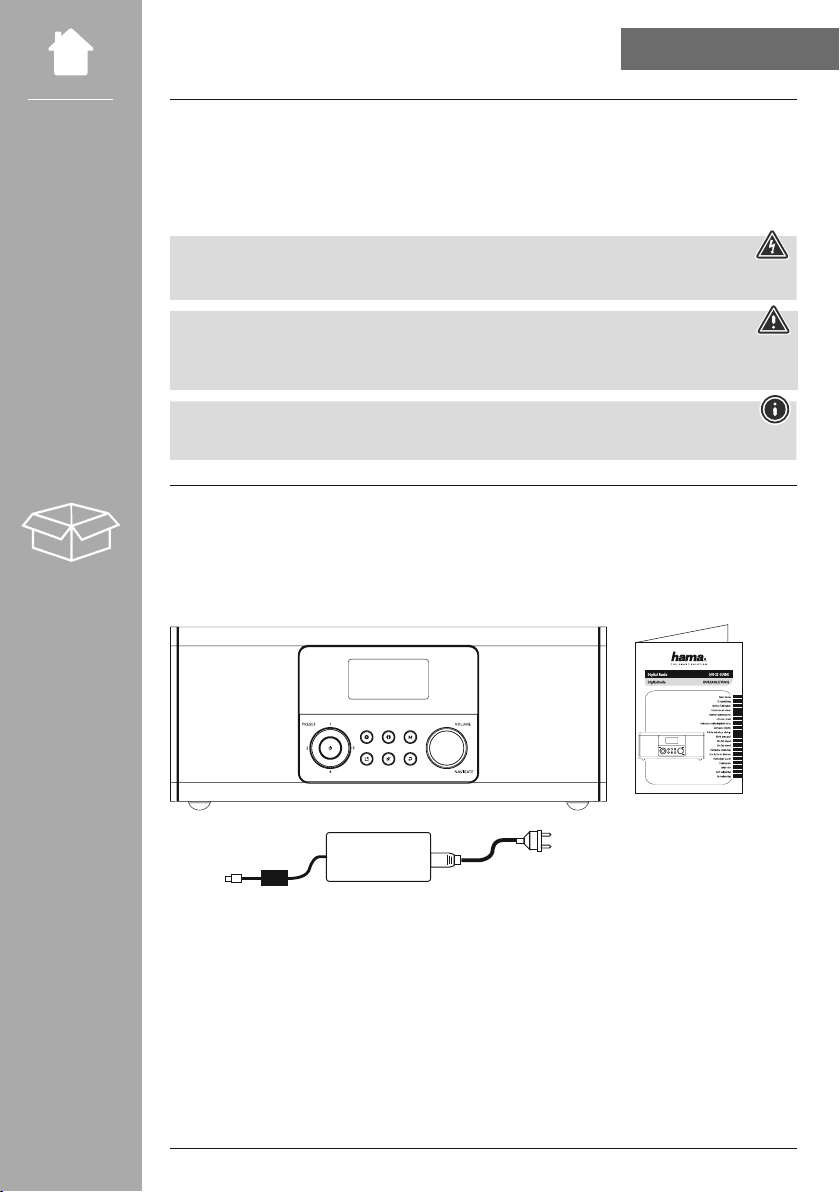
2.2 Package contents.............................................................5
5.1 Rear view ..................................................................8
5.2 Front view ..................................................................9
6.1 General operation ...........................................................10
6.2 Settings menu ..............................................................10
6.3 Managing favourites .........................................................11
6.4 Music operation.............................................................11
7.1 Connecting and operating the radio..............................................12
7.2 Prepare the network connection/Internet connection .................................13
7.3 WLAN/Wi-Fi connection (wireless network) ........................................13
8.1 Control options .............................................................14
8.2 Language selection ..........................................................14
8.3 Setup wizard ...............................................................14
8.4 Time settings ...............................................................14
8.5 Keep network connected ......................................................15
8.6 Network wizard .............................................................15
8.7 Managing favourites .........................................................15
10.1 Station list ................................................................17
10.2 Full scan .................................................................17
10.3 Delete inactive stations ......................................................17
10.4 DRC - Dynamic Range Control .................................................17
10.5 Station sequence ...........................................................17
11.1 Country (based on the IP address of the radio) .....................................18
11.2 History (not yet available or empty during initial setup)...............................18
11.3 Search...................................................................18