manuals.online logo
Brands
  1. Home
  2. •
  3. Brands
  4. •
  5. Honeywell
  6. •
  7. Lighting Equipment
  8. •
  9. Honeywell UniLED User manual

Honeywell UniLED User manual

This manual suits for next models

1

Other Honeywell Lighting Equipment manuals
Honeywell W10I0198 / AL93 User manual

Honeywell

Honeywell W10I0198 / AL93 User manual

Honeywell BT0554FF0810 User manual

Honeywell

Honeywell BT0554FF0810 User manual

Honeywell Ex-Or MSM2000A Installation and operation manual

Honeywell

Honeywell Ex-Or MSM2000A Installation and operation manual

Honeywell Ex-Or MS1500P Installation and operation manual

Honeywell

Honeywell Ex-Or MS1500P Installation and operation manual

Honeywell 290087.1 User manual

Honeywell

Honeywell 290087.1 User manual

Honeywell Ex-Or LightSpot Gold Series Installation and operation manual

Honeywell

Honeywell Ex-Or LightSpot Gold Series Installation and operation manual

Honeywell 138560.10 User manual

Honeywell

Honeywell 138560.10 User manual

Honeywell MultiLED PRO Combi SET-10 User manual

Honeywell

Honeywell MultiLED PRO Combi SET-10 User manual

Honeywell BT0554FF0810 User manual

Honeywell

Honeywell BT0554FF0810 User manual

Honeywell 45366 User manual

Honeywell

Honeywell 45366 User manual

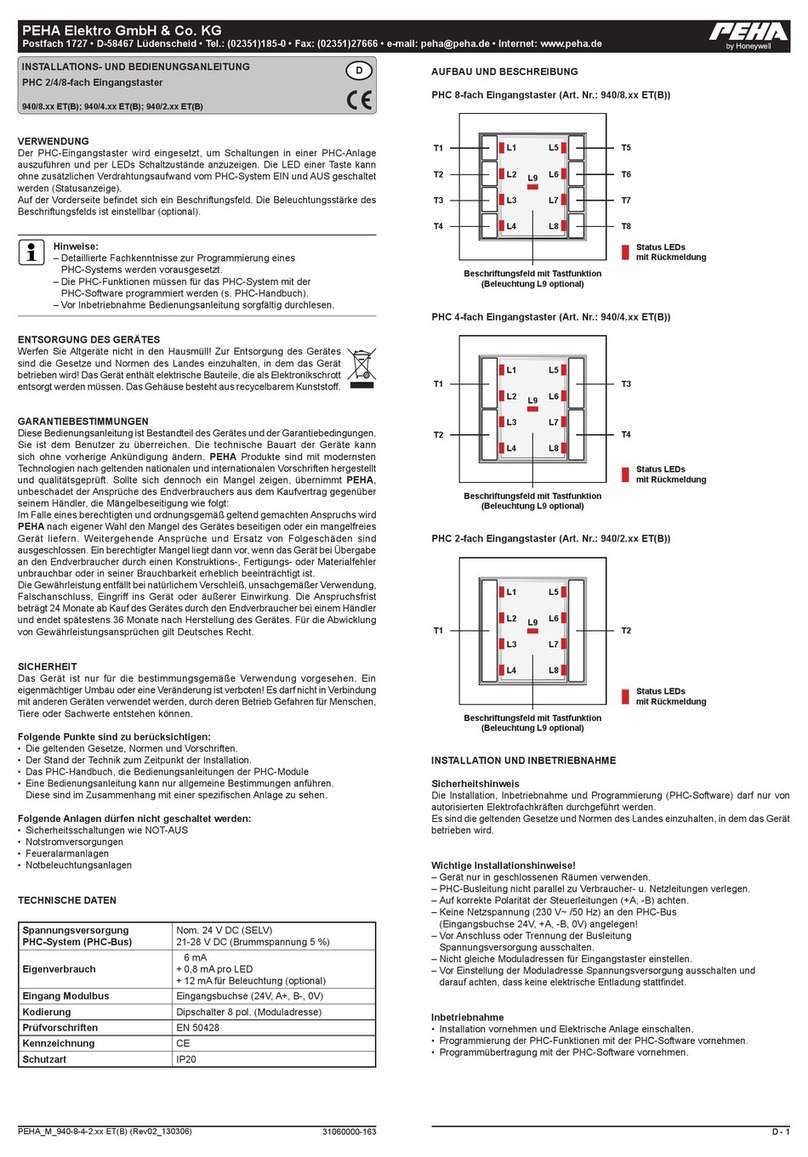
Honeywell PEHA PHC 8-fold input pushbutton User guide

Honeywell

Honeywell PEHA PHC 8-fold input pushbutton User guide

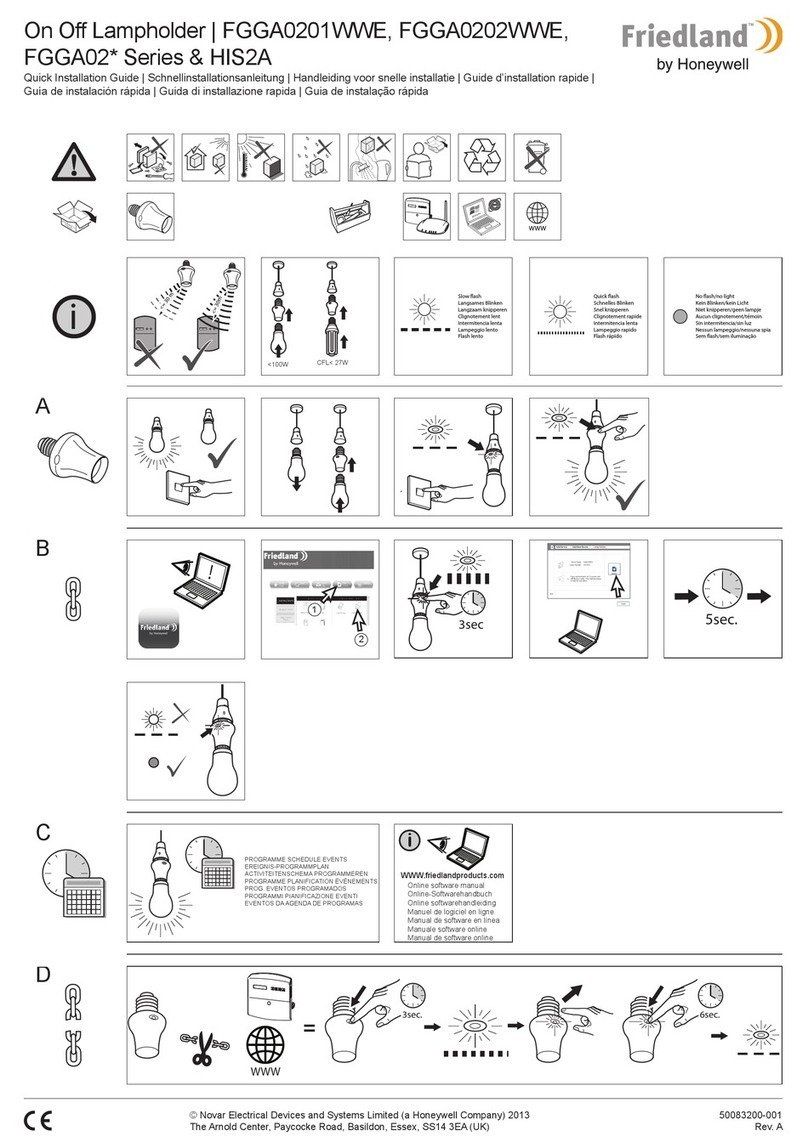
Honeywell Friedland FGGA02 Series User manual

Honeywell

Honeywell Friedland FGGA02 Series User manual

Honeywell Οva-OmniLED R S User manual

Honeywell

Honeywell Οva-OmniLED R S User manual

Honeywell ST124A216110 User manual

Honeywell

Honeywell ST124A216110 User manual

Honeywell ExiLED 290142 User manual

Honeywell

Honeywell ExiLED 290142 User manual

Honeywell Ex-Or MS1101PF Installation and operation manual

Honeywell

Honeywell Ex-Or MS1101PF Installation and operation manual

Honeywell S283W703-6 Setup guide

Honeywell

Honeywell S283W703-6 Setup guide
Honeywell UVL-FCU-LINE User manual

Honeywell

Honeywell UVL-FCU-LINE User manual

Honeywell FLASHGUARD 2000B User manual

Honeywell

Honeywell FLASHGUARD 2000B User manual

Honeywell ExiLED LP User manual

Honeywell

Honeywell ExiLED LP User manual

Honeywell BT0554FF0020 User manual

Honeywell

Honeywell BT0554FF0020 User manual

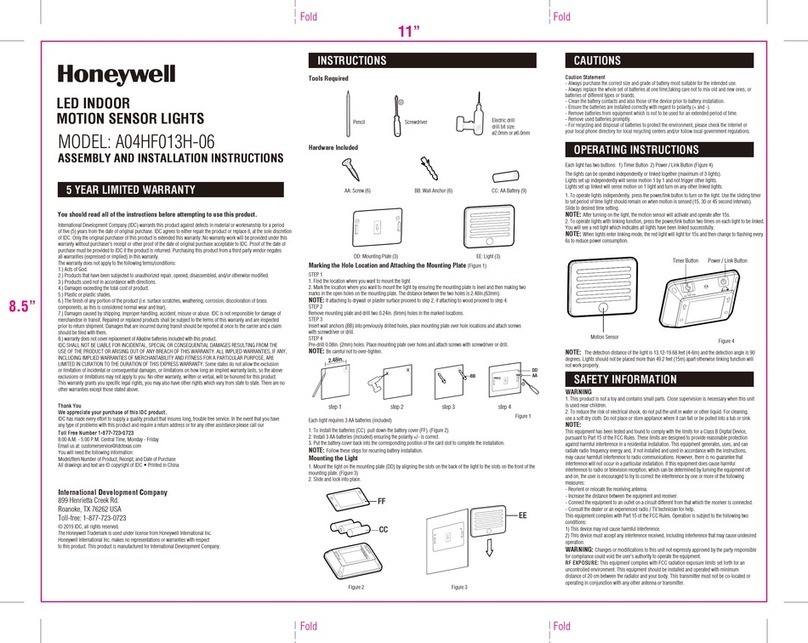
Honeywell A04HF013H-06 Instruction manual
Honeywell

Honeywell A04HF013H-06 Instruction manual

Honeywell ImperLED User manual

Honeywell

Honeywell ImperLED User manual
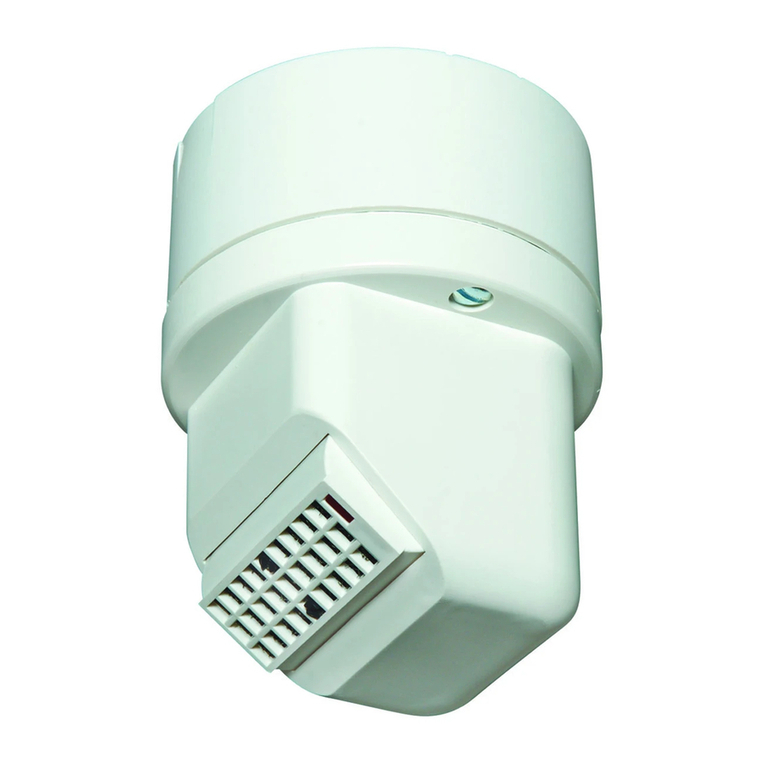
Honeywell Ova/OmniLED R User manual

Honeywell

Honeywell Ova/OmniLED R User manual
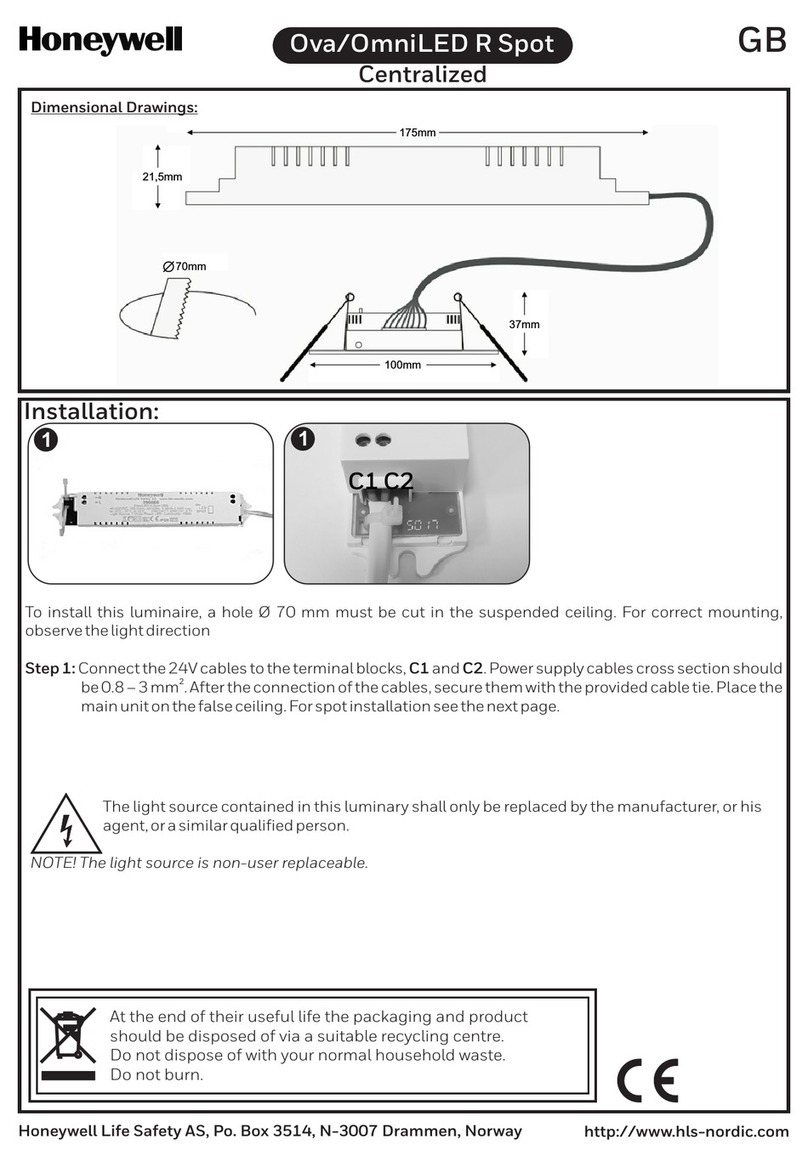
Popular Lighting Equipment manuals by other brands

Life 39.9F70020C quick start guide

Life

Life 39.9F70020C quick start guide

EuroLite LED ML-20 user manual

EuroLite

EuroLite LED ML-20 user manual

LIGMAN OD-50141 installation manual

LIGMAN

LIGMAN OD-50141 installation manual

Home Accents Holiday 1002461144 instructions

Home Accents Holiday

Home Accents Holiday 1002461144 instructions

Experia IRiS Ripple Light instruction manual

Experia

Experia IRiS Ripple Light instruction manual

Erco Gecko Mounting instructions

Erco

Erco Gecko Mounting instructions

Inter-lux ZTA.100.Surface Installation and maintenance instructions

Inter-lux

Inter-lux ZTA.100.Surface Installation and maintenance instructions

Whelen Engineering Company TN Series installation guide

Whelen Engineering Company

Whelen Engineering Company TN Series installation guide

IKEA BJÖRKSPIREA manual

IKEA

IKEA BJÖRKSPIREA manual

Toolland PM 6640 instruction manual

Toolland

Toolland PM 6640 instruction manual

GTD GTD-LP200 user manual

GTD

GTD GTD-LP200 user manual

LIVARNO home 1105-W-UK manual

LIVARNO home

LIVARNO home 1105-W-UK manual

ProLights EclPar IPMFC user manual

ProLights

ProLights EclPar IPMFC user manual

Velvet EVO Series user manual

Velvet

Velvet EVO Series user manual

IDTOLIGHT GENT installation instructions

IDTOLIGHT

IDTOLIGHT GENT installation instructions

MAYTONI S35 installation manual

MAYTONI

MAYTONI S35 installation manual

MaxLite MLFP14DP4535 user manual

MaxLite

MaxLite MLFP14DP4535 user manual

SLV Elektronik 550621 instruction manual

SLV Elektronik

SLV Elektronik 550621 instruction manual

manuals.online logo
manuals.online logoBrands
  • About & Mission
  • Contact us
  • Privacy Policy
  • Terms and Conditions

Copyright 2025 Manuals.Online. All Rights Reserved.

GB
UniLED
165mm
130mm
363mm
352mm 149mm
73mm
52mm
Dimensional Drawings:
Honeywell Life Safety AS, Po. Box 3514, N-3007 Drammen, Norway http://www.hls-nordic.com
Installation:
Wall or ceiling mounting
1
3 4
2
LC1
L1 C3N C2
For elBus,Dali or potential free
contact use C1 and C2 terminals
For open cabling
Open the
battery cover SEALED RECHARGEABLE HIGH
TEMPERATURE Ni-MH BATTERY
Commis. Date:___________/____________
MUST BE RECYCLED OR
DISPOSED OF PROPERLY
Ni-MH
RED CABLE
BLACK CABLE
+
Order no. 2925024
4.8V/1.2Ah Perm. Ch 60mA
4 HT AA 1200
4 KRMT 15/51
Battery connection
GB
Honeywell Life Safety AS, Po. Box 3514, N-3007 Drammen, Norway http://www.hls-nordic.com
Close the battery cover Module placement
(elBus,Dali,Wireless,Potential free)
5
7
910
6
Mode selection
ON
1 2 3 4
Maintained operation
ON
1 2 3 4
Non-maintained operation
ON
1 2 3 4
ON
1 2 3 4
ON
1 2 3 4
1h
(default position)
3h 8h
The control of maintained or non maintained operation of the
luminary is achieved through Switch 4 of DS1. For maintained
operation, switch number 4 must be in ON position. For non-
maintained operation, switch number 4 must be in OFF.
Changing the operating mode
Autonomy duration selection
The user can select one of the 3 available minimum autonomy
durations 1 hour, 3 hours and 8 hours. The selection must be
done while the luminaire is disconnected from AC and battery
supplies. The selection is achieved through Switches 2 & 3 of
DS1. Switch 1 is not used.
Technical label installation
One additional labels is included in the package, for 3 hours
duration (180). The installer must cover the default 1 hour (60)
printing. Please take notice of the orientation of the label.
For accomplishing 8h autonomous light, an extra battery and
adaptor is required (Part No. 290BAT.9). Connect the two batteries
to the adaptor and then the adaptor’s connector to the
corresponding connector on the PCB. One additional label is
included in the package, for 8 hours duration (480). The installer
must cover the default 1 hour (60) printing. Please take notice of
the orientation of the label.
Dip Switch Positions (DS1)
8
Base the luminaire to the socket
A test button for manual tests and
reset is located next to the
indications LEDs.
GB
Honeywell Life Safety AS, Po. Box 3514, N-3007 Drammen, Norway http://www.hls-nordic.com
Battery replacement
2
4
1
3
SEALED RECHARGEABLE HIGH
TEMPERATURE Ni-MH BATTERY
Commis. Date:___________/____________
MUST BE RECYCLED OR
DISPOSED OF PROPERLY
Ni-MH
RED CABLE
BLACK CABLE
+
Order no. 2925024
4.8V/1.2Ah Perm. Ch 60mA
4 HT AA 1200
4 KRMT 15/51
Battery connection Close the battery cover
Technical description
Part no.:
Battery (NiMH):
Battery Protection: Overcharge protection / full discharge protection
o
5 to 40 C
Up to 95%
1h & 3h: 16hours 8h: 23hours
Produced in accordance with:
Ambient Temperature Range:
Maximum Power Consumption:
Relative Humidity:
Charging Time:
Technical lifetime (light source): > 100000 hours
1h & 3h: 4.8W / 5VA 8h: 5.25W / 5.4VA
138057
1h & 3h: 4.8V / 1.2Ah 8h: 2x4.8V / 1.2Ah
EN 60598-1, EN 60598-2-22, EN 55015
EN 61547, EN 61000-3-2, EN 61000-3-3
Weight:
Expected Battery Lifetime:
Controlgear classification in accordance with IEC 62034: with automatic test function
Replacement Lamp: 290057.STR
959 gr
4 years
UniLED Combi ST LED 230V w/Pict 138h
27m
IP20
375lm
Normal
Emergency
375/175/155lm1h/3h/8h
Duration
At the end of their useful life the
packaging, product & batteries should
be disposed of via a suitable recycling
centre. Do not dispose of with your
normal household waste. Do not burn.
GB
Honeywell Life Safety AS, Po. Box 3514, N-3007 Drammen, Norway http://www.hls-nordic.com
Note: If the supply cable of the luminaire is damaged, it shall exclusively be replaced by a competent person in
To avoid that luminaires perform their battery test at the same day, connect the battery packs with more than 1,5
minutes in between.
Important notice when installing luminaires within the same area!!!
Note: In case of mains power disconnection for a period of more than two months, the battery must be
disconnected.
Note: In case of battery or light source replacement, these must be replaced with parts of the same type. The
replacement must be performed by the manufacturer or a competent person.
The UniLED is a self-contained luminary with selftest function. it can be configured as maintained or non-
maintained.
Selftest functions
Note: When using DALI or Wireless communication, the frequencies and schedules for tests will instead be
determined by the connected PC software.
Every 15 days the luminaire will perform an emergency operation test. This will light the white LEDs for
approximately 3 seconds. The red LED will flash during this test sequence.
Every 6 months the luminaire will perform a battery condition test. The test will last for the stated duration. The
white LEDs will be lit and the yellow LED will flash during this test sequence.
Manual test functions
Emergency operation test:
In case that the luminaire no longer meets its rated duration of operation, the battery must be replaced.
Press the TEST button more than 10 seconds to delete all indicated errors. The luminaire enters regular operation
mode.
Press the TEST button less than 5 seconds. The white LEDs light for about 3 seconds and the red LED flashes.
Battery condition test:
Press the TEST button for 5 to 10 seconds. This test will last for the stated duration and can only be performed
when the battery is fully charged (steady green LED). The white LEDs light and the yellow LED flashes.
Resetting errors:
Indicator LEDs
LED Status explanation
Description
GREEN
RED
Normal
Charging (battery test not possible while charging
Mains off, battery not connected or charger fault
Battery fault
Battery test
Light source test
Light source fault
Battery fault and light source fault
Off On Flashing
YELLOW