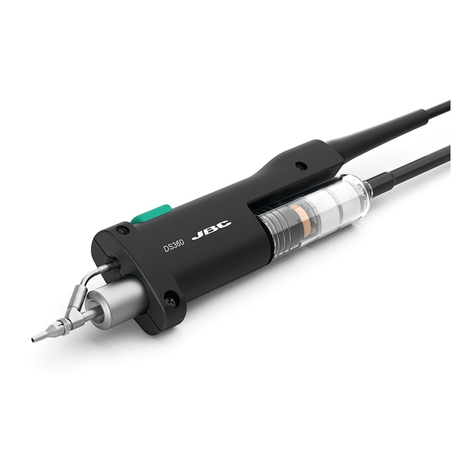
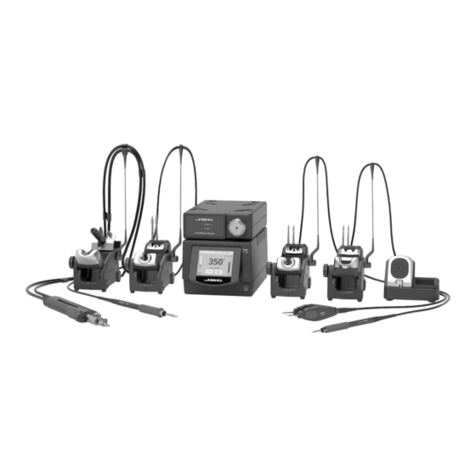
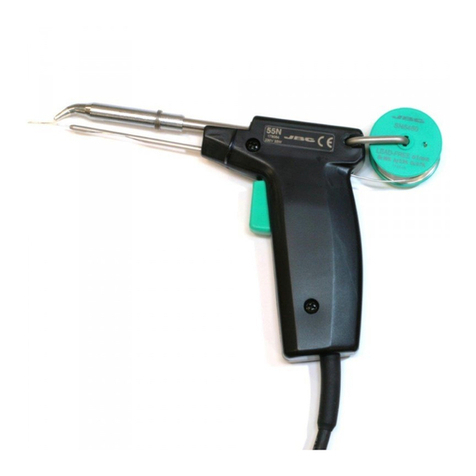
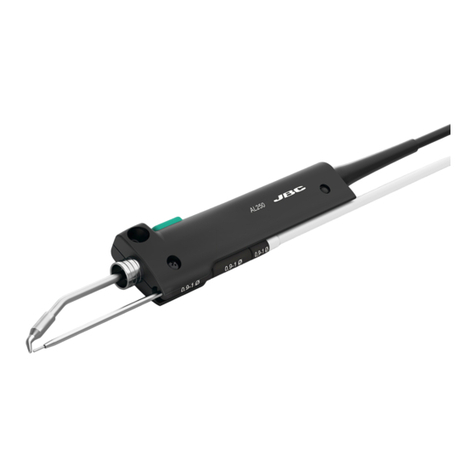
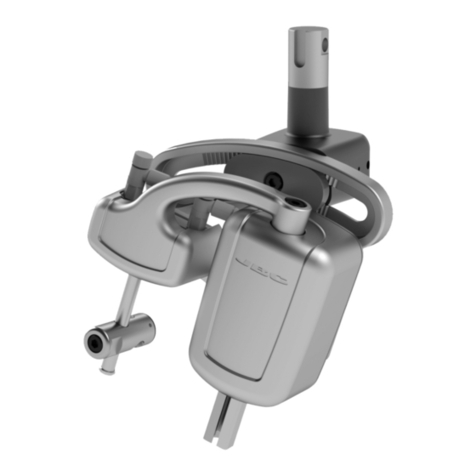
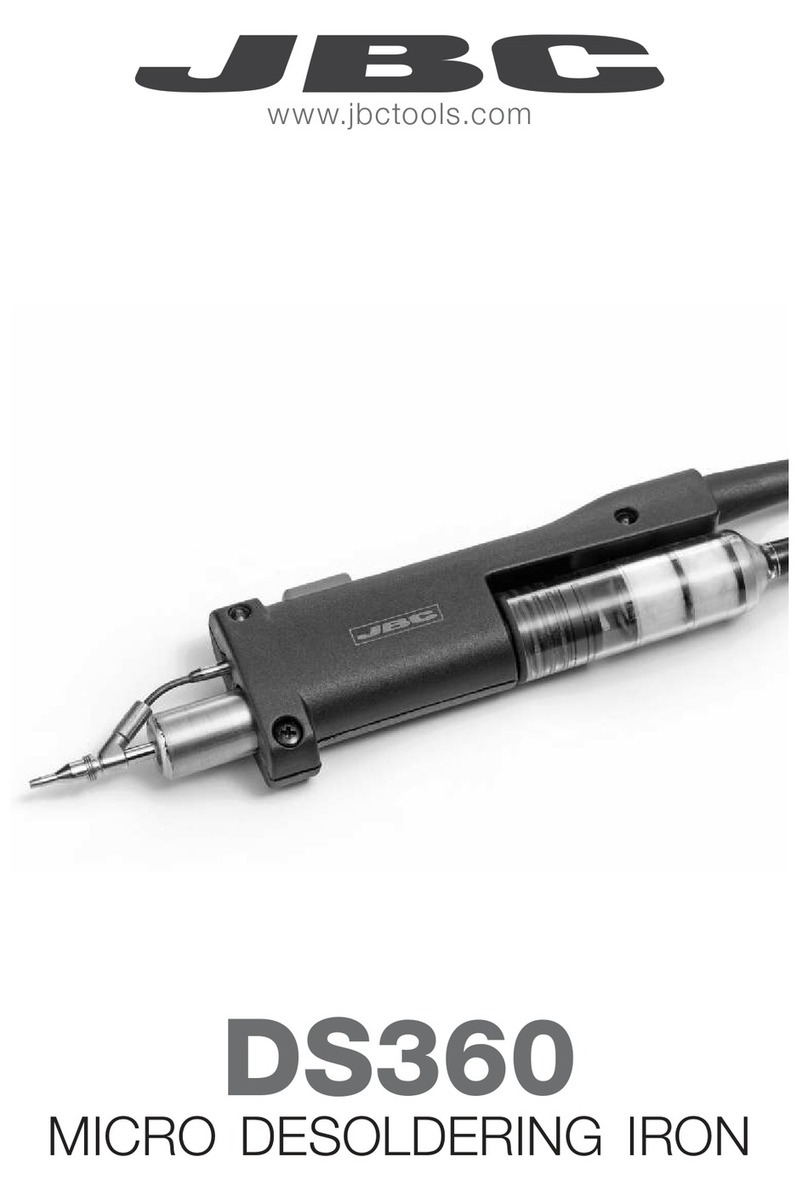
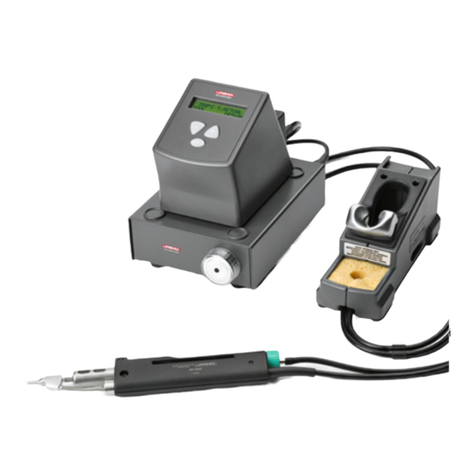
We appreciate the confidence you have shown in
JBC by purchasing the desoldering iron DR 5600
Ref. 5600000. It has been manufactured with the
highest standards of quality to ensure reliable
service.
The DR 5600 desoldering iron includes the
following:
-Desoldering iron DR 5600 Ref. 5600000 with
the tip 5600-003 ref. 5600003.
-Spanner for change the desoldering tip Ref.
0780550.
-Instructions manual.
-Transport packaging.
The desoldering iron DR 5600 only works
connected to the following JBC stations:
-AR 5500 desoldering station.
-AM 6000 rework station.
The desoldering iron is connected to the station
followingthebelowprocedure:
The cable connection of the desoldering iron is
connected to the plug in the desoldering iron stand
DR 8500 and the vacuum hose is connected to the
vacuum connection of the station. The cable
connection of the desoldering iron stand is plugged
into the terminal DESOLD of the station. Please
find the connection plan on figure in the rear page.
Desoldering process
Use the tip model with a larger diameter than the
pad to be desoldered, so as to achieve maximum
aspiration and thermal efficiency.
1Apply the desoldering iron tip so that the
component terminal penetrates within its orifice.
2When the solder liquefies, start gently to rotate
the desoldering tip so that the component’s
terminal can be eased away from the sides.
3Press then, not before, the vacuum pump
push-button just long enough to aspirate the solder.
WARRANTY ENGLISH
TheJBC2yearswarranty,guarantees
thisequipmentagainstallmanufacturing
defects, covering the replacement of
defectivepartsandallnecessarylabour.
Warranty doesnotcoverproductwear
due to use or mis-use.
In order for the warranty to be valid,
equipment must be returned, postage
paid, to the dealer where it was
purchasedenclosingthis,fullyfilledin,
sheet.
GARANTIA ESPAÑOL
JBC garantiza este aparato durante 2
años, contra todo defecto de
fabricación,cubriendolareparacióncon
sustitución de las piezas defectuosas
eincluyendolamanodeobranecesaria.
Quedanexcluidasdeestagarantíalas
averías provocadas por mal uso del
aparato y desgaste por uso.
Esindispensableparaacogerseaesta
garantía el envio del aparato al
distribuidordondeseadquirió,aportes
pagados, adjuntando esta hoja
debidamentecumplimentada.
GARANTIE FRANÇAIS
JBC garantit cet appareil 2 ans contre
tout défaut de fabrication. Cela
comprendlaréparation,leremplacement
des pièces défectueuses et la main
d'oeuvrenécessaire.
Lagarantienecouvrepasl’usureliéeà
l’utilisation et à la mauvaise utilisation
dumatériel.
Pour bénéficier de cette garantie il est
indispensabled'envoyerl'appareilchez
le distributeur où il a été acquis, en
ports payés, en joignant cette fiche
dûmentremplie.
1 2 3
DR5600Ref.5600000
Desoldering tip
Heating element
Pushbutton vacuum pump Vacuum hose
Desoldering iron cable
Solder tin deposit Metal
Glass
Change of desoldering tip
This operation should be done while the tip is
hot, at a minimum temperature of 250°C, so that
any tin left inside is in molten state.
-Rest the desoldering iron body in the support
and unscrew the tip to be replaced, with the aid
of the spanner supplied.
-Fit the new tip, and tighten up with the spanner
to achieve a good air tightness.
Ref. 0780550
After pressing the desoldering key there is a
slight delay until the self-contained vacuum pump
stops, this is to make sure that the vacuum
circuit is completely empty.
If any solder remains are left on any terminal after
attempting to desolder it, resolder it with fresh
solder and repeat the desoldering operation.and
replaced if dirty or damaged.
Tip care
-The largest rod that fits in the tip hole should
periodically be passed through in order to
clean the intake tube.
-To clean the tips, use the sponge included
with the stand and check it is lightely moisted.
To emptythesolder tin depositandchangethefilter
For this, the lid needs to be unscrewed and first
the tin deposit and then its spiral must be
removed to clean the inner part of the deposit
with a brush.
-The condition of the filter must be checked
and replaced if dirty or damaged.
-The deposit needs to be inserted with spiral
filter put into place. Then the whole must be
closed by screwing the lid shut.
Solder tin deposits
It can be chosen between two different deposit
types:
-Metal Ref. 0812630.
-Glass Ref. 0812620.
Lid
Brush
Ref. 0786640
Filter Ref. 0780840
Deposit
Spiral
-Do not file the tips or use abrasive tools
which may damage the tip’s protective surface
coating and avoid knocking them about.
-If the tip has been a long time without being
tinned, use a metal brush to remove any dirt
and oxid.
IMPORTANT::
::
: DO NOT press the pushbutton
vacuum pump while tinning the desoldering tip,
as the fumes given off by the flux would quickly
soil the ducts and filter of the air circuit.
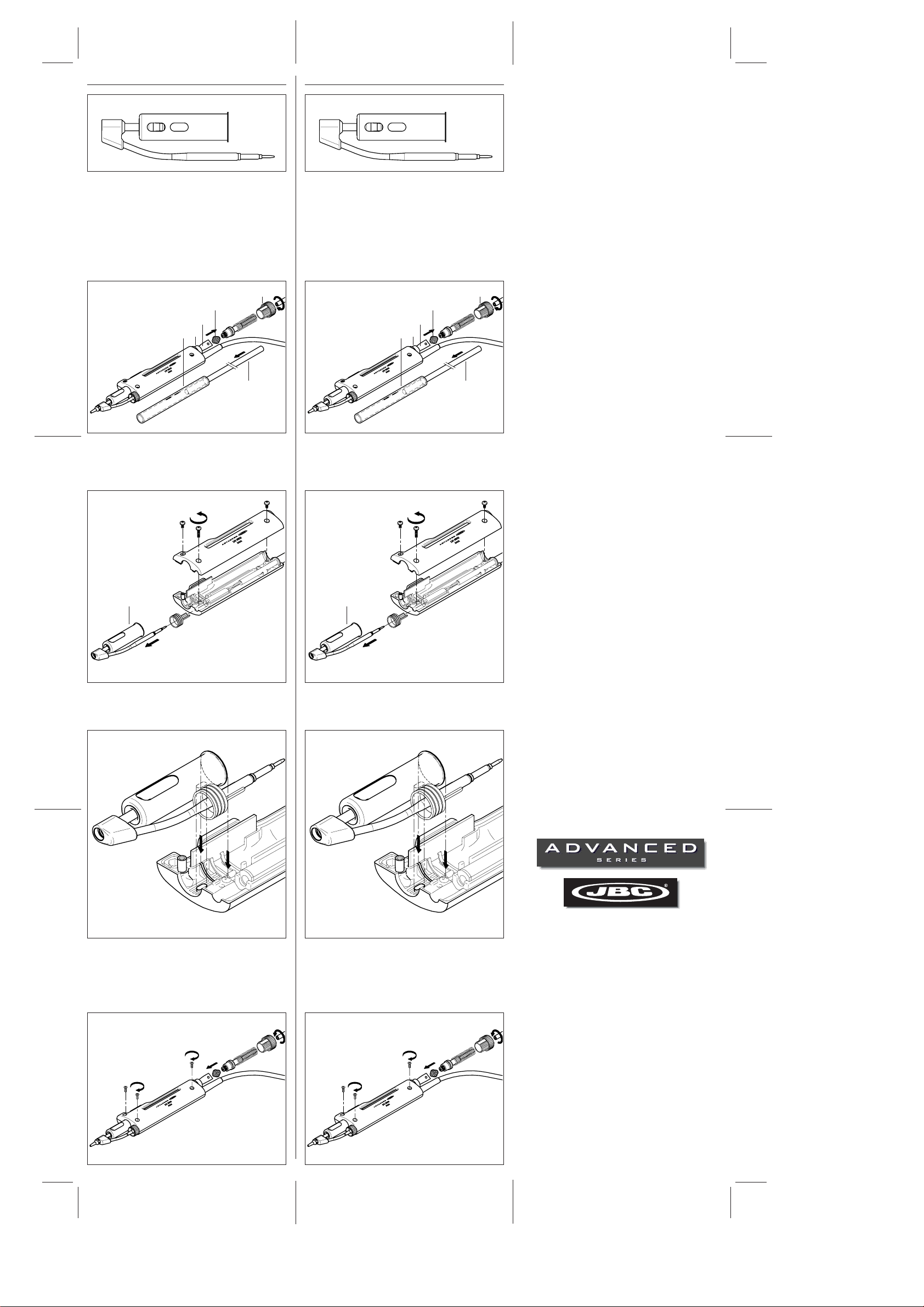
-Place the new heating element. Check that
the right extremity of the upper part of the
heating element is inserted in the slot
located inside the body of the desoldering
iron (see drawing hereunder).
-Screw out the body of the desoldering iron.
Open up the body and remove the heating
element.
-Screw in the body of the desoldering iron.
Put the spiral and the filter back into the
deposit. Place the deposit inside the body
of the desoldering iron and screw in the
shut lid.
Lid
Brush
Ref. 0786640
Filter Ref. 0780840
Deposit
Spiral
Heating element
Ref. 5600010
Change of the heating element of the desoldering
iron (Ref. 5600010)
-To realize this operation, the lid needs to
be unscrewed and first the tin deposit and
then its spiral and filter must be removed
to clean the inner part of the deposit with a
brush.