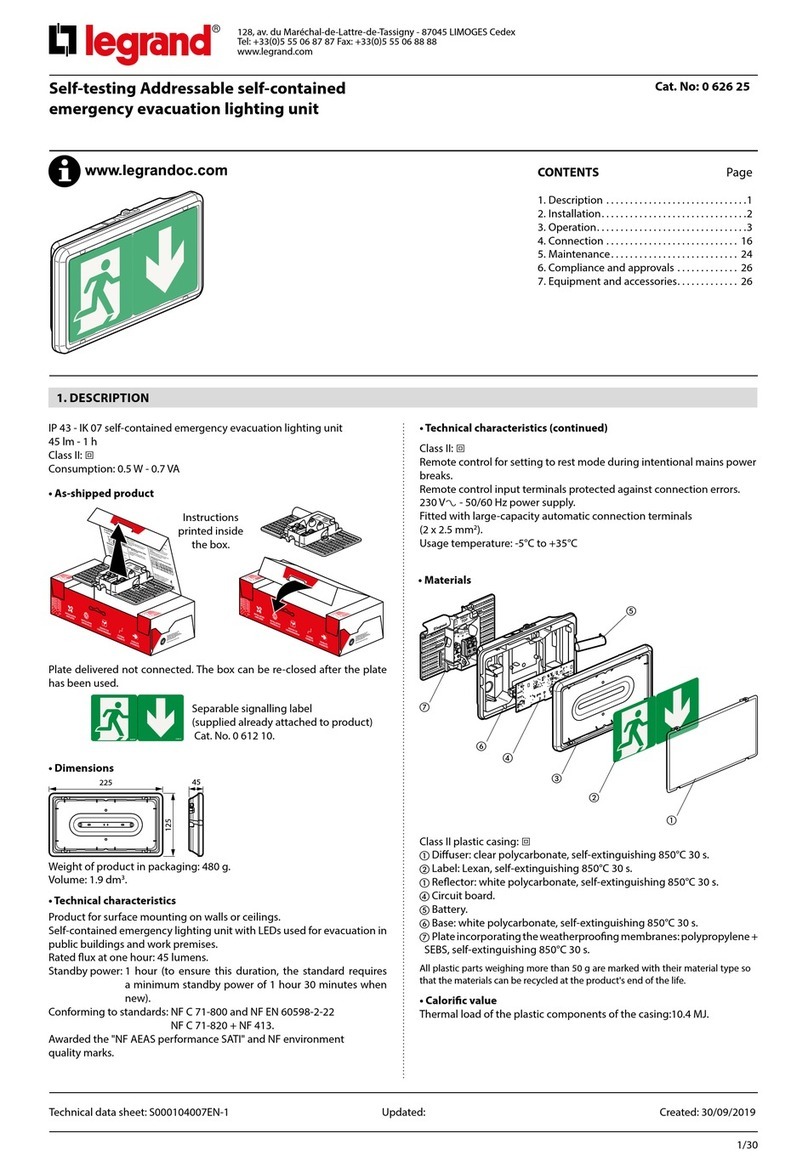
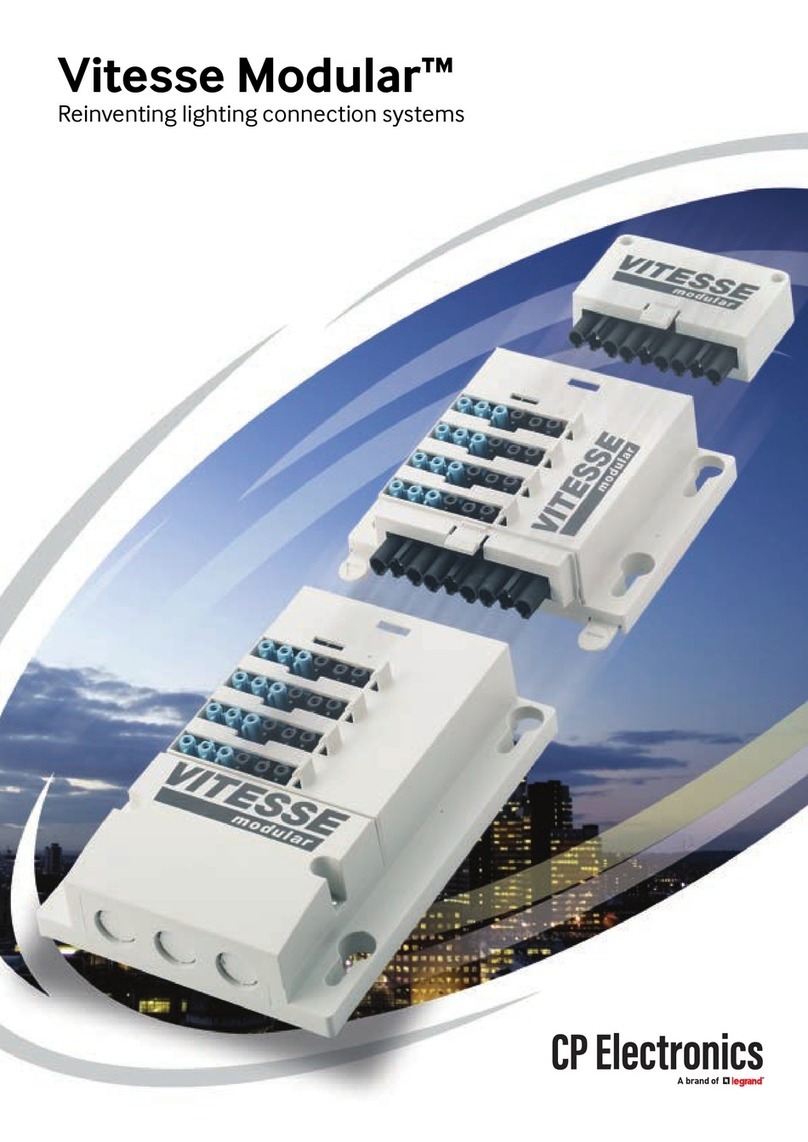
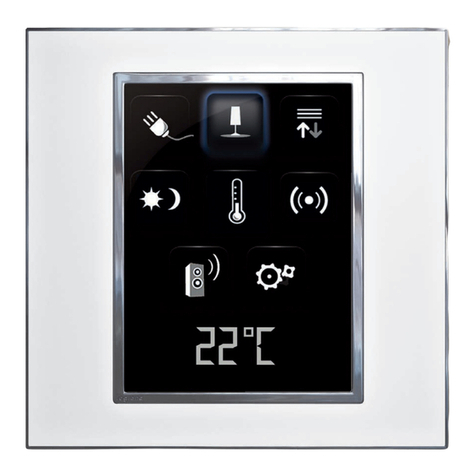
LE10319AA
Connected lighting micromodule
0 648 88
This pack is a connected accessory which requires you to buy and install the «... with
Netatmo». connected starter pack first.
Pack contents
Connected
lighting micromodule
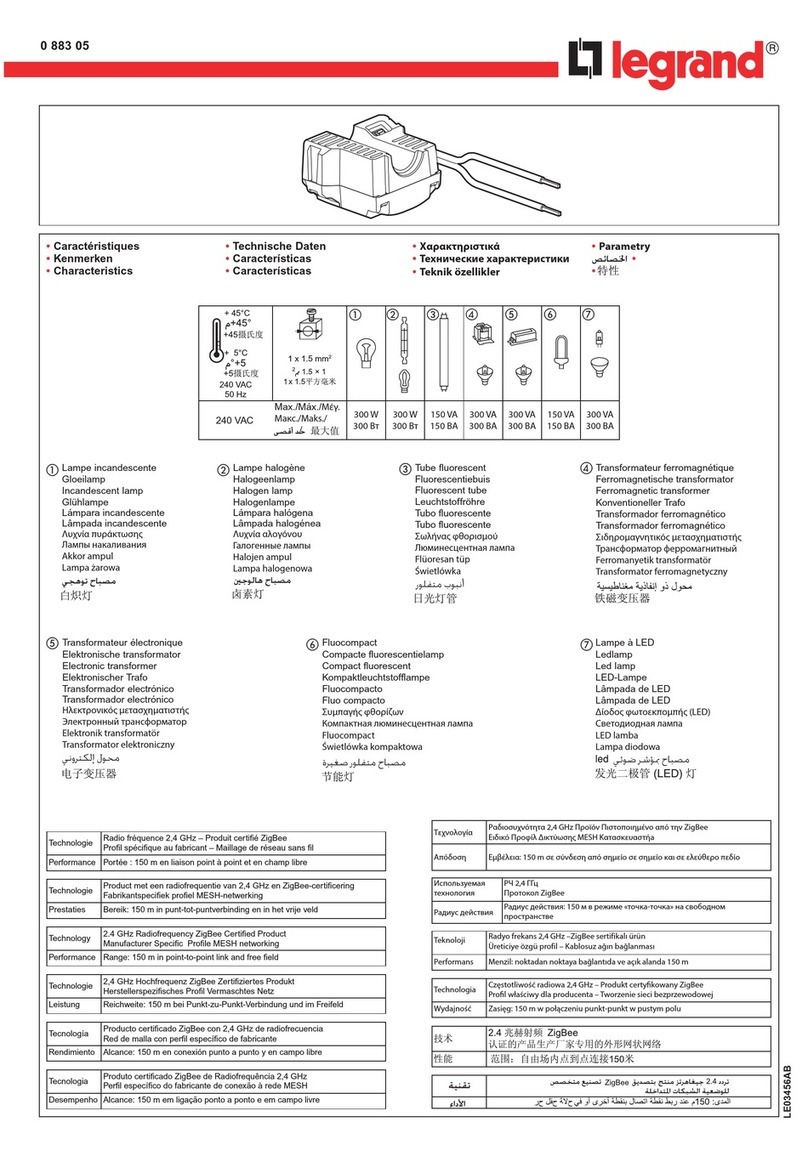
Characteristics
**
R L
LED
100-240VAC
50/60Hz
1x1.5mm
240VAC Max. 300W *100W 250 VA 250VA 250VA
100VAC Max. 150W *50W 125 VA 125VA 125VA
+45°C
+5°C
In default mode (on/off), this switch works with the following types of bulb:
(*)
Or 10 bulbs max. For comfortable lighting, we recommend using bulbs of the same
type and make.
(**)Use only transformers intended for operation with electronic switches. Take account or
transformer losses for power calculations. Transformers should be charged to over 60%
of their rated power.
2
To install or replace a remote switch, only use the product:
Do not use: a connected switch (with dimmer option) to control a connected
lighting micromodule.
x 1
Connected lighting micromodule
To control your micromodule:
At least one wireless lighting switch from the «...with Netatmo”connected ranges
must be paired with it.
To create your wireless lighting two-way switch:
Add one or several wireless lighting switches from the «...with Netatmo”connected
ranges.
Safety instructions
This product should be installed in compliance with installation rules, preferably by a qualified electrician. Incorrect installation and/or incorrect use can
lead to risk of electric shock or fire. Before carrying out the installation, read the instructions and take account of the product’s specific mounting location.
Do not open up, dismantle, alter or modify the device except where specifically required to do so by the instructions. All Legrand products must be
opened and repaired exclusively by personnel trained and approved by Legrand. Any unauthorised opening or repair completely cancels all liabilities
and the rights to replacement and guarantees. Use only Legrand brand accessories.
You can keep the existing push buttons or replace them with
wireless controls.
Before you start: wiring precautions