manuals.online logo
Brands
  1. Home
  2. •
  3. Brands
  4. •
  5. Linksys
  6. •
  7. IP Phone
  8. •
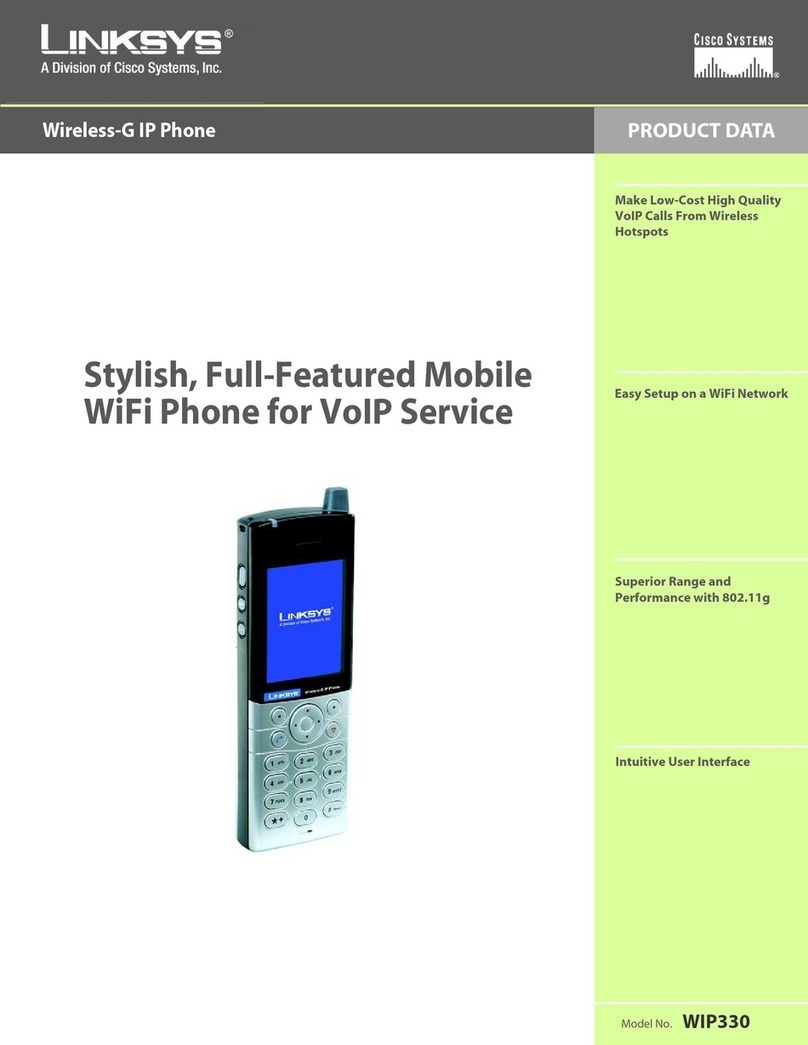
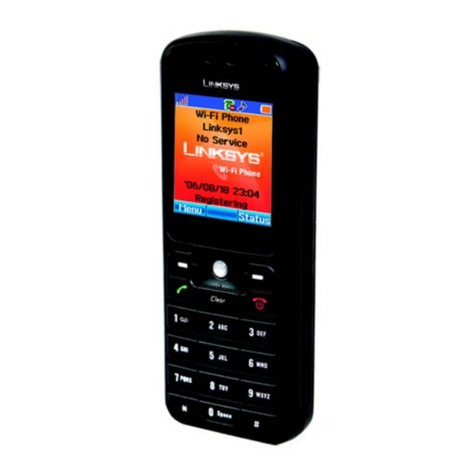
  9. Linksys WIP310 - iPhone Wireless VoIP Phone Operation manual

Linksys WIP310 - iPhone Wireless VoIP Phone Operation manual

Other manuals for WIP310 - iPhone Wireless VoIP Phone

1

Other Linksys IP Phone manuals

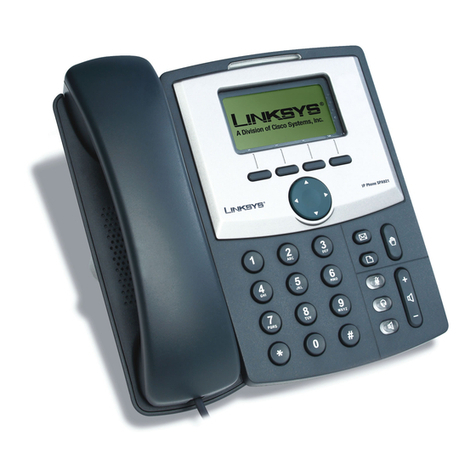
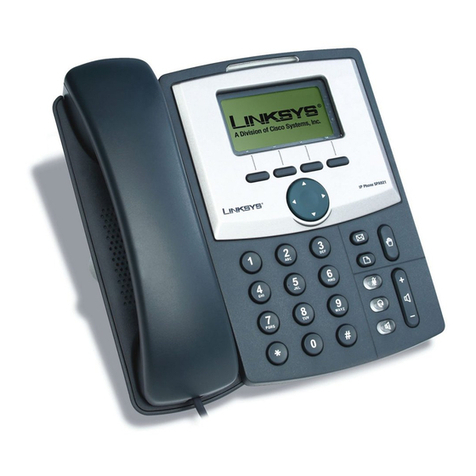
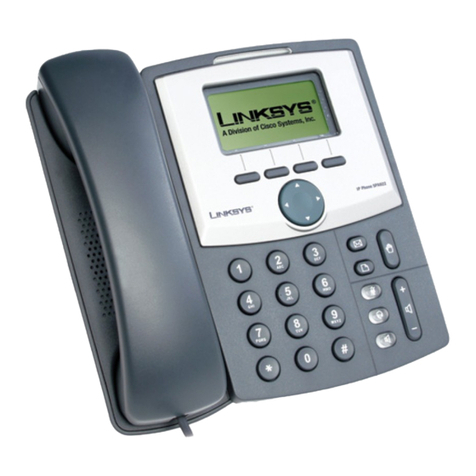
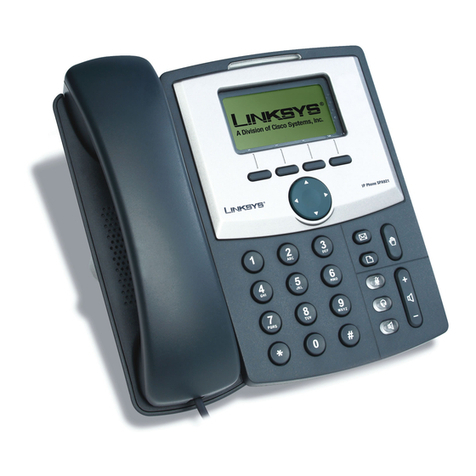
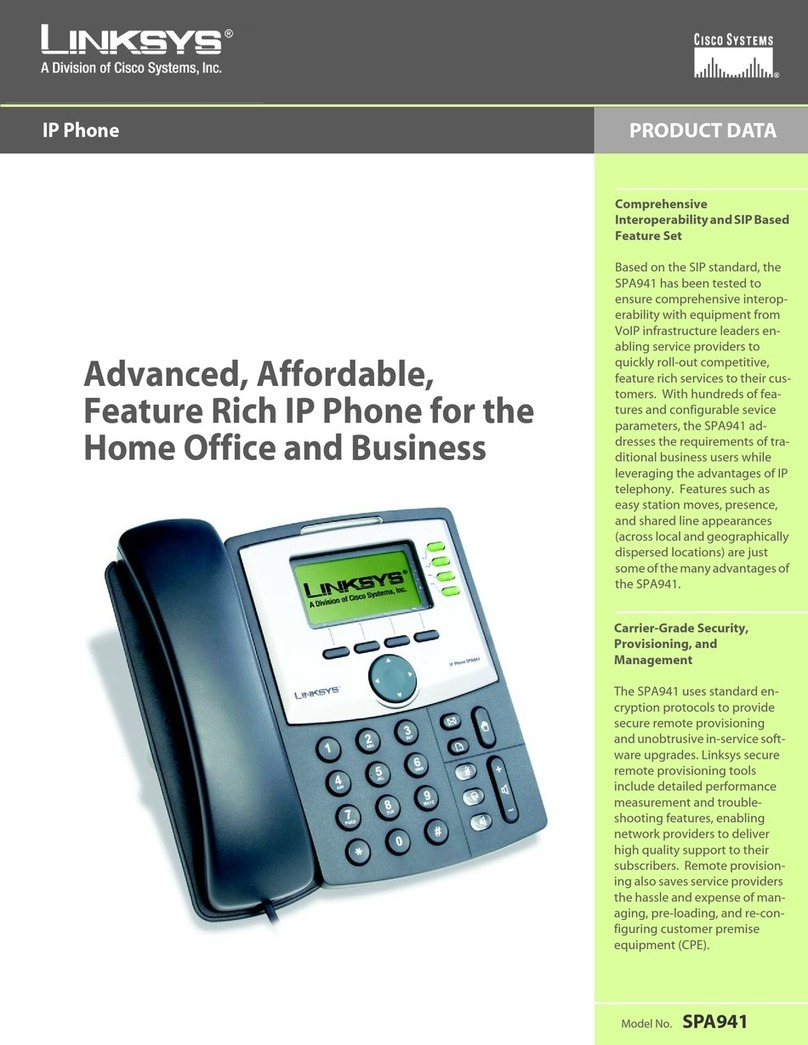
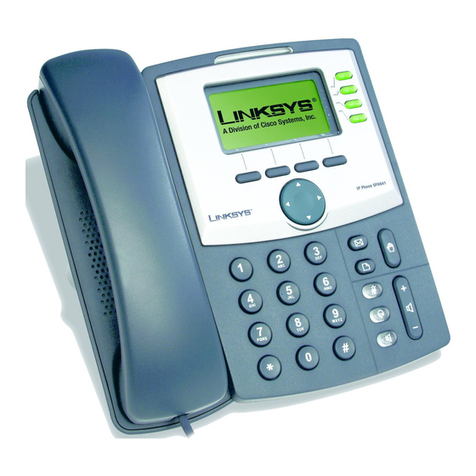
Linksys SPA-941 User manual

Linksys

Linksys SPA-941 User manual

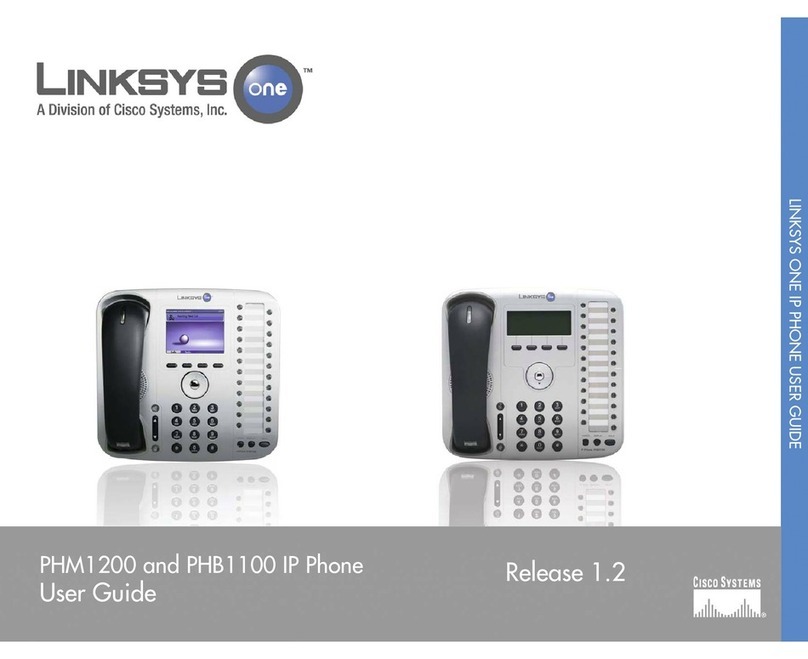
Linksys PHM1200 - One VoIP Phone User manual

Linksys

Linksys PHM1200 - One VoIP Phone User manual

Linksys SPA921 - Cisco - IP Phone Operation manual

Linksys

Linksys SPA921 - Cisco - IP Phone Operation manual

Linksys CIT300 User manual

Linksys

Linksys CIT300 User manual

Linksys SPA-941 User manual

Linksys

Linksys SPA-941 User manual

Linksys SPA 900 Series Instruction Manual

Linksys

Linksys SPA 900 Series Instruction Manual

Linksys SPA-941 Instruction Manual

Linksys

Linksys SPA-941 Instruction Manual

Linksys Linksys SPA9000 Service manual

Linksys

Linksys Linksys SPA9000 Service manual

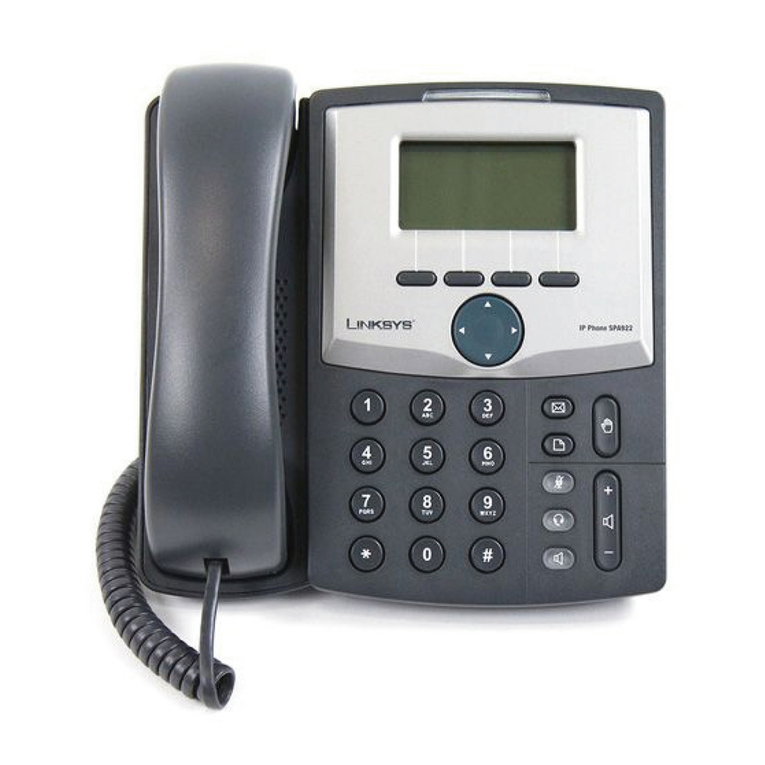
Linksys SPA922 - IP Phone With Switch Service manual

Linksys

Linksys SPA922 - IP Phone With Switch Service manual

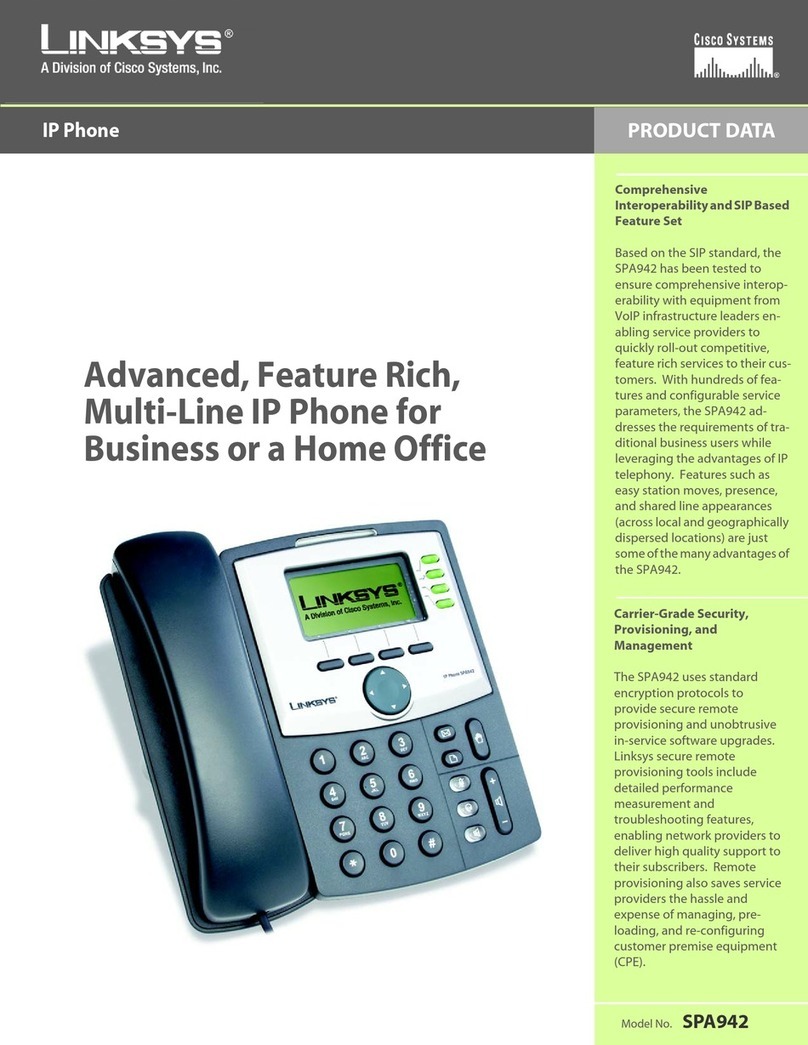
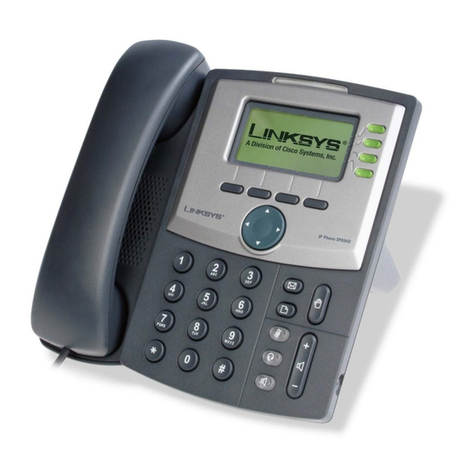
Linksys SPA942 - Cisco - IP Phone User manual

Linksys

Linksys SPA942 - Cisco - IP Phone User manual

Linksys SPA901 User manual

Linksys

Linksys SPA901 User manual

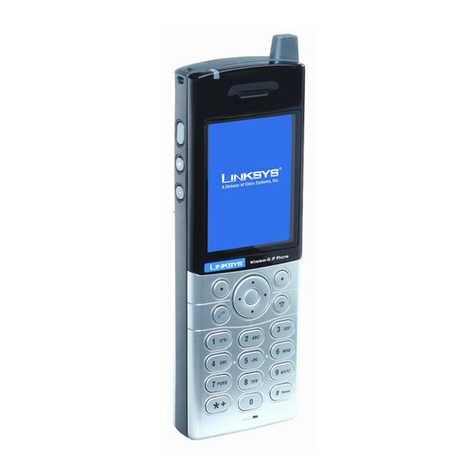
Linksys WIP320 - iPhone Wireless VoIP Phone User manual

Linksys

Linksys WIP320 - iPhone Wireless VoIP Phone User manual

Linksys SPA962 User manual

Linksys

Linksys SPA962 User manual

Linksys WIP330 - iPhone Wireless VoIP Phone User manual

Linksys

Linksys WIP330 - iPhone Wireless VoIP Phone User manual

Linksys SPA962 Operation manual

Linksys

Linksys SPA962 Operation manual

Linksys WIP330 - iPhone Wireless VoIP Phone Original operating instructions

Linksys

Linksys WIP330 - iPhone Wireless VoIP Phone Original operating instructions

Linksys SPA-941 User manual

Linksys

Linksys SPA-941 User manual

Linksys CIT300 User manual

Linksys

Linksys CIT300 User manual

Linksys WIP300 - iPhone Wireless VoIP Phone Original operating instructions

Linksys

Linksys WIP300 - iPhone Wireless VoIP Phone Original operating instructions

Linksys 921 User manual

Linksys

Linksys 921 User manual

Linksys CIT300 Operation manual

Linksys

Linksys CIT300 Operation manual

Linksys SPA942 - Cisco - IP Phone Operation manual

Linksys

Linksys SPA942 - Cisco - IP Phone Operation manual

Linksys WIP300 - iPhone Wireless VoIP Phone User manual

Linksys

Linksys WIP300 - iPhone Wireless VoIP Phone User manual

Linksys SPA942 - Cisco - IP Phone User manual

Linksys

Linksys SPA942 - Cisco - IP Phone User manual

Popular IP Phone manuals by other brands

Cortelco C62 VoIP Phone user guide

Cortelco

Cortelco C62 VoIP Phone user guide

VanillaIP Polycom IP300 user manual

VanillaIP

VanillaIP Polycom IP300 user manual

Yealink Yealink SIP-T22P Quick installation guide

Yealink

Yealink Yealink SIP-T22P Quick installation guide

Viking SR-IP product manual

Viking

Viking SR-IP product manual

Yealink VP59 Teams user guide

Yealink

Yealink VP59 Teams user guide

Panasonic KX-UT133-B Administrator's guide

Panasonic

Panasonic KX-UT133-B Administrator's guide

Avaya one-X 9600 Series overview

Avaya

Avaya one-X 9600 Series overview

AVA Enterprises B179 Installation and administration guide

AVA Enterprises

AVA Enterprises B179 Installation and administration guide

Cisco Unified 7900 Series System guide

Cisco

Cisco Unified 7900 Series System guide

Polycom SoundPoint IP 450 datasheet

Polycom

Polycom SoundPoint IP 450 datasheet

Cisco SPA-500 Series user guide

Cisco

Cisco SPA-500 Series user guide

IPitomy IP290 user manual

IPitomy

IPitomy IP290 user manual

Polycom SoundPoint IP 650 user guide

Polycom

Polycom SoundPoint IP 650 user guide

Proximus Maestro 3016 IP quick start guide

Proximus

Proximus Maestro 3016 IP quick start guide

Polycom IP 450 user guide

Polycom

Polycom IP 450 user guide

Fanvil X4 user manual

Fanvil

Fanvil X4 user manual

Snom 320 quick start guide

Snom

Snom 320 quick start guide

Avaya Integral 5 R3.0 user guide

Avaya

Avaya Integral 5 R3.0 user guide

manuals.online logo
manuals.online logoBrands
  • About & Mission
  • Contact us
  • Privacy Policy
  • Terms and Conditions

Copyright 2025 Manuals.Online. All Rights Reserved.

PRODUCT DATA
Wireless-G IP Phone for VoIP
Service
Low-Cost High Quality VoIP Calls
over a Wireless-G Network
Easy, Secure Setup on WiFi
Networks with industry-standard
WPS
Superior Range and Performance
with 802.11g
Quick Provisioning capabilities
for mass-scale Service Provider
activation
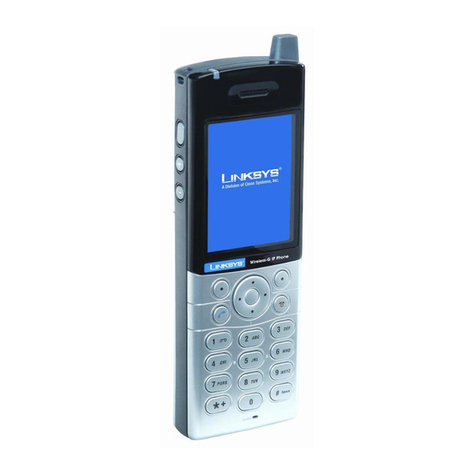
Wireless-G IP Phone
Model: WIP310
PRODUCT DATA
Wireless-G IP Phone
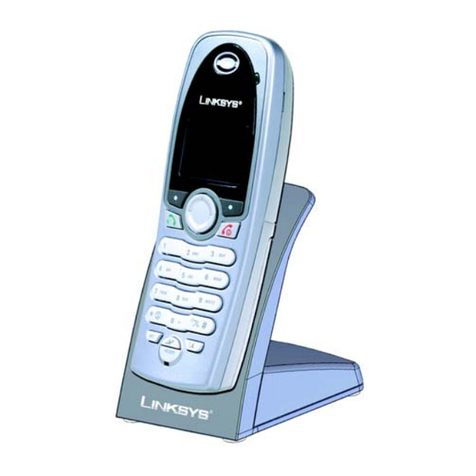
The Linksys WIP310 Wireless-G IP Phone enables high-quality voice over
IP (VoIP) service through a Wireless-G network.
The WIP310 Wireless-G IP Phone operates in the 2.4GHz band, supports
802.11g and the latest VoIP SIP protocols. The large, full-color high
resolution display features an intuitive user interface enabling users to
easily and quickly configure the handset with network access using WiFi
Protected Setup (WPS).
WPS is a fast, secure way of connecting the WIP310 Wireless-G IP Phone
with any standards based Wireless-G broadband router. Just press the
WPS button and your connection will automatically be configured
and secured with a custom SSID using powerful WPA (Wi-Fi Protected
Access) encryption. Within seconds you have successfully set up a
secure connection.
For Internet Telephony Service Providers (ITSP), the WIP310 utilizes the
same trusted and proven Linksys provisioning capabilities presently
being used to deploy other popular Linksys Voice Products on a massive
scale. Customers purchasing VoIP service from the ITSP and using the
WIP310 can be quickly provisioned via a WiFi connection where their
configuration profile is received securely right to the handset using
TFTP, HTTP, or HTTPS.
The included telephone base accentuates the appealing, modern
design of the handset and provides hands-free convenience when using
the built-in speakerphone. The WIP310 supports many features such as
caller ID, call forwarding, call transfer, 3-way conferencing and can store
200 records in its phonebook.
Benefit with low-cost VoIP service with access to any Wireless-G network
using the Wireless-G IP Phone from Linksys.
Features
Support SIP v2 Standards
Compliance with IEEE 802.11b/g
Wireless Standard
WiFi Protected Setup (WPS)
Easy Configuration via Web GUI
or Linksys Auto Provisioning
WMM QOS (802.11e)
Embedded 2.4GHz Antenna
support
Around 3 Hours Talk Time;
Around 50 Hours Standby Time
on average**
Backlit Keypad and Display
Intuitive User Display
RF and Battery Level Indication
WiFi Site Survey Tool
Multi-profile WiFi Support
Visual Voice Mail
Connection Status Button
NAT Pass through/STUN
USB Charger Interface
Polyphonic Ring Tone
Speakerphone
**Batteries are rechargeable and have a limited
number of charge cycles. The batteries may
eventually need to be replaced. Battery life
will vary from the stated average by usage,
configuration and environment.
•
•
•
•
•
•
•
•
•
•
•
•
•
•
•
•
•
•

PRODUCT DATA
Wireless-G IP Phone
Specifications
Model WIP310
Standards 802.11b, 802.11g
Band 2.4GHz
Transmit Power 13 dBm for 802.11g / 15 dBm for 802.11b
Radio Range Out-door up to 100m-300m, In-door up to 25m-100m
Antenna PIFA
External interface One USB Port (1.1 and 2.0), 2.5m Standard 4 Segment Ear
Phone Jack
Display 1.8 inch TFT, LCD (128 x 160 pixels) 262K Colors, Backlit
Memory 32MB NAND Flash + 32MB SDRAM
Network Protocols TCP/UDP/IP, IPV4, DNS, SDP, ARP, ICMP, DHCP Client, Static
IP, PPPoE
Security 64-bit, 128-bit WEP Encryption
WPA – PSK / TKIP
WPA2 – AES / PSK (802.11i)
Voice Protocols SIP v2 Session Initiation Protocol RFC3261, 3262, 3263, 3264
SDP RFC 2327
SIP Re-Registration with Primary SIP Proxy
SIP Proxy Redundancy via DNS SRV
Voice Codec's G.711 u-law / A-law, G.723.1 (6.3kbps, 5.3kbps), G.726 (at 32
kbps only ), G.729AB
DTMF Transmission In-band, Out-band (RFC2833)
Voice Quality G.167 and G.168 Echo Cancellation
Automatic Gain Control (AG)
Adaptive Jitter Buffer
Packet/Frame Lost Concealment
Adjustable Audio Frames Per Packet
CNG - Comfort Noise Generation
VAD - Voice Activity Detection
Call Control Caller ID
Call Mute
Call Hold / Resume
Call Forward ( Conditional, Unconditional, Busy or No
Answer)
Call Transfer (Attended or Blind)
Call Waiting
Call Blocking
Call Park
Do Not Disturb
Shared Line Appearance
3-way Conferencing with local mixing
Phone Feature Speaker Phone
Local Phone Book
Dial from Call History
SMS (Short Message Service)
Web Services ( Weather / Stock Quote / Local Search)
Selectable Ring Tones
Key Lock
PRODUCT DATA
Linksys
A Division of Cisco Systems, Inc.
121 Theory
Irvine, CA 92617 USA
E-mail: [email protected]
Web: www.linksys.com
For support, contact your Internet Service
Provider (ISP).
Check the product package and contents for specific features supported. Specifications are subject to change without notice.
Linksys is a registered trademark or trademark of Cisco Systems, Inc. and/or its affiliates in the U.S. and certain other
countries. Copyright © 2007 Cisco Systems, Inc. All rights reserved. Other brands and product names are trademarks or
registered trademarks of their respective holders.
7100510NC-DF Model: WIP310
Volume Control
RF/Battery level indication
WiFi Signal Integrity and Performance
WiFi AP Site Survey
Voice / Data Statistic
Speed Dial
Clock
Phone Book (200 Records)
Call History (20 Records)
Management features Embedded Web configuration interface (with password
protection)
Auto Provisioning via TFTP/HTTP/HTTPS
Configuration changes via MMI or Web GUI
Remote Software firmware via TFTP/HTTP
Configuration Configuration Redundancy
Environmental
Handset
Dimensions 1.71" x 5.85" x 1" (44 x 149 x 25 mm) W x H x D
Weight .24 lb, (110 g), 3.88 oz
Charger Mini USB AC adapter AC100 ~ 240V Input, 5V/1.0A DC
Output
Power Li-Ion 3.7V 860mAH Battery, AC Adapter
Certification FCC, CE, IC, WiFi
Operating Temp. 32 to 104 ºF (0 to 40ºC)
Storage Temp. -4 to 149 ºF (-20 to 65ºC)
Operating Humidity 10 to 80% relative humidity, non-condensing
Storage Humidity 10 to 95% non-condensing
Package Contents
Handset
Power Adapter
Li-ion Battery
USB Cable
User Guide on CD-ROM
Quick Install Guide
Minimum Requirements
Internet Connection (cable/DSL/other)
Access to WiFi Network
Wireless Router / Access Point with DHCP server
Activated VoIP Service
•
•
•
•
•
•
•
•
•
•