manuals.online logo
Brands
  1. Home
  2. •
  3. Brands
  4. •
  5. Linksys
  6. •
  7. IP Phone
  8. •
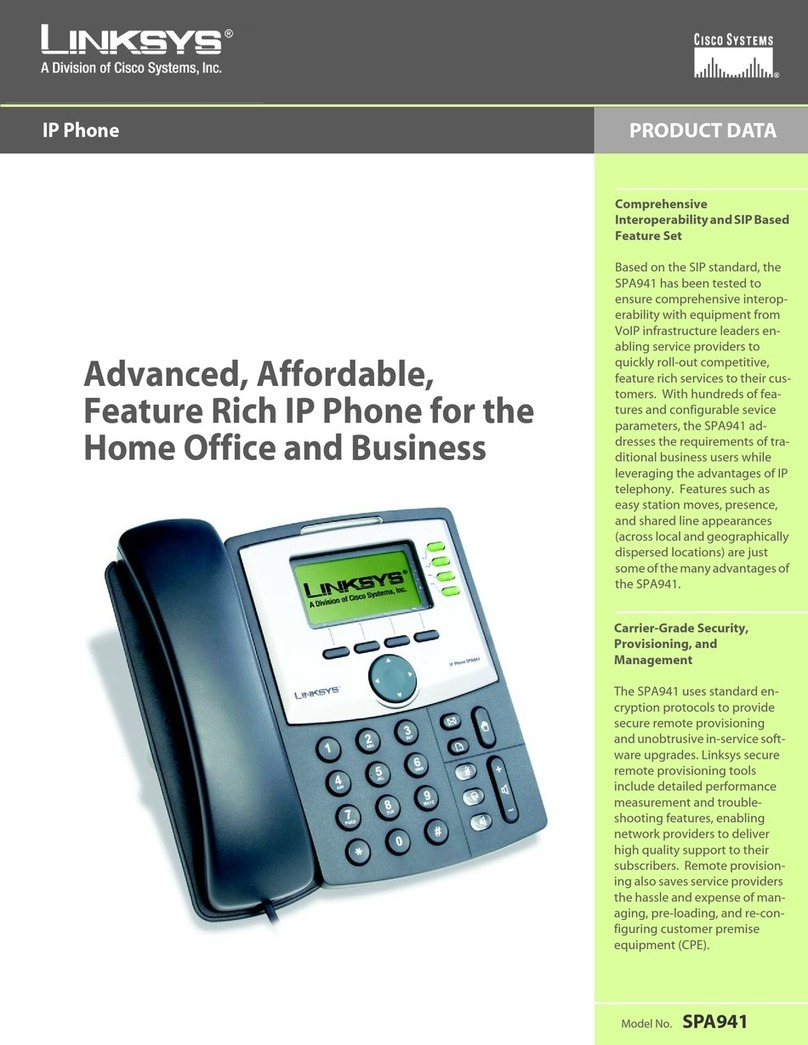
  9. Linksys SPA-941 User manual

Linksys SPA-941 User manual

Other manuals for SPA-941

8

This manual suits for next models

1

Other Linksys IP Phone manuals

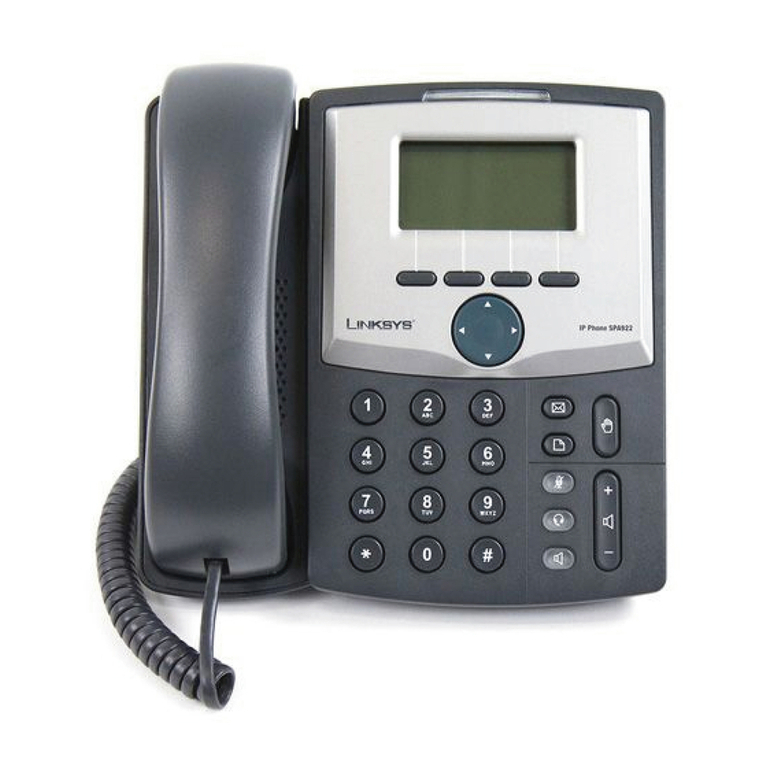
Linksys SPA922 - IP Phone With Switch Operation manual

Linksys

Linksys SPA922 - IP Phone With Switch Operation manual

Linksys SPA962 Operation manual

Linksys

Linksys SPA962 Operation manual

Linksys SPA901 User manual

Linksys

Linksys SPA901 User manual

Linksys SPA942 - Cisco - IP Phone Instruction Manual

Linksys

Linksys SPA942 - Cisco - IP Phone Instruction Manual

Linksys SPA942 - Cisco - IP Phone User manual

Linksys

Linksys SPA942 - Cisco - IP Phone User manual

Linksys CIT400 - iPhone Cordless Phone User manual

Linksys

Linksys CIT400 - iPhone Cordless Phone User manual

Linksys SPA-941 User manual

Linksys

Linksys SPA-941 User manual
Linksys SPA942 - Cisco - IP Phone User manual

Linksys

Linksys SPA942 - Cisco - IP Phone User manual
Linksys PHB1100 - One Business Phone VoIP User manual

Linksys

Linksys PHB1100 - One Business Phone VoIP User manual

Linksys WIP330 - iPhone Wireless VoIP Phone User manual

Linksys

Linksys WIP330 - iPhone Wireless VoIP Phone User manual

Linksys CIT300 User manual

Linksys

Linksys CIT300 User manual

Linksys SPA942 - Cisco - IP Phone User manual

Linksys

Linksys SPA942 - Cisco - IP Phone User manual

Linksys SPA942 - Cisco - IP Phone Operation manual

Linksys

Linksys SPA942 - Cisco - IP Phone Operation manual

Linksys Linksys SPA9000 Service manual

Linksys

Linksys Linksys SPA9000 Service manual

Linksys SPA942 - Cisco - IP Phone User manual
Linksys

Linksys SPA942 - Cisco - IP Phone User manual

Linksys CIT300 Operation manual

Linksys

Linksys CIT300 Operation manual

Linksys SPA942 - Cisco - IP Phone User manual

Linksys

Linksys SPA942 - Cisco - IP Phone User manual

Linksys SPA962 User manual

Linksys

Linksys SPA962 User manual

Linksys CIT300 User manual

Linksys

Linksys CIT300 User manual

Linksys WIP310 - iPhone Wireless VoIP Phone Operation manual

Linksys

Linksys WIP310 - iPhone Wireless VoIP Phone Operation manual

Linksys SPA921 - Cisco - IP Phone Operation manual

Linksys

Linksys SPA921 - Cisco - IP Phone Operation manual

Linksys WIP300 - iPhone Wireless VoIP Phone User manual
Linksys

Linksys WIP300 - iPhone Wireless VoIP Phone User manual
Linksys WIP300 - iPhone Wireless VoIP Phone Operation manual
Linksys

Linksys WIP300 - iPhone Wireless VoIP Phone Operation manual
Linksys WIP310 - iPhone Wireless VoIP Phone User manual

Linksys

Linksys WIP310 - iPhone Wireless VoIP Phone User manual

Popular IP Phone manuals by other brands

Cortelco C62 VoIP Phone user guide

Cortelco

Cortelco C62 VoIP Phone user guide

VanillaIP Polycom IP300 user manual

VanillaIP

VanillaIP Polycom IP300 user manual

Yealink Yealink SIP-T22P Quick installation guide

Yealink

Yealink Yealink SIP-T22P Quick installation guide

Viking SR-IP product manual

Viking

Viking SR-IP product manual

Yealink VP59 Teams user guide

Yealink

Yealink VP59 Teams user guide

Panasonic KX-UT133-B Administrator's guide

Panasonic

Panasonic KX-UT133-B Administrator's guide

Avaya one-X 9600 Series overview

Avaya

Avaya one-X 9600 Series overview

AVA Enterprises B179 Installation and administration guide

AVA Enterprises

AVA Enterprises B179 Installation and administration guide

Cisco Unified 7900 Series System guide

Cisco

Cisco Unified 7900 Series System guide

Polycom SoundPoint IP 450 datasheet

Polycom

Polycom SoundPoint IP 450 datasheet

Cisco SPA-500 Series user guide

Cisco

Cisco SPA-500 Series user guide

IPitomy IP290 user manual

IPitomy

IPitomy IP290 user manual

Polycom SoundPoint IP 650 user guide

Polycom

Polycom SoundPoint IP 650 user guide

Proximus Maestro 3016 IP quick start guide

Proximus

Proximus Maestro 3016 IP quick start guide

Polycom IP 450 user guide

Polycom

Polycom IP 450 user guide

Fanvil X4 user manual

Fanvil

Fanvil X4 user manual

Snom 320 quick start guide

Snom

Snom 320 quick start guide

Avaya Integral 5 R3.0 user guide

Avaya

Avaya Integral 5 R3.0 user guide

manuals.online logo
manuals.online logoBrands
  • About & Mission
  • Contact us
  • Privacy Policy
  • Terms and Conditions

Copyright 2025 Manuals.Online. All Rights Reserved.

Page | 1
VoIP System
Page | 2
Linksys IP Phone SPA941/942 Configuration
Point your browser to the IP address of the VoIP-phone you want to configure. To get the IP
address of your phone, press the 'menu' button at your SIP phone and scroll down to menu
item 9: 'Network' and press the 'select' button. By default DHCP is enabled on the phones,
therefore your IP phone should have received an IP address already.
In the basic configuration screen of the phone, select 'Admin Login' at the right border of the
screen:
Page | 3
To configure the first extension, select the “Ext 1” tab:
Enter the address of the VoIP server (Proxy), enter your user ID and the appropriate password:
Page | 4
Select ‘Advanced’ at the right side of the screen:
Select the ‘SIP’ tab:
Page | 5
Enter ‘5’ at Reg Retry Intvl and ‘10’ at Reg Retry Long Intvl for faster re-login in case of lost of
connection to the VoIP Server. Set the RTP packet size to 0.020:
Page | 6
Save all changes by pressing ‘Submit All Changes’ at the bottom of the screen. Phone will reset and
try to connect to the VoIP Server.
To verify if the phone is configured correctly and is connected to the VoIP server, select the ‘Info’
tab and check the ‘Registration State’ of the first extension:
Page | 7
To make a test call to our server in Germany running an echo test, dial prefix+600 (i.e 600 from one
of the camps and 810600 from the Ecolog Office in Dubai). After hearing a message, voice will be
echoed, giving you a clear picture of the voice quality and latency of the connection to our server.
Extension lights should be green if the configuration was successful.
Page | 8