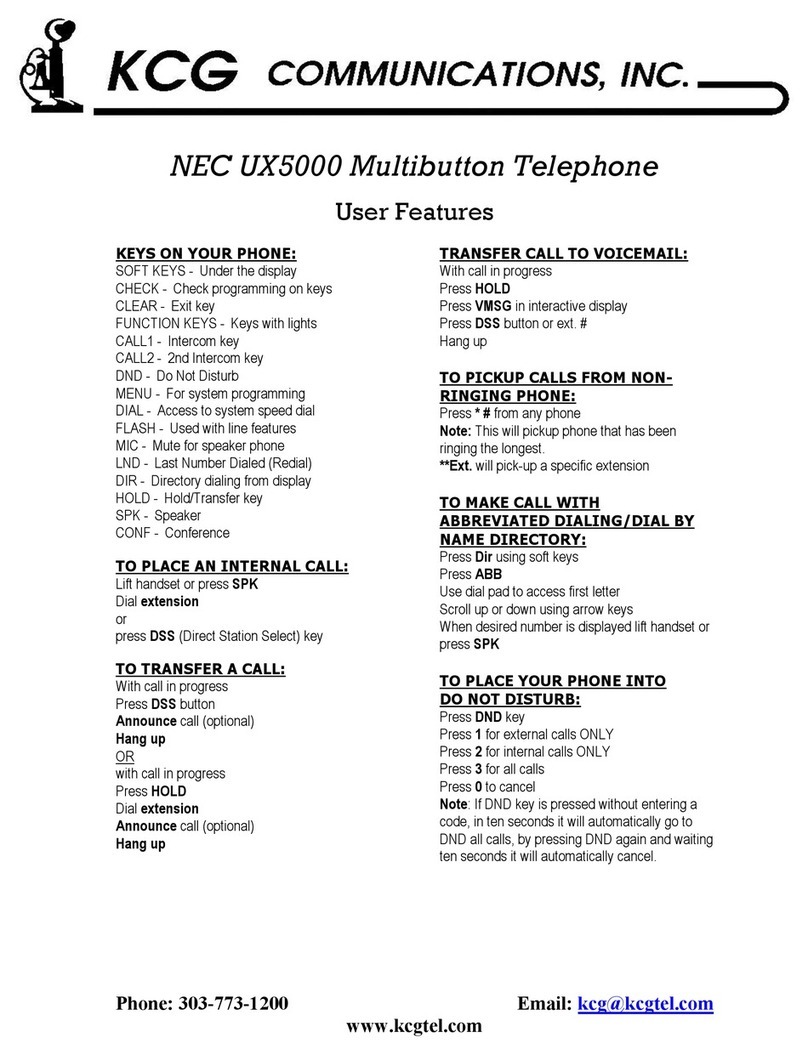
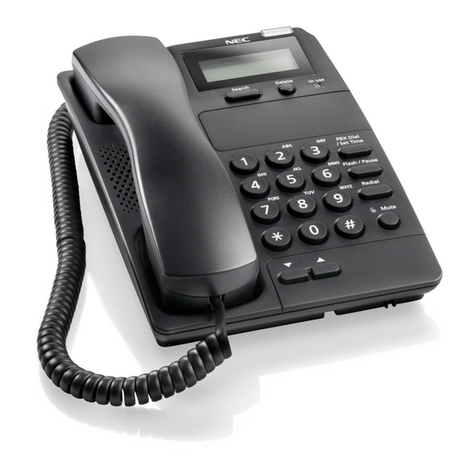
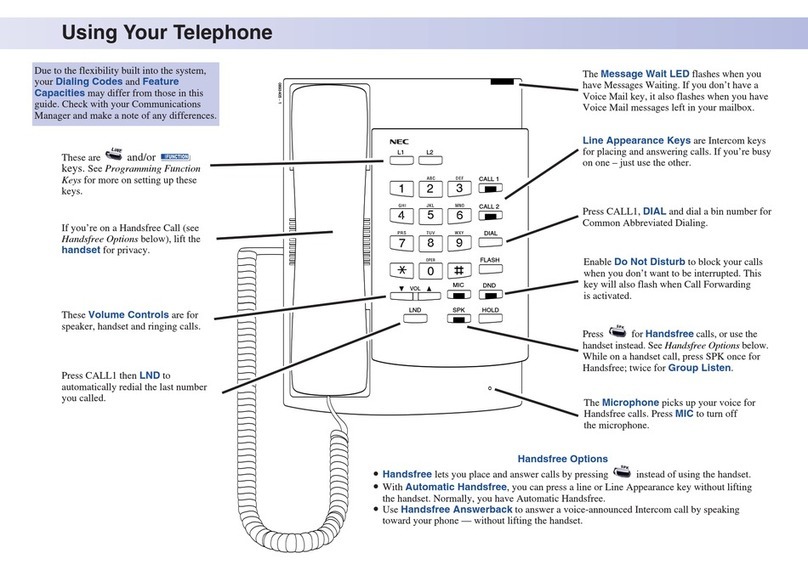
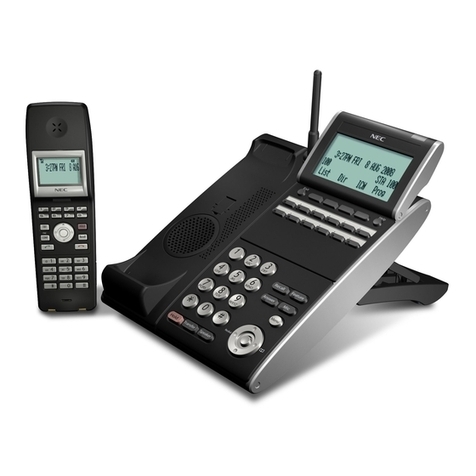
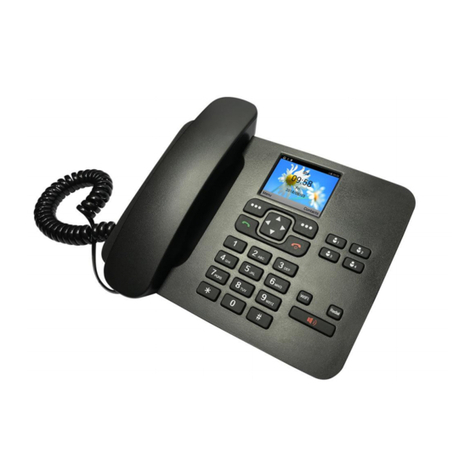
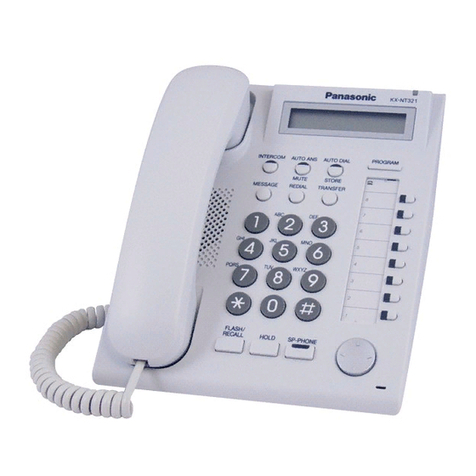
NEC DT310 User manual

DT310/DT330/DT710/DT730
NEC Infrontia Corporation
June 2008
NDA-30910
ISSUE 1.0
USER GUIDE


LIABILITY DISCLAIMER
NEC Unified Solutions, Inc. reserves the right to change the specifications,
functions, or features, at any time, without notice.
NEC Unified Solutions, Inc. has prepared this document for use by its
employees and customers. The information contained herein is the property
of Unified Solutions, Inc. and shall not be reproduced without prior written
approval from NEC Unified Solutions, Inc. All brand names and product
names on this document are trademarks or registered trademarks of their
respective companies.
Copyright 2008
NEC Unified Solutions, Inc.


i
TABLE OF CONTENTS
1.INTRODUCTION
General................................................................................................. 1
Face Layout.......................................................................................... 2
Keys And Parts..................................................................................... 5
Icon Display.......................................................................................... 16
Menu List.............................................................................................. 17
Simple Operation by Menu Key and Cursor Key.................................. 17
2.TERMINAL SETUP
Terminal Setup With the Up/Down Key................................................ 19
Terminal Setup With the Feature Key................................................... 20
3.BASIC OPERATION
Login (DT700 Series Only)................................................................... 23
Logout (DT700 Series Only)................................................................. 23
To Originate an Outside Call ................................................................ 24
To Originate an Internal Call................................................................. 24
Multiline Appearance............................................................................ 24
To Originate an Outside Call ................................................................ 25
To Place a Call on Exclusive Hold........................................................ 25
To Transfer a Call................................................................................. 26
4.FEATURE OPERATION
To Originate a Call Using Speed Calling (One-touch Speed Calling
keys)..................................................................................................... 27
To Originate a Call Using Speed Calling (Station/Group)..................... 30
To Originate a Call Using Speed Calling (System)............................... 30

ii
TABLE OF CONTENTS
Account Code....................................................................................... 31
Forced Account Code........................................................................... 31
Authorization Code............................................................................... 31
Voice First/Tone First............................................................................ 31
Originating a Voice Call........................................................................ 32
Answer a Voice Call Hands Free.......................................................... 32
Automatic Intercom............................................................................... 32
Manual Intercom................................................................................... 33
Dial Intercom......................................................................................... 33
Dial By Name Using System Speed Dialing......................................... 33
Dial By Name Using Station Speed Dialing.......................................... 34
To Save a Name & Number to Station Speed Dialing.......................... 34
To Transfer a Call................................................................................. 35
To Place a Call on Hold........................................................................ 35
To Place a Call on Exclusive Hold........................................................ 35
To Place a Call on Remote Hold .......................................................... 36
Conference........................................................................................... 37
To Establish a Broker Call.................................................................... 37
Call Back (Station)................................................................................ 37
To Answer a Camped-On Call.............................................................. 38
To Set a Camp-On (Transfer Method).................................................. 38
Camp-On (Call Waiting Method)........................................................... 38
Call Park (System)................................................................................ 39
Call Pickup (Group) .............................................................................. 39
Call Pickup (Direct)............................................................................... 39
Outside Line Queuing (From Extension Dial Tone).............................. 40
Timed Queuing (Outside Line Only)..................................................... 40
Executive Override ............................................................................... 40
Last Number Redial.............................................................................. 41

iii
TABLE OF CONTENTS
CID Call Back ....................................................................................... 41
Call Redirect......................................................................................... 41
CID Call Display.................................................................................... 42
Call Forwarding - All Calls .................................................................... 42
Call Forwarding - Busy ......................................................................... 43
Call Forwarding - No Answer................................................................ 43
Call Forwarding Destination.................................................................. 44
To Save and Repeat a Number............................................................ 45
Internal Zone Paging with Meet-Me Page ............................................ 45
Boss/Secretary Calling ......................................................................... 46
Boss/Secretary Override....................................................................... 46
Do Not Disturb...................................................................................... 47
Timed Reminder................................................................................... 47
Privacy Release.................................................................................... 48
Return Message Schedule ................................................................... 48
Name Display ....................................................................................... 49
Whisper Page....................................................................................... 50
System Clock Setup By Station Dialing................................................ 50
Day/Night Mode Change By Station Dialing......................................... 50
To Change Security Password............................................................. 51
Directory Operation............................................................................... 52
History Operation.................................................................................. 53
Quick Reference Guide ........................................................................ 54

iv
TABLE OF CONTENTS
This Page Intentionally Left Blank

1
1.
1.INTRODUCTION
General
This guide explains how to operate DT Series (DT310/
DT710/DT330/DT730) under the following headings.
CHAPTER 1 INTRODUCTION
Explains the configuration of this guide and
contains the following information.
• Face layout of DT Series
• Keys and Parts of DT Series
• Icon Display
• Menu List
CHAPTER 2 TERMINAL SETUP
Explains the operating procedures for terminal
settings of the DT Series.
CHAPTER 3 BASIC OPERATION
Explains the basic operation of DT Series.
CHAPTER 4 FEATURE OPERATION
Explains operating procedures for various
Telephony Server features.
1
456
78
0#
*
9
2
3
HOLD
Recall
Feature
Mic
Menu
Answer
Transfer Speaker
DT330/DT730

2
1.
Face Layout
DT310/710 (2-button without LCD) DT310/710 (6-Button with LCD)
1
2
ABC 3
DEF
4
GHI 5
JKL 6
MNO
7
PQRS
8
TUV 9
WXYZ
0
#
HOLD Transfer Speaker
Recall Feautre
Redial Conf
Directory
Mic
Message
Answer
1
2
ABC 3
DEF
4
GHI 5
JKL 6
MNO
7
PQRS
8
TUV 9
WXYZ
0
#
Menu
HOLD Transfer Speaker
Recall Feautre
Answer Mic
Exit Help
Redial
Other manuals for DT310
6
This manual suits for next models
8
Table of contents
Other NEC Telephone manuals