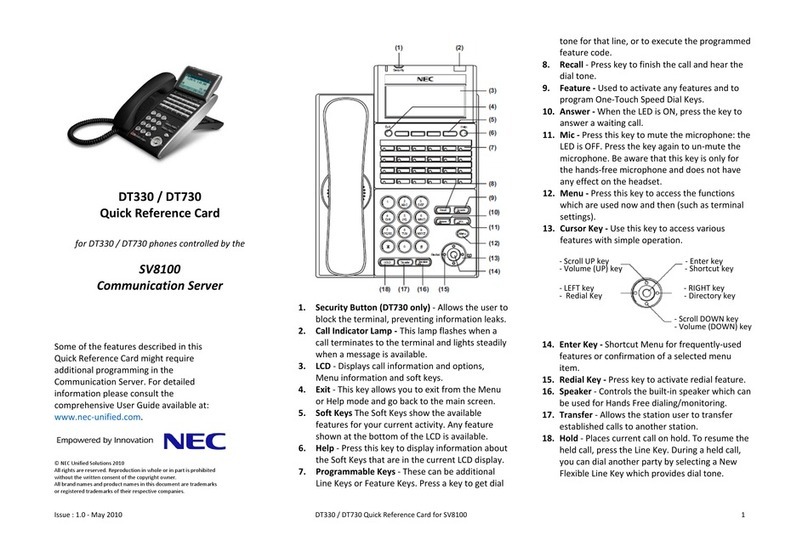
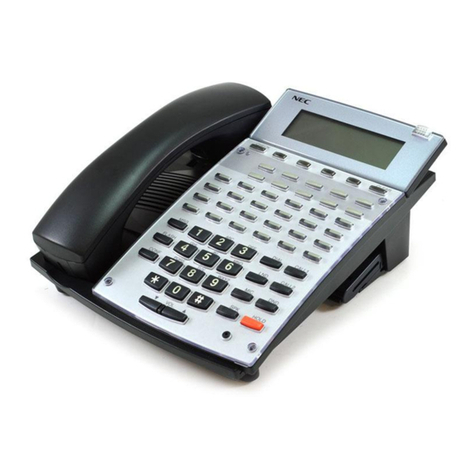
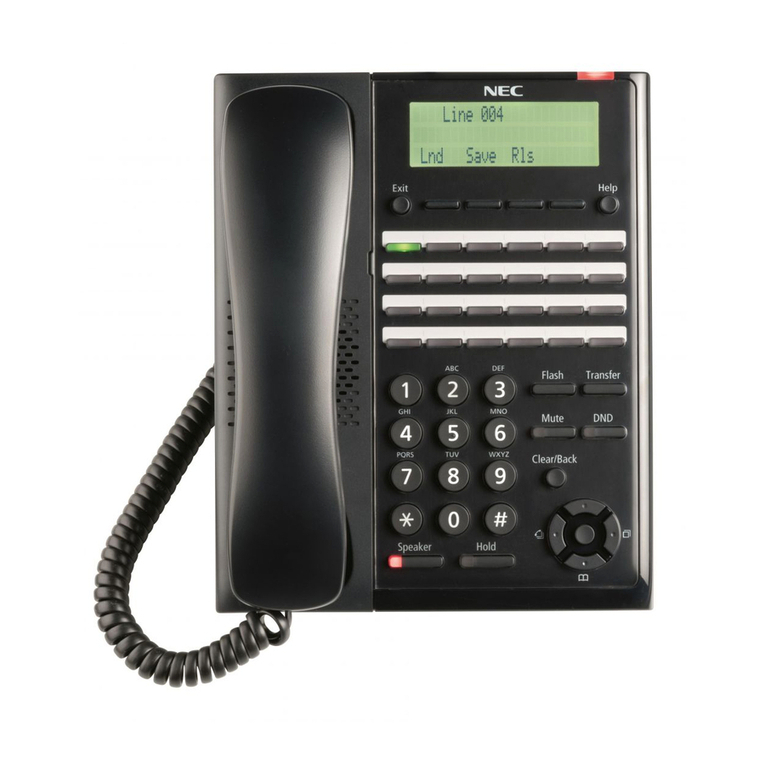
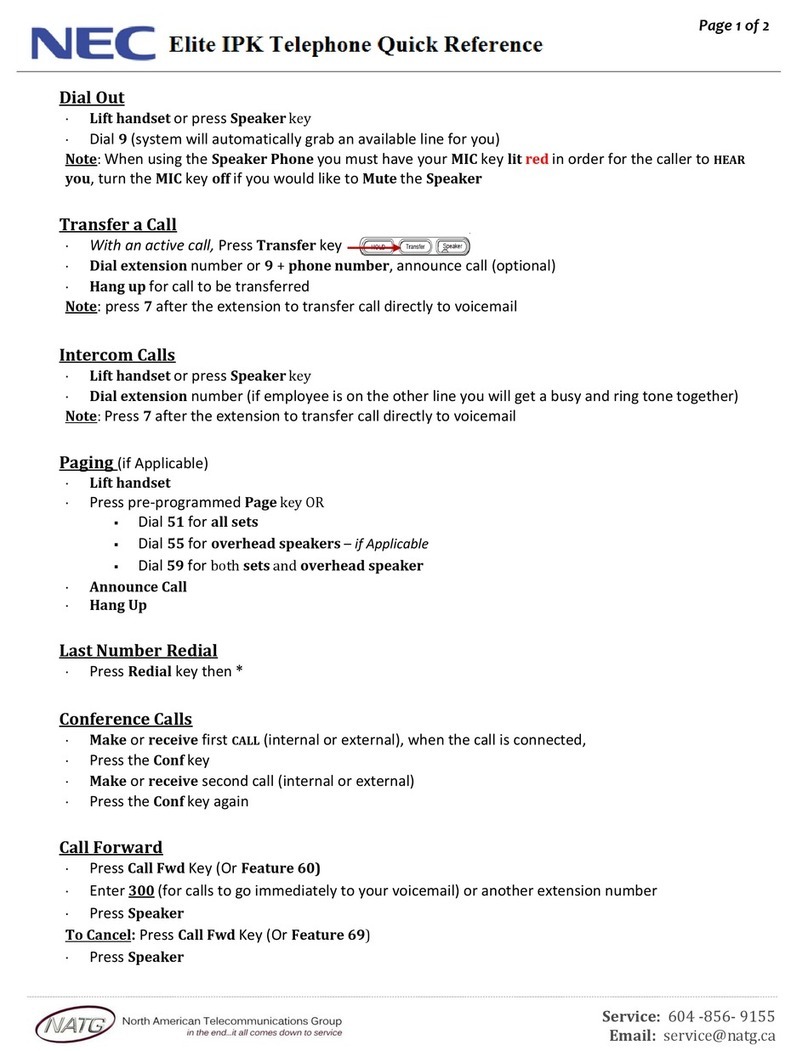
Placing an Outside Call . . .
1. (Optional) Lift handset.
2. + Listen for dial tone + Outside
number.
•You can have function keys for lines or
line groups.
OR
1. (Optional) Lift handset.
2. + + Outside number.
OR
2. + + Line group
(1-9 or 001-100) + Outside number.
OR
2. + + Line number
(e.g., 005 for line 5) + Outside number.
Calling a Co-Worker . . .
1. (Optional) Lift handset.
•For one-touch calling, press a Call
Coverage or Hotline function key
instead of going on to step 2.
2. + Co-worker’s extension number.
•Your call will ring or voice-announce.
If you hear ringing, wait for an answer.
If you hear a beep, begin speaking.
Dialing 1 changes mode.
•For your Voice Mailbox, dial 717.
•For Paging, dial 801 + 0 for All Call
or 801 + 1-64 for zones.
Dial using the
Intercom:
Dial codes for outside
lines:
Press a line key for
quick access:
Using Your Telephone
Placing Calls
If your call doesn’t go through . . .
Camp On and Callback
1. To Camp On
(wait without hanging up),
•(Intercom calls) When you hear ringing,
wait for the called party to answer.
•(Outside calls) When you hear new dial
tone, begin dialling your number.
OR
1. To leave a Callback,
(and hang up).
•Wait for the system to call you back.
2. or lift handset.
•(Outside calls) Begin dialling your
number.
•(Intercom calls) Speak to co-worker.
To cancel your Callback:
1. (Optional) Lift handset.
2. + + Hang up.
Message Waiting (Direct Messaging)
1. Do not hang up +
•Your co-worker’s Message Wait LED
flashes fast. Your MW LED is lit.
•With Voice Mail, dial 717 to leave a
message in your co-worker’s mailbox.
1. +
•To cancel Messages Waiting (those you
left and those left for you): CALL1 + 873.
To answer a Message
Waiting left for you:
Leave a Message
Waiting (flashing
Message Wait LED)
when your co-worker
doesn’t answer:
When you hear sys-
tem busy, use Camp
On or Callback:
Answering Outside Calls . . .
1. or lift handset.
Answering Intercom Calls . . .
1. or lift handset.
1. Speak toward your phone.
•You can lift the handset for privacy.
You can set ringing at your phone with CALL1
+ 823 or set voice announce with CALL1 + 821.
Picking up calls not ringing your phone . . .
1. (Optional) lift handset.
2. +
2. + + Co-worker’s
extension.
•You can press a Group Call Pickup or
Call Coverage function key instead of
step 2.
Have a telephone meeting (Conference) . . .
1. Place/answer call + +
2. Place/answer next call +
•Repeat this step to add more parties.
You may be able to have up to 32
callers.
3. After adding all parties, press again
to begin the Conference.
Use Conference to
have a telephone
meeting:
When a call is ringing
a co-worker’s phone
wthin your group:
To pick up a call at a
specific co-worker’s
phone:
Listen for your phone
ringing:
Listen for beep if you
have voice announce
set:
Listen for two rings
and look for a flashing
line key:
Answering Calls
If you’re on a Handsfree Call (see
Handsfree Options below), lift the
handset for privacy.
These Volume Controls are for
speaker, handset and ringing calls.
Handsfree Options
• Handsfree lets you place and answer calls by pressing instead of using the handset.
• With Automatic Handsfree, you can press a line or line Appearance key without lifting
the handset. Normally, you have Automatic Handsfree.
• Use Handsfree Answerback to answer a voice-announced Intercom call by speaking
toward your phone — without lifting the handset.
The Microphone picks up your voice for
Handsfree calls. Press MIC to turn off
the microphone.
Press for Handsfree calls, or use the
handset instead. See Handsfree Options below.
While on a handset call, press SPK once for
Handsfree; twice for Group Listen.
Line Appearance Keys are Intercom keys
for placing and answering calls. If you’re busy
on one – just use the other.
Due to the flexibility built into the system,
your Dialling Codes and Feature
Capacities may differ from those in this
guide. Check with your System
Administrator and make a note of any
differences.
These are and/or
keys. See Programming Function
Keys for more on setting up these
keys.
The Message Wait LED flashes when you
have Messages Waiting. If you don’t have a
Voice Mail key, it also flashes when you have
Voice Mail messages left in your mailbox.
Press CALL1 then LND to
automatically redial the last number
you called.
Enable Do Not Disturb to block your calls
when you don’t want to be interrupted. This
key will also flash when Call Forwarding
is activated.
Press CALL1, DIAL and dial a bin number for
Common Abbreviated Dialing.
Quick Reference for Other Features
Do Not Disturb: DND + 1to block your outside calls OR 2to block Paging, Intercom
calls, Call Forwards and transferred outside calls OR 3to block all
calls OR 4to block Call Forwards OR 0to cancel.
Call Forward:
Cancel a Call
Forward:
CALL1 + 848 + 1 +Extension for Immediate
CALL1 + 842 + 1 +Extension for Dual Ring
CALL1 + 843 + 1 +Extension for Busy
CALL1 + 844 + 1 +Extension for Busy and No Answer
CALL1 + 845 + 1 +Extension for No Answer
CALL1 + 846 + 1 +Extension for Follow Me
You can replace Extension with the Voice Mail master number to
forward calls to your mail box.
CALL1 + code + 0
Call Redirect: When your phone is ringing, do not lift the handset or press the
CALL1 key,
press (Redirect)
Ringing Tone: CALL1 + 820 + 1 for Intercom calls to your phone
CALL1 + 820 + 2 for Outside calls to your phone
Select the tone 1-8 (the tone will be heard)
SPK to set the ringing tone
Time: CALL1 + 828 + 2 digits for hour (24 hour format) + 2 digits for
minutes + SPK to hang up.
Common Cancel
Code:
CALL1 + 720 to cancel all of the following features:
Call Forward, Message Waiting, DND, Alarm Clock, Repeat dial,
Text Message.