There was a time when we covered
54Kb/s 802.11g wireless routers by
the dozen. But then they all reached
a point where they became practically
identical.Virtually all now use similar
hardware and offer exactly the same features
leaving minor differences in performance,
configuration screens and price as the only
real differentiators. In short, they’re boring,
and any one you buy will do a job from
about $130.
Now there’s a change in the air. For a long
time our A-Listed Draytek 2600VG held
its title for offering something out of the
norm – built inVoIP features, with two RJ-
45 phone sockets you can plug in a regular
DECT phone (or two) and makeVoIP calls
without even realising you weren’t using
a land line. It all came at a hefty premium
though ($279) for which you got one of the
most polished web interfaces in the business
and fullVirtual Private Network
(VPN) terminations.
Draytek is no longer standing on its
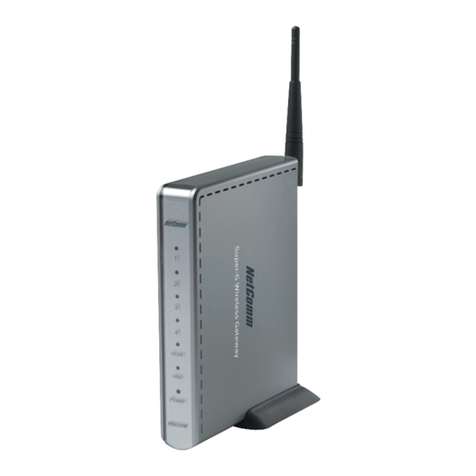
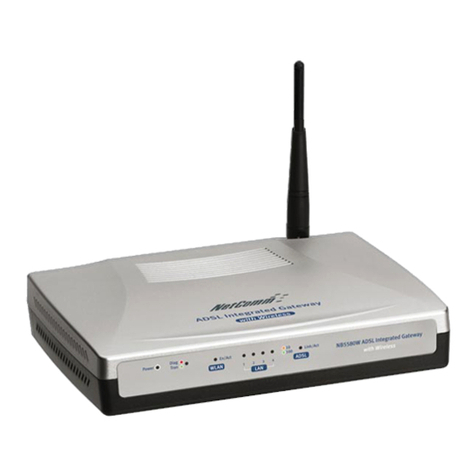
own, with Netcomm offering up a rival
product. It doesn’t offer fullVPN functions
(passthrough only) but most home users will
never use this. It does, however, sport two
RJ-45 connectors.The only niggle is that
you have to plug in an additional RJ-45
cable (in addition to the main Internet RJ-
45 cable) to get them to work. Fortunately,
Netcomm supplies two, plus an Ethernet
cable and an ADSL splitter.
There’s no partnership with a SIP
company like Draytek and Draytel, so you’ll
have to find a company yourself and enter
the details manually.The details are clear
but the unexplained jargon will scare those
unfamiliar with basic networking. However,
once we’d set it up with our Draytel details,
we were happily making calls.The QoS
feature ensured that even when there was
high data throughput, our voice data packets
were unimpeded and the call remained clear.
In terms of security,WEP,WPA (with
RADIUS authentication for business) and
WPA2 are supported. MAC address filtering
is also supplied. Other potentially useful
features include the ability to turn wireless
off and switch the router into an (albeit
expensive) wireless bridge to boost the
range of your network (though if range is
your priority you should see the adjacent
MIMO routers).
So far, the Draytek just edges it thanks
to its ease of configuration andVPN, but
Netcomm isn’t finished.The NB9W works
with ADSL2+.While our test Internode
account doesn’t support this yet, it works
fine with regular connections and is a great
upgrade path to have.
Putting the wireless throughput to the
test, the NB9W also came out on top.
You won’t notice much difference in web
navigation speed (or much for file transfers)
within a few rooms though. Up close
Netcomm managed 53Mb/s to Draytek’s
55Mb/s. However, out in the garden, the
NB9W managed two minutes 24 seconds
while Draytek could only browse.
Neither can hold a candle to MIMO’s
range, and if this is your priority, see
Netgear and Linksys. However, we believe
theVoIP features are worth paying for and
the cheaper Netcomm, with its ADSL2+
compatibility, ousts Draytek from the A-List.
Nick Ross
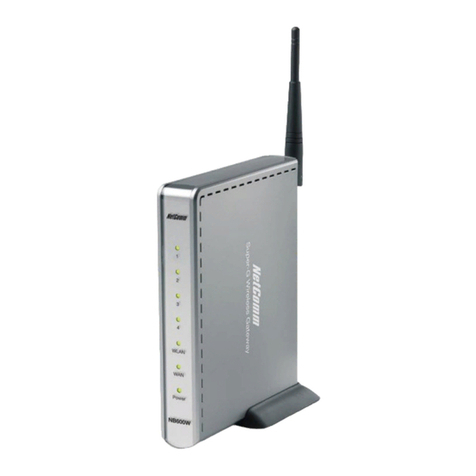
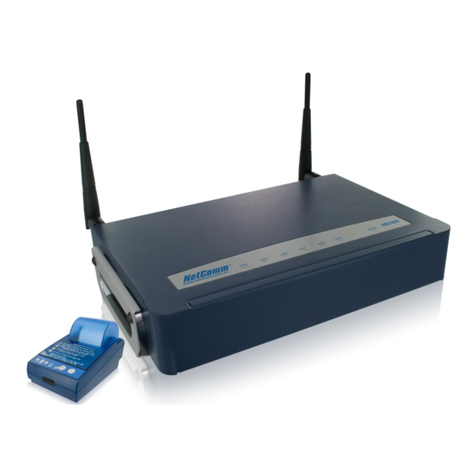
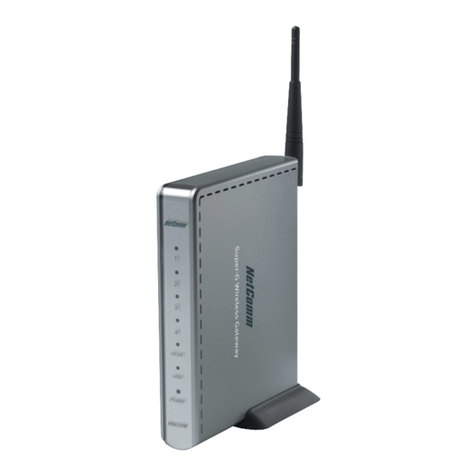
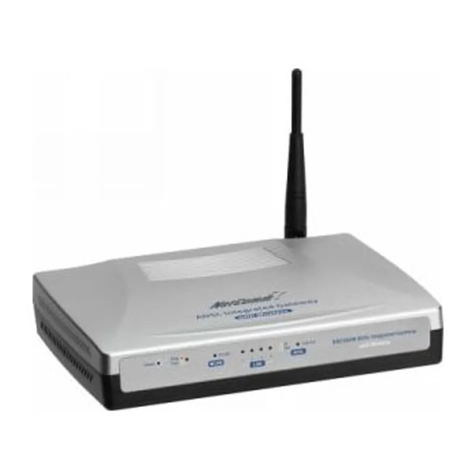
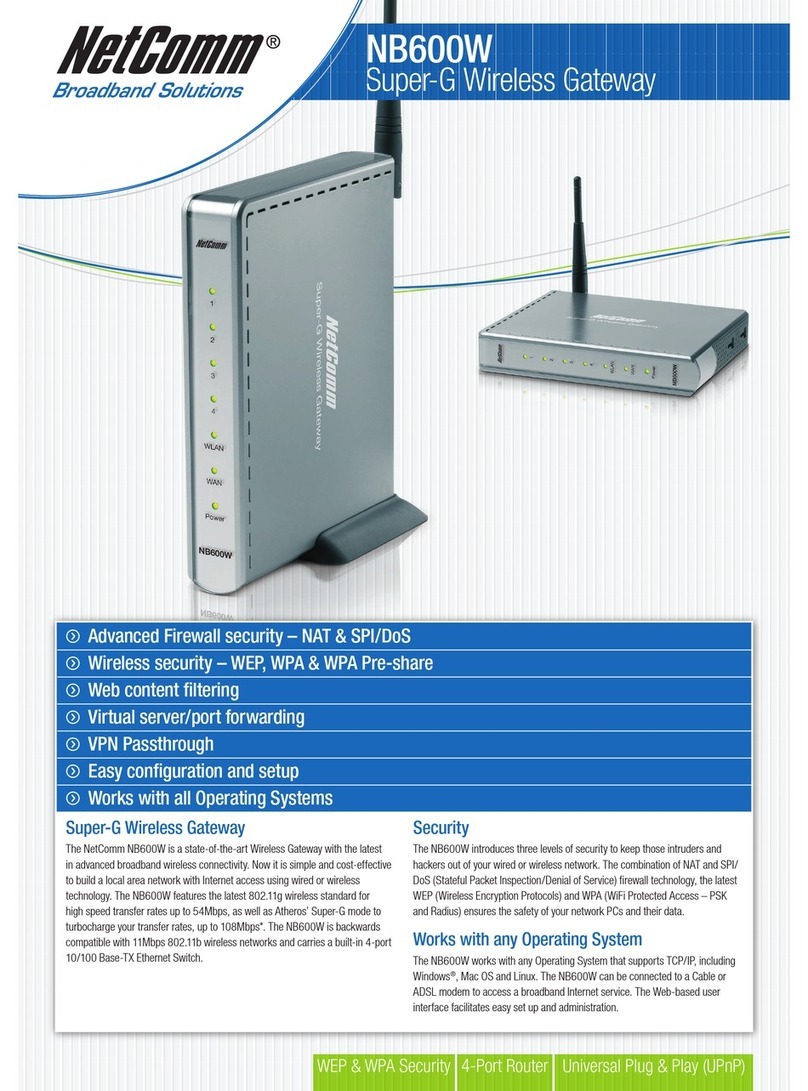
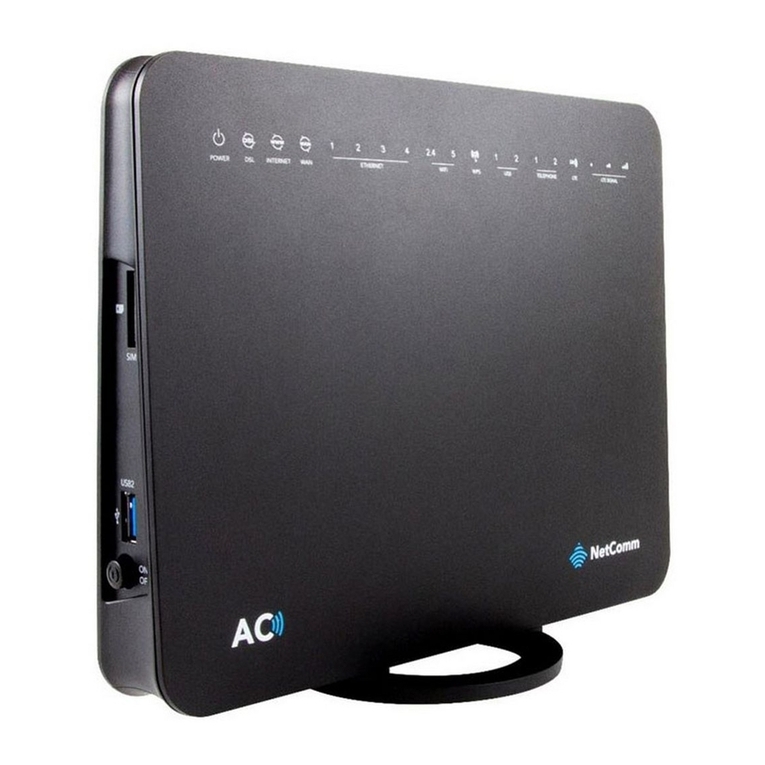
Netcomm MyNetGateway NB9W
PRICE: $239 DELIVERY: $15
SUPPLIER: www.pacstarcomputer.com.au WEB: www.netcomm.com.au
SPECIFICATIONS
802.11g; ADSL2+ modem; 4 x 10/100 ports; 64/128-bit WEP; WPA;
WPA 2; MAC access control; VPN passthrough; 2 x RJ-45 phone
ports for VoIP. Part code: NB9W.
It can’t match the range of MIMO, but its price,
VoIP features and ADSL2+ compatibility make
this the most attractive ADSL router.
LABS VERDICT
OVERALL ★★★★★✩
Performance ★★★★✩✩
Features & Design ★★★★★★
Value ★★★★★✩
As seen in
reviews-101-peripherals-Linksys SRX_DE_NR.indd 48reviews-101-peripherals-Linksys SRX_DE_NR.indd 48 7/03/2006 5:08:49 PM7/03/2006 5:08:49 PM