______________________________________________________________________________________
Pro900DP Set-Up and Print Overview 8
1.5 Pre-setting the Side Guides (Discharge area)
Note: For this step, the feeder should be in the Powered-Off state.
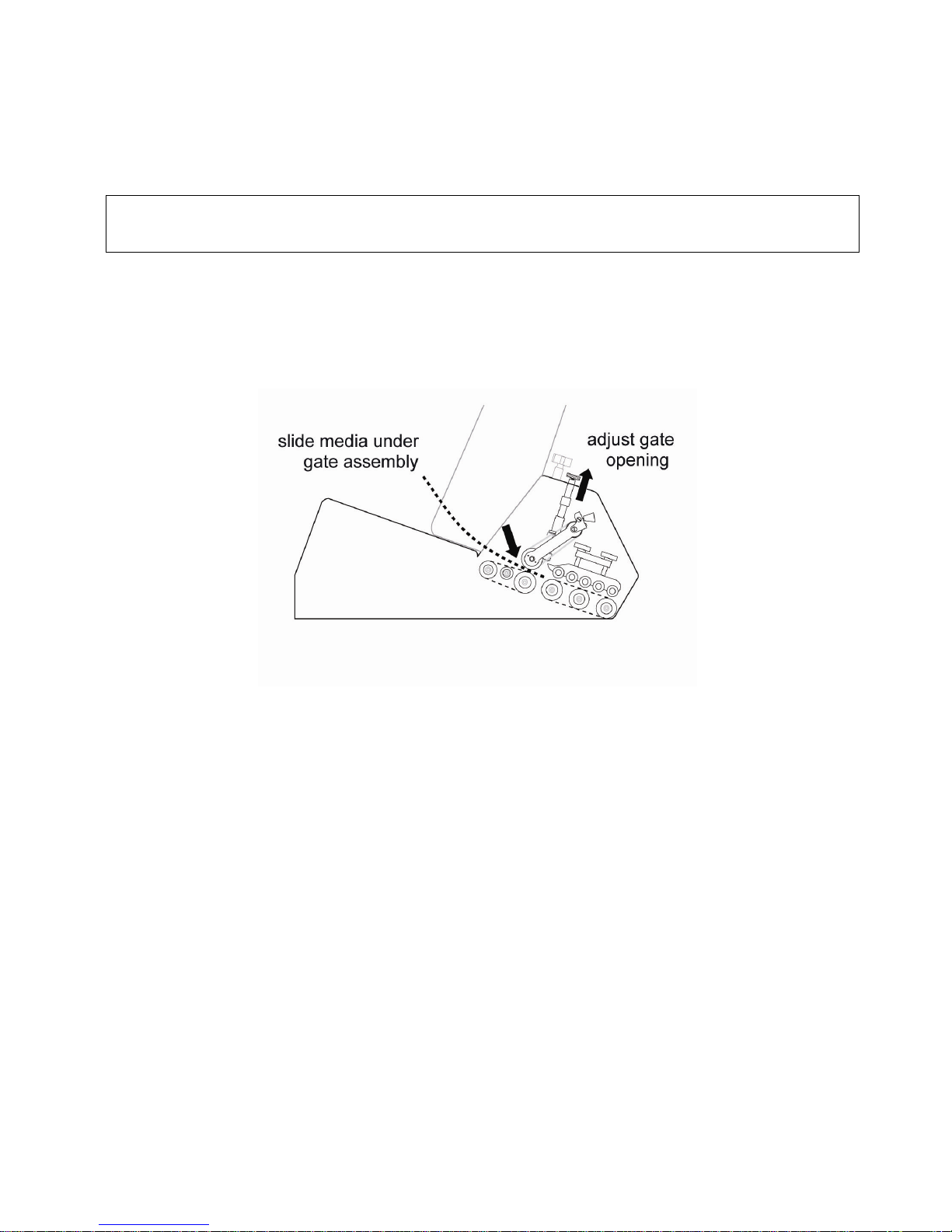
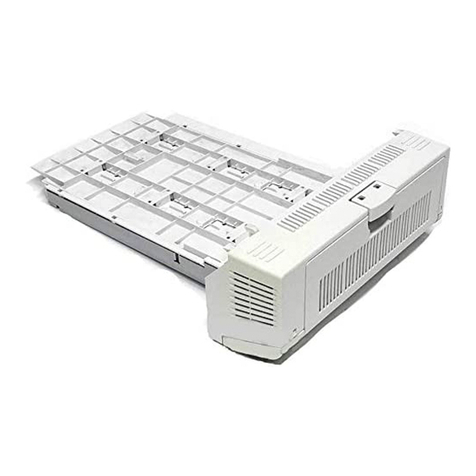
The area between the media hopper/gate area and the printer is
considered the discharge area. This is where the media will separated
and guided (one piece at a time) to the printer feed rollers.
The magnetized side rails provide additional assistance in moving smaller
sized media (cards, envelopes, etc.) from the feeder to the printer, and
will help reduce skew in all types of media.
This step involves pre-setting the side guides so they guide without
binding the edges of the media.
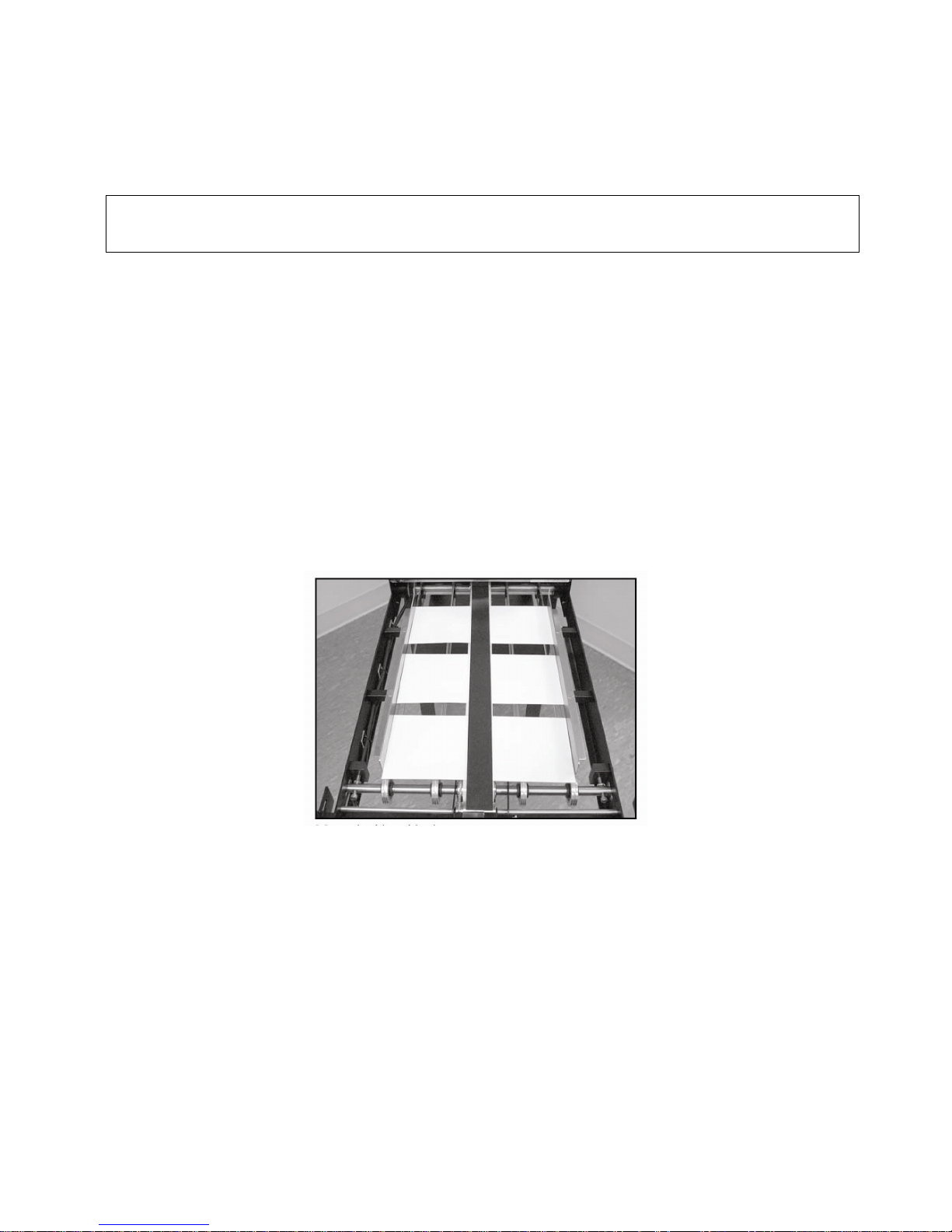
- Center several pieces of media in the discharge area, in the correct
feed orientation, with about ¾” of space between each sheet.
- Place the magnetic side guides so they are about 1/4” from each edge
of the media, and slightly more open at the ‘gate’ end of the discharge
belt. These can be further adjusted once the feeder is powered on for
the initial test.
- Collect sheets of media and return them to the 2” stack in the hopper.
Next Step: Jogging the system (stepping media through the feeder)