- 4 -
Contents
About This Manual...................................................................................2
Terms in this document ............................................................................................. 2
Symbols in this document .......................................................................................... 2
Notation used in this manual ...................................................................................... 3
1. Convenient Print Functions.................................................. 7
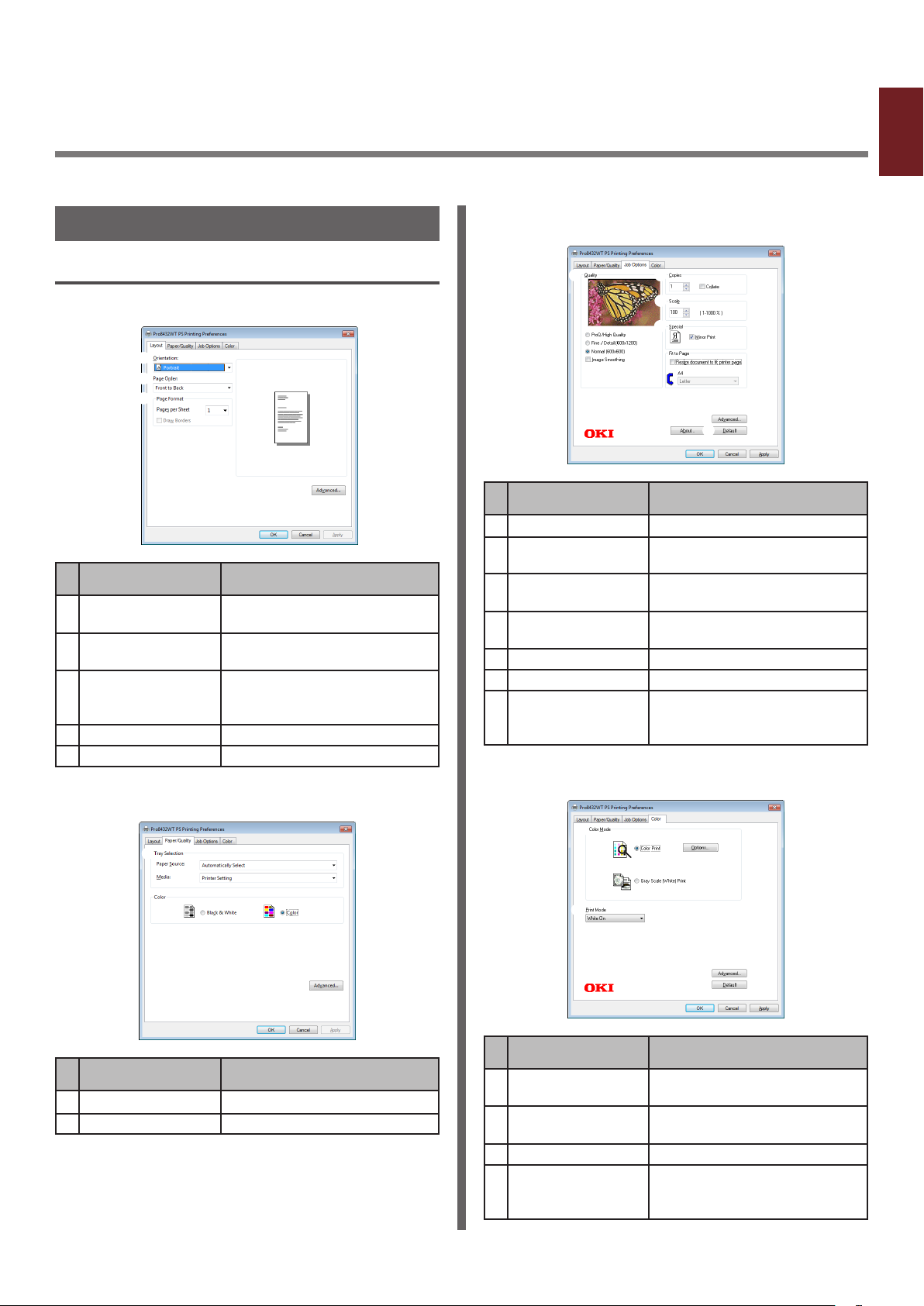
Description of Print Functions ..................................................................................... 7
Printing on Labels ................................................................................................... 10
Printing on Custom Size Paper .................................................................................. 11
Manual Printing ...................................................................................................... 13
Combining Multiple Pages Onto One Sheet of Paper (Multiple page printing).................... 14
Scaling to Pages ..................................................................................................... 15
Collating Pages....................................................................................................... 16
Setting the Page Order ............................................................................................ 16
Cover Printing ........................................................................................................ 17
Changing Print Quality (Resolution) ........................................................................... 17
Printing with white toner only ................................................................................... 18
Color printing with white toner.................................................................................. 18
How to print with application setting.......................................................................... 19
Emphasizing Fine Lines............................................................................................ 20
Auto Tray Selection ................................................................................................. 20
Auto Tray Switching ................................................................................................ 21
Changing the Driver's Default Settings....................................................................... 22
Using Printer Fonts.................................................................................................. 23
Using Computer Fonts ............................................................................................. 23
Using a Print Buffer................................................................................................. 24
Printing to File........................................................................................................ 24
Downloading PS Files .............................................................................................. 25
Printing Out PS Errors ............................................................................................. 25
2. Adjusting Color .................................................................. 26
Adjusting Color on the Control Panel........................................................ 26
Adjusting Color Registration ..................................................................................... 26
Adjusting the Density .............................................................................................. 26
Adjusting the Color Balance (Density)........................................................................ 27
Adjusting Color with PS Gamma Adjuster Utility ........................................ 28
Registering Half-tone............................................................................................... 28
Printing a File with the Adjusted Gamma Curve........................................................... 29