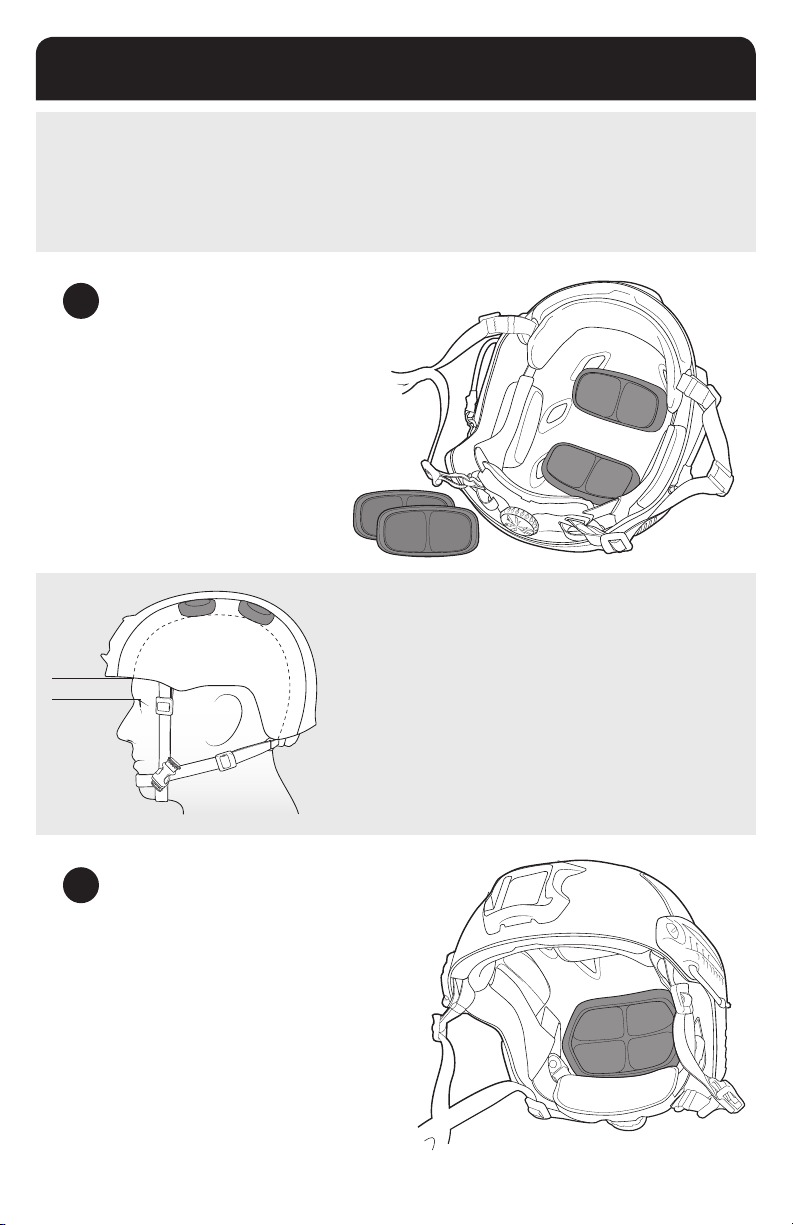
0.5”-1”
PRO SETUP
FAST Helmets were designed for professionals who expect the most from their equipment. Just like
ne-tuning the suspension on a racecar or sighting in a re-arm, the helmet must be set up properly before
use to function correctly. If you do not follow these instructions, your helmet will not function in accordance
with stated performance.
1ADJUST THE TOP PADS
•Put the helmet on. ½” pads come
pre-installed in the helmet. Turn the dial to loosen the
tband so that all of the helmet weight is resting on
top of your head.
•With the tband loose, check how high / low the
helmet is sitting. Forehead pad should be above and
not resting on the bony ridge of your eyebrows.
2ADJUST THE REAR PADS
•Install the ¾” rear pad. Put the helmet on.
•If you feel uncomfortable pressure on your forehead, take
the ¾” pad out and put in the ½”pad.
•If it feels the same as with the ½” pad (can’t notice the
difference) then keep the ¾” installed.This will make the
helmet more stable and comfortable.
HEIGHT ADJUSTMENT
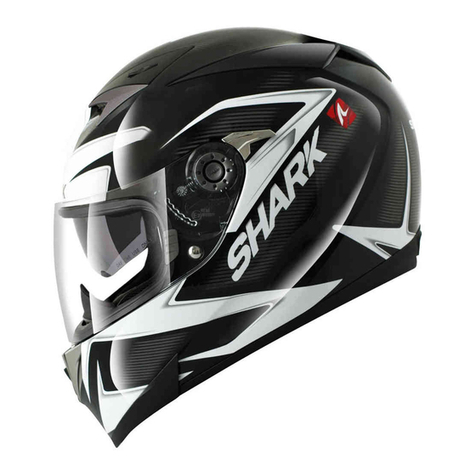
•The distance from the top of the eyebrow to the bottom of the tband
should be approximately 0.5”- 1”. There should also be enough room
around your ears for COMMs / hearing protection.
•If the helmet sits too low on your head, remove the ½” top pads and
install the ¾” top pads.
•If the helmet sits at an uncomfortable angle, adjust the top pads, or
use a combination of ½” and ¾” top pads until it sits correctly.
8