manuals.online logo
Brands
  1. Home
  2. •
  3. Brands
  4. •
  5. Panduit
  6. •
  7. Cables And Connectors
  8. •
  9. Panduit CT-1000 Specification sheet

Panduit CT-1000 Specification sheet

Other manuals for CT-1000

2

Other Panduit Cables And Connectors manuals

Panduit DP6 PLUS User manual

Panduit

Panduit DP6 PLUS User manual

Panduit DPA245E88TV25 User manual

Panduit

Panduit DPA245E88TV25 User manual

Panduit NetKey 6 Series User manual

Panduit

Panduit NetKey 6 Series User manual

Panduit T568B User manual

Panduit

Panduit T568B User manual

Panduit T568A User manual

Panduit

Panduit T568A User manual

Panduit CRB6BL User manual

Panduit

Panduit CRB6BL User manual

Panduit FLCSHMIG User manual

Panduit

Panduit FLCSHMIG User manual

Panduit VeriSafe VS-CKP14-6 User manual

Panduit

Panduit VeriSafe VS-CKP14-6 User manual

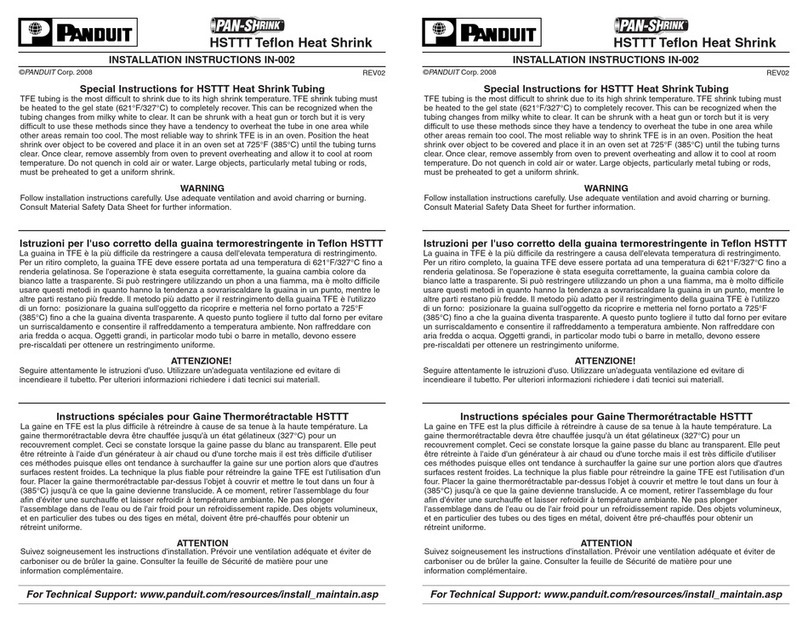
Panduit PAN-SHRINK HSTTT Series User manual

Panduit

Panduit PAN-SHRINK HSTTT Series User manual

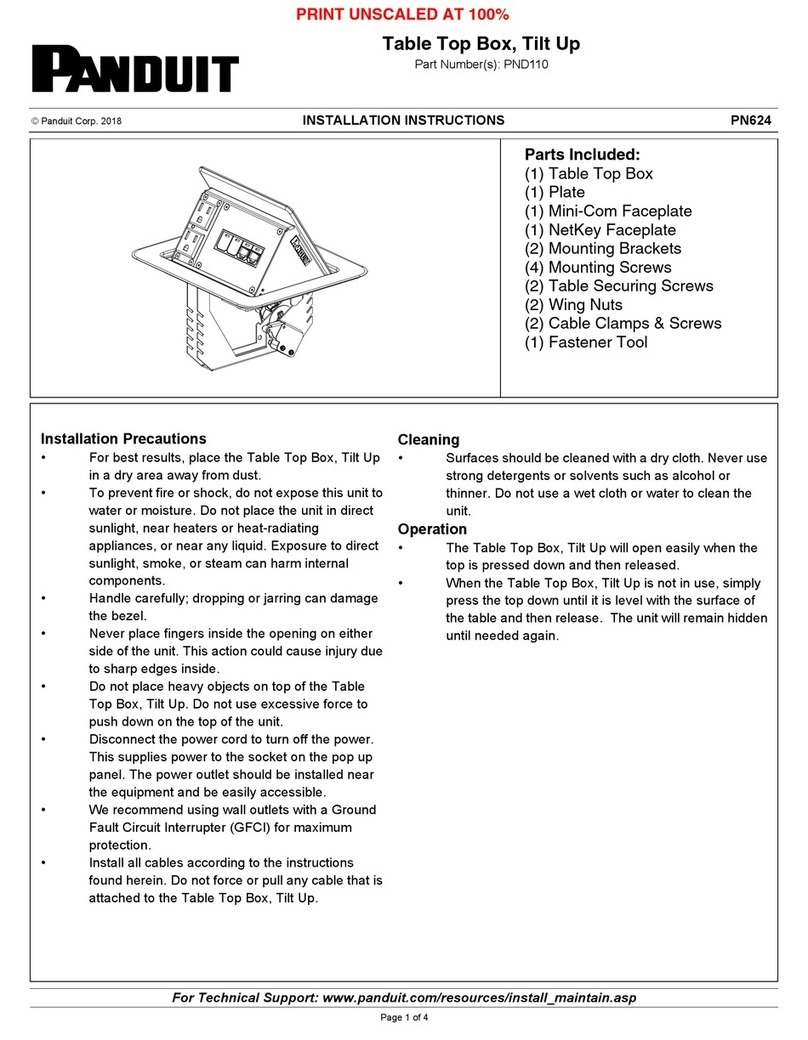
Panduit PND110 User manual

Panduit

Panduit PND110 User manual

Panduit CM308F Configuration guide

Panduit

Panduit CM308F Configuration guide

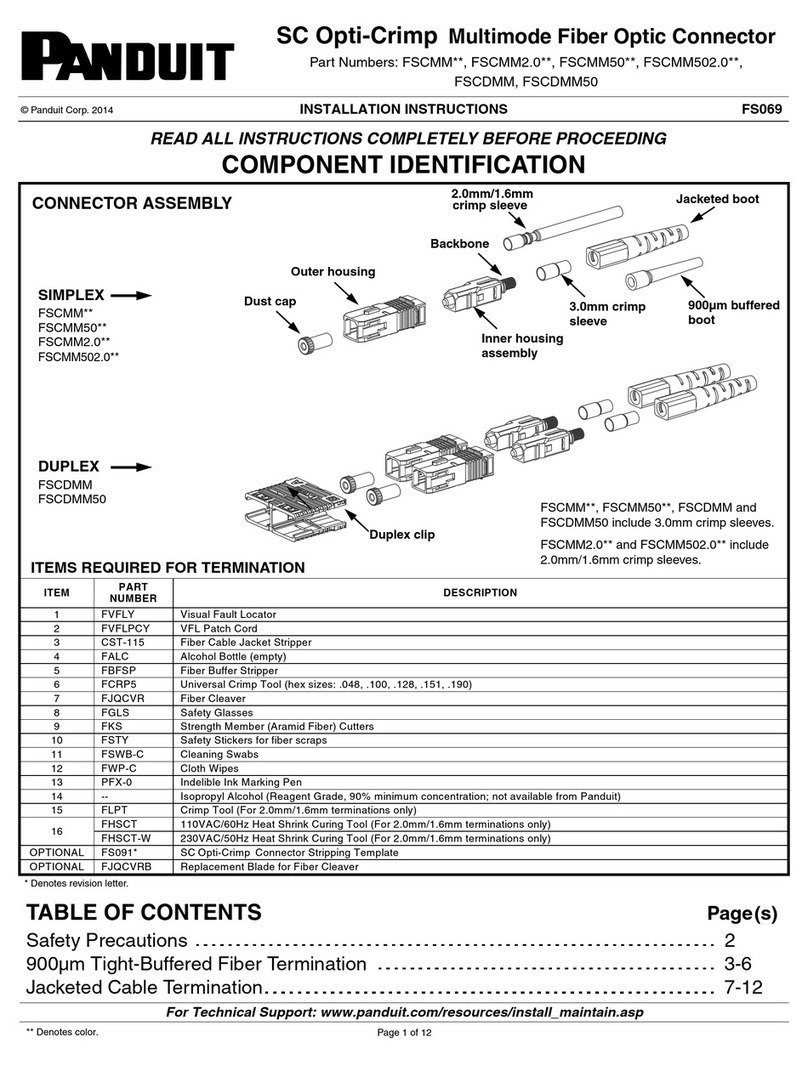
Panduit FSCMM Series User manual

Panduit

Panduit FSCMM Series User manual

Panduit VeriSafe VSC Series User manual

Panduit

Panduit VeriSafe VSC Series User manual

Panduit Opti-Core User manual

Panduit

Panduit Opti-Core User manual

Panduit TX5e User manual

Panduit

Panduit TX5e User manual

Panduit CJS588T User manual

Panduit

Panduit CJS588T User manual

Panduit FS148 User manual

Panduit

Panduit FS148 User manual

Panduit PN366E User manual

Panduit

Panduit PN366E User manual

Panduit KMTRTH User manual

Panduit

Panduit KMTRTH User manual

Panduit PCPA13R20 Series User manual

Panduit

Panduit PCPA13R20 Series User manual

Panduit FO6CB User manual

Panduit

Panduit FO6CB User manual

Panduit FJJGM2.0C User manual

Panduit

Panduit FJJGM2.0C User manual

Panduit CHD15HDSC Y Series User manual

Panduit

Panduit CHD15HDSC Y Series User manual

Panduit FK2BJ User manual

Panduit

Panduit FK2BJ User manual

Popular Cables And Connectors manuals by other brands

StarTech.com ST124HD20 quick start guide

StarTech.com

StarTech.com ST124HD20 quick start guide

Philips SWV4543S/10 Features

Philips

Philips SWV4543S/10 Features

Larson Electronics 10-50C instruction manual

Larson Electronics

Larson Electronics 10-50C instruction manual

Grip MEK-PM Assembly and operating manual

Grip

Grip MEK-PM Assembly and operating manual

Ultra Products Travel Pack #3 ULT31436 Specifications

Ultra Products

Ultra Products Travel Pack #3 ULT31436 Specifications

Surpass QCH-F Operation manual

Surpass

Surpass QCH-F Operation manual

Philips SWA6310 Specifications

Philips

Philips SWA6310 Specifications

StarTech.com CRJ4550PK quick start guide

StarTech.com

StarTech.com CRJ4550PK quick start guide

Nohau EMUL-IP2K-PC user guide

Nohau

Nohau EMUL-IP2K-PC user guide

Foxun SX-SP144E-HD4K2K operating instructions

Foxun

Foxun SX-SP144E-HD4K2K operating instructions

Philips SWA3305W Specifications

Philips

Philips SWA3305W Specifications

opticis Stretch DVIM1-1P0x user manual

opticis

opticis Stretch DVIM1-1P0x user manual

Volkswagen VAS 6558A operating manual

Volkswagen

Volkswagen VAS 6558A operating manual

NEXIBO N-13 user manual

NEXIBO

NEXIBO N-13 user manual

CYP PU-1H3HBTL Operation manual

CYP

CYP PU-1H3HBTL Operation manual

Allen-Bradley 1784-u2dhp installation instructions

Allen-Bradley

Allen-Bradley 1784-u2dhp installation instructions

Global Caché Flex Link Blaster quick start

Global Caché

Global Caché Flex Link Blaster quick start

Hauppauge USB-Live2 Quick installation guide

Hauppauge

Hauppauge USB-Live2 Quick installation guide

manuals.online logo
manuals.online logoBrands
  • About & Mission
  • Contact us
  • Privacy Policy
  • Terms and Conditions

Copyright 2025 Manuals.Online. All Rights Reserved.

TM
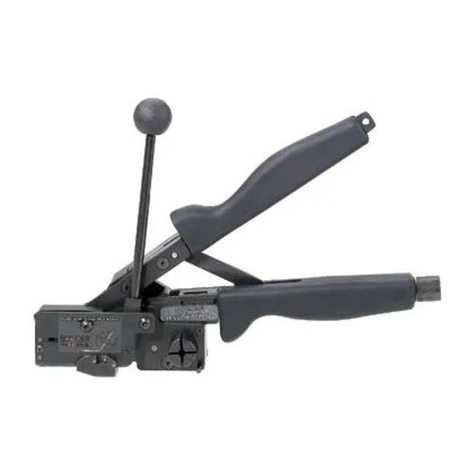
Quick Set-up For CT-1000 Ferrule Crimp Tool
1. Cut Wire:
Insert wire into cutting guide and
close handles to cut wire.
2. Strip Wire:
Adjust orange wire stop to strip
length specified on the ferrule-
package label you are using. See
sample of package label below.
Insert wire until it hits stop and
close handles to strip wire.
Release handles and remove
stripped wire.
FSD80-8-DSL6 QTY. 500
FERRULE - STRIP
INSULATION (BLUE)
WIRE SIZE: 14 AWG (2.50 mm2)
FOR STR CU WIRE
MAX WIRE INSUL. DIA. 0.16" (4.0 mm2)
STRIP LENGTH 13/32" (10 mm)
Adjusting Strip Blade Depth
Adjustment screw should be used to
set strip blade depth. If insulation is
not being stripped turn adjustment
screw clockwise ¼ turn increments
until the desired wire strip is achieved.
If blade is cutting into insulation
too deep turn adjustment screw
counterclockwise ¼ turn increments
until the desired wire strip is achieved.
3. Adjust Crimp Force Setting:
FSD80-8-DSL6 QTY. 500
FERRULE - STRIP
INSULATION (BLUE)
WIRE SIZE: 14 AWG (2.50 mm2)
FOR STR CU WIRE
MAX WIRE INSUL. DIA. 0.16" (4.0 mm2)
STRIP LENGTH 13/32" (10 mm)
CRIMP TOOL: CT-1000, SETTING: 2.5
Open tool door as shown above
and adjust crimp force setting.
With door open, make dial and
slide adjustments to match specific
setting noted on package label.
Press in and rotate adjustment
dial, until desired die setting is
reached. Adjustment dial will
automatically click into place when
setting is reached. Adjust slide
control on cover so that the two
settings match. These two settings
must match to crimp correctly.
13/32
Tool Overview
PANDUIT continuously molded ferrules
and crimping tools deliver speed and
reliability for medium volume terminations.
The CT-1000 is a multi-use .54 lbs. controlled cycle
tool that crimps ferrules, and cuts and strips wire.
• Innovative rapid load design significantly reduces installation time
• Adjustable die setting allows termination of all continuously molded
strip-fed ferrules
• Designed for use with continuously molded ferrules in strips of 50
Note: Tool intended for use with soft coated, multi-stranded copper
wire and strip ferrules with polypropylene insulating collars
from 0.5 - 2.5 mm2.

4. Load Ferrules:

With cover open, feed end of ferrule
strip under plastic guides into handle
with insulation facing operator.
Slide ferrules until strip comes to a
stop under the die pocket.
Ensure that first ferrule is seated
into the die pocket as shown
above.
Close the cover. If the end of the ferrule strip
is longer than the handle (as shown above),
fold over and close cover.
Tool is now loaded and ready for crimping.
5. Crimp Ferrules:
Insert stripped wire into ferrule
positioned in die pocket.
Push and hold wire into ferrule
until orange adjustment dial
on other side of tool moves
outward (as shown above). While
maintaining pressure on the wire
close tool handle.
Release handles and remove
crimped wire. The tool will
automatically feed a new ferrule
into position for the next crimp.
Note: If wire size changes, tool will need to be readjusted. Follow instructions 3–5.
CT-1000 Crimp Setting Reference Chart
Part Number Tool Crimp Setting
Din End Sleeves
FSD75-8-DSL10 0.5–0.75
FSD76-8-DSL8 0.5–0.75
FSD77-8-DSL2 1.0–1.5
FSD78-8-DSL0 1.0–1.5
FSD80-8-DSL6 2.5
Before After
©2016 Panduit Corp.
ALL RIGHTS RESERVED.
RSCB16029--ENG-SA
5/2016
Plastic Guides