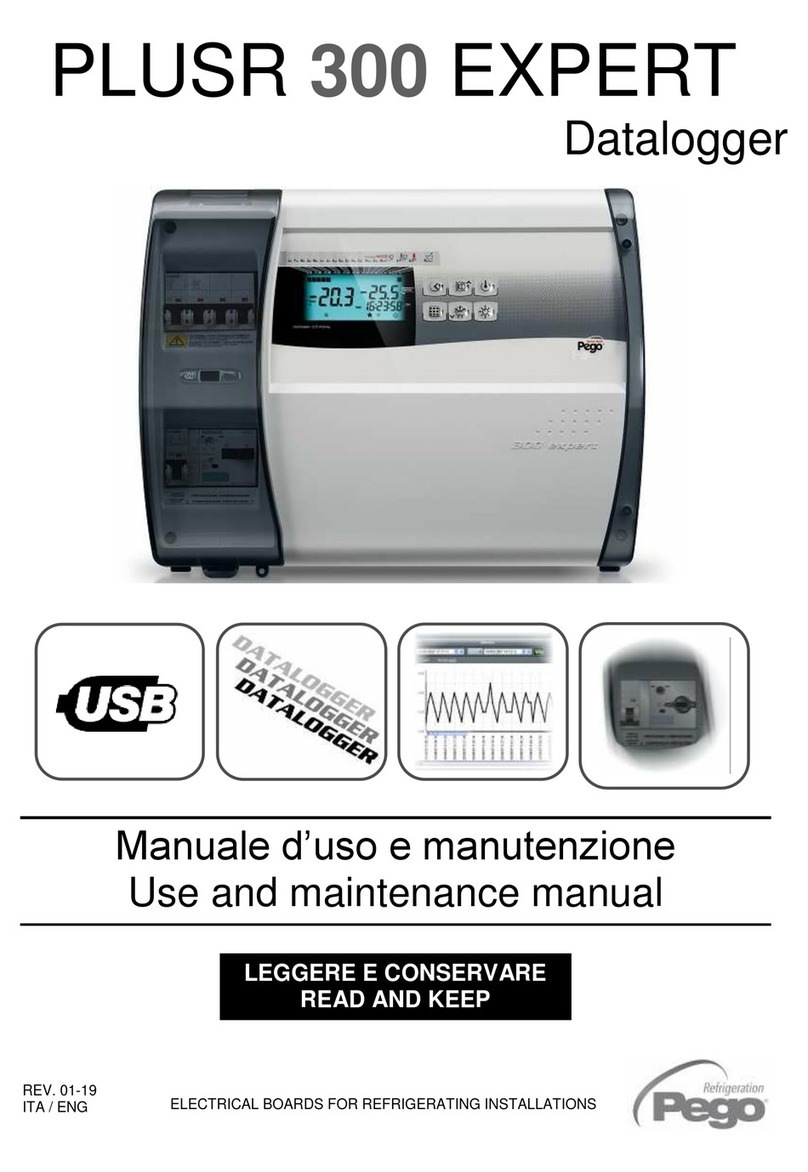
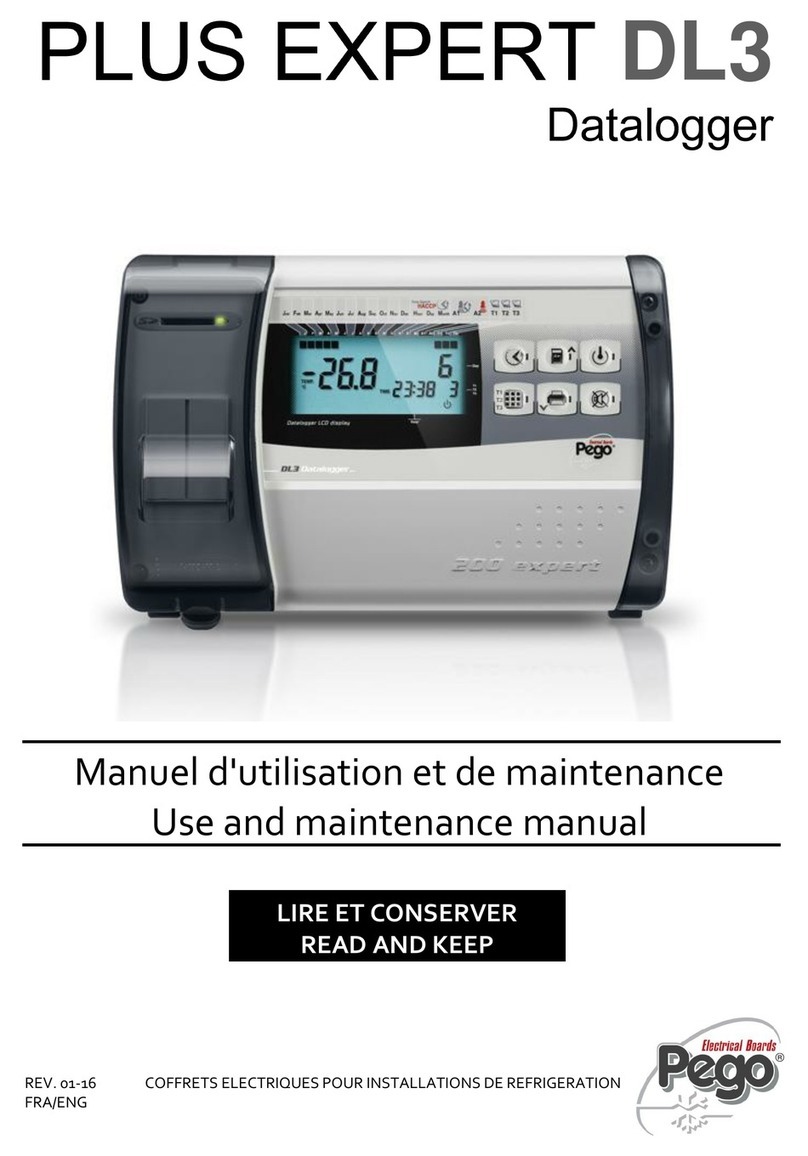
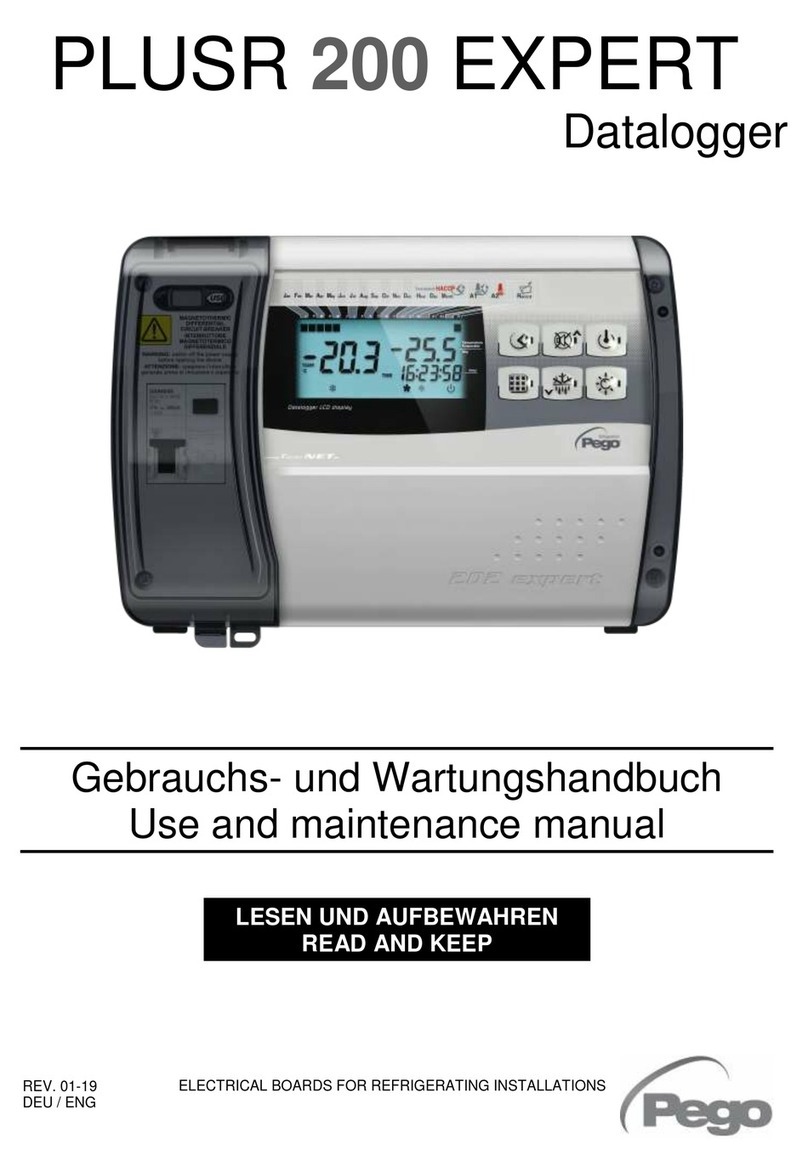
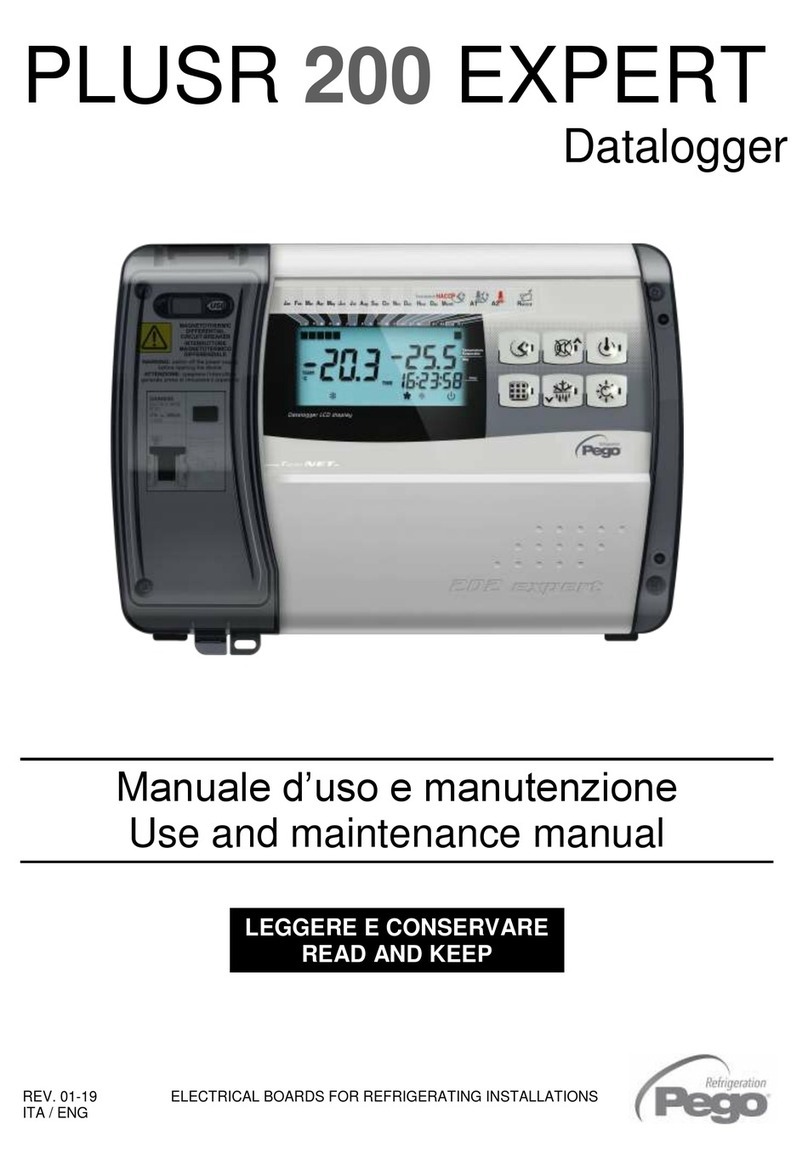
manuals.online logo
Brands
  1. Home
  2. •
  3. Brands
  4. •
  5. Pego
  6. •
  7. Data Logger
  8. •
  9. Pego PLUSR EXPERT DL3 User manual

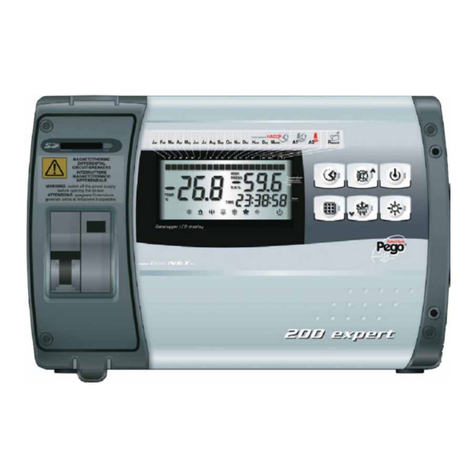
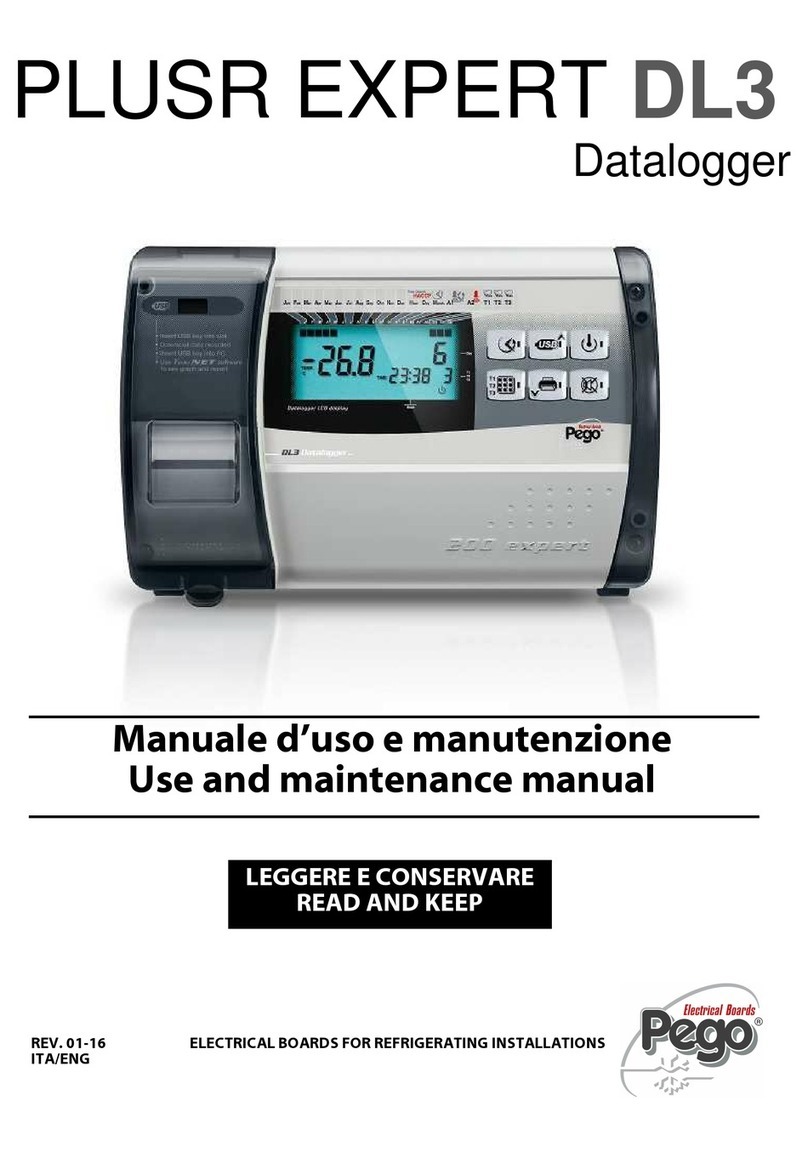
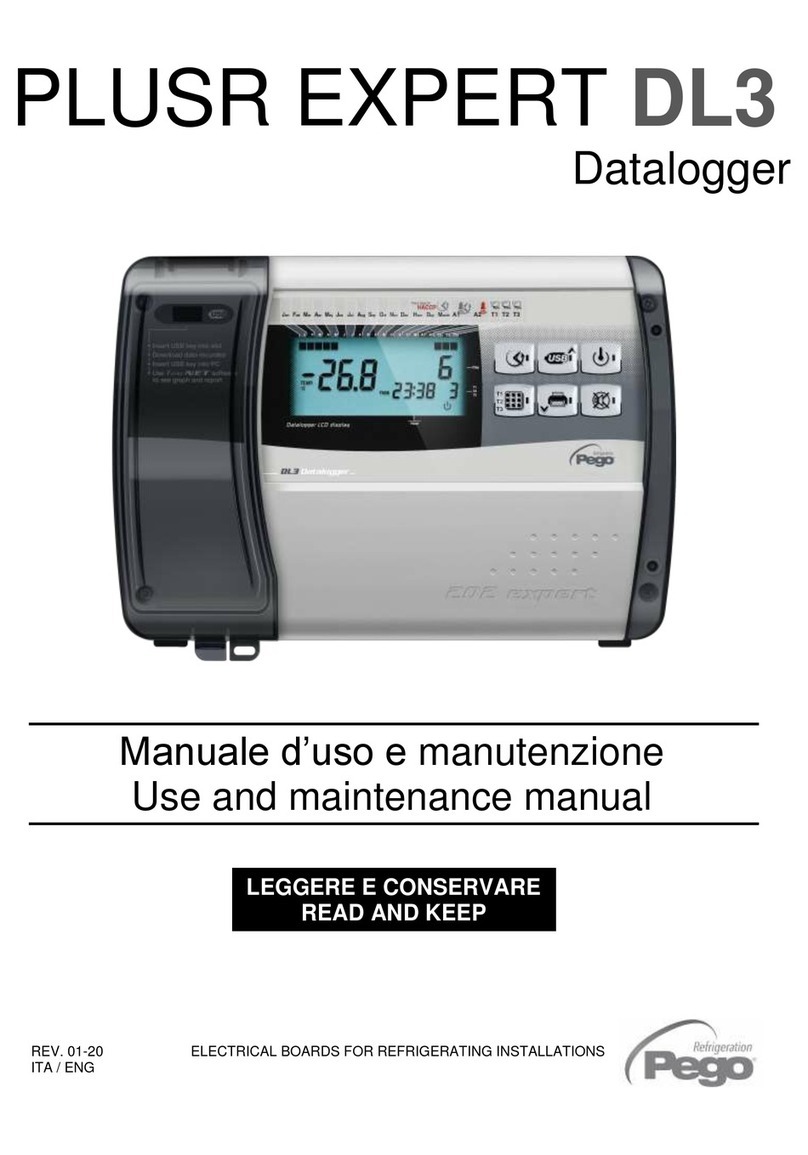
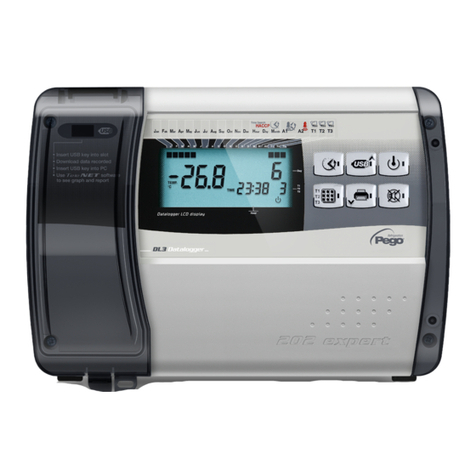
Pego PLUSR EXPERT DL3 User manual

Other manuals for PLUSR EXPERT DL3

3

Other Pego Data Logger manuals

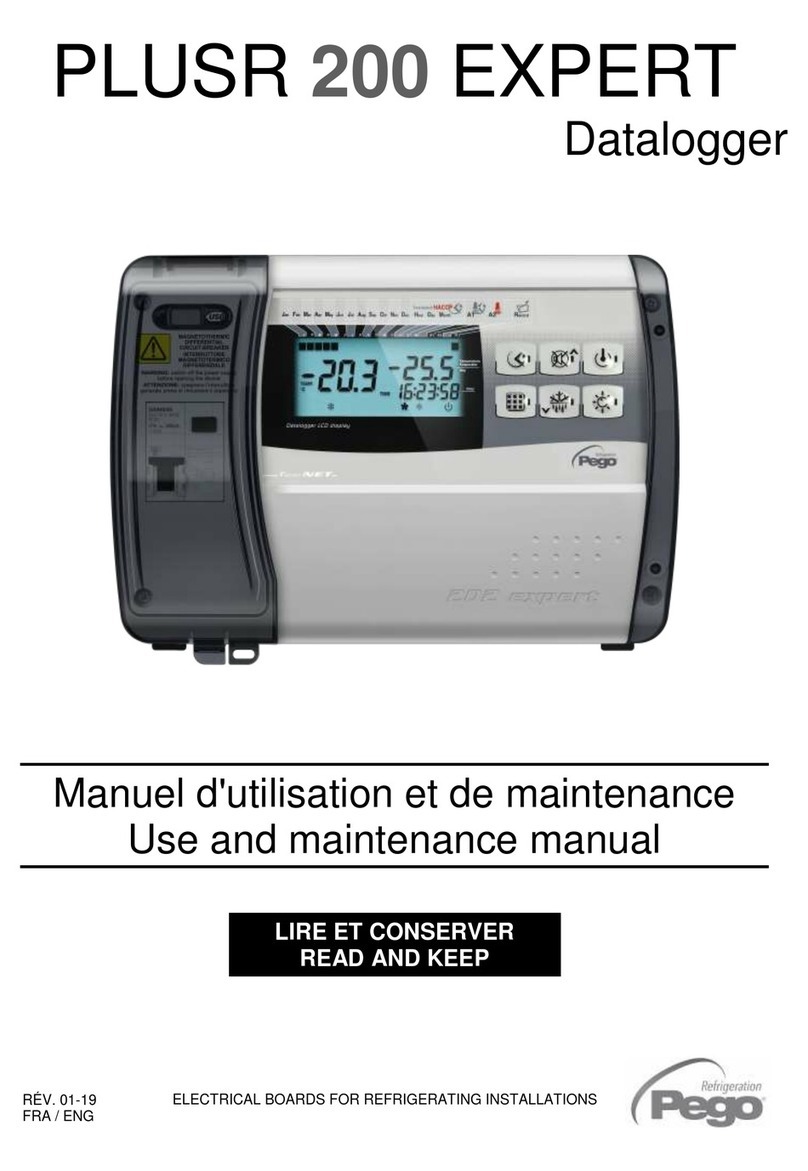
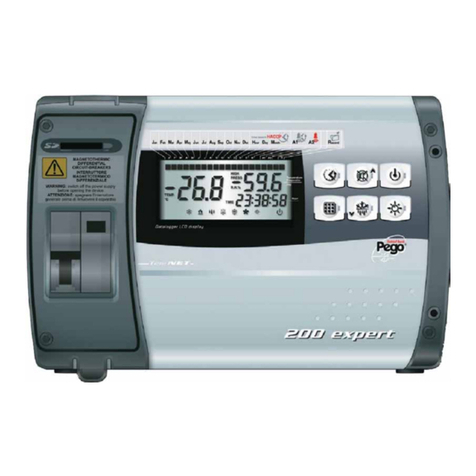
Pego PLUS200 EXPERT User manual

Pego

Pego PLUS200 EXPERT User manual

Pego PLUSR 200 EXPERT User manual

Pego

Pego PLUSR 200 EXPERT User manual

Pego PLUSR EXPERT DL3 User manual

Pego

Pego PLUSR EXPERT DL3 User manual

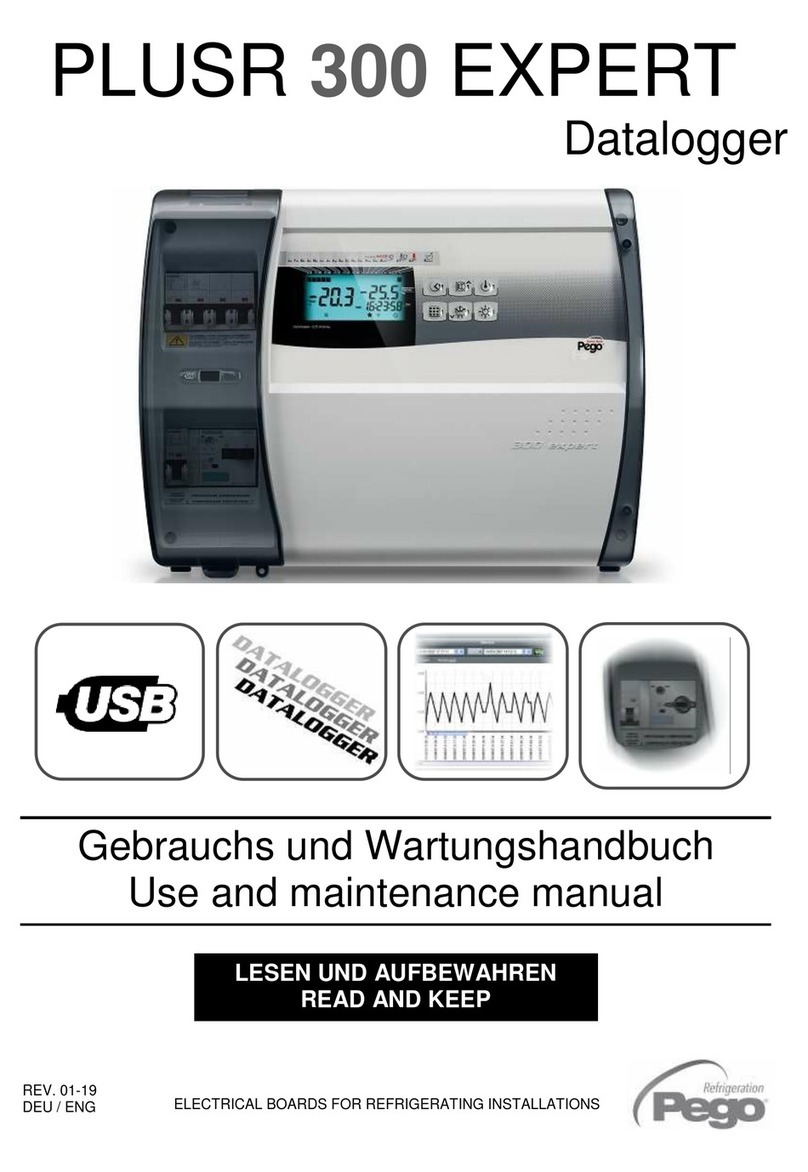
Pego PLUSR 300 EXPERT User manual

Pego

Pego PLUSR 300 EXPERT User manual

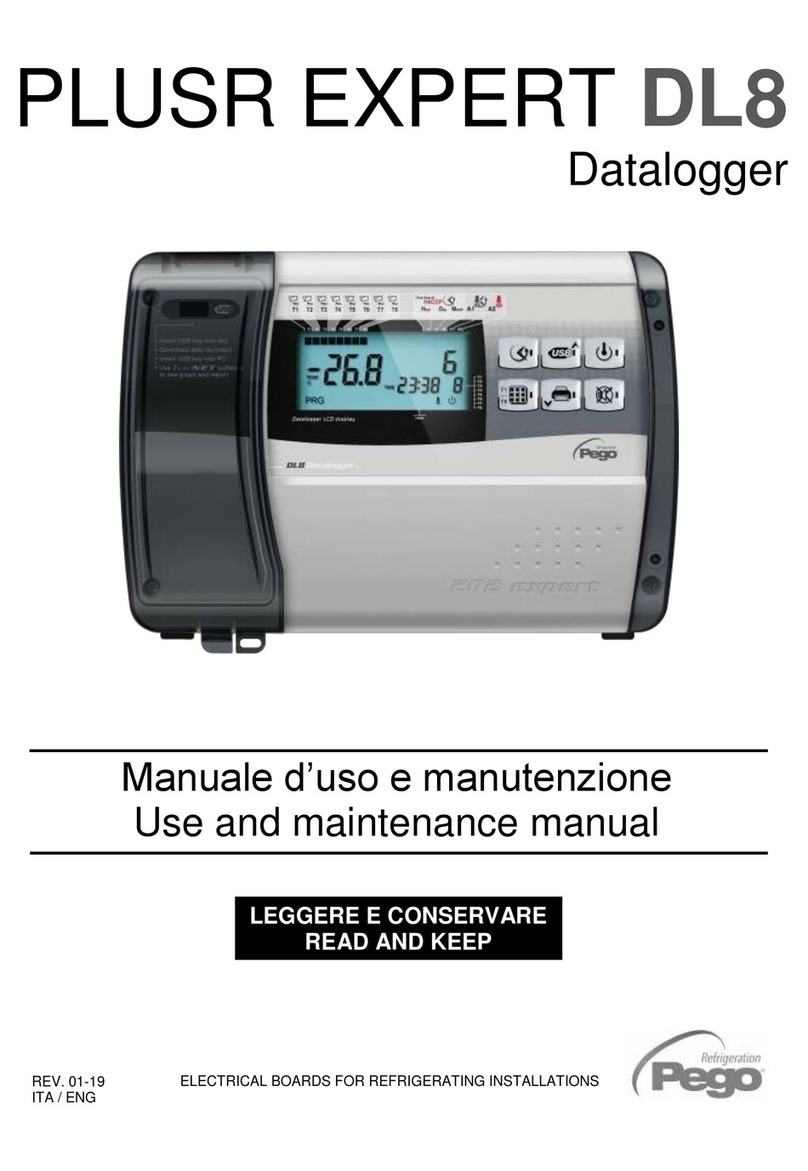
Pego PLUSR EXPERT DL8 User manual

Pego

Pego PLUSR EXPERT DL8 User manual

Pego PLUS200 EXPERT User manual

Pego

Pego PLUS200 EXPERT User manual

Pego PLUS EXPERT DL3 User manual

Pego

Pego PLUS EXPERT DL3 User manual

Pego PLUSR 200 EXPERT User manual

Pego

Pego PLUSR 200 EXPERT User manual

Pego PLUSR EXPERT DL3 User manual

Pego

Pego PLUSR EXPERT DL3 User manual

Pego PLUSR 200 EXPERT User manual

Pego

Pego PLUSR 200 EXPERT User manual

Pego PLUS EXPERT DL3 User manual

Pego

Pego PLUS EXPERT DL3 User manual

Pego PLUS200 EXPERT User manual

Pego

Pego PLUS200 EXPERT User manual

Pego PLUSR EXPERT DL3 User manual

Pego

Pego PLUSR EXPERT DL3 User manual

Pego PLUSR 300 EXPERT User manual

Pego

Pego PLUSR 300 EXPERT User manual

Pego PLUSR 300 EXPERT User manual

Pego

Pego PLUSR 300 EXPERT User manual

Popular Data Logger manuals by other brands

UGCS SkyHub user manual

UGCS

UGCS SkyHub user manual

Avisaro 4.0 Series user manual

Avisaro

Avisaro 4.0 Series user manual

DDB C3 manual

DDB

DDB C3 manual

TESTO 176 instruction manual

TESTO

TESTO 176 instruction manual

HBM SOMAT XR CX22B-R operating manual

HBM

HBM SOMAT XR CX22B-R operating manual

Agtrix 380i manual

Agtrix

Agtrix 380i manual

Beijing ART Tech PCI2320 user manual

Beijing ART Tech

Beijing ART Tech PCI2320 user manual

Athena GET SL1 user manual

Athena

Athena GET SL1 user manual

Motec Systems C185 user manual

Motec Systems

Motec Systems C185 user manual

Beijing ART Tech USB2832 user manual

Beijing ART Tech

Beijing ART Tech USB2832 user manual

HT Italia XL421 user manual

HT Italia

HT Italia XL421 user manual

Racelogic VBOX LapTimer quick start guide

Racelogic

Racelogic VBOX LapTimer quick start guide

Edu-Logger 900-240 Guide

Edu-Logger

Edu-Logger 900-240 Guide

Elma DT173 manual

Elma

Elma DT173 manual

MadgeTech PRTemp140 Product user guide

MadgeTech

MadgeTech PRTemp140 Product user guide

Comet U0121M user guide

Comet

Comet U0121M user guide

pico Technology PT-104 user guide

pico Technology

pico Technology PT-104 user guide

Sensus DIAVASO user manual

Sensus

Sensus DIAVASO user manual

manuals.online logo
manuals.online logoBrands
  • About & Mission
  • Contact us
  • Privacy Policy
  • Terms and Conditions

Copyright 2025 Manuals.Online. All Rights Reserved.

RÉV. 01/04
Manuel d'utilisation et de maintenance
Use and maintenance manual
ELECTRICAL BOARDS FOR REFRIGERATING INSTALLATIONS
LIRE ET CONSERVER
READ AND KEEP
RÉV. 01-19
FRA / ENG
PLUSR EXPERT DL3
Datalogger
PLUSR EXPERT DL3
Merci d’avoir choisi un tableau électrique PEGO.
Ce manuel fournit des informations détaillées sur
l’installation, l’utilisation et la maintenance des
tableaux électriques de la série PLUSR EXPERT
DL3 et des versions spéciales. Nos produits sont
conçus et fabriqués conformément aux normes de
sécurité en vigueur en matière d’emploi spécifique
des installations de réfrigération et de
conditionnement. Un emploi différent est autorisé, à
condition de respecter les conditions de
fonctionnement pour lesquelles le tableau a été
conçu et fabriqué.
Avant d’utiliser le tableau, il convient de lire
intégralement le présent manuel en accordant une
attention particulière aux parties mises en évidence
par les symboles décrits ci-dessous :
Thank you for choosing this PEGO electrical panel.
This manual gives detailed information on
installation, use and maintenance of PLUSR
EXPERT DL3 electrical controllers panels and
special versions. Our products are designed and
built in compliance with current standards in the
specific fields of refrigeration and conditioning
systems.
A different use is permitted provided that the
operating conditions for which the switchboard was
designed and built are respected.
Before using the panel you should read all the
contents of this manual, paying special attention to
parts highlighted parts with the symbols described
below:
Ce symbole indique des remarques relatives aux
opérations d’installation, d’utilisation et de
maintenance.
This symbol is used to draw your attention to notes
concerning installation, use and maintenance
operations
Ce symbole met en évidence des remarques
particulièrement importantes.
This symbol is used to highlight important notes
Ce symbole indique l’interdiction d’exécuter
l’opération indiquée.
This symbol is used to indicate that the described
task is prohibited.
RÉV. 01/04
PLUSR EXPERT DL3
Page 3
MANUEL D'UTILISATION ET DE MAINTENANCE
USE AND MAINTENANCE MANUAL
Rév. 01-19
INTRODUCTION
INTRODUCTION
Page 4
1.1
Généralités
Generality
Page 5
1.2
Codes d'identification des produits
Product ID codes
Page 5
1.3
Dimensions d'encombrement
Overall dimensions
Page 5
1.4
Code d'identification du produit
Identification data
INSTALLATION
INSTALLATION
Page 6
2.1
Mises en garde générales pour l'installateur
Important information for the installer
Page 6
2.2
Contenu de l’emballage
Standard assembly kit
Page 7
2.3
Installation du tableau
Installing the unit
FONCTION
FUNCTIONS
Page 10
3.1
Fonctions gérées par PLUSR EXPERT DL3
PLUSR EXPERT DL3 panel functions
CARACTÉRISTIQUES TECHNIQUES
TECHNICAL CHARACTERISTICS
Page 11
4.1
Caractéristiques techniques
Technical characteristics
Page 12
4.2
Conditions de garantie
Warranty
PROGRAMMATION DES DONNÉES
PARAMETER PROGRAMMING
Page 13
5.1
Description des secteurs LCD
Description of LCD areas
Page 14
5.2
Clavier frontal
Frontal keypad
Page 15
5.3
Combinaison de touches
Keys combinations
Page 16
5.4
Écran LED
LED display
Page 17
5.5
Généralités
General features
Page 17
5.6
Symboles
Symbology
Page 17
5.7
Premier niveau de programmation
Level 1 programming
Page 18
5.8
Liste des variables de premier niveau
List of Level 1 variables
Page 22
5.9
Allumage du Datalogger
Turning on the Datalogger
Page 22
5.10
Enregistrement de données
Data recording
Page 22
5.11
Modificationdesconfigurationsdeladateetdel'heure
Change of datenad time settings
Page 23
5.12
Protection par un mot de passe
Password protection
Page 23
5.13
Affichage des données enregistrées
Displaying recorded data
Page 25
5.14
Affichage de l’historique des alarmes de température
Historical visualization of temperature alarms
Page 26
5.15
Impression de l’historique des enregistrements (en option)
Print historical recordings (optional)
Page 29
5.16
EnregistrementdesdonnéessurunemémoireUSB
Data backup on USB memory
Page 32
5.17
Mise à jour du logiciel
Software update
Page 33
5.18
Exportation/importation des paramètres
Parameters export / import
OPTIONS
OPTIONS
Page 33
6.1
Système de monitorage TeleNET
TeleNET Monitoring system
Page 34
6.2
Protocole ModBUS - RTU
ModBUS –RTU Protocol
DIAGNOSTIC
TROUBLESHOOTING
Page 35
7.1
Diagnostic
Troubleshooting
MAINTENANCE
MAINTENANCE
Page 38
8.1
Contrôle périodique
Periodical check
Page 39
8.2
Pièces de rechange et accessoires
Spare parts and accessories
Page 39
8.3
Nettoyage du tableau
Cleaning the controller
Page 39
8.4
Élimination
Disposal
ANNEXES
APPENDICES
Page 40
A.1
Déclaration de conformité UE
EU Declaration of Conformity
Page 41
A.2
Schéma de connexion 200P200RDL3
200P200RDL3 wiring diagram
Page 42
A.3
Schéma éclaté
Exploded diagram and parts list
TABLE DES MATIÈRES / CONTENTS
2
3
CHAP. 7
CHAP. 6
6
7
4
5
8
1
PLUSR EXPERT DL3
Page 4
MANUEL D'UTILISATION ET DE MAINTENANCE
USE AND MAINTENANCE MANUAL
Rév. 01-19
GÉNÉRALITÉS - GENERALITY
DESCRIPTION :
PLUSR EXPERT DL3 est un Datalogger à 3 canaux,
dont on peut contrôler et enregistrer pour chacun, à
intervalles réguliers, la température, l'état d'un entrée
numérique et les alarmes qui se sont déclenchées. Il
est conforme au règlement (CE) 37/2005 et à la norme
correspondante EN 12830, aux directives 89/108/CE,
92/2/CE et aux décrets législatifs italiens n° 110 du
27/01/92 et n° 493 du 25/09/95 qui obligent à
enregistrer la température des produits surgelés et à
conserver les données correspondantes pendant au
moins un an.
PLUSR EXPERT DL3 permet d’afficher directement à
l’écran toutes les données enregistrées ou uniquement
l’historique des alarmes de température. Avec une
mémoire USB (clé USB), il est possible de transférer
les données enregistrées sur le Datalogger au
programme TeleNET, qui permet d’archiver,
d’organiser, de consulter et d’imprimer les
enregistrements des différents instruments. Il est
également possible d’imprimer les enregistrements sur
papier thermique en utilisant une imprimante Bluetooth
(en option).
APPLICATIONS :
-Fonction Datalogger jusqu'à 3 températures et
3 entrées digitales pour cellules de stockage
et de distribution de produits surgelés.
DESCRIPTION:
PLUSR EXPERT DL3 is a 3-channel datalogger
which for every channel is possible to monitor and
record temperature, a digital input status and alarm
events, at fixed intervals.
It complies with EC standard 37/2005 and the
relative EN 12830 standard, EC directives 89/108,
92/2 and Italian law decrees Nr 110 of 27/01/92 and
Nr 493 of 25/09/95, which require that frozen food
temperatures be recorded and that such data be
stored for at least one year.
PLUSR EXPERT DL3 allows direct displaying of
stored data or only the history of temperature alarm
events.
Using a USB memory (USB pendrive) it's possible to
download data recorded on datalogger to TeleNET
software with which store, manage, consult and print
data recorded for each device.
You can also print the records on thermal paper
using a bluetooth printer (optional).
APPLICATIONS:
-Datalogger function up to 3 temperatures
and 3 digital inputs for storage and
distribution of deep frozen food.
1.1
INTRODUCTION / INTRODUCTION
1 - Introduction - Introduction
PLUSR EXPERT DL3
Page 5
MANUEL D'UTILISATION ET DE MAINTENANCE
USE AND MAINTENANCE MANUAL
Rév. 01-19
CODES D'IDENTIFICATION DES PRODUITS - PRODUCT ID CODES
200P200RDL3
PLUSR EXPERT DL3
Datalogger jusqu’à 3 canaux de
température (99 °C ÷ -45 °C) et 3 entrées
numériques conforme au règlement (CE)
37/2005 et à la norme correspondante EN
12830 (jusqu’à 1 an d’enregistrement).
Slot USB de téléchargement des données.
PLUSR EXPERT DL3
Datalogger up to 3 temperature
channel (99°C ÷ -45°C) and Nr 3
digital inputs compliant to CE 37/2005
and relative EN 12830 standard (up
to 1 year of data recording).
Slot USB for data download.
DIMENSIONS D'ENCOMBREMENT - OVERALL DIMENSIONS
CODE D'IDENTIFICATION DU PRODUIT - IDENTIFICATION DATA
L'appareil décrit dans ce manuel est pourvu
d'une plaquette, fixée sur le côté et reportant
les données d'identification de ce dernier :
The device described in this manual comes
with a nameplate attached to its side showing
the identification data of the device:
1 - Introduction - Introduction
1.2
1.3
1.4
PLUSR EXPERT DL3
Page 6
MANUEL D'UTILISATION ET DE MAINTENANCE
USE AND MAINTENANCE MANUAL
Rév. 01-19
MISES EN GARDE POUR L'INSTALLATEUR - IMPORTANT INFORMATION FOR THE INSTALLER
-Installer l’appareil dans des milieux qui respectent
le degré de protection et maintenir le boîtier le plus
intact possible lorsque l'on effectue les perçages
pour la mise en place des serre-câbles et/ou des
presse-étoupes.
-Éviter d'utiliser des câbles à multiconducteur dans
lesquels sont présents des conducteurs à charges
inductives et de puissance, et des conducteurs de
signal comme des sondes et des entrées
numériques.
-Évitez d'installer des câbles d'alimentation et des
câbles de signal (sondes et entrées numériques)
dans les mêmes goulottes.
-Réduisez le plus possible les longueurs des câbles
de raccordement en évitant que le câblage prenne
la forme en spirale qui est dangereuse à cause de
ses éventuels effets inductifs sur la partie
électronique.
-Tous les conducteurs utilisés dans le câblage
doivent être opportunément proportionnés pour
pouvoir supporter la charge qu'ils doivent alimenter.
-S’il est nécessaire de prolonger les sondes, il est
obligatoire d'employer des conducteurs de section
adaptée et, quoi qu'il en soit, non inférieure à
1mm2. Le prolongement ou le raccourcissement
des sondes pourrait altérer l'étalonnage d'usine ;
procéder donc à la vérification de l'étalonnage à
l'aide d'un thermomètre externe et certifié par
ACCREDIA.
-Install the device in places where the
protection rating is observed and try not to
damage the box when drilling holes for
wire/pipe seats.
-Do not use multi-polar cables in which there
are wires connected to inductive/power loads
or signalling wires (e.g. probes/sensors and
digital inputs).
-Do not fit power supply wiring and signal wiring
(probes/sensors and digital inputs) in the same
raceways or ducts.
-Minimise the length of connector wires so that
wiring does not twist into a spiral shape as this
could have negative effects on the electronics.
-All wiring must be of a cross-section suitable
for relevant power levels.
-If it is necessary to extend the probes it is
mandatory to use conductors of suitable
section and in any case not less than 1mm2.
The extension or shortening of the probes
could alter the factory calibration; then proceed
with the verification and calibration by means
of direct comparison with a tested and
ACCREDIA certified thermometer.
CONTENU DE L’EMBALLAGE - STANDARD ASSEMBLY KIT
Pour le montage et l'utilisation, le contrôleur
électronique PLUSR EXPERT DL3 est équipé de :
N°3 Joints d'étanchéité, à placer entre la vis de
fixation et le fond du boîtier.
N°1 Manuel d’utilisation.
N°3 Sonde NTC 10 K 1 % jaune longueur 3m.
N°1 CD-ROM du programme TeleNET-SD.
N°1 Rapport d’étalonnage.
PLUSR EXPERT DL3 electronic controller for
installing and using, is equipped with:
Nr 3 Seals, to be fitted between the fixing
screws and the box back panel.
Nr 1 User’s manual.
Nr 3 NTC 10K 1% yellow probe 3m long.
Nr 1 TeleNET-SD CD-ROM.
Nr 1 Calibration report.
INSTALLATION / INSTALLATION
2 -Installation - Installation
2.1
2.2
PLUSR EXPERT DL3
Page 7
MANUEL D'UTILISATION ET DE MAINTENANCE
USE AND MAINTENANCE MANUAL
Rév. 01-19
INSTALLATION DU TABLEAU - INSTALLING THE UNIT
Fig. 1 :
Soulever la porte transparente de
protection du slot USB et enlever la
couverture des vis sur le côté droit.
Raise the transparent cover that shields
USB slot and remove the screw cover
on the right-hand side.
Fig. 2 :
Dévisser les 4 vis de fixation du devant
du boîtier.
Undo the 4 fixing screws at the front of
the box.
2.3
2 -Installation - Installation
PLUSR EXPERT DL3
Page 8
MANUEL D'UTILISATION ET DE MAINTENANCE
USE AND MAINTENANCE MANUAL
Rév. 01-19
Fig. 3 :
Ouvrir le devant du boîtier en soulevant
et en faisant coulisser les deux
charnières jusqu'à la butée d'arrêt.
Fléchir les charnières et tourner le
devant de 180° vers le bas, pour
accéder à l'intérieur du tableau
Open the front of the box, lift it and slide
the two hinges out as far as they will go.
Bend the hinges and rotate the front
panel by 180° downward to get access
inside the panel
Fig. 4 :
En utilisant les trois trous (1), (2) et (3)
présents, fixer le fond du boîtier avec trois
vis d’une longueur adéquate en fonction de
l'épaisseur de la paroi sur laquelle doit être
fixé le tableau. Placer entre chaque vis de
fixation et le fond du boîtier une rondelle en
caoutchouc (fournie).
Use the three existing holes (1), (2), (3)
to fix the box back panel to the wall: use
three screws of a length suitable for the
thickness of the wall to which the panel
will be attached. Fit a rubber washer
(supplied) between each screw and the
box backing.
2 -Installation - Installation
PLUSR EXPERT DL3
Page 9
MANUEL D'UTILISATION ET DE MAINTENANCE
USE AND MAINTENANCE MANUAL
Rév. 01-19
Effectuer toutes les connexions électriques
selon les schémas en annexe pour le modèle
correspondant (voir les tableaux correspondants
en ANNEXE). Pour effectuer les connexions
électriques de façon fiable, et garder le degré de
protection du boîtier, il est conseillé d'utiliser des
serre-câbles adéquats et/ou des presse-étoupes
pour fermer de façon étanche tous les câblages.
Il est conseillé de distribuer le passage des
conducteurs à l'intérieur du tableau de la façon
la plus ordonnée possible ; garder notamment
les conducteurs de puissance loin de ceux de
signal. Utiliser éventuellement des colliers
d'étanchéité.
Make all the electrical connections as
illustrated in the diagram for the
corresponding model (see relative table in
APPENDICES).
To effect correct electrical connection and
maintain the protection rating, use
appropriate wire/raceway grips to ensure
a good seal.
Route the wiring inside the unit in as tidy
a fashion as possible: be especially
careful to keep power wires away from
signal wires. Use clips to hold wires in
place.
Fig. 5 :
Refermer le couvercle frontal, en faisant
attention à ce que tous les câbles soient à
l'intérieur du boîtier et à ce que le joint du
boîtier soit correctement placé dans son
logement. Fermer le couvercle frontal avec les
4 vis. Donner la tension d'alimentation au
tableau et effectuer une lecture/programmation
scrupuleuse de tous les paramètres configurés.
Close the front panel, making sure that
all the wires are inside the box and that
the box seal sits in its seat properly.
Tighten the front panel using the 4
screws.
Power up the panel and carry out
thorough reading/programming of all
parameters.
Faire attention à ne pas serrer excessivement les
vis de fermeture, car cela pourrait causer une
déformation au boîtier et altérer le correct
fonctionnement et l'effet tactile du clavier du
tableau.
Toute opération d'intervention et / ou de
maintenance doit être effectuée en débranchant
le tableau de l'alimentation électrique et de
toutes les charges inductives et de puissance
possibles auxquelles il est connecté : ceci afin de
garantir la condition de sécurité maximale pour
l'opérateur.
Be careful not to over-tighten the
closure screws as this could warp the
box and compromise proper operation
of the membrane-type keypad.
Work and / or maintenance must
ONLY be carried out on the unit after
disconnecting the panel from the
power supply and from any
inductive/power loads: doing so allows
the worker to do his job in complete
safety.
2 -Installation - Installation
PLUSR EXPERT DL3
Page 10
MANUEL D'UTILISATION ET DE MAINTENANCE
USE AND MAINTENANCE MANUAL
Rév. 01-19
FONCTIONS GÉRÉES PAR LE TABLEAUX ELECTRIQUES PLUSR EXPERT DL3
PLUSR EXPERT DL3 PANEL FUNCTIONS
Monitorage et enregistrement jusqu’à trois canaux,
chacun avec une sonde de température.
Monitoring and recording up to 3 channels each
with temperature probe and digital input.
Possibilité de désactiver chaque canal.
Possibility to disable each single channel.
Enregistrement de trois entrées numériques indépendantes.
Registration of three independent digital inputs .
Possibilité d’activer des enregistrements asynchrones ; en
cas d’activation/désactivation d’une alarme de température
ou d’une entrée numérique, l’enregistrement de l’évènement
estforcé.
Asynchronous registration can be activated; in
case of activation/deactivation of a temperature
alarm or a digital input a data recording is forced.
Possibilité de mettre l’enregistrement du canal affiché en
pause avec une touche.
Possibility to pause the recording of displayed
channel simply by a key.
Fonction datalogger avec enregistrement dans la mémoire
interne pendant une durée maximum d’1 an des
températures, de l’état et des entrées et des alarmes
correspondantes. Désignation de l'instrument : EN 12830,
S, A, 1, plage demesure : -45T+99 °C .
Datalogger function with registration on internal
memory up to 1 year of temperatures, input status
and alarm events. Device assignation: EN 12830,
S, A, 1, measurement range: -45T+99 °C.
Possibilité d’augmenter l’intervalle d’enregistrement
pour mémoriser plus d’1 an de données. Possibilité
d’effectuer des enregistrements asynchrones des
évènements d’alarme.
Possibility to increase the recording interval to
store more than 1 year of data. Ability to perform
asynchronous registrations of alarm events
Slot USB pour la Sauvegarde des données de la
mémoire interne.
Fonction de mise à jour du logiciel par USB
USB slot for internal memory data backup.
Software update via USB
Fonction d’importation/exportation des paramètres par
USB
Parameter import / export via USB
Système électronique de contrôle avec grand écran
LCD avec rétro-éclairage et clavier simple à utiliser.
Electronic with wide LCD back-lit display and
easy-to-use keyboard.
Fonction Mot de passe pour la gestion de 3 niveaux
d’accès aux paramètres de l’instrument.
Password function for management of 3 levels of
access to instrument parameters
Batterie de réserve qui maintient les enregistrements de
la température en temps réel actifs en cas de coupure
de l’alimentation principale.
Backup battery that maintains active the real time
recordings of the temperature in the absence of
the main power.
Relais alarme
Alarm relay
RS485 pour la connexion au réseau de monitorage /
supervision TeleNET ou ModBUS-RTU
RS485 for connection to TeleNET industrial
supervision network or ModBUS-RTU
Programme TeleNET téléchargeable gratuitement à
partir du site internet www.pego.it pour l’archivage et la
consultation des données téléchargées avec la clé USB
à partir des tableaux PLUSR EXPERT DL3.
The TeleNET programme can be downloaded
free of charge from www.pego.it to allow storage
and consultation of data downloaded with the
USB pendrive from PLUSR EXPERT DL3 panels.
Connexion à une imprimante Bluetooth (sans fils) pour
l’impression directe des enregistrements sur papier
thermique (en option).
Connection with bluetooth printer (wireless) for
direct printing of records on thermal paper
(optional).

FONCTIONS / FUNCTIONS
3 -Fonctions / Functions
3.1