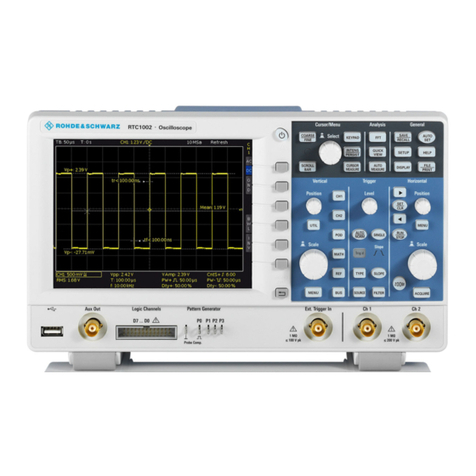
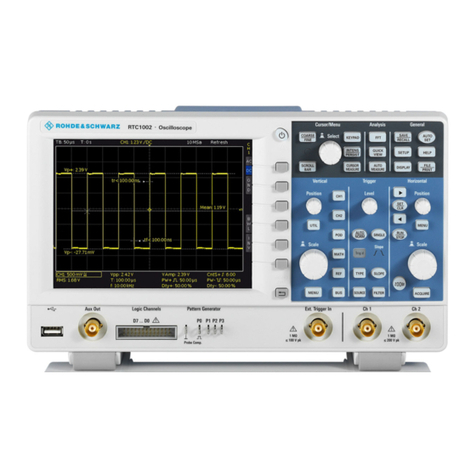
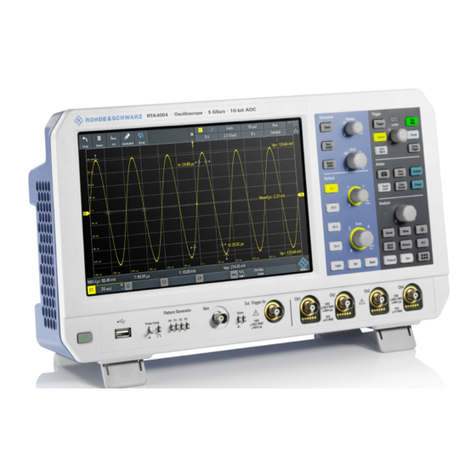
R&S RTC1002 User manual
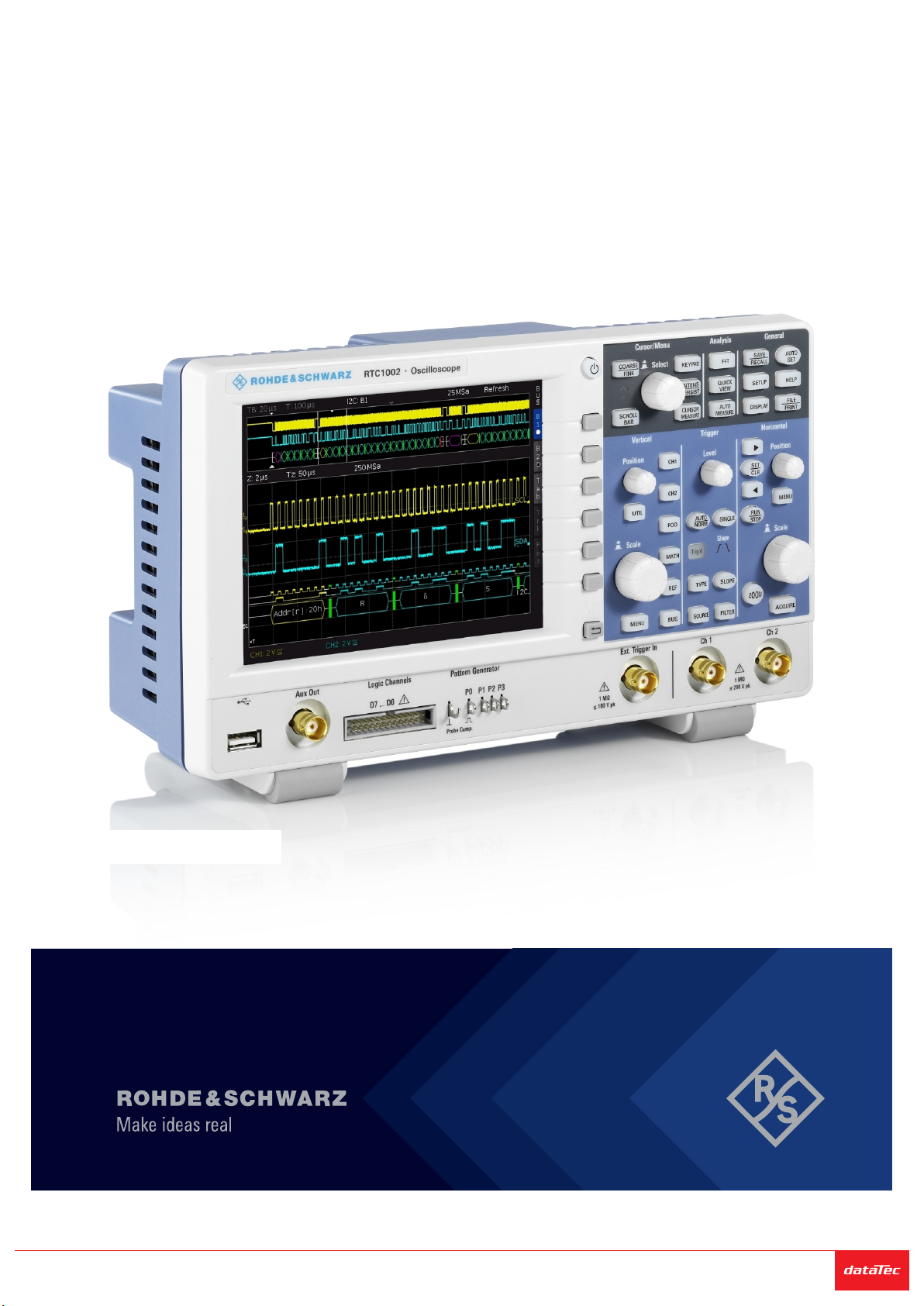
R&S®RTC1000
Digital Oscilloscope
Getting Started
1335734602
Version 06
(=S×^2)
Sie haben Fragen oder wünschen eine Beratung? Angebotsanfrage unter +49 7121 / 51 50 50 oder über info@datatec.eu
Distributed by:

This manual describes the following R&S®RTC1000 models:
●R&S®RTC1002 (1335.7500K02)
© 2021 Rohde & Schwarz GmbH & Co. KG
Mühldorfstr. 15, 81671 München, Germany
Phone: +49 89 41 29 - 0
Email: [email protected]
Internet: www.rohde-schwarz.com
Subject to change – data without tolerance limits is not binding.
R&S® is a registered trademark of Rohde & Schwarz GmbH & Co. KG.
Trade names are trademarks of the owners.
1335.7346.02 | Version 06 | R&S®RTC1000
Throughout this manual, products from Rohde & Schwarz are indicated without the ® symbol , e.g.
R&S®RTC1000 is indicated as R&S RTC1000.

Contents
R&S®RTC1000
3Getting Started 1335.7346.02 ─ 06
Contents
1 Safety Information................................................................. 5
1.1 Safety Instructions................................................................................5
1.2 Korea Certification Class A..................................................................6
2 Documentation Overview......................................................7
2.1 Manuals and Instrument Help..............................................................7
2.2 Data Sheet and Brochure..................................................................... 8
2.3 Calibration Certificate...........................................................................8
2.4 Release Notes, Open Source Acknowledgment................................ 8
3 Preparing for Use...................................................................9
3.1 Unpacking and Checking the Instrument........................................... 9
3.2 Positioning the Instrument................................................................ 10
3.3 Starting the Instrument.......................................................................11
3.3.1 Powering On..........................................................................................11
3.3.2 Starting Up and Shutting Down.............................................................12
3.3.3 Powering Off......................................................................................... 13
3.3.4 EMI Suppression...................................................................................13
3.4 Replacing the Fuse............................................................................. 13
4 Instrument Tour................................................................... 15
4.1 Front Panel.......................................................................................... 15
4.1.1 Input Connectors...................................................................................16
4.1.2 Other Connectors on the Front Panel................................................... 17
4.2 Rear Panel........................................................................................... 18
5 Contacting Customer Support........................................... 21

Contents
R&S®RTC1000
4Getting Started 1335.7346.02 ─ 06

Safety Information
R&S®RTC1000
5Getting Started 1335.7346.02 ─ 06
1 Safety Information
The R&S RTC1000 digital oscilloscope is designed for measurements on circuits
that are only indirectly connected to the mains or not connected at all. It is not
rated for any measurement category.
The instrument is rated for pollution degree 2 - for indoor, dry location use where
only non-conductive pollution occurs. Temporary conductivity caused by conden-
sation is possible.
The instrument must be controlled by personnel familiar with the potential risks of
measuring electrical quantities. Observe applicable local or national safety regula-
tions and rules for the prevention of accidents.
Safety information is part of the product documentation. It warns you about the
potential dangers and gives instructions how to prevent personal injury or dam-
age caused by dangerous situations. Safety information is provided as follows:
●The "Basic Safety Instructions" in different languages are delivered as a prin-
ted brochure with the instrument.
●Throughout the documentation, safety instructions are provided when you
need to take care during setup or operation.
1.1 Safety Instructions
To prevent electric shock, personal injury or fire, follow these rules:
●Do not open the instrument casing.
●Do not use the instrument if you detect or suspect any damage of the instru-
ment or accessories.
●Do not operate the instrument in wet, damp or explosive atmospheres.
●Make sure that the instrument is properly grounded.
●Do not use the instrument to ascertain volt-free state.
●Do not exceed the voltage limits given in Chapter 4.1.1, "Input Connectors",
on page 16.
Safety Instructions

Safety Information
R&S®RTC1000
6Getting Started 1335.7346.02 ─ 06
An unsuitable operating site or test setup can damage the instrument and con-
nected devices. Ensure the following operating conditions before you switch on
the instrument:
●Read and observe the "Basic Safety Instructions" brochure and the safety
instructions in the manuals.
●Observe the operating conditions specified in the data sheet. Note that the
general safety instructions also contain information on operating conditions.
●Position the instrument as described in the following sections.
Make sure that all fan openings are unobstructed and the airflow perforations
are unimpeded. The minimum distance from the wall is 10 cm.
●Signal levels at the input connectors are all within the specified ranges.
●Signal outputs are correctly connected and are not overloaded.
1.2 Korea Certification Class A
이 기기는 업무용(A급) 전자파 적합기기로서 판매자 또는 사용자는 이 점을 주의하
시기 바라며, 가정외의 지역에서 사용하는 것을 목적으로 합니다.
Korea Certification Class A

Documentation Overview
R&S®RTC1000
7Getting Started 1335.7346.02 ─ 06
2 Documentation Overview
This section provides an overview of the R&S RTC1000 user documentation.
2.1 Manuals and Instrument Help
You find the manuals on the product page at:
www.rohde-schwarz.com/manual/rtc1000
Getting started manual
Introduces the R&S RTC1000 and describes how to set up the product. A printed
English version is included in the delivery.
User manual
Contains the description of all instrument modes and functions. It also provides
an introduction to remote control, a complete description of the remote control
commands with programming examples, and information on maintenance and
instrument interfaces. Includes the contents of the getting started manual.
The online version of the user manual provides the complete contents for immedi-
ate display on the internet.
Instrument help
The help offers quick, context-sensitive access to the functional description
directly on the instrument.
Basic safety instructions
Contains safety instructions, operating conditions and further important informa-
tion. The printed document is delivered with the instrument.
Instrument security procedures manual
Deals with security issues when working with the R&S RTC1000 in secure areas.
Manuals and Instrument Help

Documentation Overview
R&S®RTC1000
8Getting Started 1335.7346.02 ─ 06
Service manual
Describes the performance test for checking the rated specifications, module
replacement and repair, firmware update, troubleshooting and fault elimination,
and contains mechanical drawings and spare part lists. The service manual is
available for registered users on the global Rohde & Schwarz information system
(GLORIS, https://gloris.rohde-schwarz.com).
2.2 Data Sheet and Brochure
The data sheet contains the technical specifications of the R&S RTC1000. It also
lists the options with their order numbers and optional accessories. The brochure
provides an overview of the instrument and deals with the specific characteristics.
See www.rohde-schwarz.com/brochure-datasheet/rtc1000
2.3 Calibration Certificate
The document is available on https://gloris.rohde-schwarz.com/calcert. You need
the device ID of your instrument, which you can find on a label on the rear panel.
2.4 Release Notes, Open Source Acknowledgment
The release notes list new features, improvements and known issues of the cur-
rent firmware version, and describe the firmware installation. The open source
acknowledgment document provides verbatim license texts of the used open
source software. It can also be read directly on the instrument.
See www.rohde-schwarz.com/firmware/rtc1000.
Release Notes, Open Source Acknowledgment

Preparing for Use
R&S®RTC1000
9Getting Started 1335.7346.02 ─ 06
3 Preparing for Use
3.1 Unpacking and Checking the Instrument
1. Inspect the package for damage.
If the packaging material shows any signs of stress, notify the carrier who
delivered the instrument.
2. Carefully unpack the instrument and the accessories.
3. Check the equipment for completeness. See section "Delivery contents"
on page 9.
4. Check the equipment for damage.
If there is damage, or anything is missing, immediately contact the carrier as
well as your distributor. Make sure not to discard the box and packing mate-
rial.
Packing material
Retain the original packing material. If the instrument needs to be transpor-
ted or shipped later, you can use the material to protect the control elements
and connectors.
Delivery contents
The delivery package contains the following items:
●R&S RTC1000 digital oscilloscope
●R&S RT-ZP03 probe probes (2x)
●Country-specific power cable
●Printed "Getting Started" manual
●Printed "Basic Safety Instructions" brochure
Unpacking and Checking the Instrument

Preparing for Use
R&S®RTC1000
10Getting Started 1335.7346.02 ─ 06
3.2 Positioning the Instrument
The instrument is designed for use under laboratory conditions. It can be used in
standalone operation on a bench top or can be installed in a rack.
For standalone operation, place the instrument on a horizontal bench with even,
flat surface. The instrument can be used in horizontal position, or with the support
feet on the bottom extended.
The instrument can be installed in a 19" rack mount using a rack mount kit. The
order number of the rack mount kit is given in the data sheet. The installation
instructions are part of the rack mount kit.
Risk of injury if feet are folded out
The feet can fold in if they are not folded out completely or if the instrument
is shifted. This can cause damage or injury.
●Fold the feet completely in or out to ensure stability of the instrument.
Never shift the instrument when the feet are folded out.
●When the feet are folded out, do not work under the instrument or place
anything underneath.
●The feet can break if they are overloaded. The overall load on the fol-
ded-out feet must not exceed 200 N.
Fmax
Positioning the Instrument
This manual suits for next models
22
Table of contents
Other R&S Test Equipment manuals