manuals.online logo
Brands
  1. Home
  2. •
  3. Brands
  4. •
  5. Samsara
  6. •
  7. Gateway
  8. •
  9. Samsara IG41 User manual

Samsara IG41 User manual

Other Samsara Gateway manuals

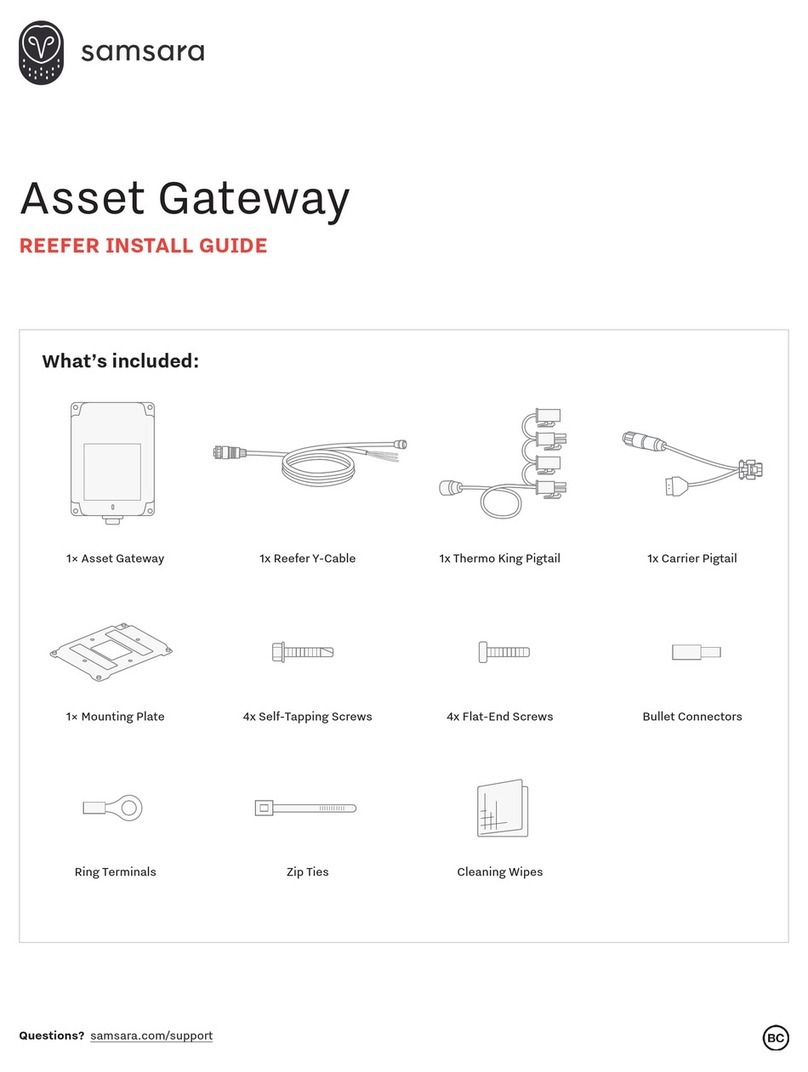
Samsara AG24 User manual

Samsara

Samsara AG24 User manual

Samsara AG26 User manual

Samsara

Samsara AG26 User manual

Samsara AG26 User manual

Samsara

Samsara AG26 User manual

Samsara CBL-AG-BPWR User manual

Samsara

Samsara CBL-AG-BPWR User manual

Samsara AG24 User manual

Samsara

Samsara AG24 User manual

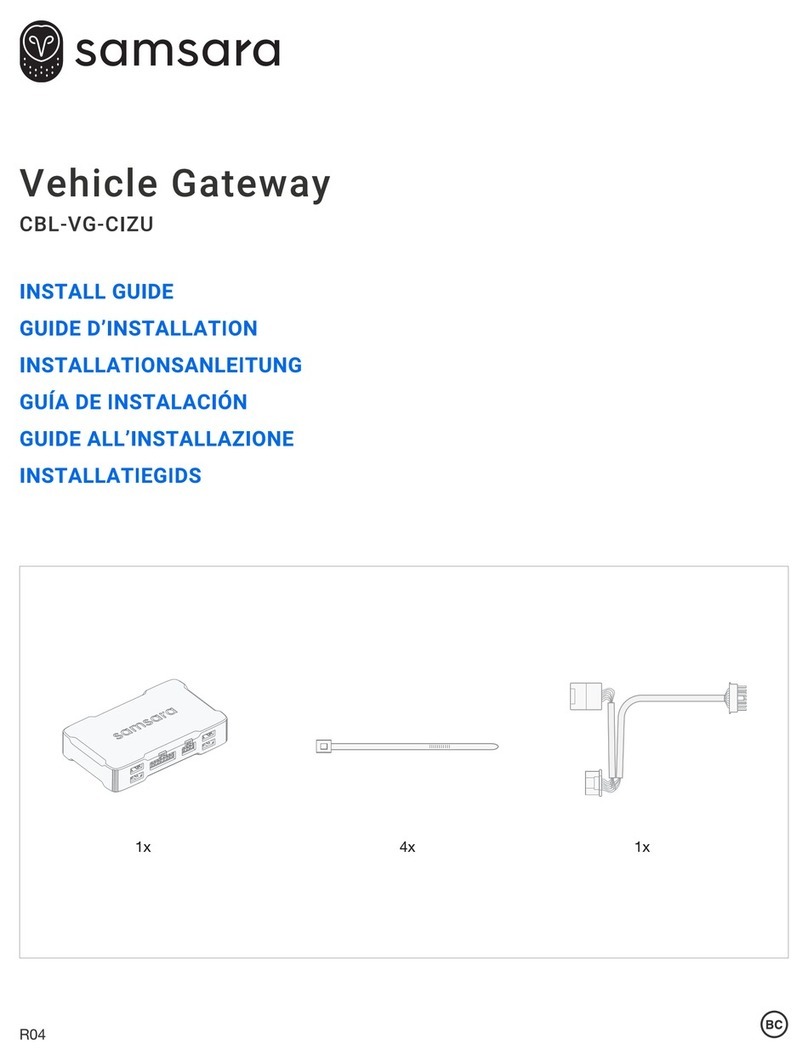
Samsara CBL-VG-CIZU User manual

Samsara

Samsara CBL-VG-CIZU User manual

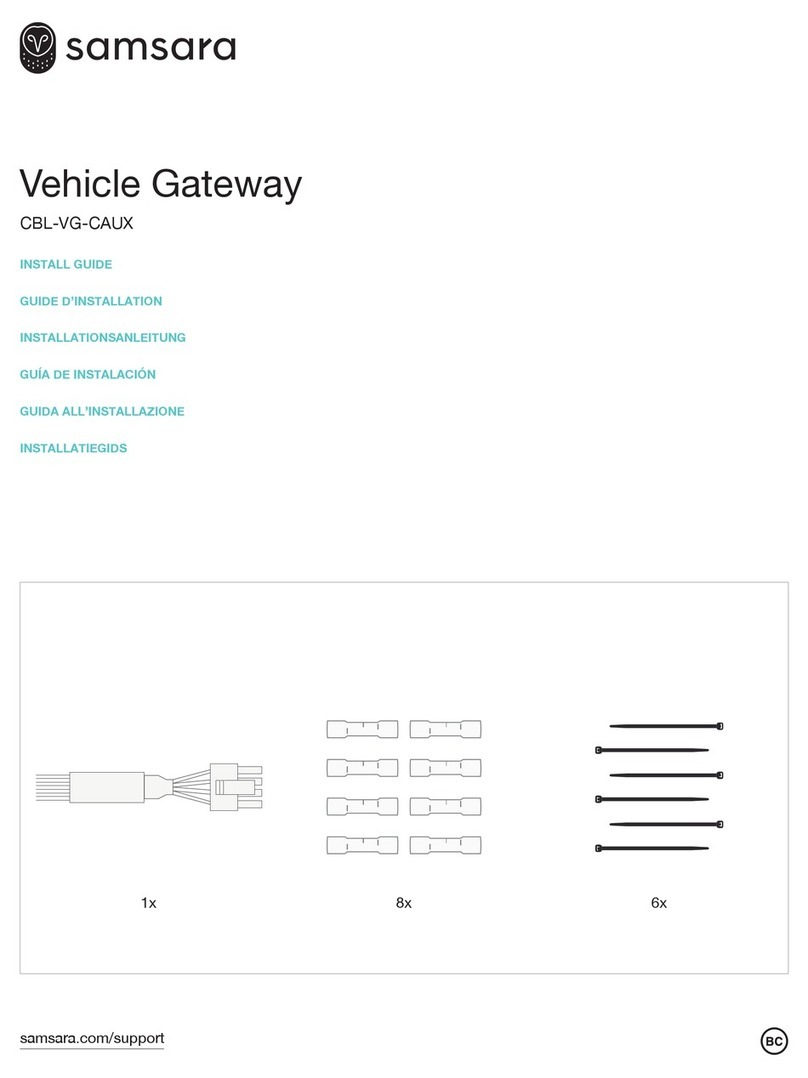
Samsara CBL-VG-CAUX User manual

Samsara

Samsara CBL-VG-CAUX User manual

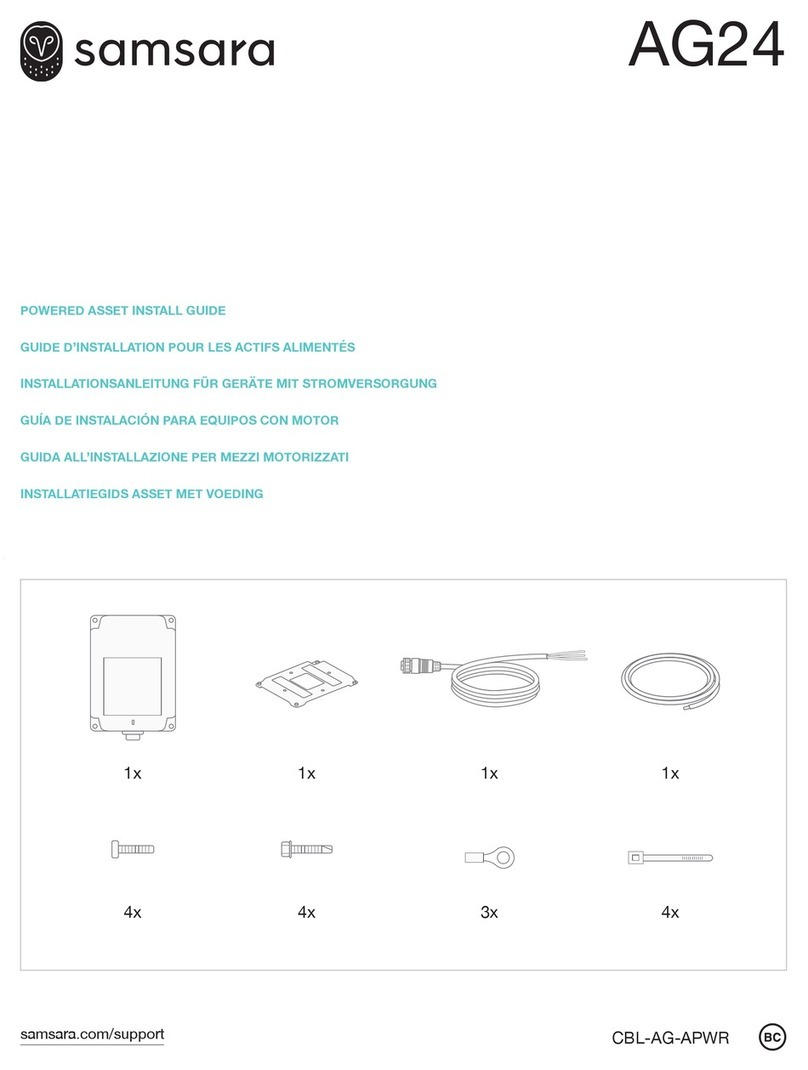
Samsara AG24 User manual

Samsara

Samsara AG24 User manual

Samsara CBL-AG-BEQP User manual

Samsara

Samsara CBL-AG-BEQP User manual

Samsara VG34 User manual

Samsara

Samsara VG34 User manual

Samsara AG51 User manual

Samsara

Samsara AG51 User manual

Samsara VG34 User manual

Samsara

Samsara VG34 User manual

Samsara AG24 User manual

Samsara

Samsara AG24 User manual

Samsara AG26 User manual

Samsara

Samsara AG26 User manual

Popular Gateway manuals by other brands

Telecom FM onestream gfx Programming guide

Telecom FM

Telecom FM onestream gfx Programming guide

UfiSpace LoRa GPE810U Quick setup guide

UfiSpace

UfiSpace LoRa GPE810U Quick setup guide

Merak MMk-736F Quick setup guide

Merak

Merak MMk-736F Quick setup guide

Robustel R3010 user guide

Robustel

Robustel R3010 user guide

turck BL20-PG-EN-V3 user manual

turck

turck BL20-PG-EN-V3 user manual

IBM Security Web Gateway Appliance quick start guide

IBM

IBM Security Web Gateway Appliance quick start guide

SSS Siedle Smart Gateway Commissioning instructions

SSS Siedle

SSS Siedle Smart Gateway Commissioning instructions

ADTRAN 424RG Installation

ADTRAN

ADTRAN 424RG Installation

Chorus Hyperfibre XGS-250WX-A user guide

Chorus

Chorus Hyperfibre XGS-250WX-A user guide

Dragino G308 user manual

Dragino

Dragino G308 user manual

Data Domain DD690g Installation and setup guide

Data Domain

Data Domain DD690g Installation and setup guide

Raritan Laptop Release notes

Raritan

Raritan Laptop Release notes

Haivision Torpedo quick start guide

Haivision

Haivision Torpedo quick start guide

ATCOM AG-268 user manual

ATCOM

ATCOM AG-268 user manual

LST M500RFE-AS Specification sheet

LST

LST M500RFE-AS Specification sheet

Vega VEGA BS-3 user manual

Vega

Vega VEGA BS-3 user manual

Kinnex Media Gateway quick start guide

Kinnex

Kinnex Media Gateway quick start guide

2N Telekomunikace 2N StarGate user manual

2N Telekomunikace

2N Telekomunikace 2N StarGate user manual

manuals.online logo
manuals.online logoBrands
  • About & Mission
  • Contact us
  • Privacy Policy
  • Terms and Conditions

Copyright 2025 Manuals.Online. All Rights Reserved.

samsara.com/support HW-IG41
The IG should be mounted on a 35mm
DIN rail inside a properly rated enclosure,
e.g. NEMA 4x.
To mount it, pull down the latch on the
bottom of the device.
Angle the unit and hook it onto the DIN
rail, angle it down and push the latch
back up to lock.
1 2
Industrial
Gateway
INSTALL GUIDE
RESET BUTTON
POWER LED
If installing a multiband antenna on the
enclosure, drill a ⅞" hole and wipe the
surface clean before routing the cables
and applying the double sided tape.
Connect all five labeled cables to the
respective ports on the IG41.
Connect IG to power, power plug denotes
positive and ground, use 18AWG wire.
Connect IG ground screw to chassis
ground.
43
Power LED will be blinking white on startup.
It will start flashing green when connecting
and turn solid green when connected.
If the LED turns yellow, a reboot is required.
If the LED turns red, please call into
support.
Create an account at cloud.samsara.com
and activate the IG by entering the serial
number found on the front of the unit and
back of the box.
Go to kb.samsara.com to finish setting up
your device.
5 6
samsara.com/support
cloud.samsara.com
Activate Devices
ABC9-DE9-FG9
Activate Samsara Hardware
WARNING – EXPLOSION HAZARD. DO NOT DISCONNECT WHILE THE
CIRCUIT IS LIVE OR UNLESS THE AREA IS FREE OF IGNITIBLE
CONCENTRATIONS.
AVERTISSEMENT – RISQUE D’EXPLOSION. NE PAS DÉBRANCHER
PENDANT QUE LE CIRCUIT EST SOUS TENSION OU À MOINS QUE
L’EMPLACEMENT NE SOIT EXEMPT DE CONCENTRATIONS
INFLAMMABLES.