manuals.online logo
Brands
  1. Home
  2. •
  3. Brands
  4. •
  5. Satel
  6. •
  7. Extender
  8. •
  9. Satel ACX-210 User manual

Satel ACX-210 User manual

Other Satel Extender manuals

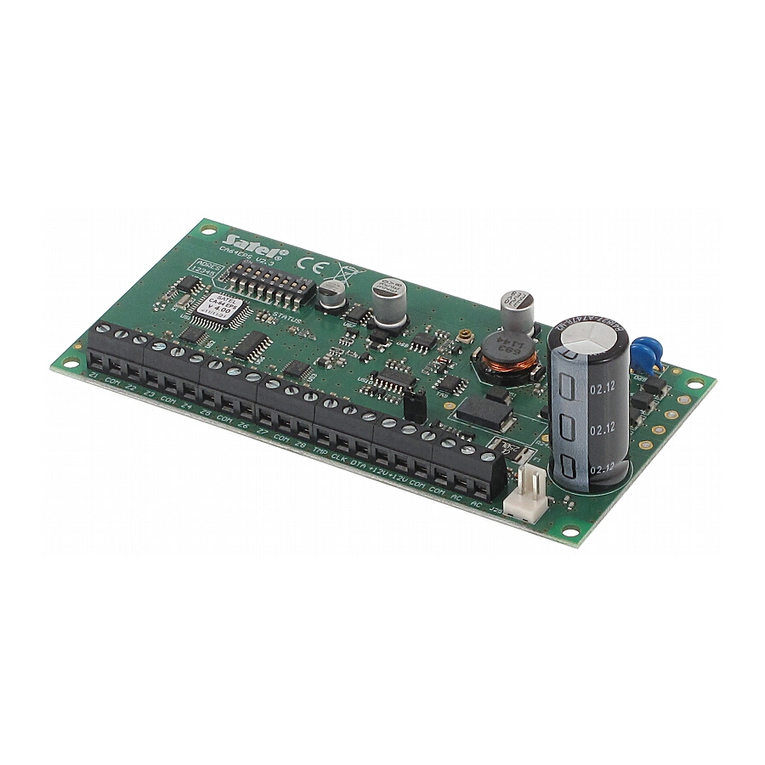
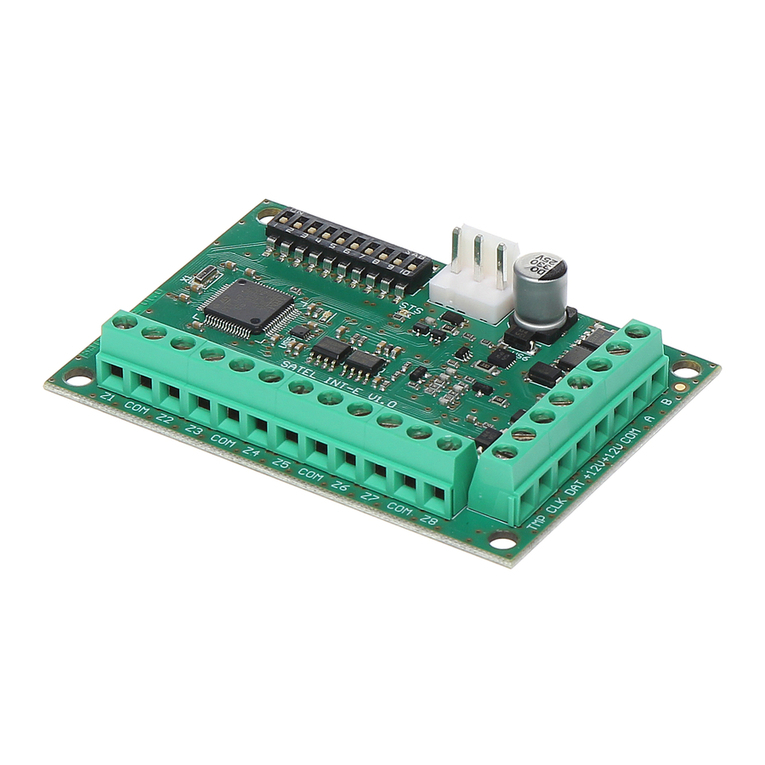
Satel INT-E User manual

Satel

Satel INT-E User manual

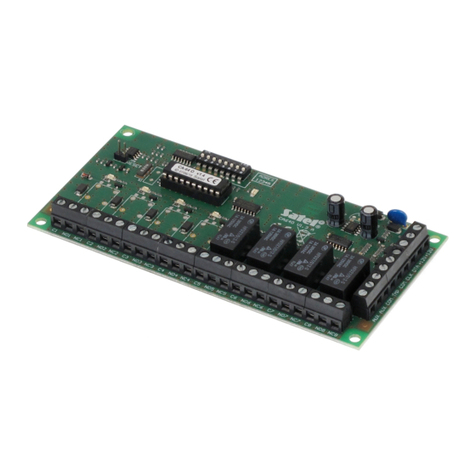
Satel INT-PP User manual

Satel

Satel INT-PP User manual

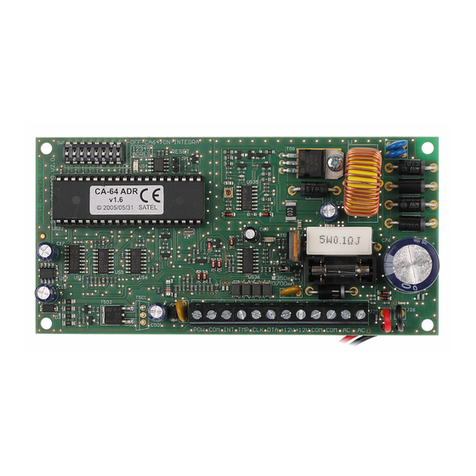
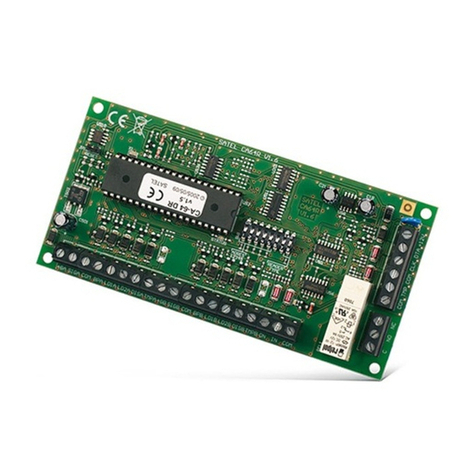
Satel CA-64 ADR User manual

Satel

Satel CA-64 ADR User manual

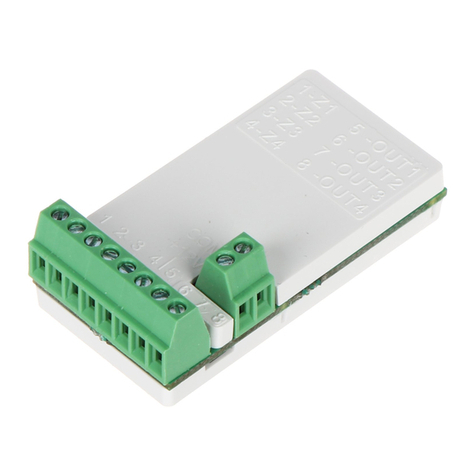
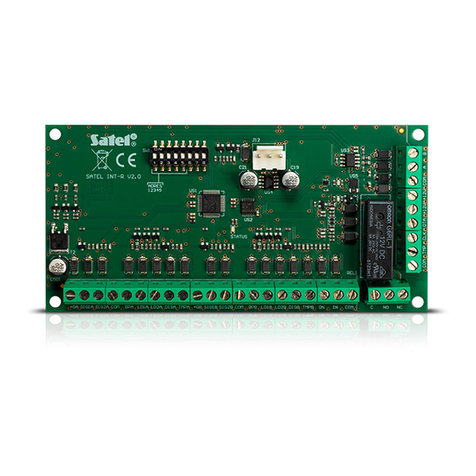
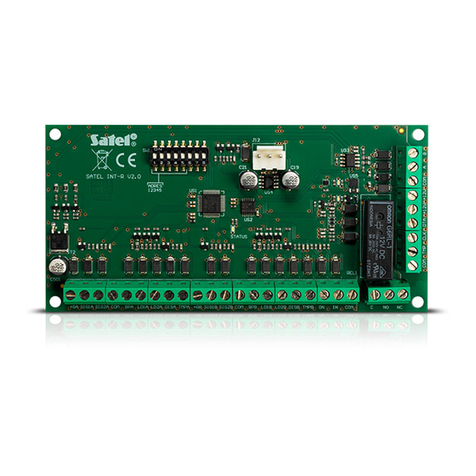
Satel INT-R User manual

Satel

Satel INT-R User manual

Satel CA-64 EPS User manual

Satel

Satel CA-64 EPS User manual

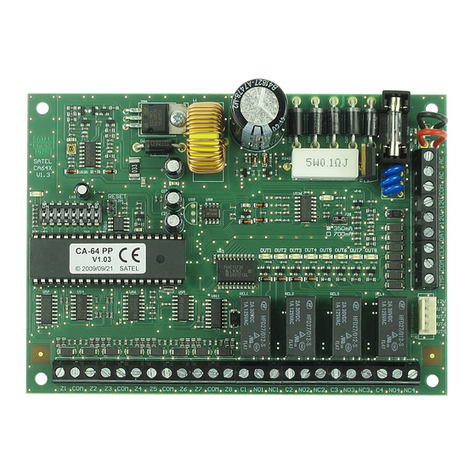
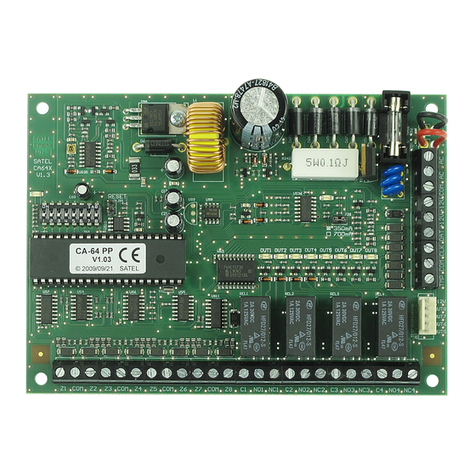
Satel CA-64 PP User manual

Satel

Satel CA-64 PP User manual

Satel CA-64 O-OC User manual

Satel

Satel CA-64 O-OC User manual

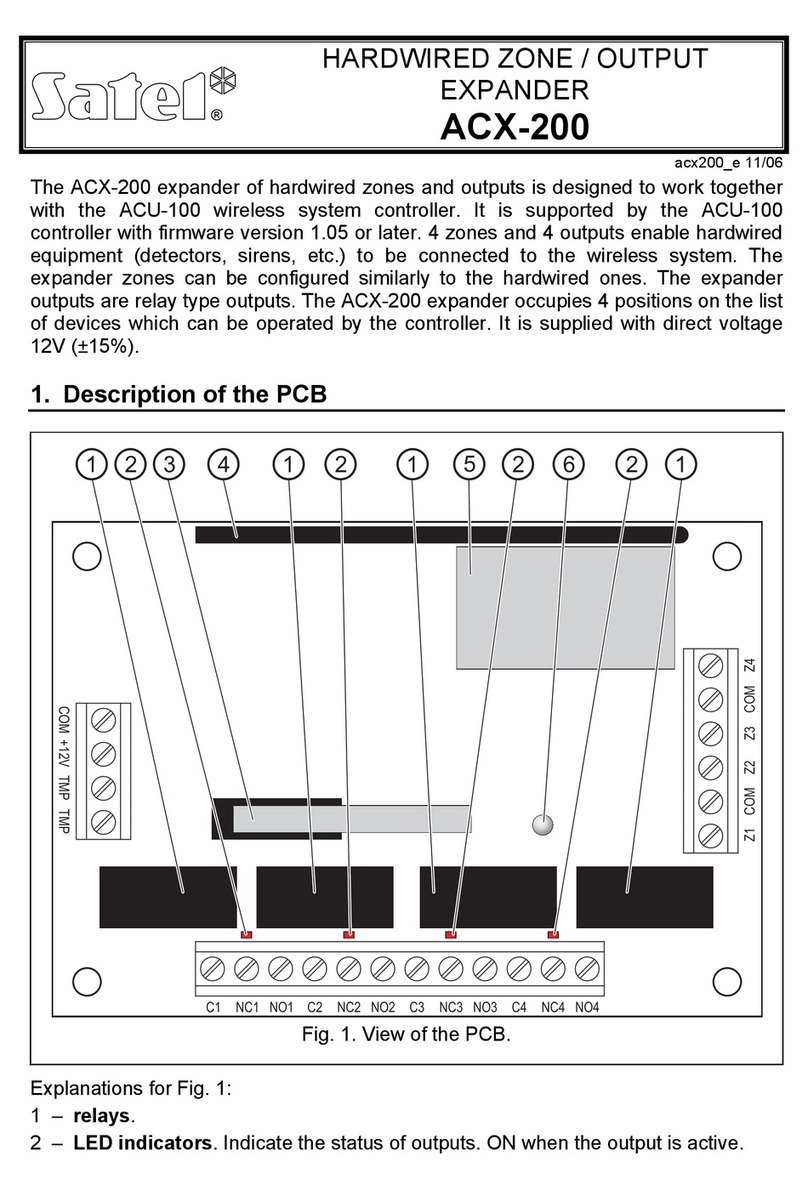
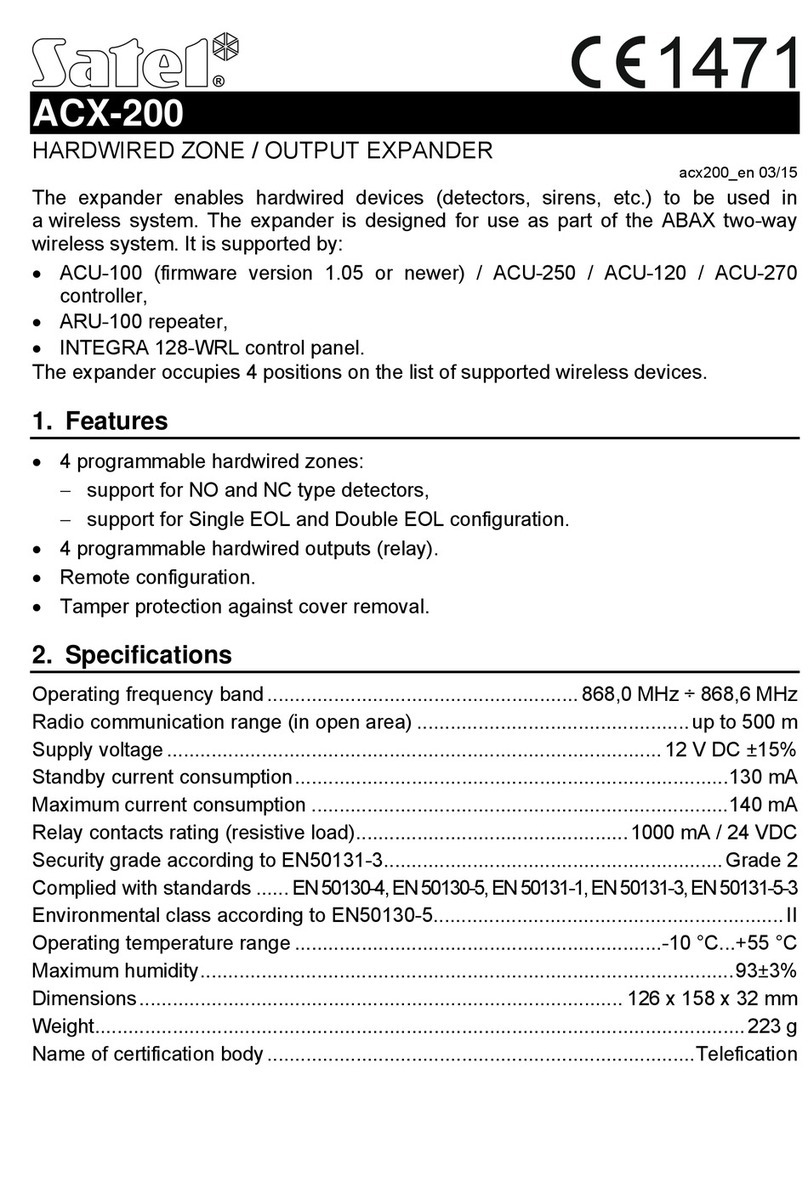
Satel ACX-200 User manual

Satel

Satel ACX-200 User manual

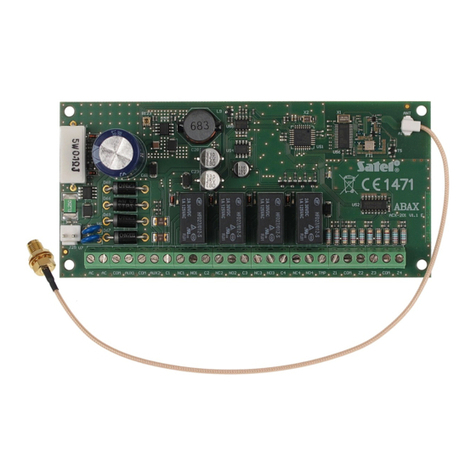
Satel ACX-200 User manual

Satel

Satel ACX-200 User manual

Satel CA-64 DR User manual

Satel

Satel CA-64 DR User manual

Satel ACX-201 User manual

Satel

Satel ACX-201 User manual

Satel ACX-201 User manual

Satel

Satel ACX-201 User manual

Satel CA-64 OPS-OC User manual

Satel

Satel CA-64 OPS-OC User manual

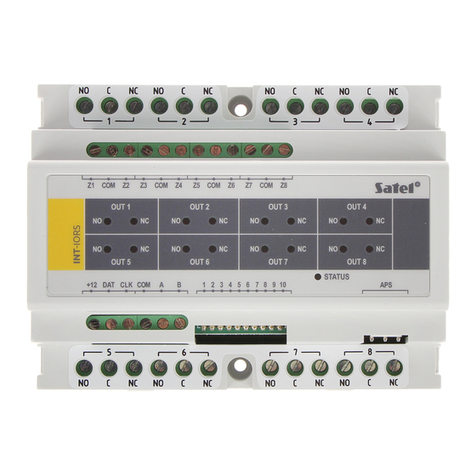
Satel INT-IORS User manual

Satel

Satel INT-IORS User manual

Satel CA-64 PP User manual

Satel

Satel CA-64 PP User manual

Satel INT-R User manual

Satel

Satel INT-R User manual

Satel CA-64 EPS User manual

Satel

Satel CA-64 EPS User manual

Satel CA-64 SR User manual

Satel

Satel CA-64 SR User manual

Satel ACX-210 User manual

Satel

Satel ACX-210 User manual

Satel INT-IORS User manual

Satel

Satel INT-IORS User manual

Satel ACX-220 User manual

Satel

Satel ACX-220 User manual

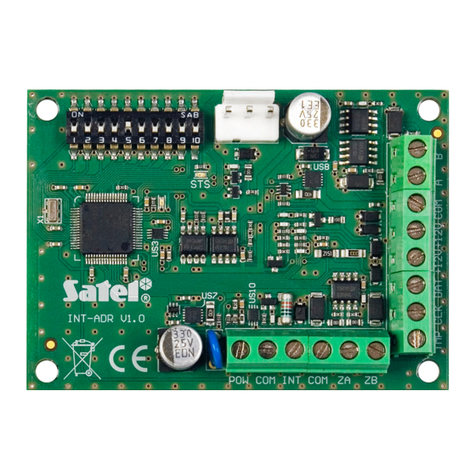
Satel INT-ADR User manual

Satel

Satel INT-ADR User manual

Popular Extender manuals by other brands

SY HDBT-60T installation guide

SY

SY HDBT-60T installation guide

Appsys ProAudio ADX-16 user manual

Appsys ProAudio

Appsys ProAudio ADX-16 user manual

Atlona RS232 user manual

Atlona

Atlona RS232 user manual

IDK OPF-TH1000-A user guide

IDK

IDK OPF-TH1000-A user guide

Enable-IT 824WP quick start guide

Enable-IT

Enable-IT 824WP quick start guide

Worx Landroid RadioLink WA0864 Get started

Worx

Worx Landroid RadioLink WA0864 Get started

TP-Link TL-WA730RE user guide

TP-Link

TP-Link TL-WA730RE user guide

Camplex CMX-HDMI-SFPL user manual

Camplex

Camplex CMX-HDMI-SFPL user manual

SC&T HE03-4K user manual

SC&T

SC&T HE03-4K user manual

Samsung SCS-26UC4 user guide

Samsung

Samsung SCS-26UC4 user guide

Foxun SX-GES24 operating instructions

Foxun

Foxun SX-GES24 operating instructions

MuxLab 500771 Operation manual

MuxLab

MuxLab 500771 Operation manual

foxunhd SX-AEX01 operating instructions

foxunhd

foxunhd SX-AEX01 operating instructions

TERK Technologies LFIRX2 owner's manual

TERK Technologies

TERK Technologies LFIRX2 owner's manual

Devolo Audio Extender supplementary guide

Devolo

Devolo Audio Extender supplementary guide

Edimax EW-7438RPn V2 instructions

Edimax

Edimax EW-7438RPn V2 instructions

Shinybow USA SB-6335T5 instruction manual

Shinybow USA

Shinybow USA SB-6335T5 instruction manual

SECO-LARM ENFORCER EVT-PB1-V1TGQ installation manual

SECO-LARM

SECO-LARM ENFORCER EVT-PB1-V1TGQ installation manual

manuals.online logo
manuals.online logoBrands
  • About & Mission
  • Contact us
  • Privacy Policy
  • Terms and Conditions

Copyright 2025 Manuals.Online. All Rights Reserved.

User Manual
Code: ACX-210
MINIATURE WIRELESS EXPANDER ACX-210 ABAX/ABAX2 SATEL
DELTA-OPTI Monika Matysiak; https://www.delta.poznan.pl
POL; 60-713 Poznań; Graniczna 10
e-mail: [email protected]; tel: +(48) 61 864 69 60
2021-07-04 ACX-210 1/4
Warning!
Please read the user manual included in this work as it contains important information related with safety of installation and use of
the device.
Only persons who read the user manual may use the device.
The user manual must be kept because it may be required in the future. The device is to be used exclusively for purposes specified
in this user manual.
The device must be unpacked prior to starting-up. After removing the packaging make sure the device is in working order.
If the product has defects, it should not be used until it is repaired.
The product is intended for use at home and commercial use and may not be used for other than intended use.
The manufacturer is not liable for damages resulting from not adhering to the rules contained in the user manual, therefore, we
recommend to follow the aforementioned safety rules for operation and maintenance of the device. In this way you will ensure
yourself safety and avoid causing damage to the device.
The manufacturer and the supplier are not liable for losses or damages arising out of the product, including financial or intangible
losses, loss of profits, income, data, pleasure from use of the product or other products related with it - indirect, incidental or
consequential loss or damage. The above provisions apply whether the loss or damage concerns:
1. Deterioration of quality or the lack of operation of the products or products related with it due to damage as well as the lack of
access to the product when it is undergoing repair, which results in stoppage the loss of user's time or a break in business activity;
2. Improper results of operation of the product or products related with it;
3. It applies to losses and damages according to any legal category, including negligence and other losses, termination of a
contract, expressed or implied guarantee and strict liability (even if the manufacturer or the supplier was notified about the
possibility of occurrence of such damages).
Safety measures:
Particular attention at designing was directed to quality standards of the device where ensuring safety of operation is the most
important factor.
The device must be secured against contact with caustic, staining and viscous fluids.
The device was designed in such a way that it restarts operation when power supply is restored after a break.
Attention! We recommend using protections to further protect the device from possible overvoltages in installations.
Surge protectors are effective protection against accidental pass to the device voltages higher than the rated. Damages
caused by pass the voltages higher than specified in manual, are not under warranty.
Turn off the device before transporting it.
Prior to connecting the device to a power source check whether the supplied voltage is consistent with rated voltage specified in
the user manual.
Proper product disposal:
A marking of a crossed out waste bin indicates that the product may not be disposed together with other household waste in the
entire EU. To avoid possible damage to the natural environment of health due to uncontrolled waste disposal, therefore, it should be
handed over for recycling, propagating in this way sustainable use of natural resources.
To return a worn-out product, use a collection and disposal system of this type of equipment or contact a seller from whom it was
purchased. He will then be recycled in an environmentally-friendly way.

User Manual
Code: ACX-210
MINIATURE WIRELESS EXPANDER ACX-210 ABAX/ABAX2 SATEL
DELTA-OPTI Monika Matysiak; https://www.delta.poznan.pl
POL; 60-713 Poznań; Graniczna 10
e-mail: [email protected]; tel: +(48) 61 864 69 60
2021-07-04 ACX-210 2/4
The module allows to connect wireless devices to the
wireless ABAX/ABAX2 system. The device has very small
dimensions.
Inputs: 4 pcs NO, NC, EOL, 2EOL/NO, 2EOL/NC
Outputs: 4 pcs OC
Frequency band: 868 ... 868.6 MHz
Radio communication range (at open area):
• ≤ 2000 m - ABAX2 @ ACU-220,
• ≤ 1400 m - ABAX2 @ ACU-280,
• ≤ 500 m - ABAX
Tamper output:
Load capacity of OC type programmable outputs: 50 mA / 12 V DC
Main features: • Remote configuration
• Remote update of module software
Power supply: 4 ... 24 V DC
Current consumption: max. 35 mA
Operation temp: -10 °C ... 55 °C
Weight: 0.008 kg
Dimensions: 41 x 21 x 13 mm
Manufacturer / Brand: SATEL
Guarantee: 2 years
User Manual
Code: ACX-210
MINIATURE WIRELESS EXPANDER ACX-210 ABAX/ABAX2 SATEL
DELTA-OPTI Monika Matysiak; https://www.delta.poznan.pl
POL; 60-713 Poznań; Graniczna 10
e-mail: [email protected]; tel: +(48) 61 864 69 60
2021-07-04 ACX-210 3/4
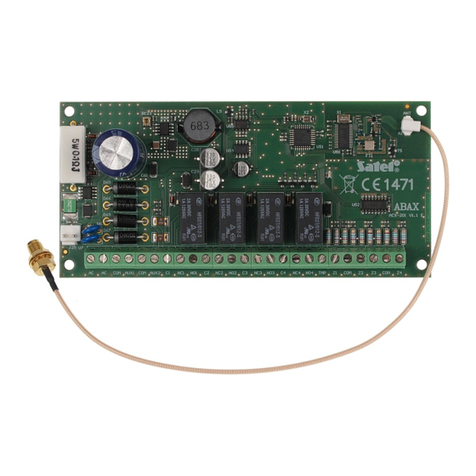
Internal view of the housing:
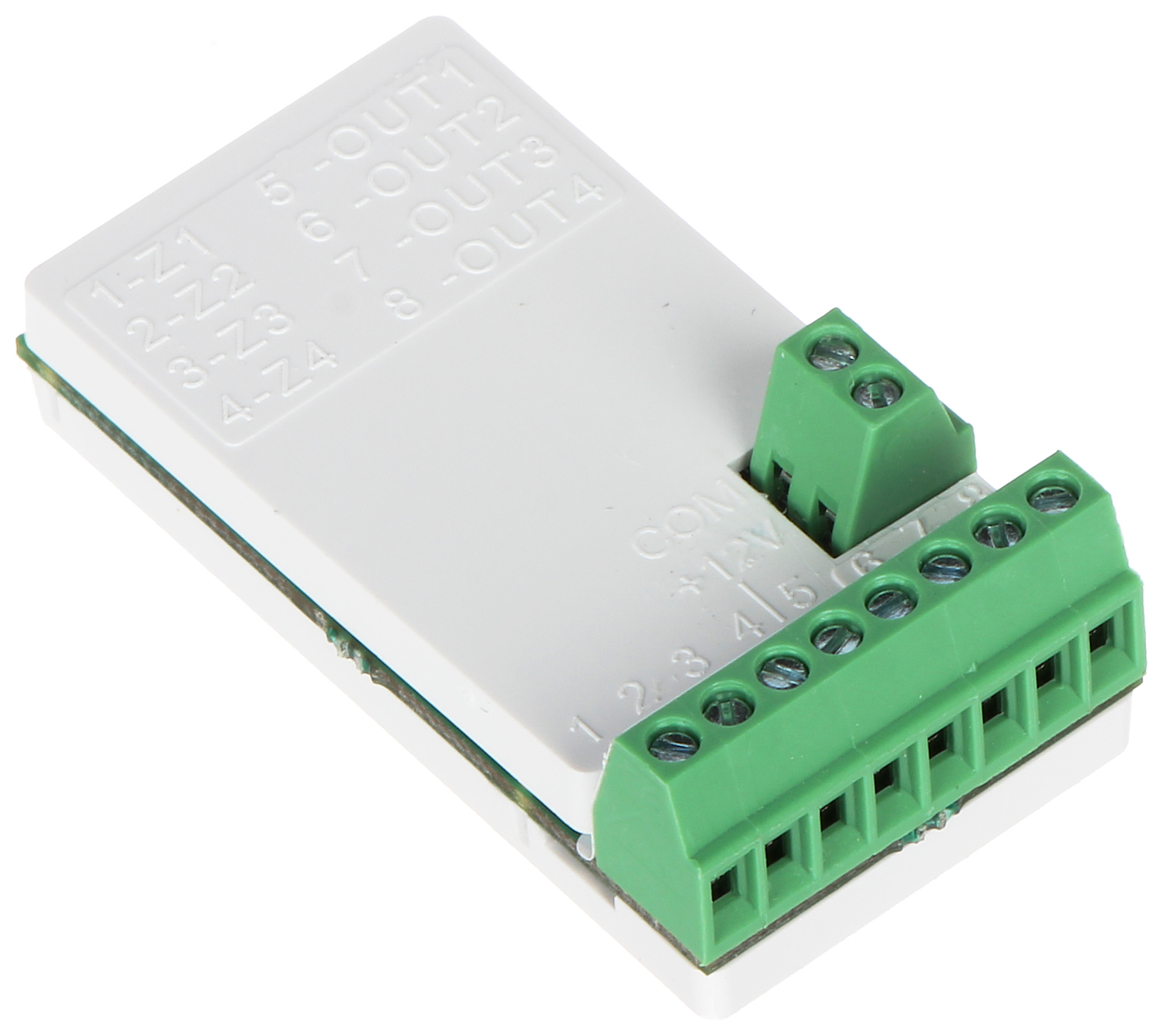
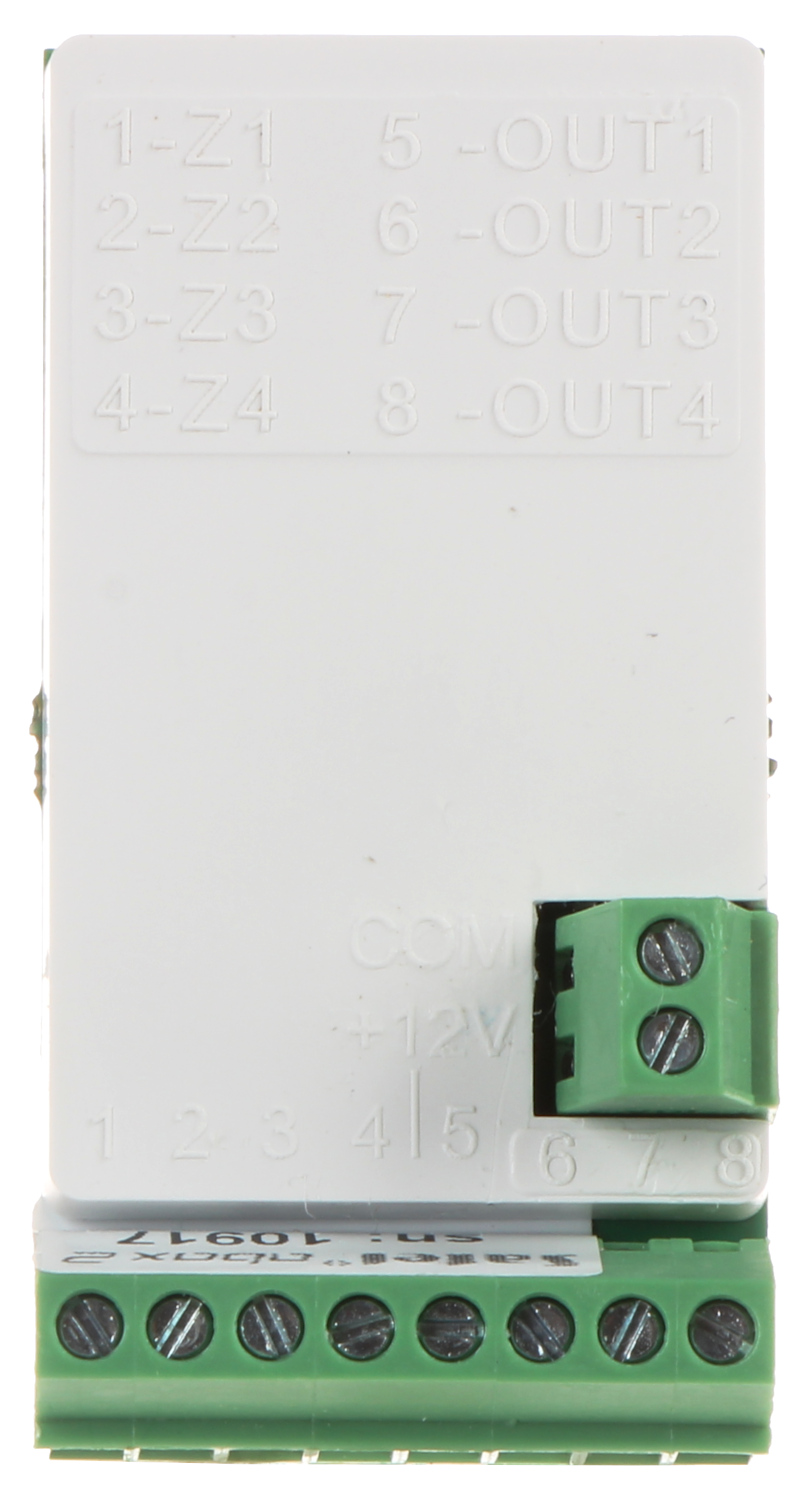
Connectors:
User Manual
Code: ACX-210
MINIATURE WIRELESS EXPANDER ACX-210 ABAX/ABAX2 SATEL
DELTA-OPTI Monika Matysiak; https://www.delta.poznan.pl
POL; 60-713 Poznań; Graniczna 10
e-mail: [email protected]; tel: +(48) 61 864 69 60
2021-07-04 ACX-210 4/4
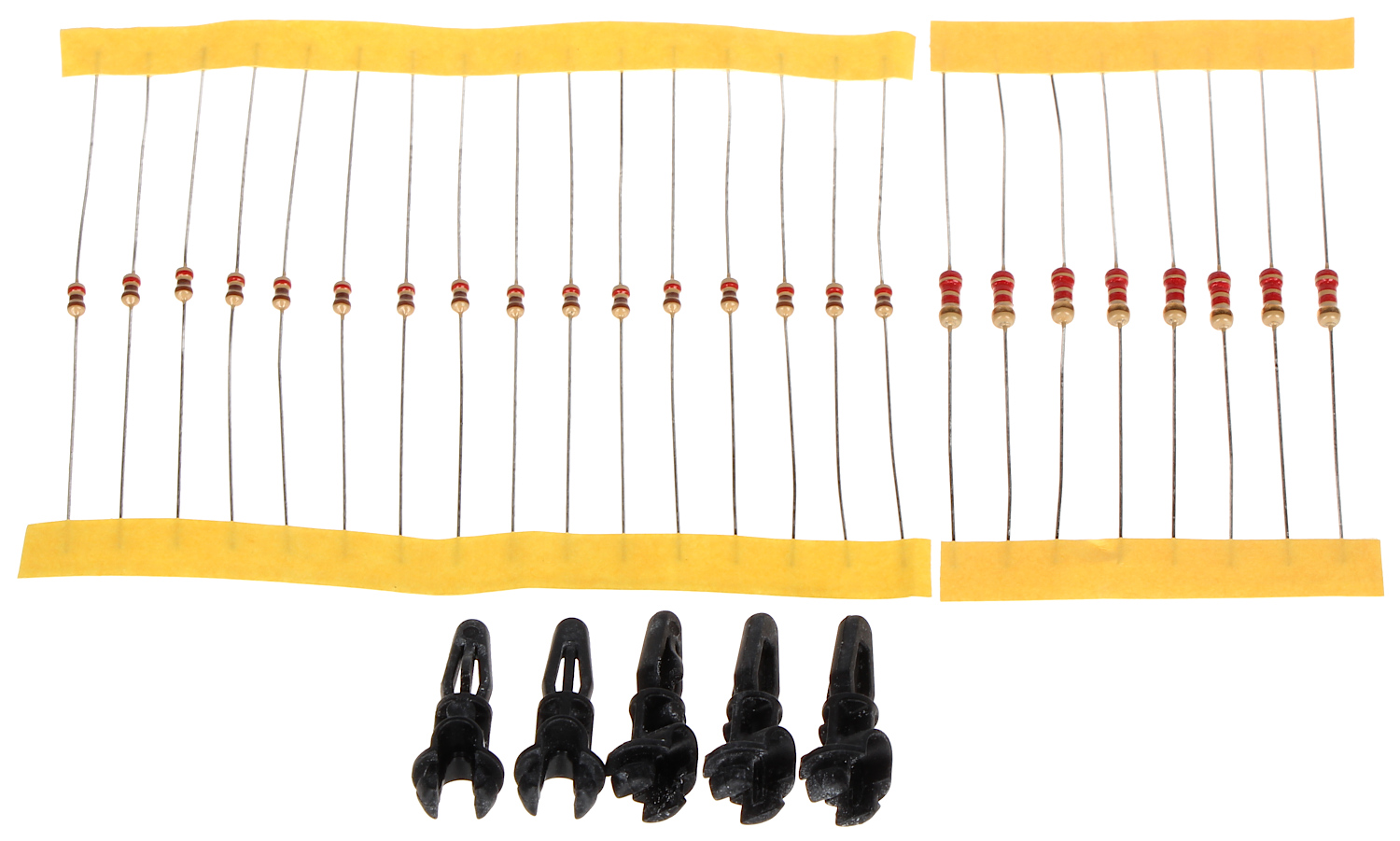
In the kit: