4
MOVIDYN
®
DeviceNet AFD11A
1 Introduction
1 Introduction
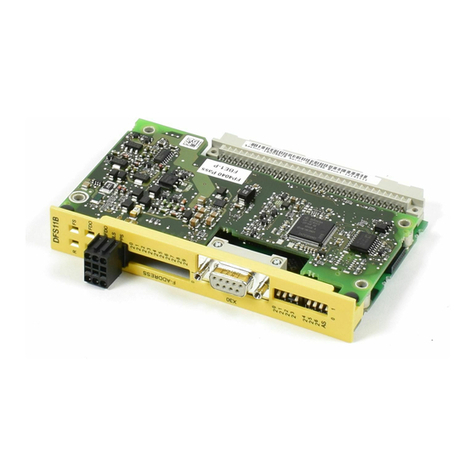
This user manual for the DeviceNet (AFD11A) option describes how to install the AFD11A
DeviceNet option card in the servo controller and how to start up the M OVIDYN®on the DeviceNet
fieldbus system.
As well as explaining all settings on the fieldbus interface, this document also deals with the vari-
ous DeviceNet connection variants in the form of brief startup examples.
As wellas this manual on the DeviceNetoption, you should requestthe followingpublications deal-
ing with the topic of fieldbuses in more detail, so as to permit M OVIDYN®to be connected to the
DeviceNet fieldbus system in a straightforward and effective fashion:
• “M OVIDYN®Fieldbus Unit Profile” manual
• “M OVIDYN®Communication Interfaces” manual
• “M OVIDYN®Parameter List” manual
The manual for the M OVIDYN® fieldbus unit profile describes the fieldbus parameters and their
coding, as well as explaining the whole range of various control concepts and application options
in the form of brief examples.
The “M OVIDYN®Parameter List” manual contains a listing of all parameters of the servo controller
which can be read and/or written via the various communications interfaces such as RS-485 and
also via the fieldbus interface.
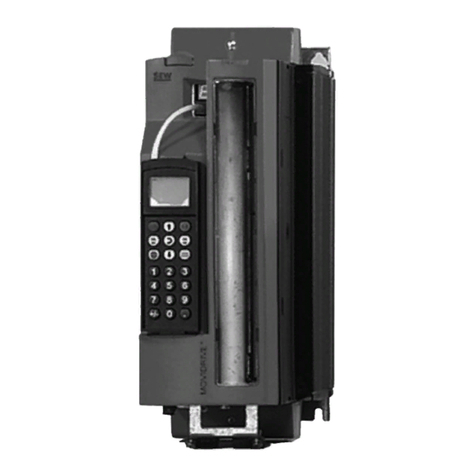
The M OVIDYN® servo controller in conjunction with the AFD11A option enables you to make the
connection to master automation systems via DeviceNet, thanks to the high-performance, univer-
sal fieldbus interface of the AFD11A option.
MOVIDYN®and DeviceNet
The device behavior of the controller which forms the basis of DeviceNet operation is referred to as
the device profile. It is independent of any particular fieldbus and is therefore a uniform feature.
This provides you, the user, with the opportunity of developing applications irrespective of the
fieldbus. As a result, it isvery easyto change over to other bus systemssuch as INTERBUS (AFI11A
option) or PROFIBUS (AFP11A option).
M OVIDYN®offers you direct access to all drive parameters and functions via the DeviceNet inter-
face. The servo controller is controlled via the high-speed, cyclical process data. Via this process
data channel, you can enter setpoints such as the setpoint speed, ramp generator time for acceler-
ation/deceleration, etc. as well as triggering various drive functions such as enable, control inhibit,
normal stop, rapid stop, etc. However, at the same time you can also use this channel to read back
actual values from the servo controller, such as the actual speed, current, device status, fault num-
ber and also reference signals.
The parameters of the controller are set exclusively using Explicit M essages, whereas the process
data exchange is replicated on the DeviceNet services of Polled I/O or Bit-Strobe I/O. This parame-
ter data exchange enables you to implement applications in which all the important drive parame-
ters are stored in the master programmable controller, so that there is no need for manual
parameter settings on the servo controller itself.