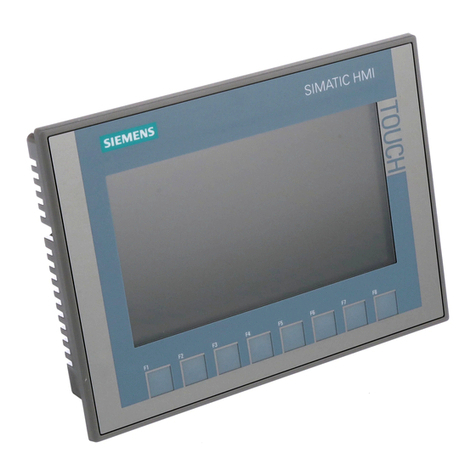
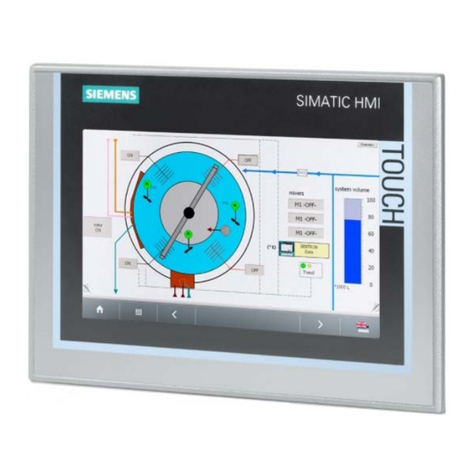
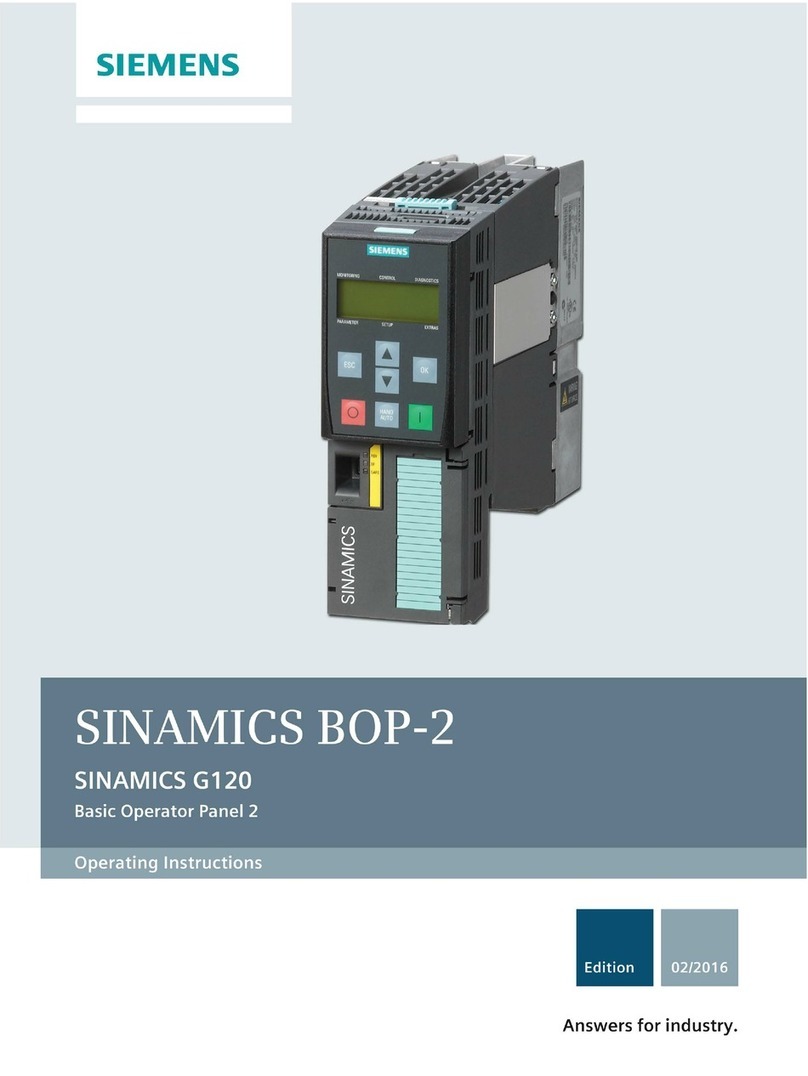
Intelligent Operator Panel (IOP)
Operating Instructions, 08/2015, FW V1.6.1, A5E00110011B AF 5
1 Safety notes............................................................................................................................................ 9
2 Overview............................................................................................................................................... 11
2.1 Introduction .............................................................................................................................11
2.2 Layout and functions...............................................................................................................12
2.3 Screen icons ...........................................................................................................................15
2.4 Menu structure ........................................................................................................................16
3 Installation ............................................................................................................................................ 17
3.1 Fitting the IOP .........................................................................................................................17
3.2 Initial Set-up ............................................................................................................................18
3.3 User definable labels for the Status screen............................................................................22
3.4 Firmware and language upgrade............................................................................................23
4 Wizards ................................................................................................................................................ 25
4.1 Example wizard.......................................................................................................................31
4.1.1 Basic commissioning with IOP................................................................................................33
4.1.2 Wiring diagrams ......................................................................................................................36
5 Control.................................................................................................................................................. 45
5.1 Custom Hand mode ................................................................................................................49
5.2 Startup in Hand mode.............................................................................................................53
5.3 Hand/Auto disable...................................................................................................................54
6 Menu .................................................................................................................................................... 57
6.1 Overview .................................................................................................................................57
6.2 Diagnostics .............................................................................................................................58
6.3 Parameters .............................................................................................................................62
6.4 Up/Download ..........................................................................................................................68
6.5 Custom parameter sets...........................................................................................................69
6.6 Extras ......................................................................................................................................73
6.7 I/O Editor.................................................................................................................................85
6.8 Write Protection ......................................................................................................................87
6.9 Know-how Protection..............................................................................................................89
7 Options ............................................................................................................................................... 105
7.1 Door mounting kit..................................................................................................................105
7.2 Hand-held device ..................................................................................................................107