EnglishDeutsch
 logo
Brands
  1. Home
  2. •
  3. Brands
  4. •
  5. Spectrum
  6. •
  7. Indoor Furnishing
  8. •
  9. Spectrum Pivot 37325 User manual

Spectrum Pivot 37325 User manual

Other Spectrum Indoor Furnishing manuals
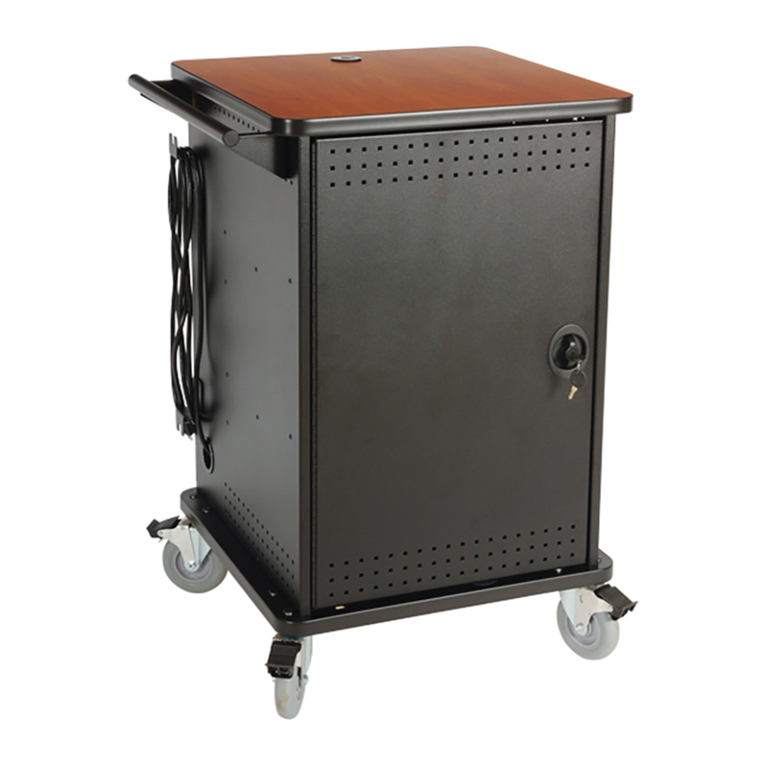
Spectrum mLT-30 User manual

Spectrum

Spectrum mLT-30 User manual

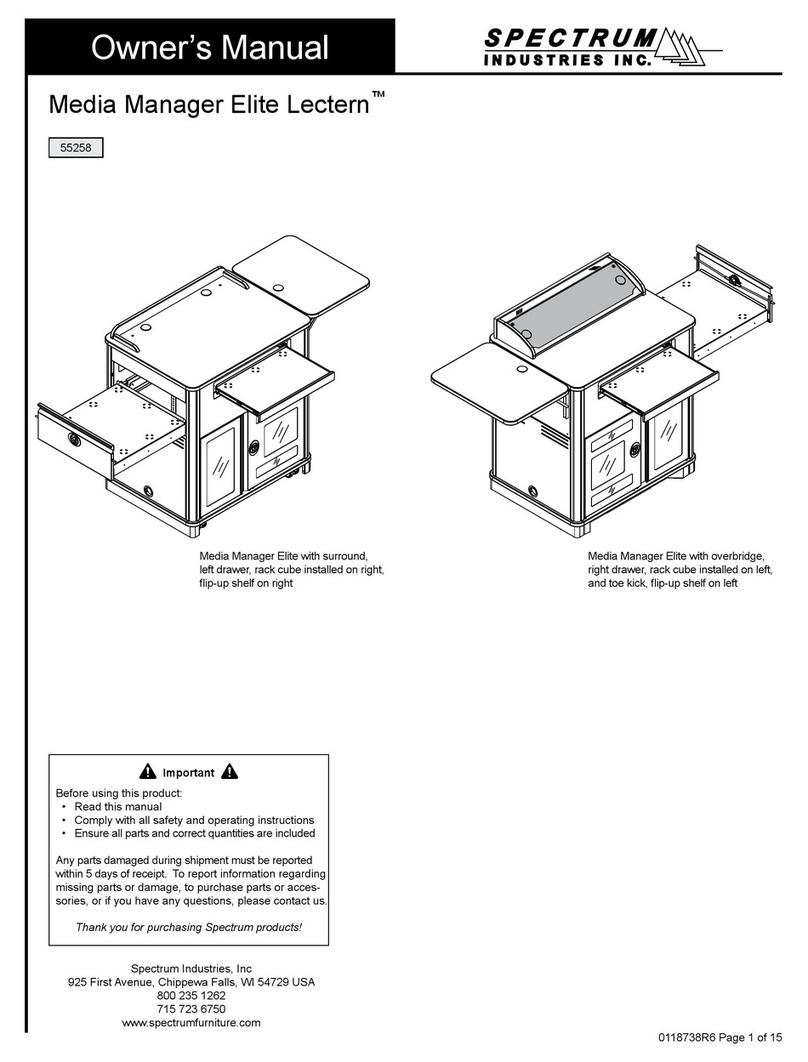
Spectrum Media Manager Elite Lectern 55258 User manual
Spectrum

Spectrum Media Manager Elite Lectern 55258 User manual

Spectrum Esports Evolution 22860 User manual
Spectrum

Spectrum Esports Evolution 22860 User manual

Spectrum Evolution Computer Desk User manual

Spectrum

Spectrum Evolution Computer Desk User manual

Spectrum Flex Active 37239 User manual
Spectrum

Spectrum Flex Active 37239 User manual

Spectrum 3736 User manual

Spectrum

Spectrum 3736 User manual
Spectrum 55263 User manual

Spectrum

Spectrum 55263 User manual
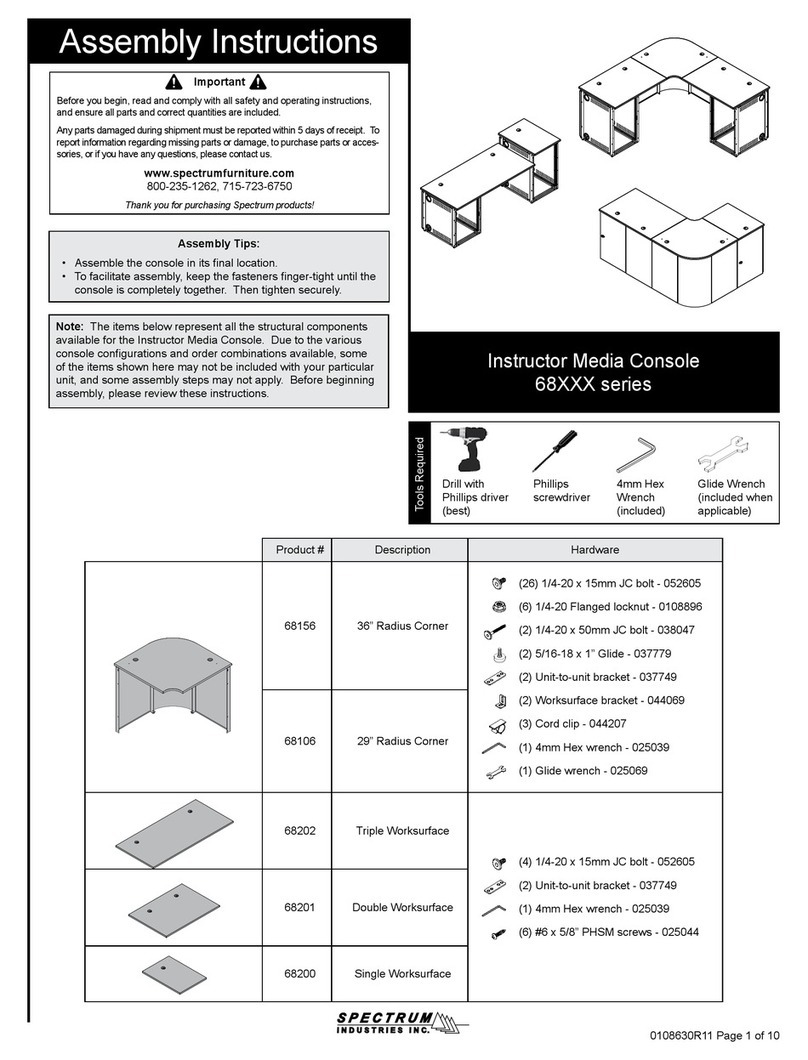
Spectrum 68 Series User manual

Spectrum

Spectrum 68 Series User manual
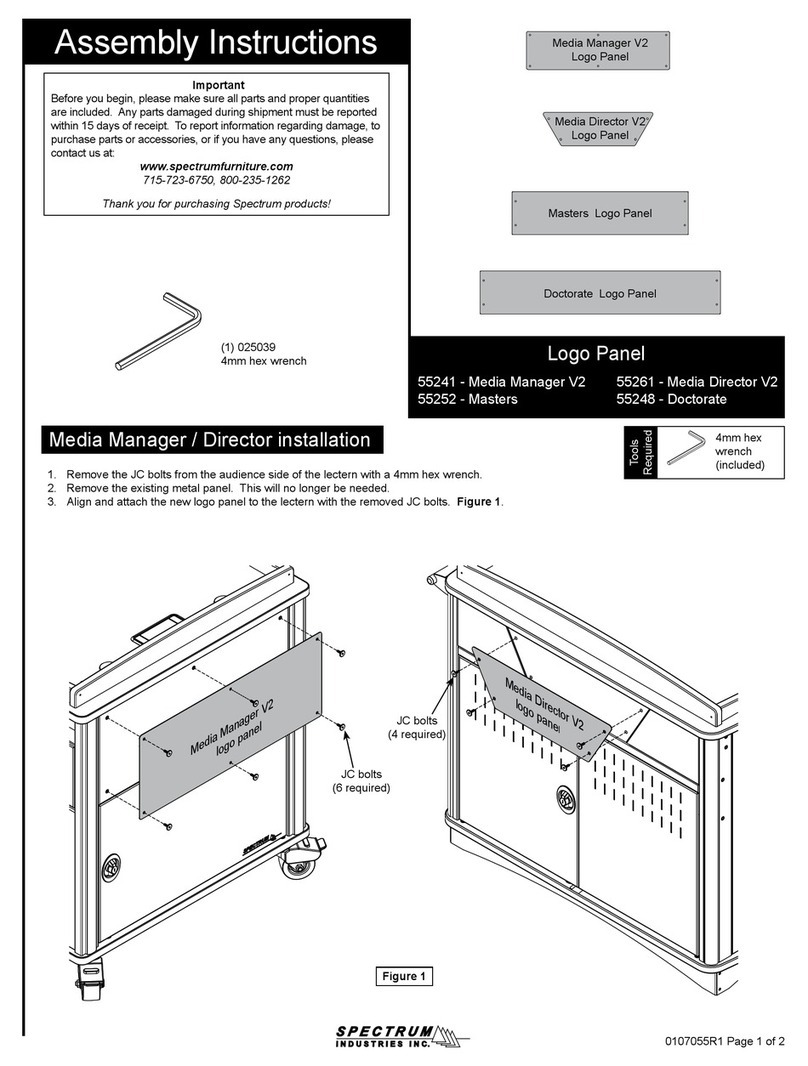
Spectrum 55241 User manual

Spectrum

Spectrum 55241 User manual

Spectrum 55283 User manual

Spectrum

Spectrum 55283 User manual

Spectrum 55334 User manual

Spectrum

Spectrum 55334 User manual
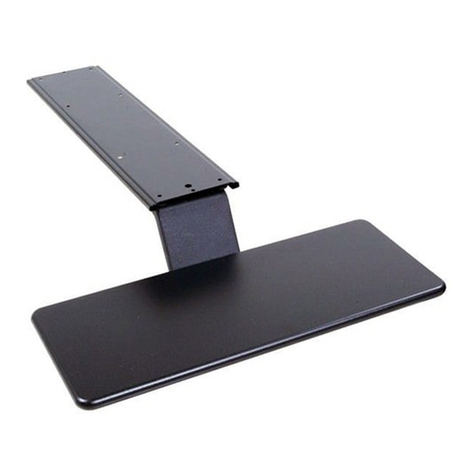
Spectrum 95506 User manual

Spectrum

Spectrum 95506 User manual

Spectrum 55148 User manual

Spectrum

Spectrum 55148 User manual
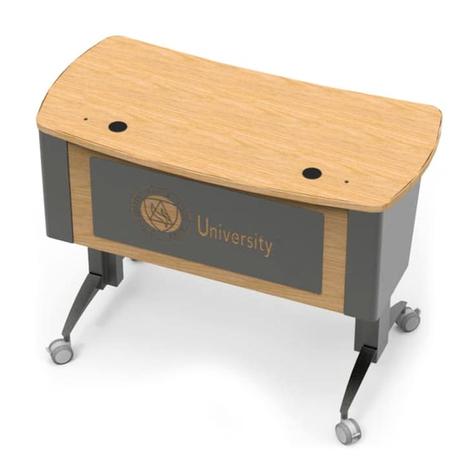
Spectrum Pivot Premier Workstation User manual
Spectrum

Spectrum Pivot Premier Workstation User manual

Spectrum 55496 User manual

Spectrum

Spectrum 55496 User manual
Spectrum 55402 User manual

Spectrum

Spectrum 55402 User manual
Spectrum 60 Flex Insight Desk 38979 User manual
Spectrum

Spectrum 60 Flex Insight Desk 38979 User manual

Spectrum 55140 User manual

Spectrum

Spectrum 55140 User manual

Spectrum Evolution 38906 User manual

Spectrum

Spectrum Evolution 38906 User manual
Spectrum Honors Lectern 55178 User manual
Spectrum

Spectrum Honors Lectern 55178 User manual
Spectrum Mendota 30 Portable Lifeguard Chair User manual

Spectrum

Spectrum Mendota 30 Portable Lifeguard Chair User manual

Spectrum 55297 User manual

Spectrum

Spectrum 55297 User manual

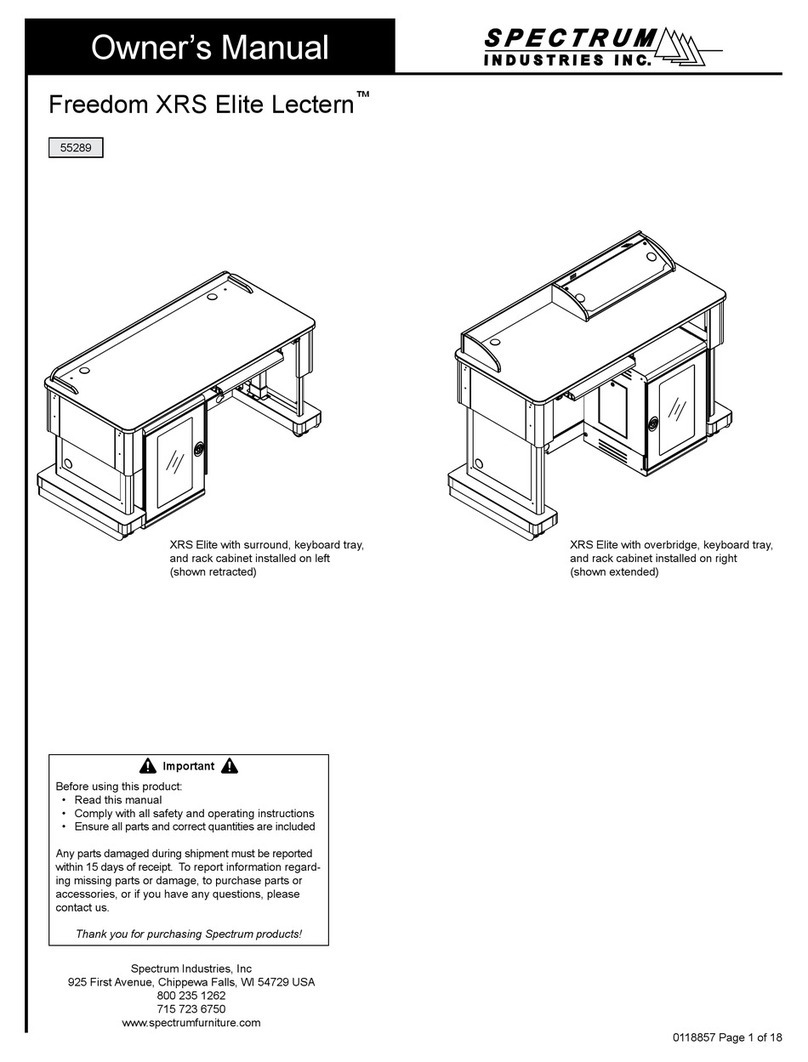
Spectrum Freedom XRS Elite User manual

Spectrum

Spectrum Freedom XRS Elite User manual

Spectrum InTouch 20 User manual

Spectrum

Spectrum InTouch 20 User manual

Popular Indoor Furnishing manuals by other brands

Homelegance California 1662PEK-1CK Assembly instruction

Homelegance

Homelegance California 1662PEK-1CK Assembly instruction

Osmond Ergonomics FLO instructions

Osmond Ergonomics

Osmond Ergonomics FLO instructions

OVE ELOISE 42 installation manual

OVE

OVE ELOISE 42 installation manual

overstock MF286255 Assembly instructions

overstock

overstock MF286255 Assembly instructions

Sonoma 160-801 Assembly instructions

Sonoma

Sonoma 160-801 Assembly instructions

BOLERO Wicker Side Chair CF158 Care Instructions

BOLERO

BOLERO Wicker Side Chair CF158 Care Instructions

Coaster 4799N Assembly instructions

Coaster

Coaster 4799N Assembly instructions

Stor-It-All WS39MP Assembly/installation instructions

Stor-It-All

Stor-It-All WS39MP Assembly/installation instructions

Lexicon 194840161868 Assembly instruction

Lexicon

Lexicon 194840161868 Assembly instruction

Next AMELIA NEW 462947 Assembly instructions

Next

Next AMELIA NEW 462947 Assembly instructions

impekk Manual II Assembly And Instructions

impekk

impekk Manual II Assembly And Instructions

Elements Ember Nightstand CEB700NSE Assembly instructions

Elements

Elements Ember Nightstand CEB700NSE Assembly instructions

JWA CARY 68429 Assembly instruction

JWA

JWA CARY 68429 Assembly instruction

VIPACK AMORI AMKB9014 Assembly instructions

VIPACK

VIPACK AMORI AMKB9014 Assembly instructions

Rowico SANNA Assembly instructions

Rowico

Rowico SANNA Assembly instructions

Southern Enterprises CK556000TX Assembly instructions

Southern Enterprises

Southern Enterprises CK556000TX Assembly instructions

hygena 314/5041 Assembly instructions

hygena

hygena 314/5041 Assembly instructions

VINNOVA Kinsley 536060S manual

VINNOVA

VINNOVA Kinsley 536060S manual

https://manuals.online logo
https://manuals.online logoBrands
  • About & Mission
  • Contact us
  • Privacy Policy
  • Terms and Conditions

Copyright 2026 Manuals.Online. All Rights Reserved.

0190797R2 Page 1 of 7
Assembly Instructions
Instructions de montage
Instrucciones de montaje
37325
Pivot Workstation™
Important
Before using this product:
• Read this manual
• Comply with all safety and operating instructions
• Ensure all parts and correct quantities are included
Important
Avant d’utiliser ce produit:
• Veillez à lire ce guide
• Respectez les consignes de sécurité et d’utilisation
• Vériez que vous disposez de toutes les pièces
nécessaires à l’installation
Importante
Antes de utilizar este producto:
• Lea este manual
• Cumpla con todas las instrucciones de prevención de
accidentes y operativas
• Revise que todas las partes y las cantidades correctas
estén incluidas
Any parts damaged during shipment must be reported within 5
days of receipt. To report information regarding missing parts or
damage, to purchase parts or accessories, or if you have any
questions, please contact us.
Thank you for purchasing Spectrum products!
Les pièces endommagées pendant le transport doivent faire
l’objet d’un rapport dans les 5 jours de leur réception. Veuillez
prendre contact avec nous si des pièces manquent ou sont
abîmées, si vous avez des questions, ou encore pour acheter
des pièces ou des accessoires.
Merci pour votre achat d’un produit Spectrum!
Si alguna parte se dañó durante el embarque, deberá reportarla
en un lapso de 5 días a partir de la recepción. Para reportar
cualquier información sobre partes faltantes o dañadas, para
adquirirlas o comprar accesorios, o bien, si tiene alguna duda,
póngase en contacto con nosotros.
¡Gracias por adquirir productos Spectrum!
??
Owner’s Manual
Le manuel du propriétaire
El manual del propietario
Video
Vidéo
Vídeo
Specs
Spécications
Especicaciones
800-235-1262
www.spectrumfurniture.com
Shown with optional modesty panel and footrest
0190797R2 Page 2 of 7
Components
(34) 0101382
#14 x 7/8” PHSM
(3) 037542
#8 x 5/8” PHSM
(8) 038391
1/4” External tooth
star washer
(1) 0138388
Footrest
(8) 0137493
M6 x 1.0 x 20mm PHMS
(4) 026064
1/4-20 x 5/8” PHMS
(4) 052605
1/4-20 x 15mm JC bolt
(4) 041943
1/4-20 Locknut
(1) Worksurface
(2) 0117390
Electric Leg
0138968
36”W w/ cup holder
Hardware
0138969
36”W w/ cup holder
and Cove cutout
0138970
48”W w/ cup holder
0138971
48”W w/ cup holder
and Cove cutout
(1) Pull-out
keyboard tray
assembly
(1) Locking
pull-out drawer
assembly
(1) 0138784
Storage Bin
(1) Worksurface option (if congured)
(1) 0138392
Right corner
(1) 0138391
Left corner
(1) 0138360
Modesty panel
(1) 0134099
Bracket
(1) 0138361
Laminate insert
(if congured)
(1) Modesty panel (if congured)
(1) Footrest (if congured)
0138782
36”W
0138929
36”W w/ Cove
cutout
0138927
48”W
0138928
48”W w/ Cove
cutout
(2) 0116530
Cord wrap
(4) 0105662
Casters
(2) 059984
2” Snap-in
Grommet
(2) 059984
2” Snap-in
Grommet
(2) 0138736
Foot
0190797R2 Page 3 of 7
X 2
Note: Some options shown below may not be included-depending on conguration ordered. Some steps may not be necessary.
(6) #14 x 7/8” PHSM
1Install legs
• Make sure all connections are secure.
• Use pinetree clips to secure cords.
Connect cords to control box
AC
plug
ACDC2
A1A21
Optional
battery
Control box
Leg #1 Leg #2
Control
button
3
Control
button
#8 x 5/8” PHSM
To
Control
Box
2Install control button
Note: Be sure the legs are
perpendicular to the worksurface. If
they are not, loosen the side mounting
screws, adjust the leg and re-tighten.
Side mounting screw
2
1
1
2
2
2
1
2
3
3
0190797R2 Page 4 of 7
6
Skip to Step 9 if no modesty panel
Assemble modesty panel
(if congured)
Modesty Panel
Left Corner Right Corner
Connect power & test leg motion
5
4Install cord wraps
Worksurface
Worksurface accessory
(if equipped)
(4) #14 x 7/8” PHSM (4) 1/4-20 locknut
(4) 1/4-20 x
15mm JC bolt
4mm
7
/
16
”
0190797R2 Page 5 of 7
7Install worksurface accessory
(if congured)
Install modesty panel
(if congured)
(10) #14 x
7/8” PHSM
Assembled
Modesty Panel
(4) #14 x 7/8” PHSM
(1) #8 x 5/8” PHSM
Worksurface
8
(4) #14 x 7/8” PHSM
9
X 2
(4) M6 x 1 x 20mm PHMS
(4) 1/4 External Star Washer
10
X 4
Install feet Install casters
Note: If a footrest is included, do not install the inner screws until step 11.
1
/
2”
Skip to Step 9 if no accessory
X 2
2
X 2
11
0190797R2 Page 6 of 7
© 2018 Spectrum Industries Inc., All rights reserved.
Do not allow the legs to contact
the oor until the unit is completely
ipped over. Excessive side-loading
of the legs could cause damage.
14
12
Connect power
Flip upright 13 Install worksurface accessories
(if congured)
Footrest
(2) M6 screws
(included with legs)
(4) 1/4-20 x 5/8” PHMS
(2) M6 screws
(included with legs)
Install footrest (if congured)
Skip to Step 12 if no footrest
(2) 2” Snap-in
Grommet
DESIGNED AND ASSEMBLED IN
CHIPPEWA FALLS
WISCONSIN.USA
0190797R2 Page 7 of 7
© 2018 Spectrum Industries Inc., All rights reserved.
• Read this owner’s manual before assembly or operation.
• Do not allow children to move the lectern.
• Proceed slowly and carefully when moving the lectern.
• For indoor use only. Do not install or store the lectern where it will be exposed
to moisture.
• Do not block the ventilation openings.
• Avoid uneven loading of the equipment into the lectern. Uneven weight
distribution could cause the lectern to tip when the lectern is moving.
• Do not allow anyone to sit, stand, or climb on the lectern.
• Use a damp, soft-cloth, or sponge, with mild soap or detergent solution to clean
dirty surfaces. Do not use harsh solvents or abrasives.
• This lectern is intended for institutional use. It does not have any user-
serviceable parts or user-maintenance requirements. If servicing is necessary,
please contact Spectrum Industries for assistance.
Electrical Safety:
• Do not plug the power cord into an extension cord.
• Inspect power cords for damage before each use. Do not use power cords
that are damaged.
• Unplug power cord from electrical outlet by gripping the cord. Do not unplug
the power cord by pulling only on the cord.
• Do not step on, drive over, drag, or place objects on the power cord.
• For added safety, plug the lectern into a grounded outlet controlled by a GFI
(Ground Fault Interrupter) circuit breaker.
• Electrical devices are not toys. Children are often unaware of the hazards
associated with electrical devices. This lectern must always be used by
adults or with adult supervision.
Warning - Relocating audio and/or video equipment to furniture not speci cally
designed to support audio and/or video equipment may result in death or
serious injury due to the furnishing collapsing or over turning onto a child.
Warning - Death or serious injury may occur when children climb on audio
and/or video equipment furniture. A remote control or toys placed on the
furnishing may encourage a child to climb on the furnishing and as a result the
furnishing may tip over on to the child.
Important Safety and Care Instructions