manuals.online logo
Brands
  1. Home
  2. •
  3. Brands
  4. •
  5. TE Connectivity
  6. •
  7. Cables And Connectors
  8. •
  9. TE Connectivity AMPLIMITE HDP-20 User manual

TE Connectivity AMPLIMITE HDP-20 User manual

Other TE Connectivity Cables And Connectors manuals

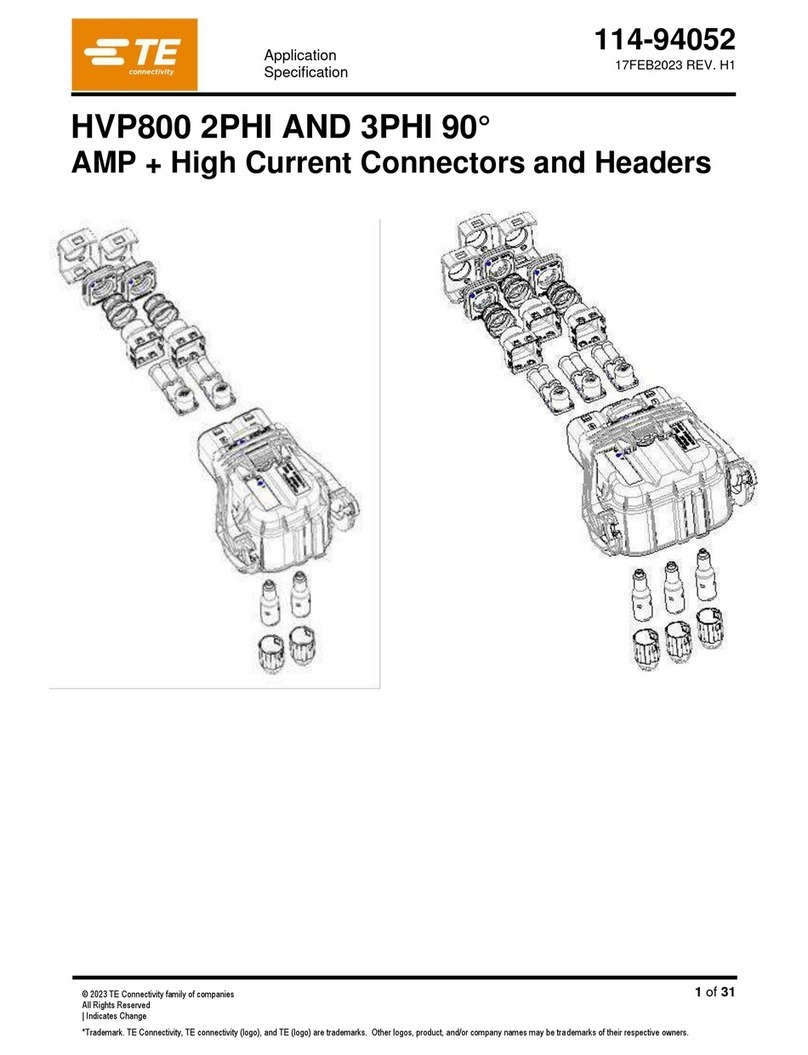
TE Connectivity HVA630-2phm User manual

TE Connectivity

TE Connectivity HVA630-2phm User manual

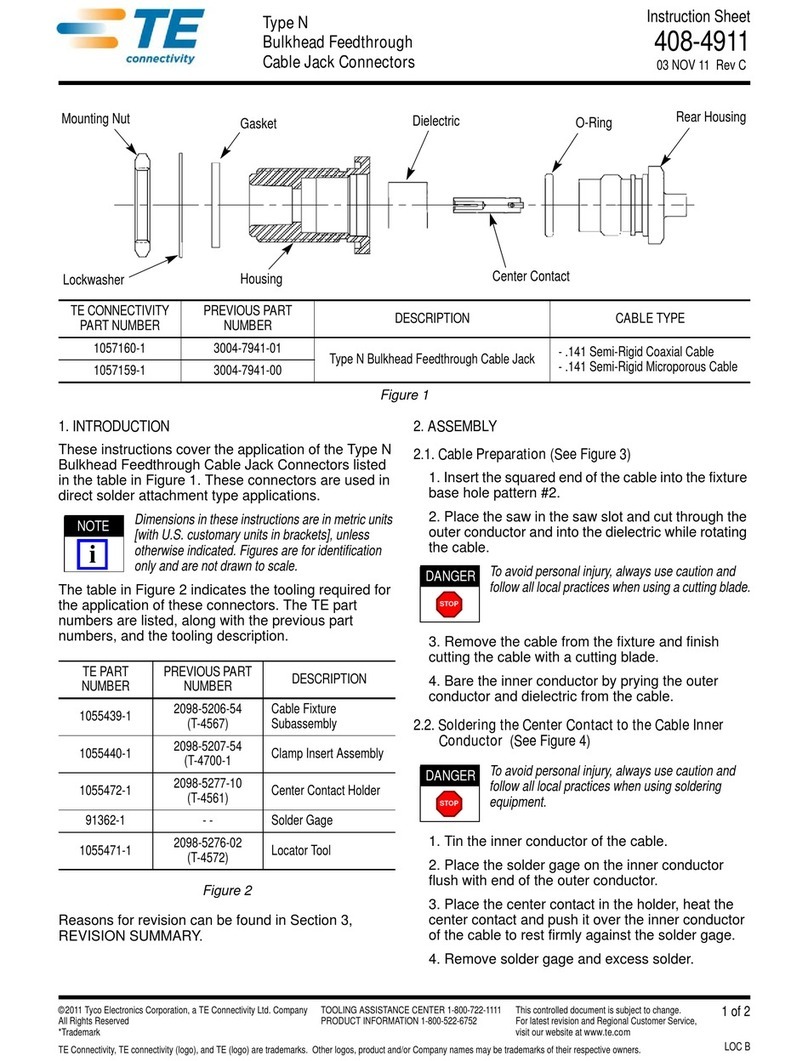
TE Connectivity Type N User manual

TE Connectivity

TE Connectivity Type N User manual

TE Connectivity AMPACT 83452 Series User manual

TE Connectivity

TE Connectivity AMPACT 83452 Series User manual

TE Connectivity SGI 1.25 User guide

TE Connectivity

TE Connectivity SGI 1.25 User guide

TE Connectivity Quadrax DSub User guide

TE Connectivity

TE Connectivity Quadrax DSub User guide

TE Connectivity CCS1 User manual

TE Connectivity

TE Connectivity CCS1 User manual

TE Connectivity RF COAXIAL User manual

TE Connectivity

TE Connectivity RF COAXIAL User manual

TE Connectivity CEELOK FAS-T User manual

TE Connectivity

TE Connectivity CEELOK FAS-T User manual

TE Connectivity QSFP-DD User guide

TE Connectivity

TE Connectivity QSFP-DD User guide

TE Connectivity TNC COAXICON Series User manual

TE Connectivity

TE Connectivity TNC COAXICON Series User manual

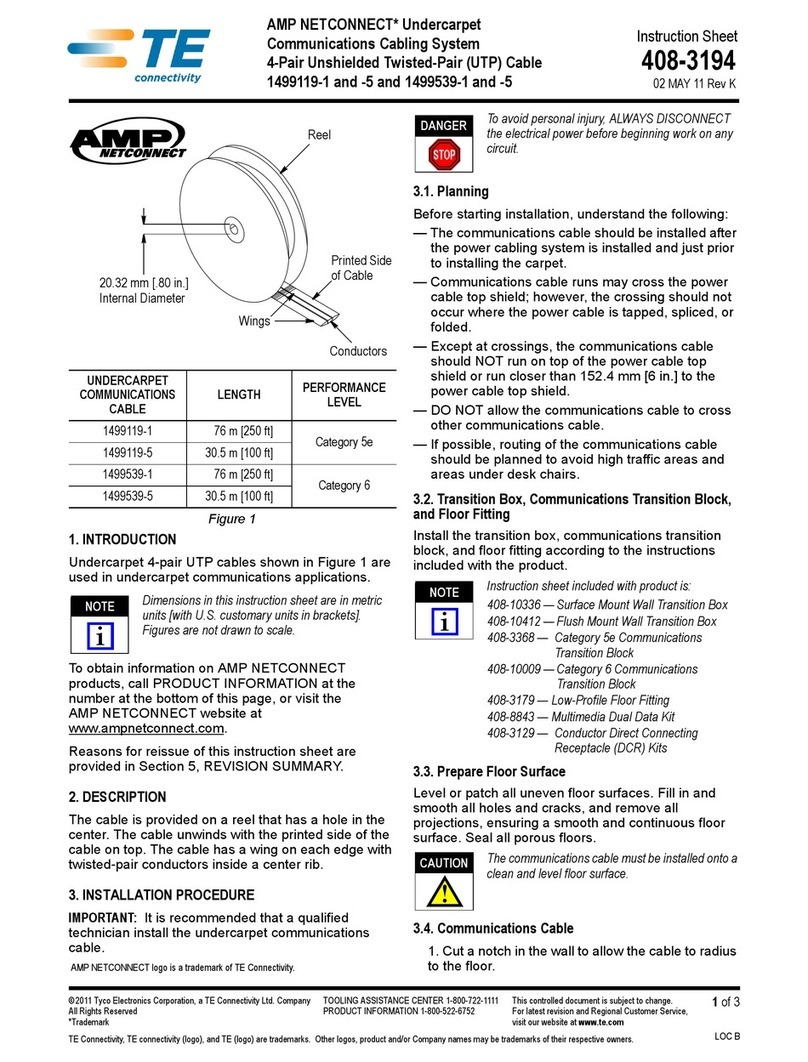
TE Connectivity AMP NETCONNECT 1499119-1 User manual

TE Connectivity

TE Connectivity AMP NETCONNECT 1499119-1 User manual

TE Connectivity VAL-U-LOK 3-1586040-6 User manual

TE Connectivity

TE Connectivity VAL-U-LOK 3-1586040-6 User manual

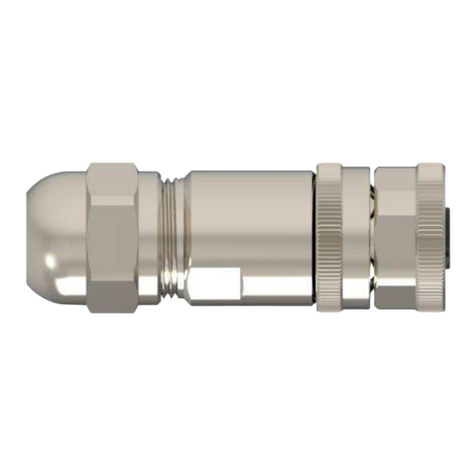
TE Connectivity M12 User guide

TE Connectivity

TE Connectivity M12 User guide

TE Connectivity 025/250 User manual

TE Connectivity

TE Connectivity 025/250 User manual

TE Connectivity D5000-S User manual

TE Connectivity

TE Connectivity D5000-S User manual

TE Connectivity GS-IPC-500U User manual

TE Connectivity

TE Connectivity GS-IPC-500U User manual

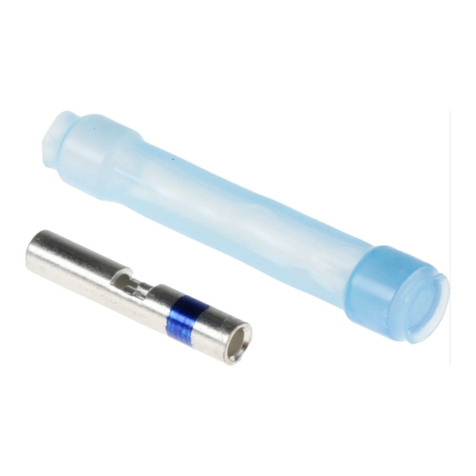
TE Connectivity Raychem LJSM Series User manual

TE Connectivity

TE Connectivity Raychem LJSM Series User manual

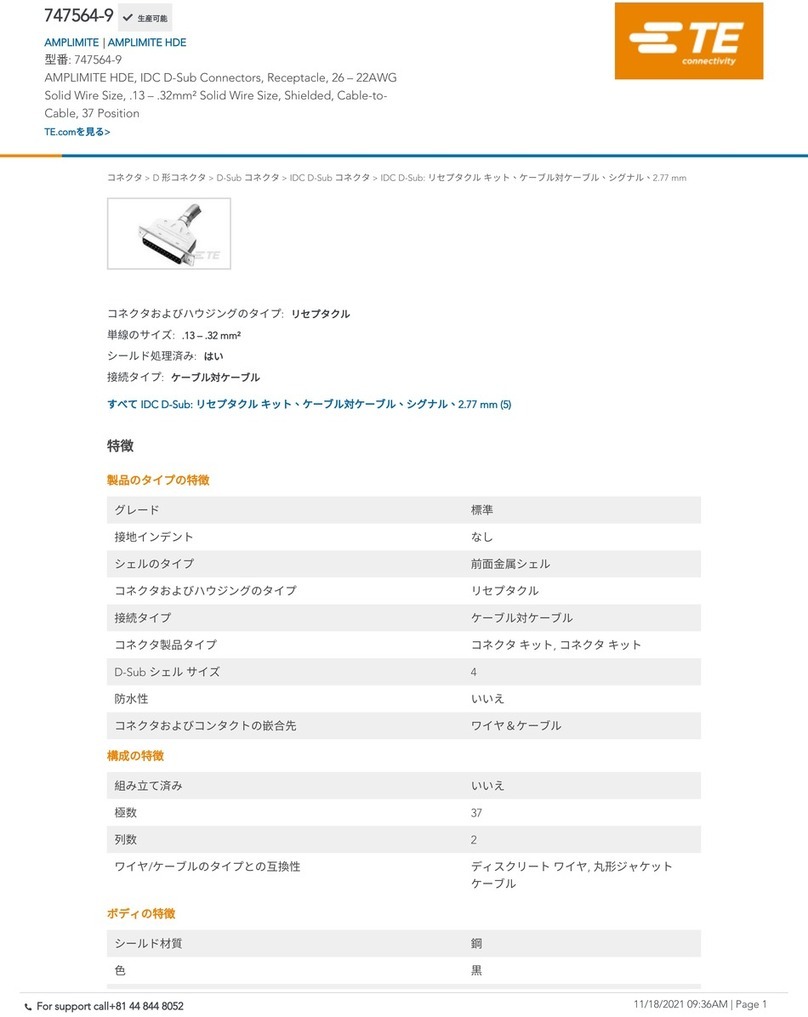
TE Connectivity 747564-9 User manual

TE Connectivity

TE Connectivity 747564-9 User manual

TE Connectivity RAYCHEM D-436 Series Reference guide

TE Connectivity

TE Connectivity RAYCHEM D-436 Series Reference guide

TE Connectivity MATE-N-LOK 2 794216-1 User manual

TE Connectivity

TE Connectivity MATE-N-LOK 2 794216-1 User manual

TE Connectivity AMPOWER 68361-1 User manual

TE Connectivity

TE Connectivity AMPOWER 68361-1 User manual

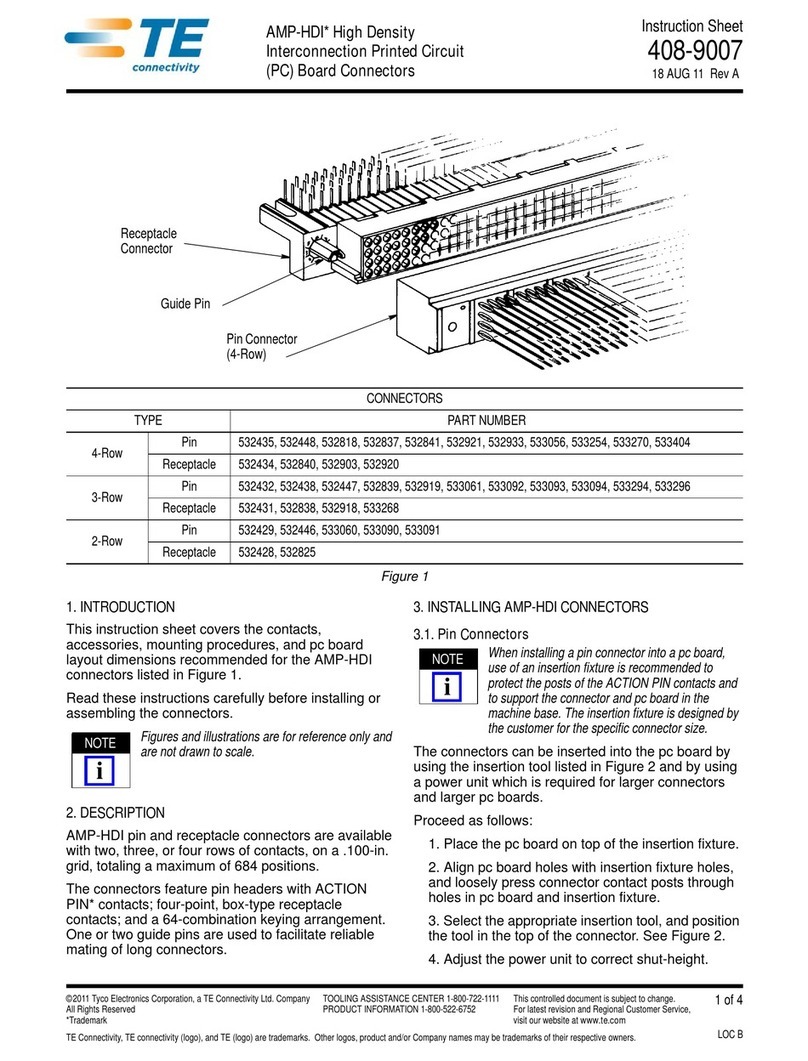
TE Connectivity AMP-HDI User manual

TE Connectivity

TE Connectivity AMP-HDI User manual

TE Connectivity LJSU-4X Series User manual

TE Connectivity

TE Connectivity LJSU-4X Series User manual

TE Connectivity D369 Series User manual

TE Connectivity

TE Connectivity D369 Series User manual

Popular Cables And Connectors manuals by other brands

StarTech.com ST124HD20 quick start guide

StarTech.com

StarTech.com ST124HD20 quick start guide

Philips SWV4543S/10 Features

Philips

Philips SWV4543S/10 Features

Larson Electronics 10-50C instruction manual

Larson Electronics

Larson Electronics 10-50C instruction manual

Grip MEK-PM Assembly and operating manual

Grip

Grip MEK-PM Assembly and operating manual

Ultra Products Travel Pack #3 ULT31436 Specifications

Ultra Products

Ultra Products Travel Pack #3 ULT31436 Specifications

Surpass QCH-F Operation manual

Surpass

Surpass QCH-F Operation manual

Philips SWA6310 Specifications

Philips

Philips SWA6310 Specifications

StarTech.com CRJ4550PK quick start guide

StarTech.com

StarTech.com CRJ4550PK quick start guide

Nohau EMUL-IP2K-PC user guide

Nohau

Nohau EMUL-IP2K-PC user guide

Foxun SX-SP144E-HD4K2K operating instructions

Foxun

Foxun SX-SP144E-HD4K2K operating instructions

Philips SWA3305W Specifications

Philips

Philips SWA3305W Specifications

opticis Stretch DVIM1-1P0x user manual

opticis

opticis Stretch DVIM1-1P0x user manual

Volkswagen VAS 6558A operating manual

Volkswagen

Volkswagen VAS 6558A operating manual

NEXIBO N-13 user manual

NEXIBO

NEXIBO N-13 user manual

CYP PU-1H3HBTL Operation manual

CYP

CYP PU-1H3HBTL Operation manual

Allen-Bradley 1784-u2dhp installation instructions

Allen-Bradley

Allen-Bradley 1784-u2dhp installation instructions

Global Caché Flex Link Blaster quick start

Global Caché

Global Caché Flex Link Blaster quick start

Hauppauge USB-Live2 Quick installation guide

Hauppauge

Hauppauge USB-Live2 Quick installation guide

manuals.online logo
manuals.online logoBrands
  • About & Mission
  • Contact us
  • Privacy Policy
  • Terms and Conditions

Copyright 2025 Manuals.Online. All Rights Reserved.

Instruction Sheet
AMPLIMITE* High Density (HDP- 20) 408--7514
LOC B
1of 2
E2011 Tyco Electronics Corporation, a TE Connectivity Ltd. Company
All Rights Reserved
TE logo is a trademark.
*Trademark. Other product names, logos, or company names might be trademarks of their respective owners.
TOOLING ASSISTANCE CENTER 1--800--722--1111
PRODUCT INFORMATION 1--800--522--6752
This controlled document is subject to change.
For latest revision and Regional Customer Service,
visit our website at www.te.com
10 Mar 11 Rev EConnectors with Crimp- Type Contacts
Figure 1
Shell
(Ref)
Insert
(Ref) Receptacle
Connector
(Front)
Numbered
Cavities
Plug Connector
(Back)
1. INTRODUCTION
This instruction sheet covers contact and wire
selection, application tooling, and attaching hardware
for AMPLIMITE High Density (HDP--20) Connectors
shown in Figure 1. Read these instructions thoroughly
before assembling any connectors.
All dimensions on this document are in metric
units [with U.S. customary units in brackets].
Figures and illustrations are for reference only
and are not drawn to scale.
Reasons for reissue of this document are provided in
Section 6, REVISION SUMMARY.
2. DESCRIPTION (Figure 1)
The connectors are designed for rear insertion and
extraction of size 20, precision formed contacts. The
HDP--20 connectors feature steel shells and black
polymer inserts with plastic contact retention tines.
3. CONTACTS (Figure 2)
3.1. Selection
Refer to the table in Figure 2, and select strip or
loose--piece pin and socket contacts according to the
wire size and insulation diameter to be used.
Notice that each contact cavity is number--coded
(front and back). Make certain that the cavities of the
plug are a mirror image of the receptacle. Insert pin
contacts into the back of plug and mating socket
contacts into the back of the receptacle. If all cavities
are not used, distribute contacts evenly throughout
connector.
3.2. Crimping
Strip--form contacts are designed to be crimped with a
semi--automatic or automatic machine and applicator.
Consult your local TE Representative for assistance
in selecting the machine and applicator for your
application.
Loose--piece precision formed contacts are designed
to be crimped with the hand crimping tools listed in
the table in Figure 2. Refer to the instruction sheet
packaged with the tool, for specific crimping
procedure and tool inspection information.
3.3. Insertion and Extraction
Insertion/Extraction Tools 91067--2 (Instruction Sheet
408--7508) and 91285--1 (Instruction Sheet
408--9404) are designed for both pin and socket
contacts. The 91067--2 tool is used with contacts for
wire size 24 to 20 AWG and the 91285--1 tool is used
withcontactsforwiresize28to24AWG.
NOTE
i

408- 7514
Rev E2 of 2
Precision Formed Contact
With
Insulation Support
Precision Formed Contact
Without
Insulation Support
Socket
(Typ)
Pin
(Typ)
CONTACT DESCRIPTION WIRE SIZE RANGE (AWG) INSULATION DIAMETER (MAX) HAND TOOL (DOCUMENT)
Precision Formed Contact 28--24 1.02 [.040] 91503--1 (408--8547)
o
r
P
r
e
c
i

s
i

o
n
F
o
r
m
e
d
C
o
n
t
a
c
t
With Insulation Support 24--20 1.52 [.060]
or
58448--2 (408--9357)
Precision Formed Contact 28--24 1.73 [.068]
9
1
5
4
8
1
(
4
0
8
8
5
4
7
)
P
r
e
c
i
s
i
o
n
F
o
r
m
e
d
C
o
n
t
a
c
t
Without Insulation Support 24--20 1.73 [.068]
91548--1
(
408--8547
)
Figure 2
4. HARDWARE
A shield and cable clamp assembly is used with the
connector to house the cable or wire projecting from
the rear of the connector and for strain relief of the
cable or wires. For additional information concerning
the use of the shield and cable clamp assembly, refer
to Instruction Sheet 408--7555.
Shielded cable clamp kits for AMPLIMITE HDP--20
connectors used with braid and foil--shielded cables
are available in all connector sizes. The cable clamps
may be used with latching blocks (208101, 745245,
and 745286) and spring latches (745255--1) for
panel--mounted or free--hanging applications. Refer to
Instruction Sheet 408--6609 for additional information.
A male screw retainer kit (5205980--1) and a female
screwlock kit (5205817--1) are used to secure mating
connectors in panel--mounted or free--hanging
applications. Refer to Instruction Sheet 408--7837 for
information.
A slide latch post kit (5206514--1) and a slide latch
clip kit (5206942--1) are also used to secure mating
connectors in panel--mounted or free--hanging
applications. For additional information, refer to
Instruction Sheet 408--6551.
Slide latch post kits and slide latches for all
AMPLIMITE HDP--20 connector sizes are available
for panel--mounted and free--hanging applications.
Refer to Instruction Sheet 408--6551 for slide latch
and slide latch post application procedure and
information.
5. PANEL CUTOUT
Before making the panel cutout, refer to Application
Specification 114--40030 to determine the number of
positions in the connector, whether it will be used with
a cable clamp or side latch, and what the required
dimensions and clearances must be.
6. REVISION SUMMARY
Since the previous release of this sheet, the following
changes were made:
SUpdated document to corporate requirements