EnglishDeutsch
 logo
Brands
  1. Home
  2. •
  3. Brands
  4. •
  5. U-Line
  6. •
  7. Dispenser
  8. •
  9. U-Line H-2274 User manual

U-Line H-2274 User manual

Other U-Line Dispenser manuals

U-Line H-10657 User manual

U-Line

U-Line H-10657 User manual

U-Line H-1132 User manual

U-Line

U-Line H-1132 User manual
U-Line H-99 User manual

U-Line

U-Line H-99 User manual
U-Line H-1585 User manual

U-Line

U-Line H-1585 User manual
U-Line H-878 User manual

U-Line

U-Line H-878 User manual

U-Line UCDE215 Installation manual

U-Line

U-Line UCDE215 Installation manual
U-Line BSM-22P User manual

U-Line

U-Line BSM-22P User manual
U-Line Purell Healthy Soap FMX-20 User manual
U-Line

U-Line Purell Healthy Soap FMX-20 User manual

U-Line Tork Xpressnap H-4580 User manual
U-Line

U-Line Tork Xpressnap H-4580 User manual

U-Line UCDE215 Installation manual

U-Line

U-Line UCDE215 Installation manual

U-Line H-2243 Parts list manual

U-Line

U-Line H-2243 Parts list manual
U-Line H-2272 User manual

U-Line

U-Line H-2272 User manual
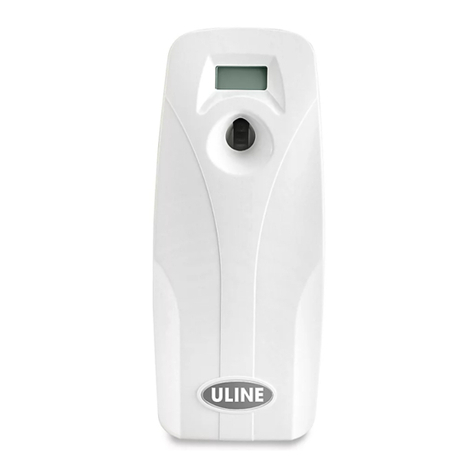
U-Line H-2241 User manual

U-Line

U-Line H-2241 User manual
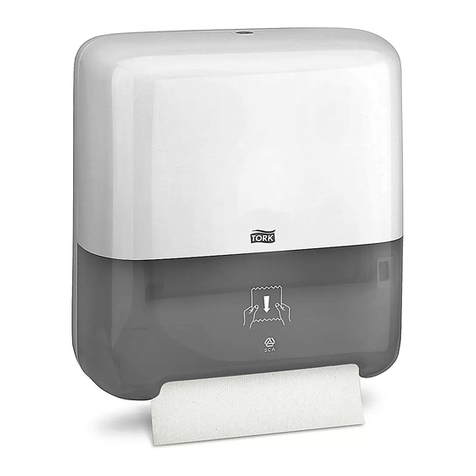
U-Line TORK MATIC H-5805 User manual

U-Line

U-Line TORK MATIC H-5805 User manual

U-Line H-1119 User manual

U-Line

U-Line H-1119 User manual
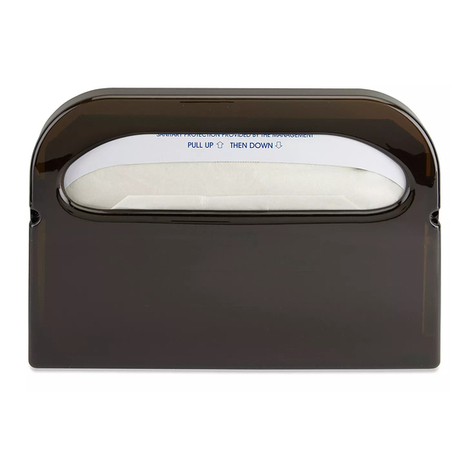
U-Line H-878 User manual

U-Line

U-Line H-878 User manual
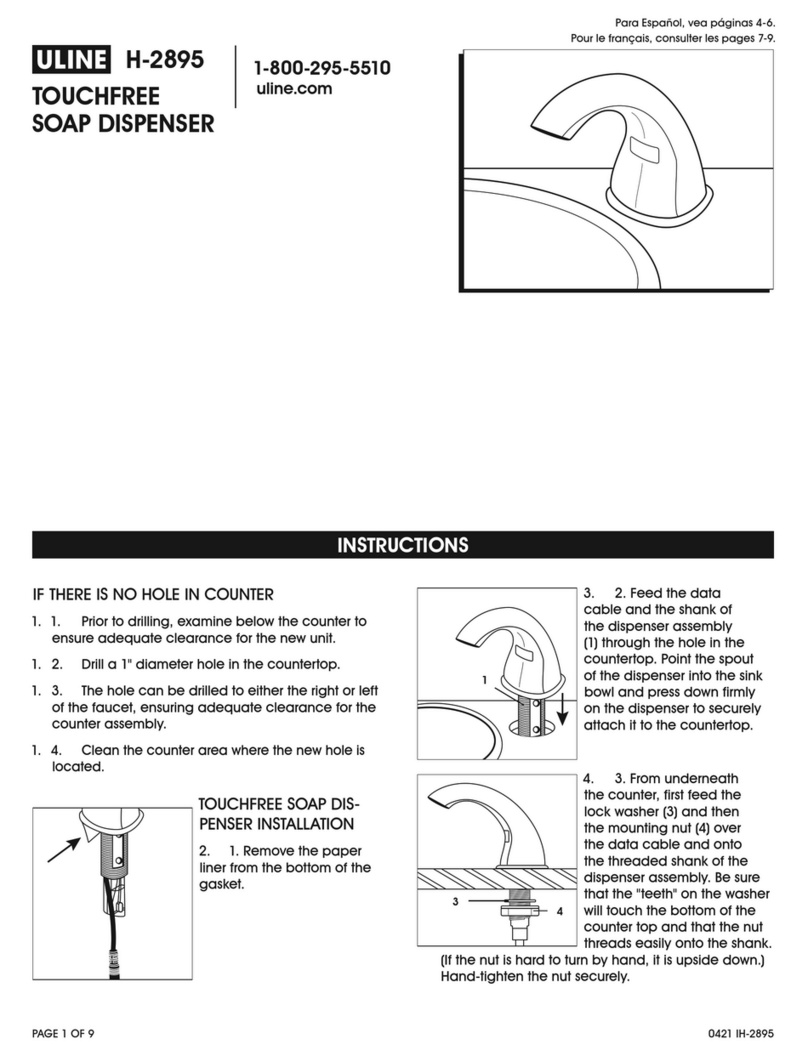
U-Line H-2895 User manual

U-Line

U-Line H-2895 User manual
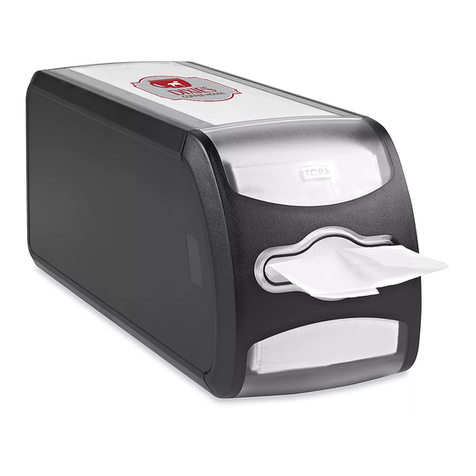
U-Line H-9504 User manual

U-Line

U-Line H-9504 User manual

U-Line Rubbermaid H-3542 User manual

U-Line

U-Line Rubbermaid H-3542 User manual
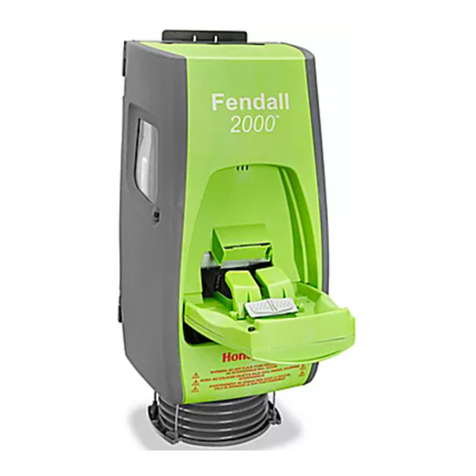
U-Line FENDALL 2000 User manual

U-Line

U-Line FENDALL 2000 User manual
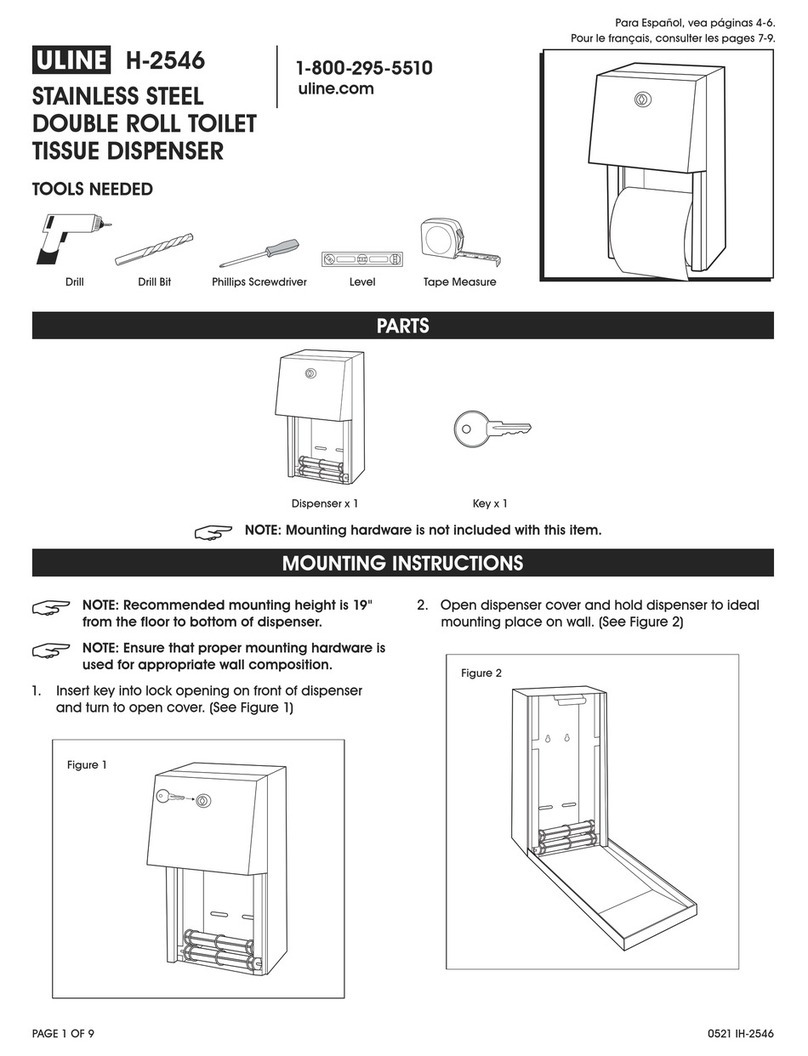
U-Line H-2546 User manual

U-Line

U-Line H-2546 User manual

U-Line PURELL H-10644 User manual

U-Line

U-Line PURELL H-10644 User manual

U-Line Marsh H-1360 Parts list manual

U-Line

U-Line Marsh H-1360 Parts list manual

U-Line H-2557 User manual

U-Line

U-Line H-2557 User manual

Popular Dispenser manuals by other brands

Silver King Majestic SK12MAJ Technical manual and replacement parts list
Silver King

Silver King Majestic SK12MAJ Technical manual and replacement parts list

Franke F3Dn Twin Service manual

Franke

Franke F3Dn Twin Service manual

STIEBEL ELTRON UltraHot Plus Operation and installation instructions

STIEBEL ELTRON

STIEBEL ELTRON UltraHot Plus Operation and installation instructions

DAN DRYER 282 installation guide

DAN DRYER

DAN DRYER 282 installation guide
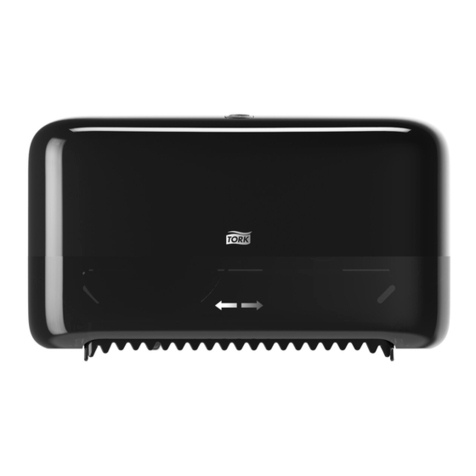
Essity Tork 473208 manual

Essity

Essity Tork 473208 manual

CBS SD300BU-88 COMPONENT MAINTENANCE MANUAL WITH ILLUSTRATED PARTS LIST
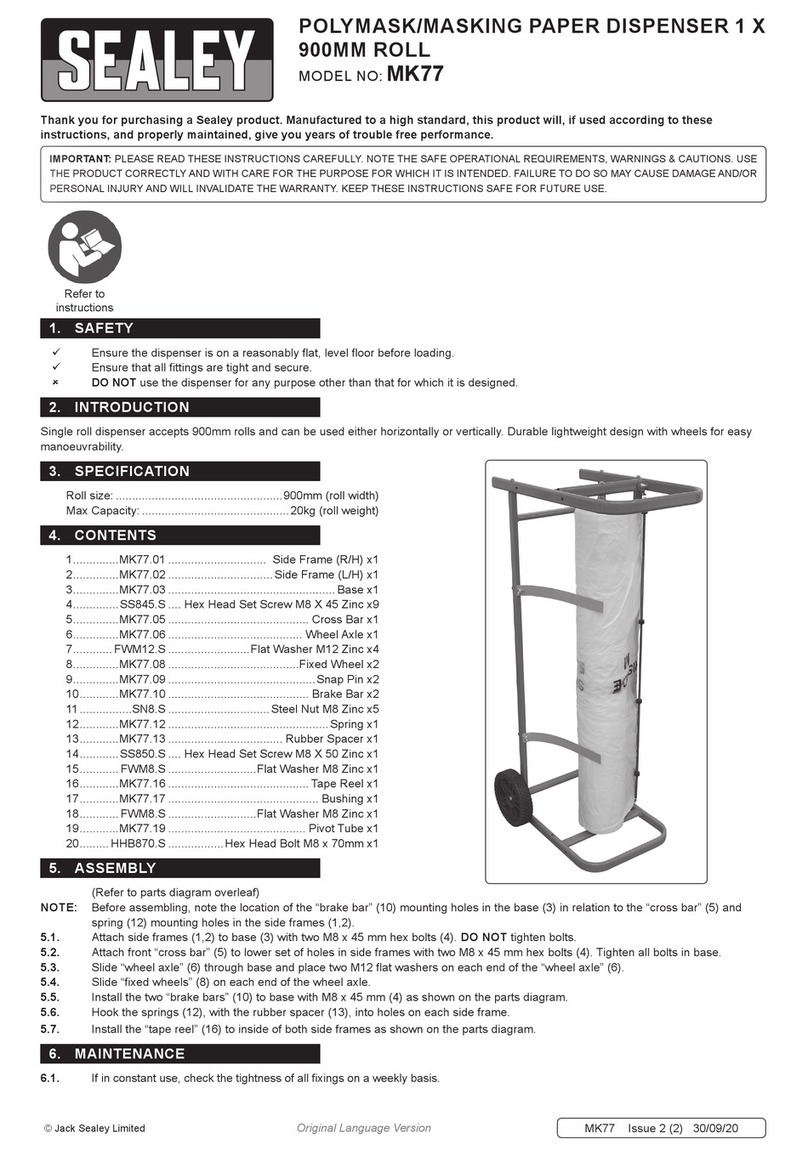
CBS

CBS SD300BU-88 COMPONENT MAINTENANCE MANUAL WITH ILLUSTRATED PARTS LIST

Sealey MK77 manual

Sealey

Sealey MK77 manual

Fluid Management Accutinter 1600 End user guide

Fluid Management

Fluid Management Accutinter 1600 End user guide

Franke DVS SD99-010 Installation and operating instructions

Franke

Franke DVS SD99-010 Installation and operating instructions

Graco Dispensit 1053-10C operation & maintenance

Graco

Graco Dispensit 1053-10C operation & maintenance

ITALTINTO i50 user manual

ITALTINTO

ITALTINTO i50 user manual

Coca-Cola FREESTYLE 9000 user guide

Coca-Cola

Coca-Cola FREESTYLE 9000 user guide

Graco ProMix 2KE Operation

Graco

Graco ProMix 2KE Operation

TECHCON SYSTEMS TS1251 user manual

TECHCON SYSTEMS

TECHCON SYSTEMS TS1251 user manual

clarsen H133 Instructions for use

clarsen

clarsen H133 Instructions for use

PicoBrew Zymatic user manual

PicoBrew

PicoBrew Zymatic user manual

BOWMAN BP-007 manual

BOWMAN

BOWMAN BP-007 manual

HURAKAN HKN-MT1 manual

HURAKAN

HURAKAN HKN-MT1 manual

https://manuals.online logo
https://manuals.online logoBrands
  • About & Mission
  • Contact us
  • Privacy Policy
  • Terms and Conditions

Copyright 2026 Manuals.Online. All Rights Reserved.

PAGE 1 OF 2 0721 IH-2274
1- 800-295-5510
uline.com
AUTOMATIC PAPER
TOWEL DISPENSER
H-2274
MOUNTING
Mount dispenser securely on wall with supplied
hardware. Bottom edge should be approximately 52
inches above the floor.
OPENING THE COVER
Key is taped to back of dispenser.
1. Insert forked end of key into two slots at top of cover.
2. Push down on key and pull forward on cover.
Note: Opening the cover removes battery
power from control circuit.
LOADING BATTERIES
1. Open cover. Push left-hand tab on battery
compartment inward and lift up. (See Figure 1)
2. Insert four "D"-size alkaline batteries with "LR20"
designation. (Battery orientation is embossed on
compartment.
Note: We do not recommend using
rechargeable "D"-size batteries.
LOADING PAPER ROLL
1. Open cover and load paper roll with paper "tail"
unwinding from back of roll. Place paper "tail" under
transfer bar arm. (See Figure 2, A)
2. Close cover and move hand under unit to activate
dispense. Unit initially dispenses at factory-set
control settings. (See Figure 2, B)
LOADING STUB ROLL TRANSFER
To use this feature, the 3-inch or smaller stub roll must
be transferred from upper roll holders to stub roll holders
in rear, lower section. Stub roll paper monitor must be
positioned over stub roll paper "tail."
1. Insert new paper roll in upper roll holders. Place "tail"
of new paper roll on top of stub roll paper monitor
and under transfer bar arm. (See Figure 3, A-C)
2. Paper from new roll will automatically feed when
stub roll of paper runs out.
OPERATION
STUB-ROLL PAPER MONITOR
TRANSFER BAR ARM BATTERY COMPARTMENT
B
A
A B C
Figure 1
Figure 3
Figure 2
PAGE 2 OF 2 0721 IH-2274
OPERATION CONTINUED
TROUBLESHOOTING
CUSTOMIZING CONTROL SETTINGS
Dispensing, delay and paper length can be customized
using three control setting switches behind cover in right
inside corner.
1. DISPENSE (Switch #1): Upper Position = maximum
paper saving. Center Position = normal (factory
setting). Lower Position = minimum paper saving.
2. DELAY (Switch #2): Upper Position = 3 sec. delay.
Center Position = 2 sec. delay. Lower Position = 1
sec. delay (factory setting).
3. PAPER LENGTH (Switch #3): Upper Position = 15"
length. Center Position = 12" length (factory setting).
Lower Position = 9" length.
INDICATOR LIGHT
When cover is closed and unit powers up, LED indicator
at right, top corner of paper chute will flash once. After
each dispense, Indicator will flash once to indicate unit
is ready for next use. LED will flash continuously every 1.5
seconds when batteries need replacement.
OPERATING ISSUE CAUSES RECOMMENDATIONS
Unit will not dispense. Cover is not closed and secured.
LED light for batteries is not flashing.
Paper is not loaded properly.
Ensure cover is closed and securely
latched.
Check LED light for battery replacement
signal. Make sure batteries are installed
and oriented properly.
Remove and re-install batteries.
Confirm that paper is loaded properly
and roll turns freely. Check paper path for
obstructions.
1
-800-295-551
0
uline.com