EnglishDeutsch
 logo
Brands
  1. Home
  2. •
  3. Brands
  4. •
  5. U-Line
  6. •
  7. Dispenser
  8. •
  9. U-Line BSM-22P User manual

U-Line BSM-22P User manual

Other U-Line Dispenser manuals

U-Line UHDE215 Installation manual

U-Line

U-Line UHDE215 Installation manual

U-Line H-2590 User manual

U-Line

U-Line H-2590 User manual

U-Line H-8795 User manual

U-Line

U-Line H-8795 User manual

U-Line H-99 User manual

U-Line

U-Line H-99 User manual

U-Line H-9504 User manual

U-Line

U-Line H-9504 User manual

U-Line H-1132 User manual

U-Line

U-Line H-1132 User manual

U-Line H-3620 User manual

U-Line

U-Line H-3620 User manual

U-Line UCDE215 Installation manual

U-Line

U-Line UCDE215 Installation manual

U-Line H-8883 User manual

U-Line

U-Line H-8883 User manual

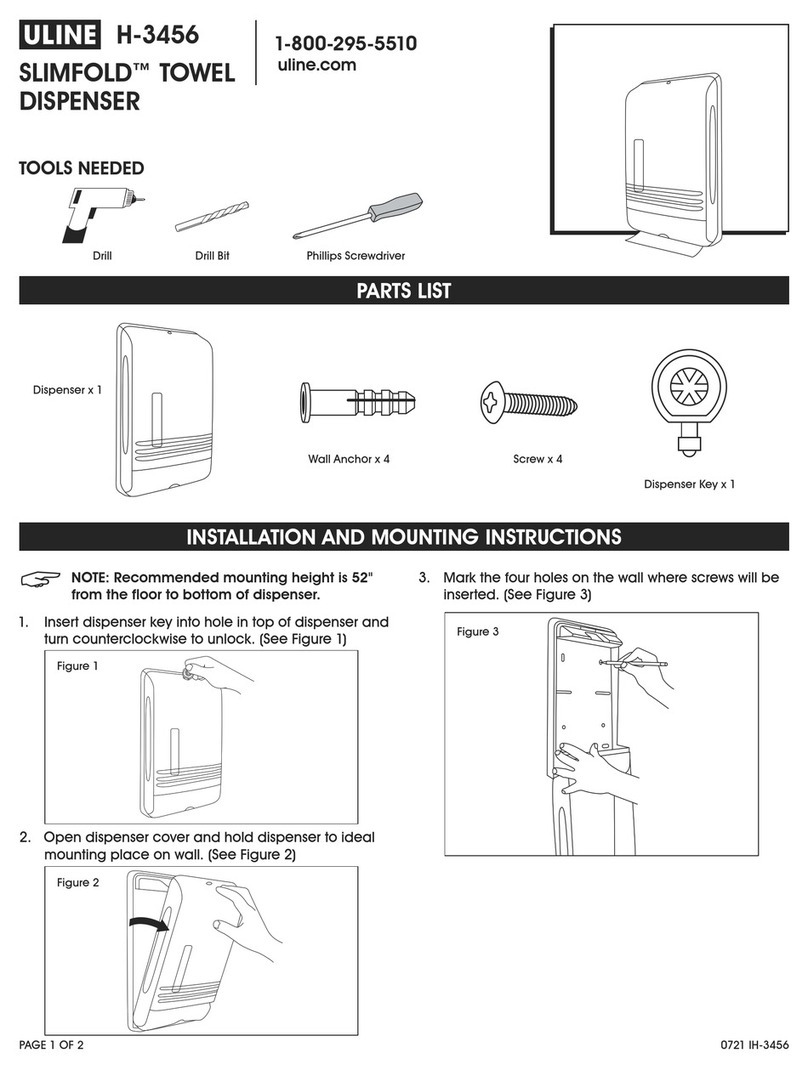
U-Line SLIMFOLD H-3456 User manual

U-Line

U-Line SLIMFOLD H-3456 User manual

U-Line Rubbermaid H-3542 User manual

U-Line

U-Line Rubbermaid H-3542 User manual

U-Line H-878 User manual

U-Line

U-Line H-878 User manual

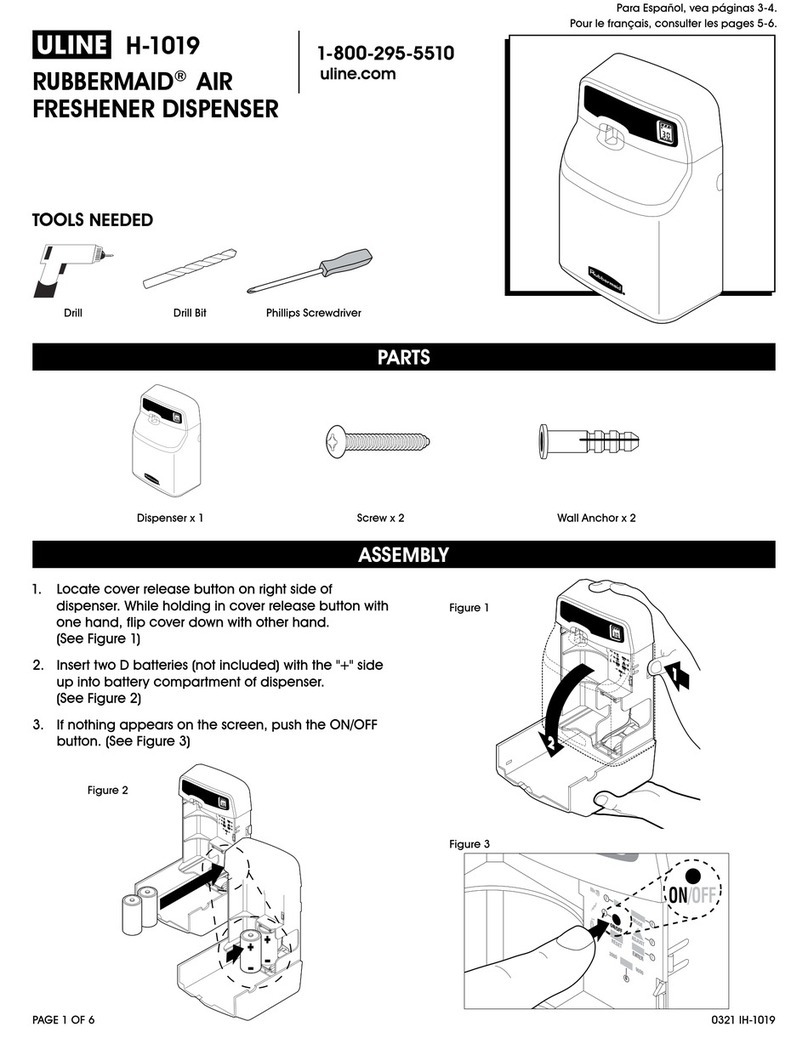
U-Line H-1019 User manual

U-Line

U-Line H-1019 User manual

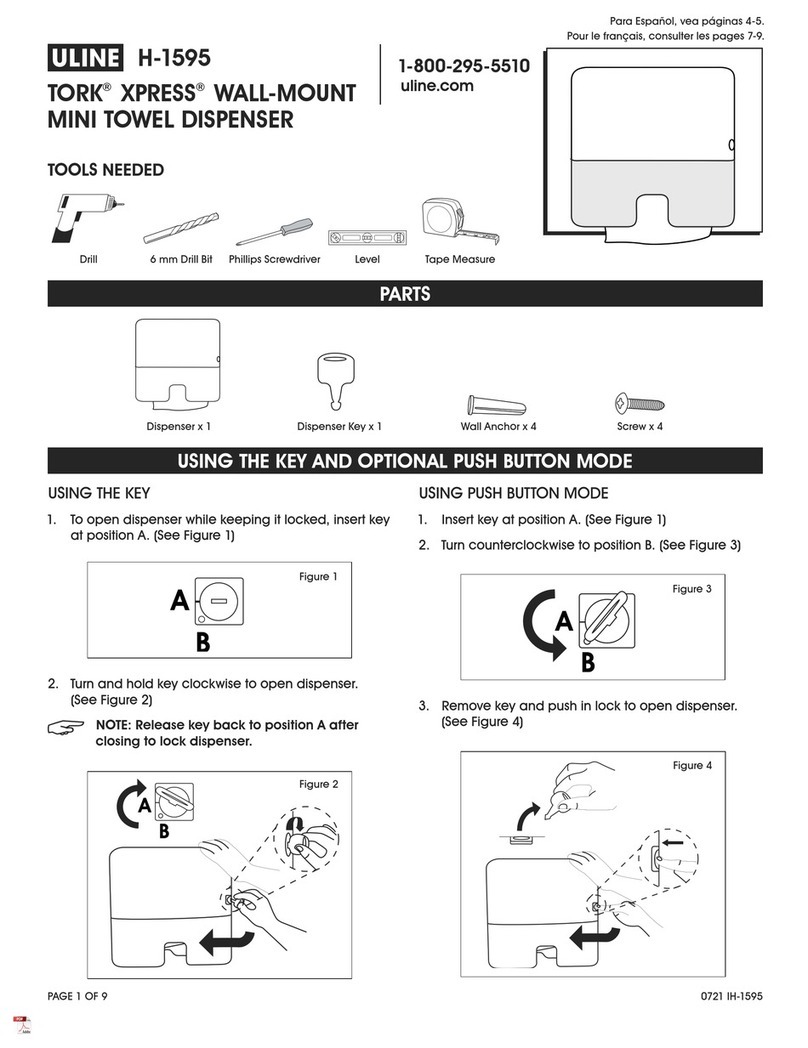
U-Line TORK XPRESS H-1595 User manual

U-Line

U-Line TORK XPRESS H-1595 User manual

U-Line TORK H-7859 User manual

U-Line

U-Line TORK H-7859 User manual

U-Line H-28 User manual

U-Line

U-Line H-28 User manual

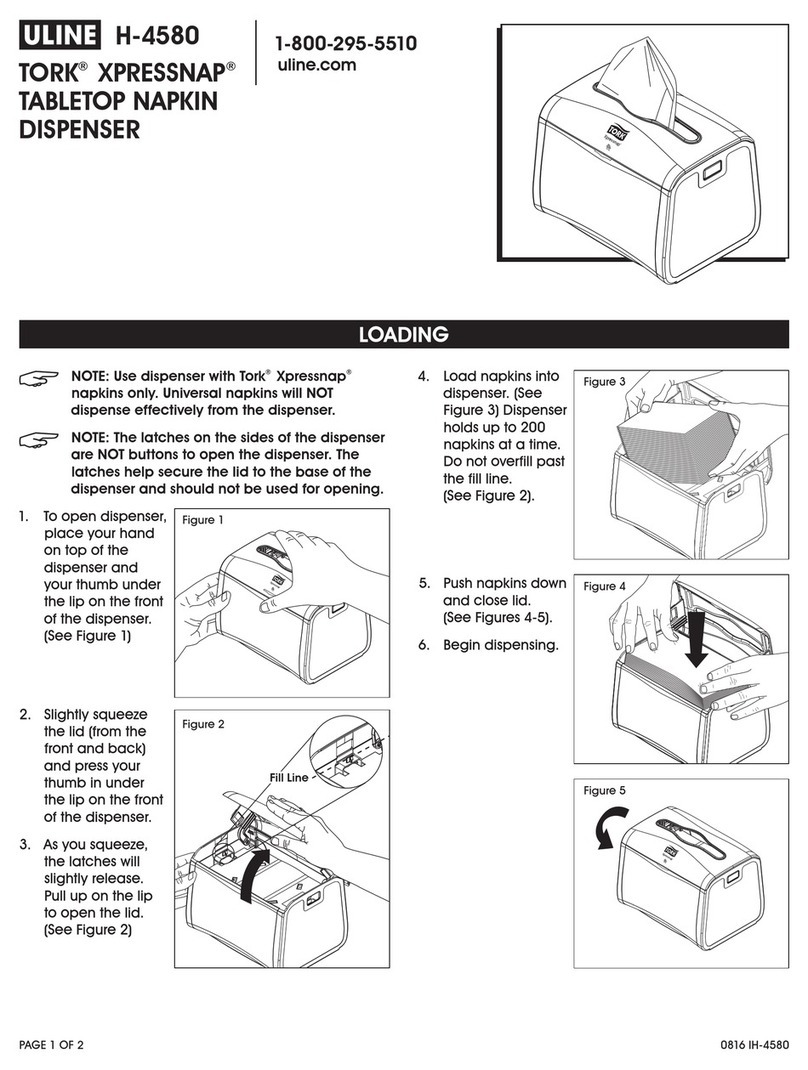
U-Line Tork Xpressnap H-4580 User manual

U-Line

U-Line Tork Xpressnap H-4580 User manual

U-Line Marsh H-1358 Manual

U-Line

U-Line Marsh H-1358 Manual

U-Line Marsh H-1360 Parts list manual

U-Line

U-Line Marsh H-1360 Parts list manual

U-Line H-878 User manual

U-Line

U-Line H-878 User manual

U-Line EZ Pull Senior H-2534 User manual

U-Line

U-Line EZ Pull Senior H-2534 User manual

U-Line H-6067 User manual

U-Line

U-Line H-6067 User manual

U-Line Rubbermaid H-7682 User manual

U-Line

U-Line Rubbermaid H-7682 User manual

U-Line Purell Healthy Soap FMX-20 User manual

U-Line

U-Line Purell Healthy Soap FMX-20 User manual

Popular Dispenser manuals by other brands

Silver King Majestic SK12MAJ Technical manual and replacement parts list

Silver King

Silver King Majestic SK12MAJ Technical manual and replacement parts list

Franke F3Dn Twin Service manual

Franke

Franke F3Dn Twin Service manual

STIEBEL ELTRON UltraHot Plus Operation and installation instructions

STIEBEL ELTRON

STIEBEL ELTRON UltraHot Plus Operation and installation instructions

DAN DRYER 282 installation guide

DAN DRYER

DAN DRYER 282 installation guide

Essity Tork 473208 manual

Essity

Essity Tork 473208 manual

CBS SD300BU-88 COMPONENT MAINTENANCE MANUAL WITH ILLUSTRATED PARTS LIST

CBS

CBS SD300BU-88 COMPONENT MAINTENANCE MANUAL WITH ILLUSTRATED PARTS LIST

Sealey MK77 manual

Sealey

Sealey MK77 manual

Fluid Management Accutinter 1600 End user guide

Fluid Management

Fluid Management Accutinter 1600 End user guide

Franke DVS SD99-010 Installation and operating instructions

Franke

Franke DVS SD99-010 Installation and operating instructions

Graco Dispensit 1053-10C operation & maintenance

Graco

Graco Dispensit 1053-10C operation & maintenance

ITALTINTO i50 user manual

ITALTINTO

ITALTINTO i50 user manual

Coca-Cola FREESTYLE 9000 user guide

Coca-Cola

Coca-Cola FREESTYLE 9000 user guide

Graco ProMix 2KE Operation

Graco

Graco ProMix 2KE Operation

TECHCON SYSTEMS TS1251 user manual

TECHCON SYSTEMS

TECHCON SYSTEMS TS1251 user manual

clarsen H133 Instructions for use

clarsen

clarsen H133 Instructions for use

PicoBrew Zymatic user manual

PicoBrew

PicoBrew Zymatic user manual

BOWMAN BP-007 manual

BOWMAN

BOWMAN BP-007 manual

HURAKAN HKN-MT1 manual

HURAKAN

HURAKAN HKN-MT1 manual

https://manuals.online logo
https://manuals.online logoBrands
  • About & Mission
  • Contact us
  • Privacy Policy
  • Terms and Conditions

Copyright 2026 Manuals.Online. All Rights Reserved.

PAGE 1 OF 2 0409 IH-2241
1-800-295-5510
uline.com
AIR FRESHENER
DISPENSER
H-2241
H-2241
DISPENSER DIAGRAM
ON / OFF SWITCH
TEST SWITCH
HAMMER
SERVICE BUTTON
RESET BUTTON
METAL BRACKET
LCD
MIN BUTTON
HRS BUTTON
DAY BUTTON
HOLES FOR
SCREW MOUNT
BATTERY COMPARTMENT
PRECAUTIONS
•Place dispenser away from food preparation areas.
•Avoid spraying onto plastic, varnished or painted
surfaces.
•Always replace with new alkaline batteries and
never leave dead batteries in unit.
PAGE 2 OF 2 0409 IH-2241
MOUNTING THE DISPENSER
For best operation, mount the dispenser 7 to 9 feet above
the floor.
1. Place the dispenser in the desired location to be
mounted. Make a mark on the wall surface through the
two mounting holes.
2. Drill the holes at the marks and insert the anchors.
3. Place the unit on the wall and affix the screws.
4. Ensure the dispenser is mounted securely.
PROGRAMMING THE DISPENSER
1. Insert 2 "D" alkaline batteries in the battery compartment.
2. Turn the unit ON. ON/OFF switch is located on the side of
the dispenser.
NOTE: Do not insert aerosol can in the dispenser yet.
3. Set the clock by pressing the MIN and HRS buttons. Clock
is set in Military Time.
4. Set day by pressing the DAY button repeatedly until
correct day is illuminated.
5. Dispenser is set and activated.
NOTE: Factory default is all days active.
TO DEACTIVATE PRESET DAYS
1. Press the SERVICE button four times until "Off Days" is
illuminated.
2. Press the DAY button to illuminate deactivate day of
the week.
a. Press the DAY button once to deactivate unwanted
days. Deactivated days will be displayed.
b. Press the DAY button twice to skip the active days.
c. When a day is activated, to deactivate, press DAY
button once.
3. There will be a slight pause between each day as the
dispenser cycles through all the days of the week.
4. Once there is no activation on the DAY button for 5
seconds, the dispenser will save and go to the date and
time screen.
5. Active days can have specific times in which the
dispenser turns on and off.
a. Press the SERVICE button once to ON to set the time to
start each active day. Change time by using the MIN
and HRS buttons.
b. Press the SERVICE button two times to OFF, to set the
time to end each active day. Change time by using
the MIN and HRS buttons.
c. Once there is no activation on the DAY button for 5
seconds, the dispenser will save and go to the date
and time screen.
TO CHANGE THE SPRAY INTERVALS
NOTE: The default is every 15 minutes 24 hours
a day.
1. Press the SERVICE button three times to INT to set internal
time each active day. Change interval by using the MIN
button.
2. Once there is no activation on the DAY button for 5
seconds, the dispenser will save and go to the date and
time screen.
3. The dispenser is fully programmed.
4. Test spray by putting a can into the dispenser and press
the circle button underneath the ON/OFF button on the
side of the dispenser. Do not stand directly in front of the
dispenser.
BATTERY LIFE
1. Hold down the SERVICE button for 3 seconds to view the
battery life.
2. When battery life is low, a battery icon will appear on the
main screen.
3. The dispenser will hold settings for 60 seconds while
changing the batteries. Otherwise all settings will revert
back to factory settings.
CAN LIFE
1. Hold down the SERVICE button for 3 seconds and press
the SERVICE button again to view the remaining days left
in the aerosol can.
2. Each time the can is replaced, press the RESET button.
INSTRUCTIONS