66251155 - V5.0 - 28/02/23
- 3 -
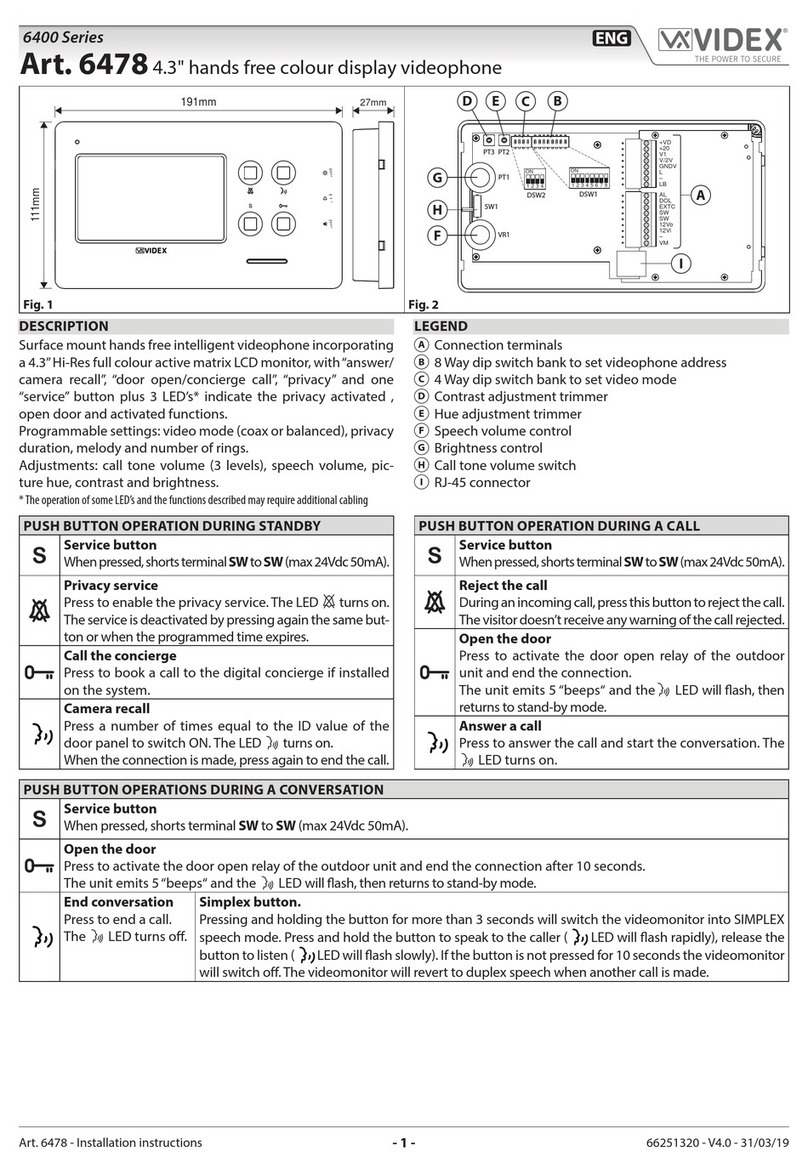
6700 Series
Art.6788 - Installation instructions
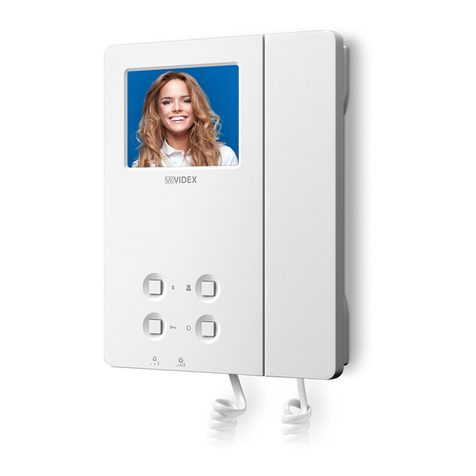
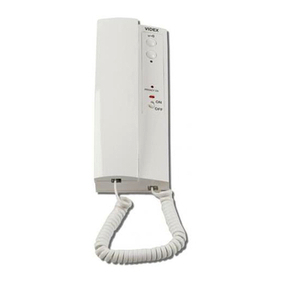
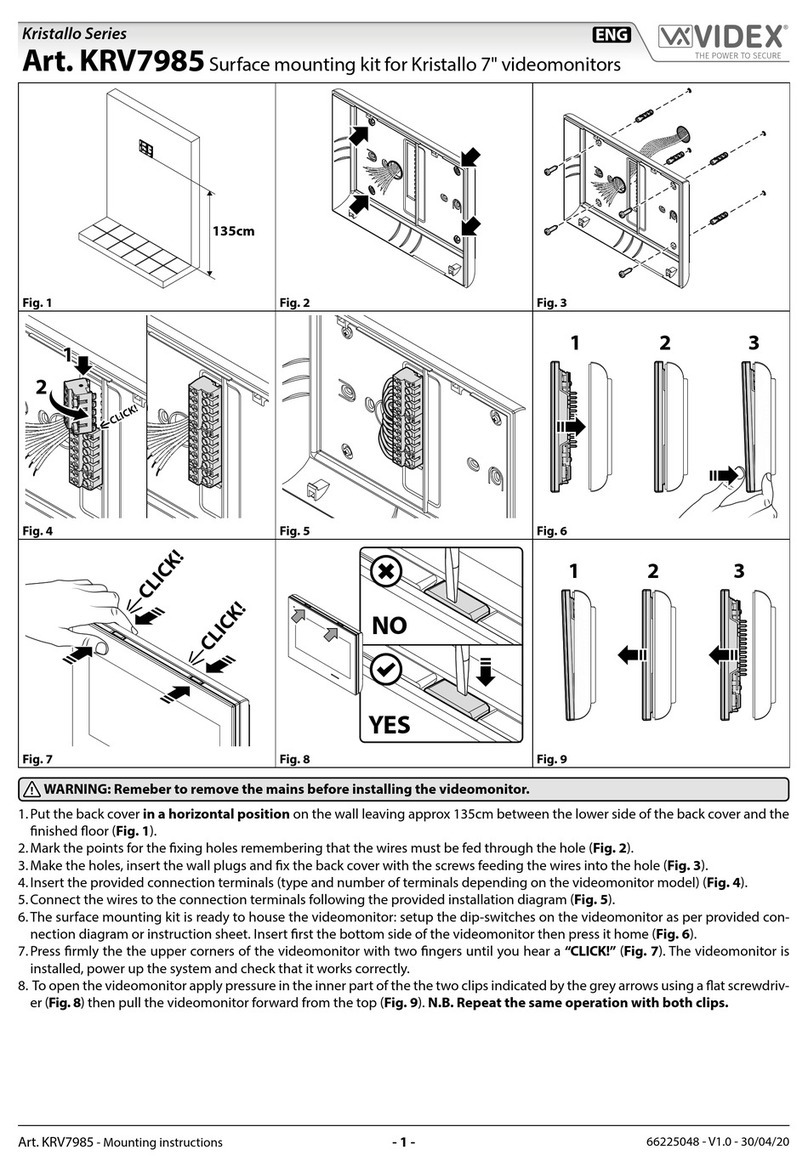
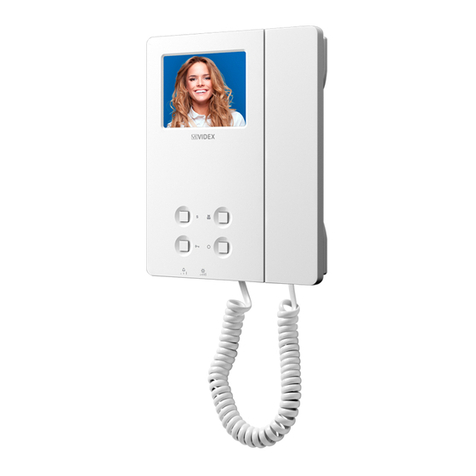
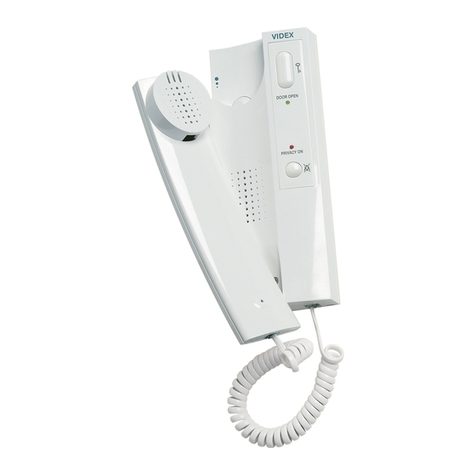
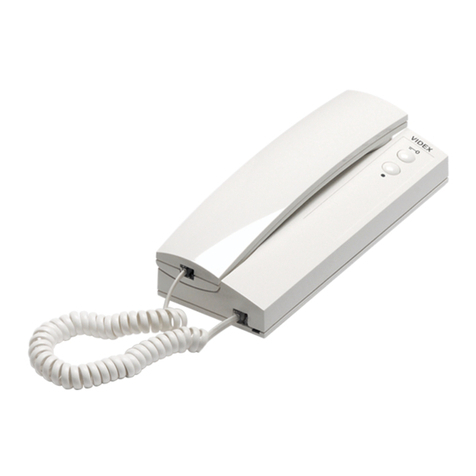
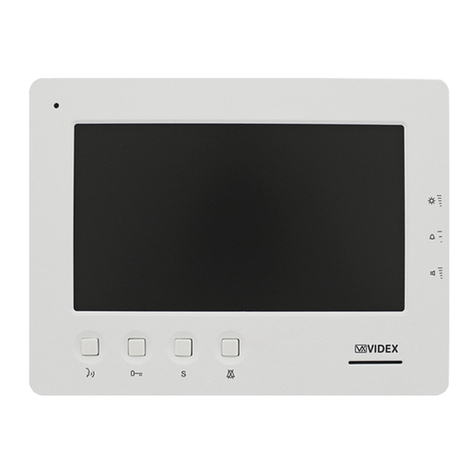
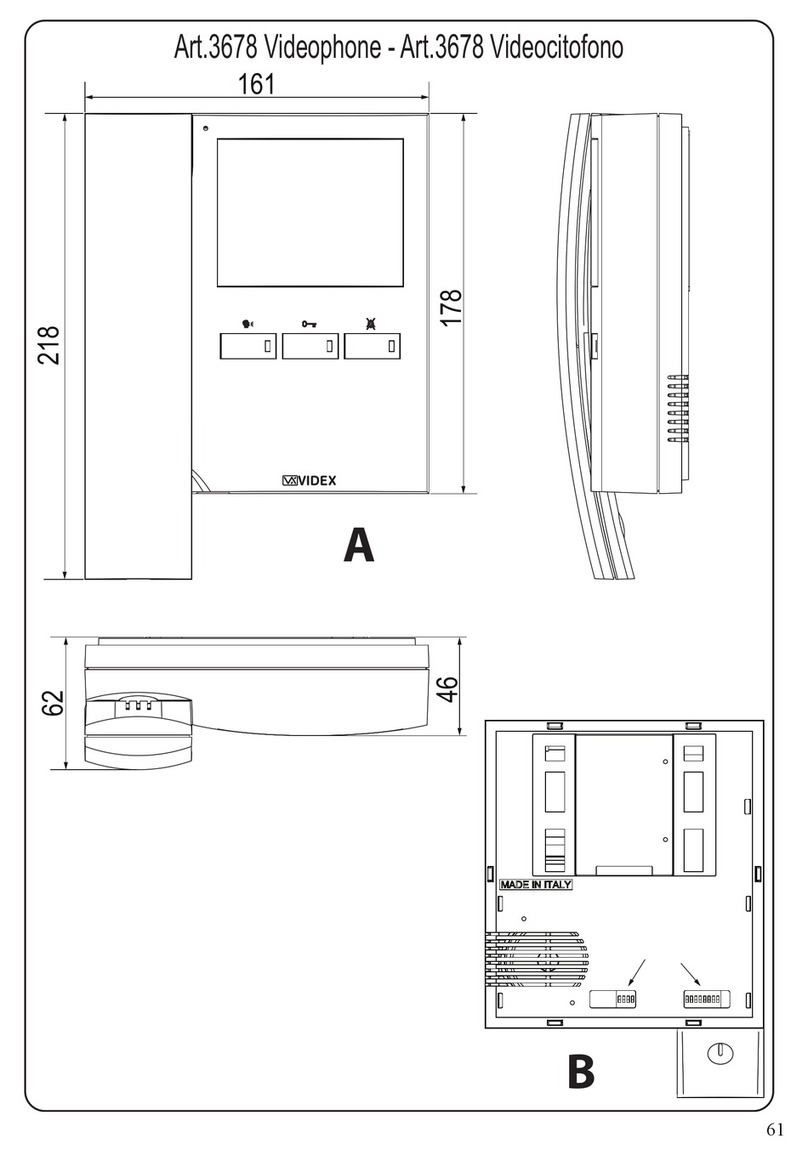
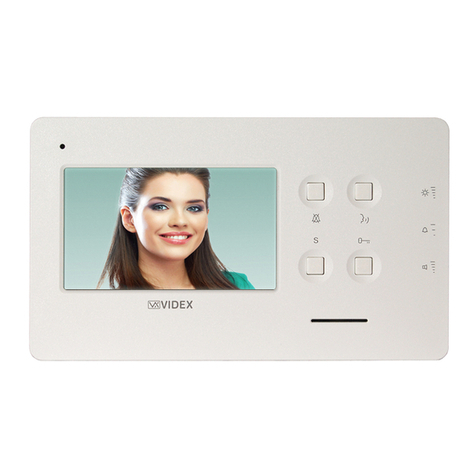
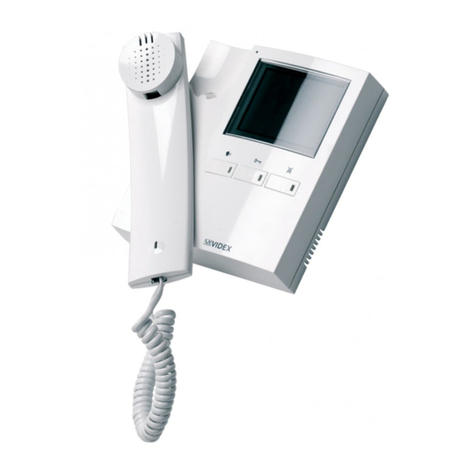
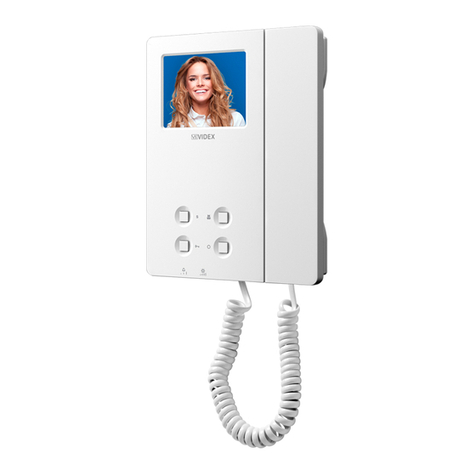
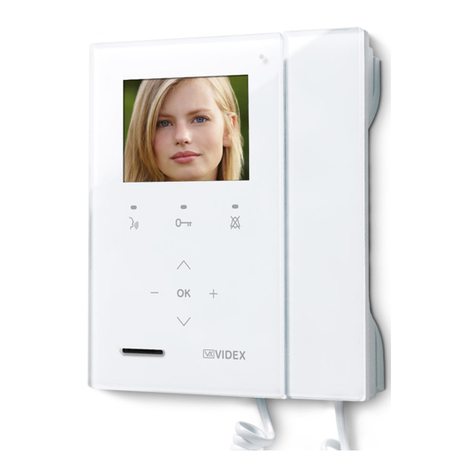
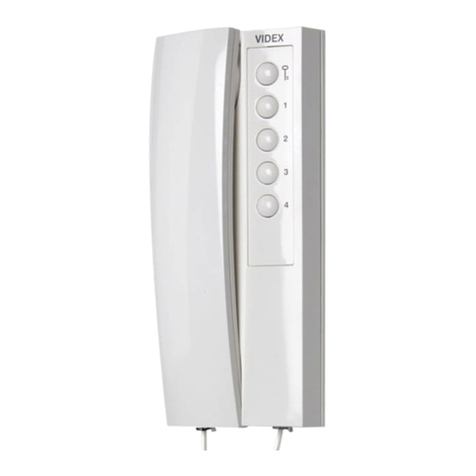
Art.6788 7" hands free colour display digital videophone
MELODY SELECTION
• Keep pressed the button until the two LEDs and switch on. The unit emits the rst melody.
• Press the button and keep it pressed to listen the next melody. Repeat the operation until the required melody is found.
• Once the required melody is found, wait approx 5 seconds for the two LED’s to switch o. The new melody is set.
Notes:
• All the 10 melodies, except the second one, will play in a lower tone with respect to the tone set.
• The second melody will play in a progressive tone from low to high. When selecting this melody it is advisable to set at
least 4 rings.
PRIVACY DURATION
• Keep pressed the button until the two LEDs and are switched on.
• Press the button for the number of times corresponding to the required privacy duration to set. Each time the button is
pressed, the duration is increased by 15 minutes: i.e. to set 2 hours, press the button 8 times.
Default: innite. Max value: 20 hours. To program innite privacy time don’t press any buttons.
• Once the required privacy time is reached, wait approx 5 seconds for the two LED’s to switch o. The new duration is set.
VIDEOPHONE ADDRESS SW1.1..7
The table below shows how to set the address of the videophone. Considering that ON = 1 and OFF = 0, multi-
ply each digit for the relevant decimal weight then sum values obtained to get the address: E.g. as highlighted
in the table OFF, ON, OFF, OFF, ON, OFF, ON in binary is equal to 0100101 then multiplying each digit for the
relevant decimal weight you obtain the address that is 37.
SWITCHES STATUS BINARY CODE DECIMAL WEIGHT ADDRESS
76543216432168421
OFF OFF OFF OFF OFF OFF ON 0 0 0 0 0 0 1 1
OFF OFF OFF OFF OFF ON OFF 0 0 0 0 0 1 0 2
OFF OFF OFF OFF OFF ON ON 0 0 0 0 0 1 1 3
OFF OFF OFF OFF ON OFF OFF 0 0 0 0 1 0 0 4
OFF ON OFF OFF ON OFF ON 0 1 0 0 1 0 1 37
ON ON OFF OFF OFF ON ON 1 1 0 0 0 1 1 99
Note
The maximum number of units allowed is 100 but the address of each unit can be a value between 1 and 99.
ON
12345678
SW1.1..7
POWER SUPPLY VERSION WITH MEMORY BOARD
If the videophone is the only indoor station installed in the system (i.e. one way videokit) the additional power supply unit it
is not required. Set the dip-switch 8 to ON position to enable the supply from the BUS. In position OFF, the memory board supply
must be provided by a local 12Vdc power supply unit like slave videomonitors (see “Slave mode - SW3.4”on page 4).
Note: do not set dip-switch 8 to ON for more than one videomonitor on the same BUS line.
VIDEOPHONE END OF LINE TERMINATION JP1
Looking at the videophone from the rear:
Move the switch JP1 to the upper posi-
tion to enable the bus termination.
Move the switch JP1 to the lower posi-
tion to disable the bus termination.
In case of more units (intercoms, videophones or video monitors) in a parallel connection (bus wires are connected to the terminals
of the rst unit then from this to the second and so on up to 4 units max) the BUS termination must be enabled only for the last unit
in the chain while on all other units it must be set to disabled.
INTERCOMMUNICATION MODE SW3.1
This switch establishes the intercommunication mode: in OFF position (default) intercommunication is between units in
the same apartment (same addresses but dierent extension); in ON position the intercommunication is between units
in dierent apartments (dierent addresses).
On installations where there are more than one intercom/videophone in the same apartment and intercommu-
nication between dierent apartments is required, only one intercom/videophone may be set with this function
(SW3.1=ON, SW3.2=OFF, SW3.3=OFF). The other intercom/videophones in the apartment must be set for local intercom-
munication with extension addresses“2-4”(slaves). From the intercom/videophone set for intercommunication with other
apartments it will not be possible to intercommunicate within the apartment but slave extensions 2-4 will be able to inter-
communicate with each other within the apartment.
ON
1234
SW3.1