EnglishDeutsch
 logo
Brands
  1. Home
  2. •
  3. Brands
  4. •
  5. Vivo
  6. •
  7. TV Mount
  8. •
  9. Vivo STAND-TV00Y User manual

Vivo STAND-TV00Y User manual

Other Vivo TV Mount manuals

Vivo STAND-TV22S User manual

Vivo

Vivo STAND-TV22S User manual

Vivo MOUNT-POLE01W User manual

Vivo

Vivo MOUNT-POLE01W User manual

Vivo MOUNT-VW70F User manual

Vivo

Vivo MOUNT-VW70F User manual

Vivo MOUNT-VWSF1W User manual

Vivo

Vivo MOUNT-VWSF1W User manual
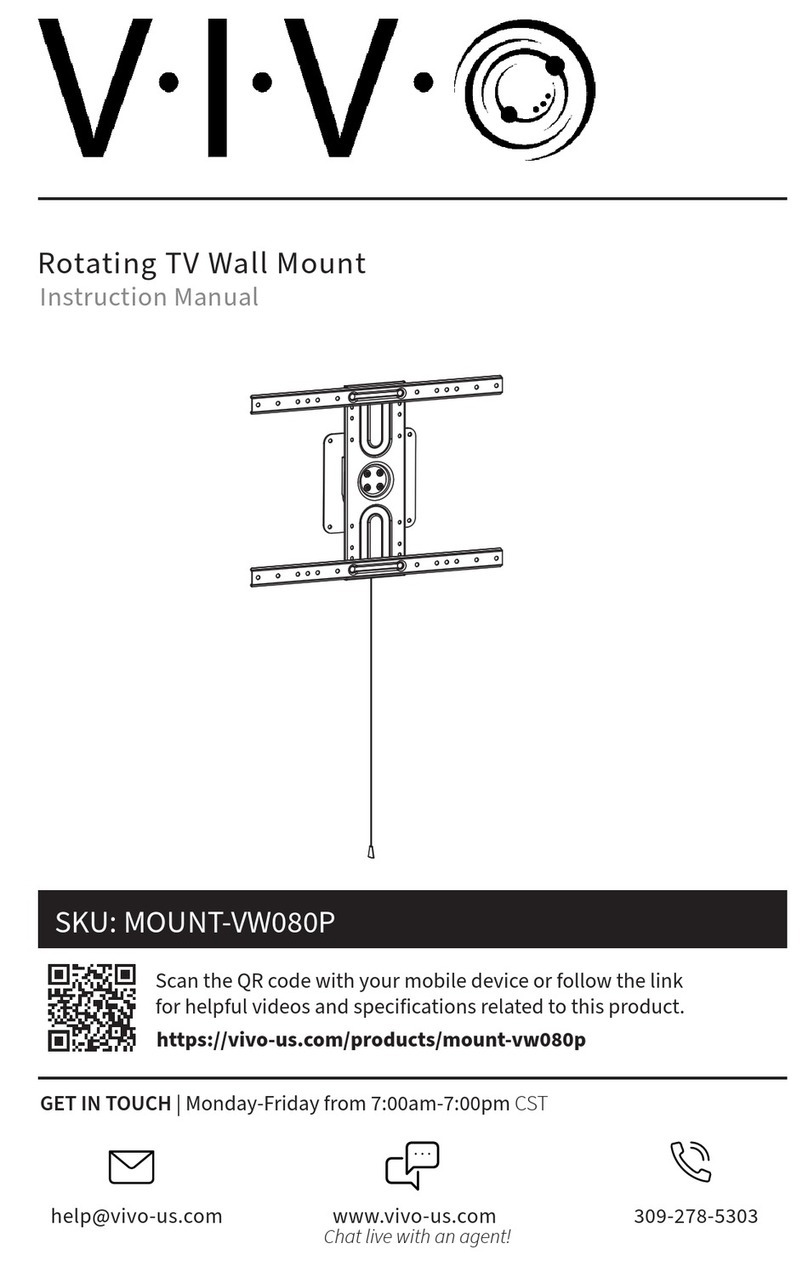
Vivo MOUNT-VW080P User manual

Vivo

Vivo MOUNT-VW080P User manual
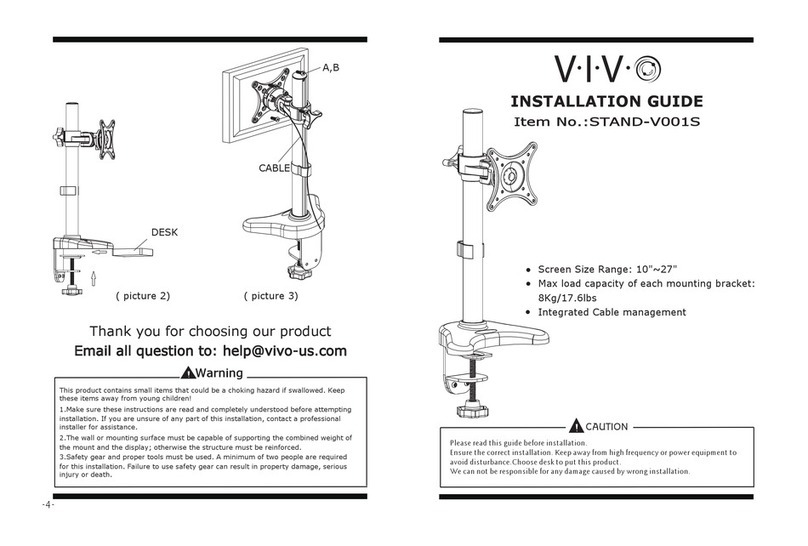
Vivo STAND-V001S User manual

Vivo

Vivo STAND-V001S User manual

Vivo MOUNT-E-FD70W User manual

Vivo

Vivo MOUNT-E-FD70W User manual

Vivo MOUNT-M-MM070A User manual

Vivo

Vivo MOUNT-M-MM070A User manual

Vivo MOUNT-POLE4A User manual

Vivo

Vivo MOUNT-POLE4A User manual
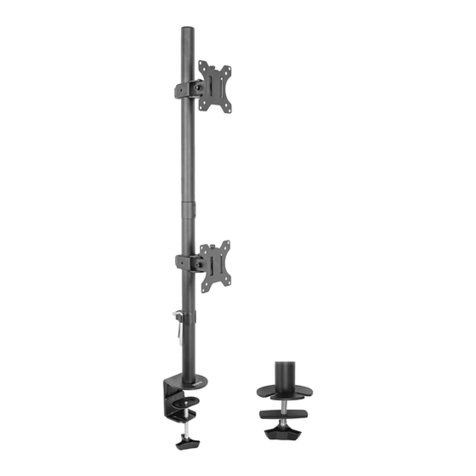
Vivo STAND-V002T User manual

Vivo

Vivo STAND-V002T User manual

Vivo MOUNT-VW100T User manual

Vivo

Vivo MOUNT-VW100T User manual

Vivo MOUNT-VW02A User manual

Vivo

Vivo MOUNT-VW02A User manual

Vivo STAND-V002FG User manual

Vivo

Vivo STAND-V002FG User manual
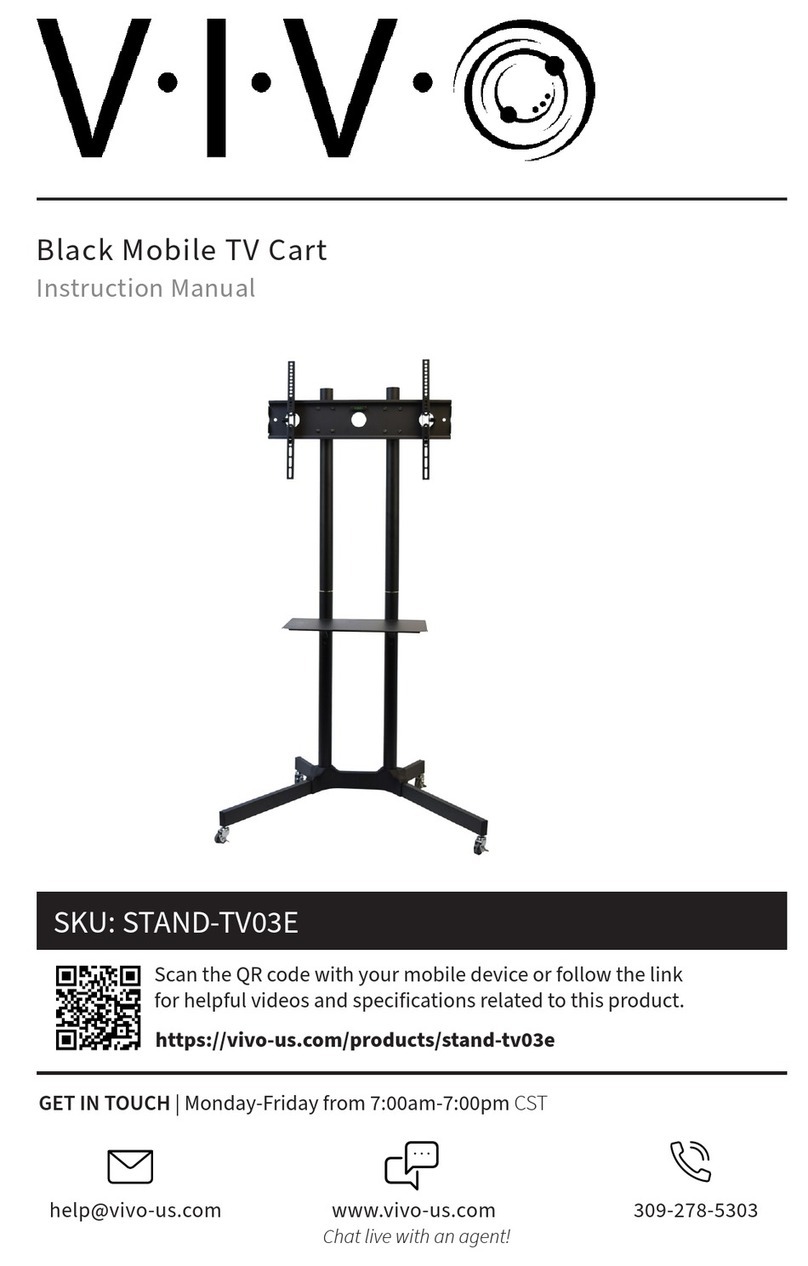
Vivo STAND-KIT-TV03E User manual

Vivo

Vivo STAND-KIT-TV03E User manual

Vivo MOUNT-SF05L User manual

Vivo

Vivo MOUNT-SF05L User manual

Vivo MOUNT-POLE4 User manual

Vivo

Vivo MOUNT-POLE4 User manual

Vivo MOUNT-VW63G User manual

Vivo

Vivo MOUNT-VW63G User manual

Vivo MOUNT-SPSB2 User manual

Vivo

Vivo MOUNT-SPSB2 User manual
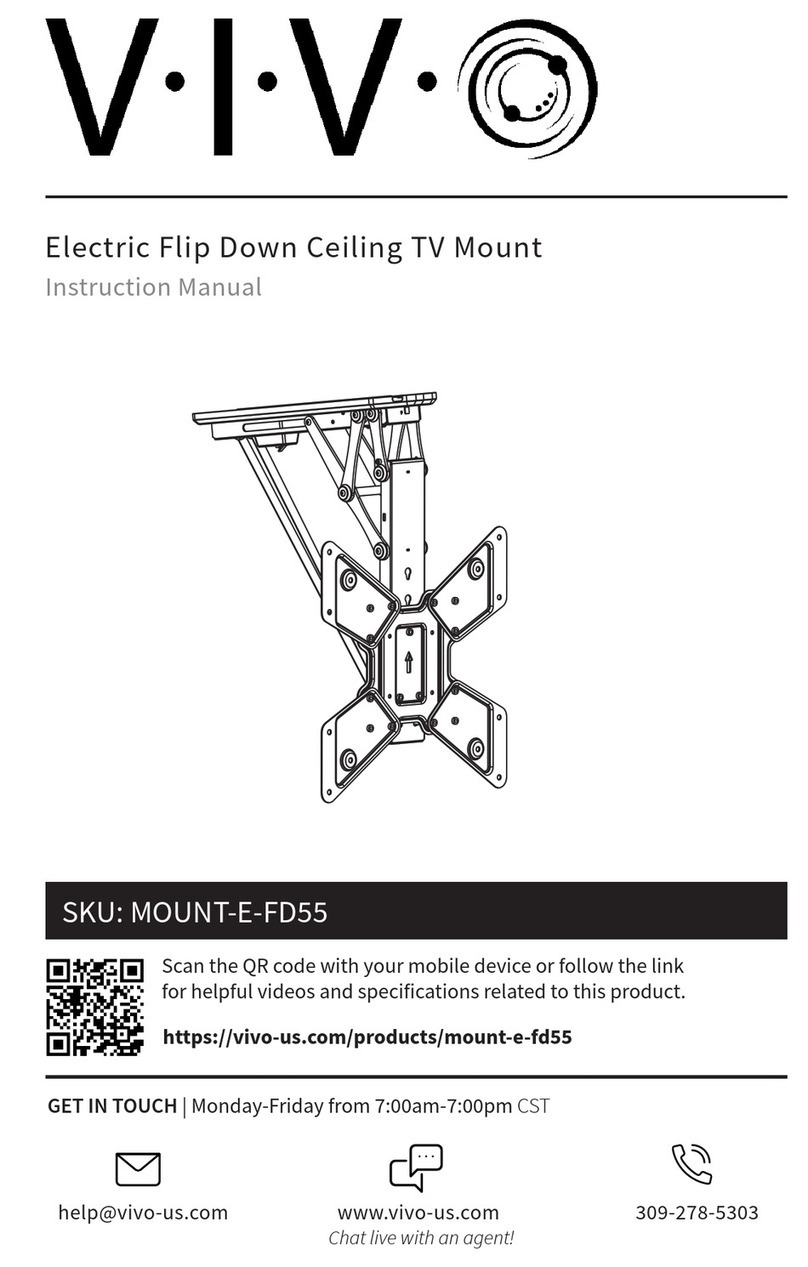
Vivo Mount-E-FD55 User manual

Vivo

Vivo Mount-E-FD55 User manual

Vivo MOUNT-VW04G User manual

Vivo

Vivo MOUNT-VW04G User manual

Vivo STAND-TV07W User manual

Vivo

Vivo STAND-TV07W User manual

Vivo MOUNT-TV01LB User manual

Vivo

Vivo MOUNT-TV01LB User manual

Vivo MOUNT-VW01E User manual

Vivo

Vivo MOUNT-VW01E User manual

Vivo MOUNT-MM01B User manual

Vivo

Vivo MOUNT-MM01B User manual

Popular TV Mount manuals by other brands

Ergotron Neo Flex Cantilever UHD user guide

Ergotron

Ergotron Neo Flex Cantilever UHD user guide

StarTech.com FPCEILBTB user manual

StarTech.com

StarTech.com FPCEILBTB user manual

VonHaus 05/038 instruction manual

VonHaus

VonHaus 05/038 instruction manual

Techlink ECHO TV manual

Techlink

Techlink ECHO TV manual

Sandstrom SSTVMC12X instruction manual

Sandstrom

Sandstrom SSTVMC12X instruction manual

Sony SU-WL700 Additional information for Using

Sony

Sony SU-WL700 Additional information for Using

ICW SCACC18 installation instructions

ICW

ICW SCACC18 installation instructions

LG WM-L640V owner's manual

LG

LG WM-L640V owner's manual

Gembird WM-65ST-01 user manual

Gembird

Gembird WM-65ST-01 user manual

ERARD FiTUP XXL 035320 quick start guide

ERARD

ERARD FiTUP XXL 035320 quick start guide

PEERLESS PLCK-1 Installation and assembly

PEERLESS

PEERLESS PLCK-1 Installation and assembly

Kanto RCF180 user manual

Kanto

Kanto RCF180 user manual

GEM GEM GP001 instructions

GEM

GEM GEM GP001 instructions

Gladiator Joe GJ0A0053 quick start guide

Gladiator Joe

Gladiator Joe GJ0A0053 quick start guide

Vivotek AM-105 installation guide

Vivotek

Vivotek AM-105 installation guide

AmazonBasics B07QG3LMG4 manual

AmazonBasics

AmazonBasics B07QG3LMG4 manual

Secura QLF210 instruction manual

Secura

Secura QLF210 instruction manual

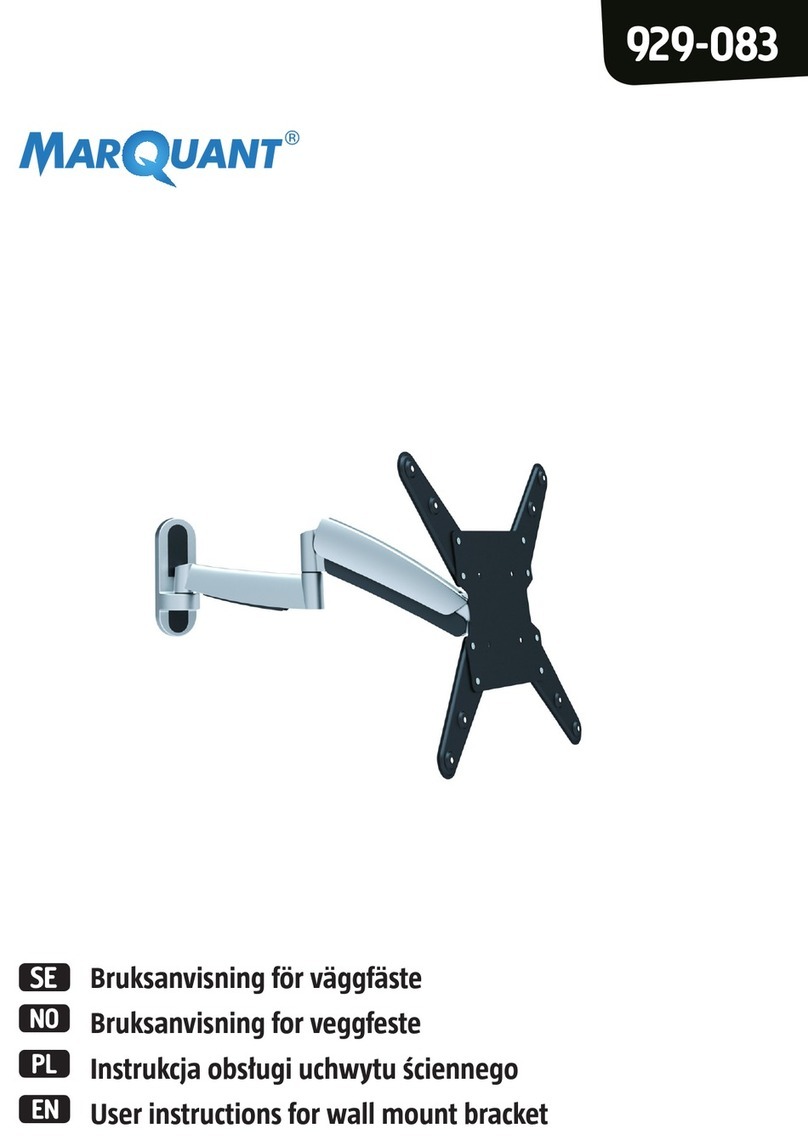
Marquant 929-083 Operating instructions in original

Marquant

Marquant 929-083 Operating instructions in original

https://manuals.online logo
https://manuals.online logoBrands
  • About & Mission
  • Contact us
  • Privacy Policy
  • Terms and Conditions

Copyright 2026 Manuals.Online. All Rights Reserved.

Tabletop TV Stand
Scan the QR code with your mobile device or follow the link
for helpful videos and specifications related to this product.
Instruction Manual
https://vivo-us.com/products/stand-tv00y
SKU: STAND-TV00Y
[email protected]om www.vivo-us.com 309-278-5303
Chat live with an agent!
GET IN TOUCH | Monday-Friday from 7:00am-7:00pm CST
2
PACKAGE CONTENTS
WARNING!
M (x4)
M8 Washer
N(x4)
M4x12
L (x4)
M6 Washer
H (x4)
M4 Spacer
I (x4)
5mm M6/8
Spacer
J (x4)
20mm M6/
M8 Spacer
K (x4)
M4 Washer
If you do not understand these directions, or if you have any doubts about the safety of the
installation, please call a qualified technician. Check carefully to make sure there are no missing or
defective parts. Improper installation may cause damage or serious injury. Do not use this product
for any purpose that is not explicitly specified in this manual. Do not exceed weight capacity.
We cannot be liable for damage or injury caused by improper mounting, incorrect assembly or
inappropriate use.
NOTE: SOME HARDWARE INCLUDED MAY NOT BE USED
A4 (x1)
TV Bracket
O(x4)
M4x30
A3 (x1)
TV Bracket
A1 (x1)
Base Plate
B1 (x1)
Base Plate
P(x4)
M6x20
Q(x4)
M6x35
R(x4)
M8x20
F(x1)
Allen Wrench
E(x4)
M6 Nut
D(x4)
M6 Cap Nut
C(x8)
M6x10
B2 (x1)
Junction Plate
A2 (x1)
Junction Plate
B4 (x1)
TV Bracket
B3 (x1)
TV Bracket
S(x4)
M8x35
TIPOVER WARNING
SERIOUS OR FATAL CRUSHING INJURIES CAN OCCUR FROM TIPOVER. TO HELP PREVENT TIPOVER:
• NEVER ALLOW CHILDREN TO CLIMB, STAND, HANG, OR PLAY ON ANY PART OF TV OR TV STAND.
• USE TIPOVER RESTRAINT OR ANCHOR STAND TO WALL
USE OF TIPOVER RESTRAINTS MAY ONLY REDUCE, BUT NOT ELIMINATE RISK OF TIPOVER.
G(x1)
Crescent
Wrench
WARNING: CHOKING HAZARD
SMALL PARTS - NOT FOR CHILDREN UNDER 3 YEARS. ADULT SUPERVISION IS REQUIRED.
T(x4)
M8x45
U(x2)
So Pad
3
ASSEMBLY STEPS
STEP 1
Apply pads (l) to bottom of base plates (A1,
B1). Connect base plate (A1) to junction
plate (A2) using M6x10 Bolts (C) as shown
in diagram. Use Allen wrench (F) to tighten
bolts. Repeat this process with base plate (B1)
and junction plate (B2).
TOOLS NEEDED
110lbs
(49.90kg)
DO NOT EXCEED WEIGHT CAPACITY.
Failure to do so may result in serious injury.
Phillips
Screwdriver
STEP 3
Connect TV bracket (A3) to junction plate (A2)
using bolt (C), nut (D), and Allen wrench (F)
and crescent wrench (G) as shown in diagram.
Repeat process with TV bracket (B3) and
junction plate .
STEP 2
Attach TV bracket (A4) to TV bracket (A3) using
M6 nut (E) and tighten using the crescent
wrench (G). Repeat process with TV brackets
(B3, B4).
STEP 4
With TV facing down on a clean, flat surface,
mount legs to back of monitor using bolts
(N-T) and washers (K-M) depending on size
of mounting holes in television. For curved
monitors, spacers (H-J) may be required.
Soft Pad
A1 & B1
C
FA2
A1
B2
B1
E
G
B3
B4
A3
A4
D
C
G
F
B3
A3
H , I, G
(if necessary)
N to S
K to M
LAST UPDATED: 03/06/2020
Open Monday - Friday 7:00am - 7:00pm CST,
our dedicated support team can oer immediate assistance with rapid response times. If any
parts are received damaged or defective, please contact us. We are happy to replace parts to
ensure you have a fully functioning product.
FOR MORE VIVO PRODUCTS, CHECK OUT OUR WEBSITE AT: www.vivo-us.com
[email protected] AVG. RESPONSE TIME (within oice hrs): 1HR 8M
- 23% within < 15m
- 38% within < 30m
- 61% within < 1hr
- 83% within < 2hr
- 92% within < 3hr
Love your new VIVO setup and want to share?
Tag us in your photo! @vivo_us
AVG. RESOLUTION TIME (within oice hrs): < 15 M
www.vivo-us.com
Chat live with an agent!
AVG. RESOLUTION TIME (within oice hrs): 5M 4S
309-278-5303