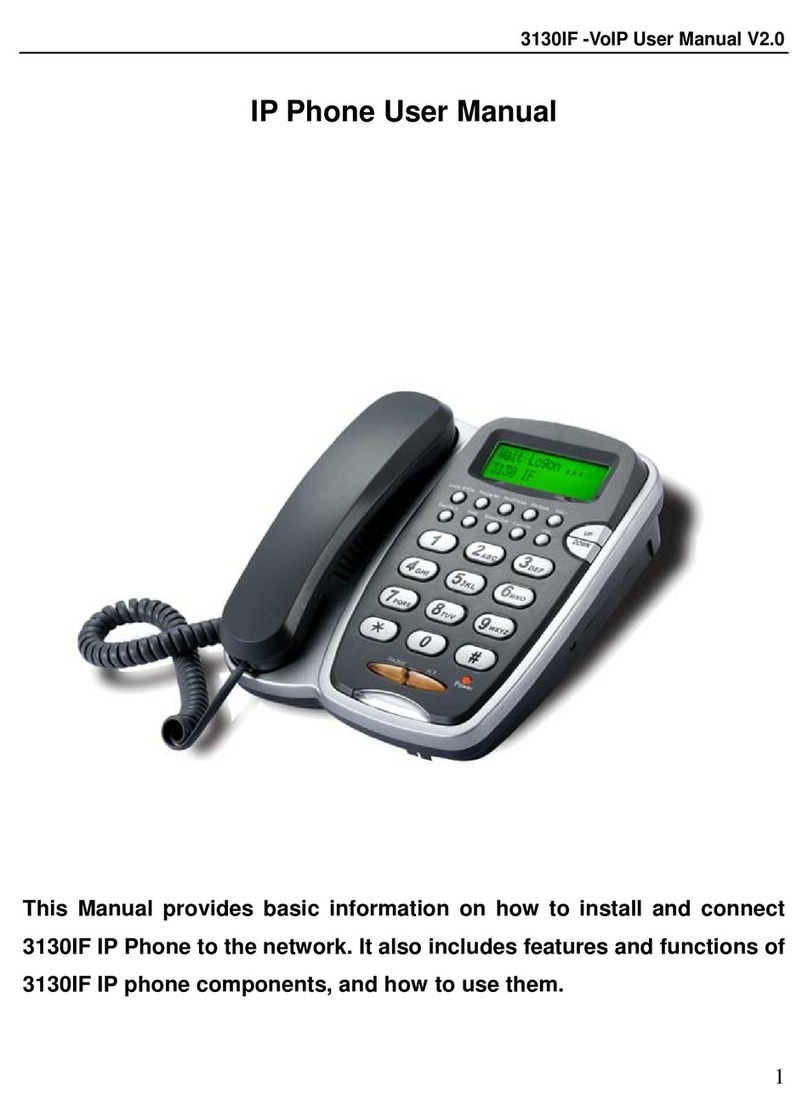
3. While browsing in LOG menu, browsing OUTGOING
/
INCOMING call, press #
button to dial out displayed number on LCD.
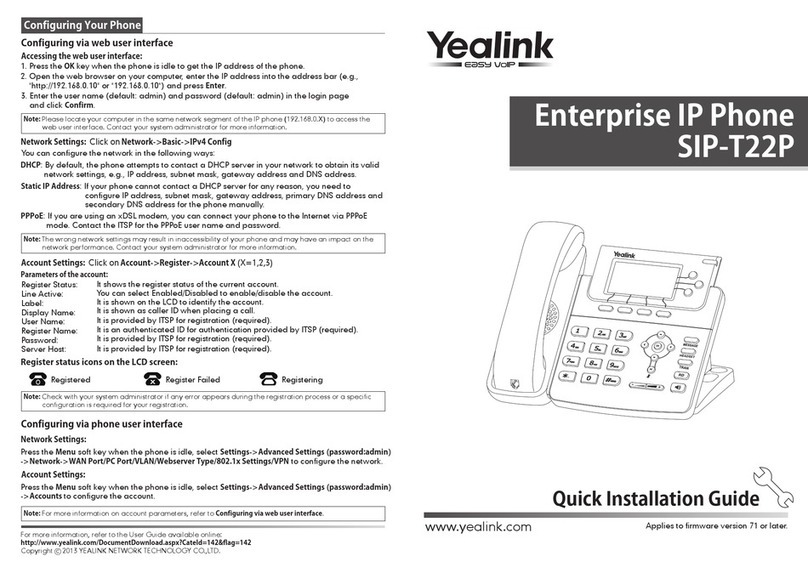
4. When the unit indicates Missed calls, press 【Call
Call
Call
Call
List
List
List
List
】
and 【Down
Down
Down
Down
】
butto n to
enter Miss call menu, then press 【Local
Local
Local
Local
IP/OK
IP/OK
IP/OK
IP/OK
】button to review number. Pres s
【#】button to dial out this number.
6. In ideal mode, enter the desired number to make pre-dial, Press 【#】button
t
o
dial out this number, and press 【Hold
Hold
Hold
Hold
】delete and modify the number.
6.2
6.2
6.2
6.2
OGM
OGM
OGM
OGM
and
and
and
and
ICM
ICM
ICM
ICM
Unit can store 3 voice records which with max 80 seconds, so it can be configure
as 1 OGM and 2 ICM, while 2 ICM is full, unit will only play OGM while call
incoming till old ICM cleared.
To
play OGM and ICM recording, OGM shall be preset and “ Enable Voice Record
and Incoming Record Playing ” shall be set in menu. Then unit will play OGM after
5 ringings.
6.2.1
6.2.1
6.2.1
6.2.1
OGM
OGM
OGM
OGM
Record
Record
Record
Record
and
and
and
and
playback:
playback:
playback:
playback:
Press 【Rec/Finish
Rec/Finish
Rec/Finish
Rec/Finish
】key and LCD show:
Press 【Down
Down
Down
Down
】or 【Up
Up
Up
Up
】key and LCD show ”