manuals.online logo
Brands
  1. Home
  2. •
  3. Brands
  4. •
  5. Zamel
  6. •
  7. Transmitter
  8. •
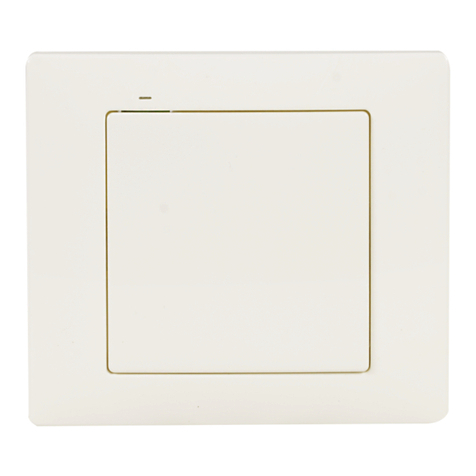
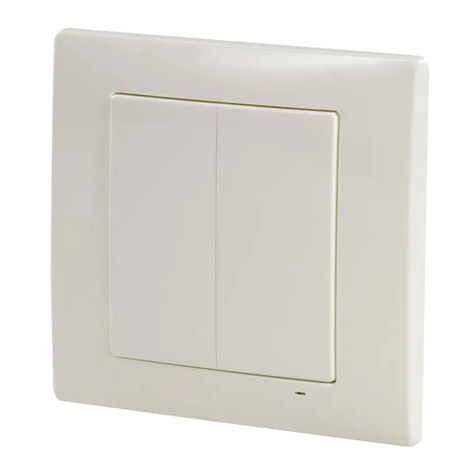
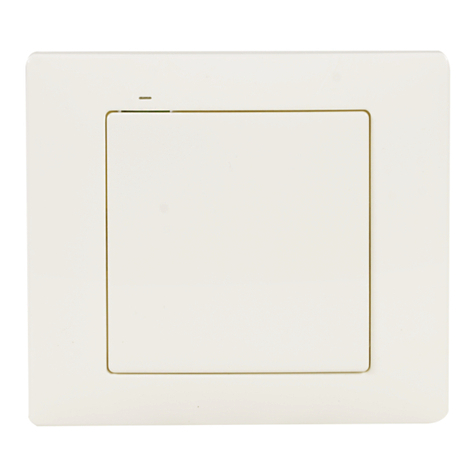
  9. Zamel RNK-02 User manual

Zamel RNK-02 User manual

Other manuals for RNK-02

5

Other Zamel Transmitter manuals

Zamel ROP-01 User manual

Zamel

Zamel ROP-01 User manual

Zamel RTN-01 Instruction Manual

Zamel

Zamel RTN-01 Instruction Manual

Zamel RTN-01 User manual

Zamel

Zamel RTN-01 User manual

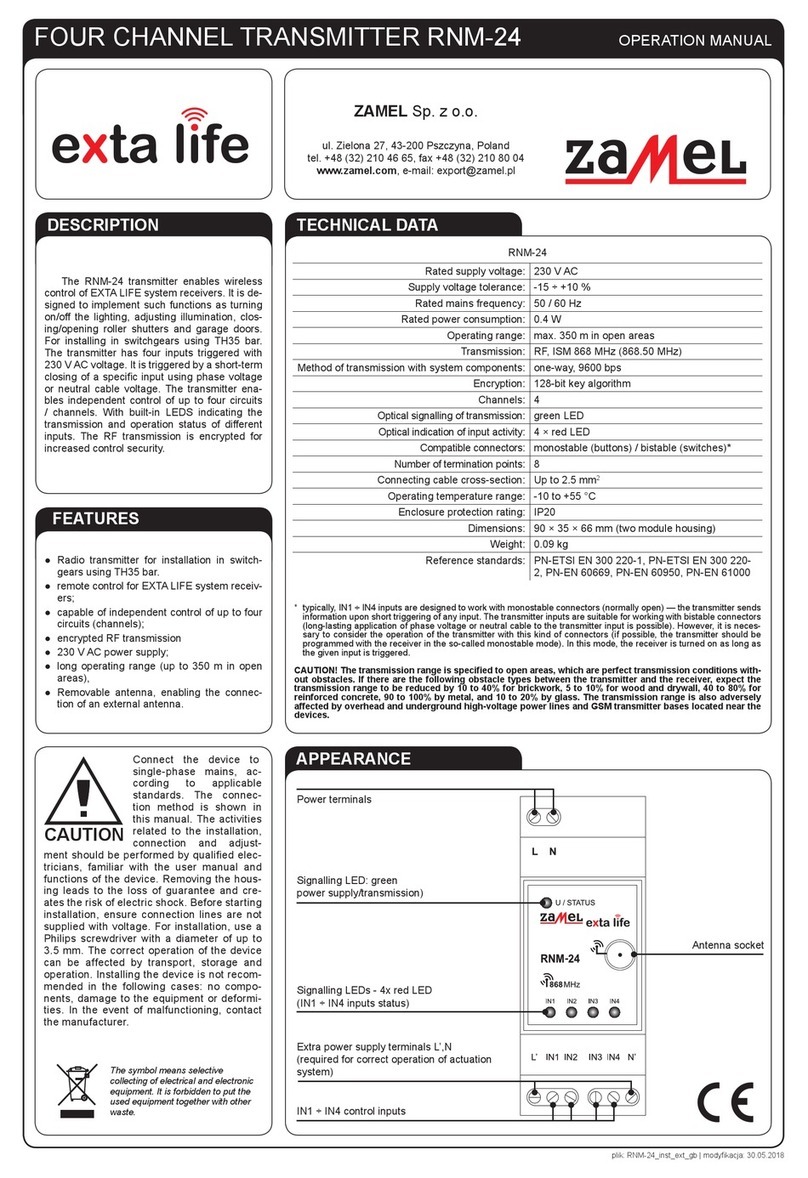
Zamel EXTA LIFE RNM-24 User manual

Zamel

Zamel EXTA LIFE RNM-24 User manual

Zamel RNK-02 User manual

Zamel

Zamel RNK-02 User manual

Zamel RNL-01 User manual

Zamel

Zamel RNL-01 User manual

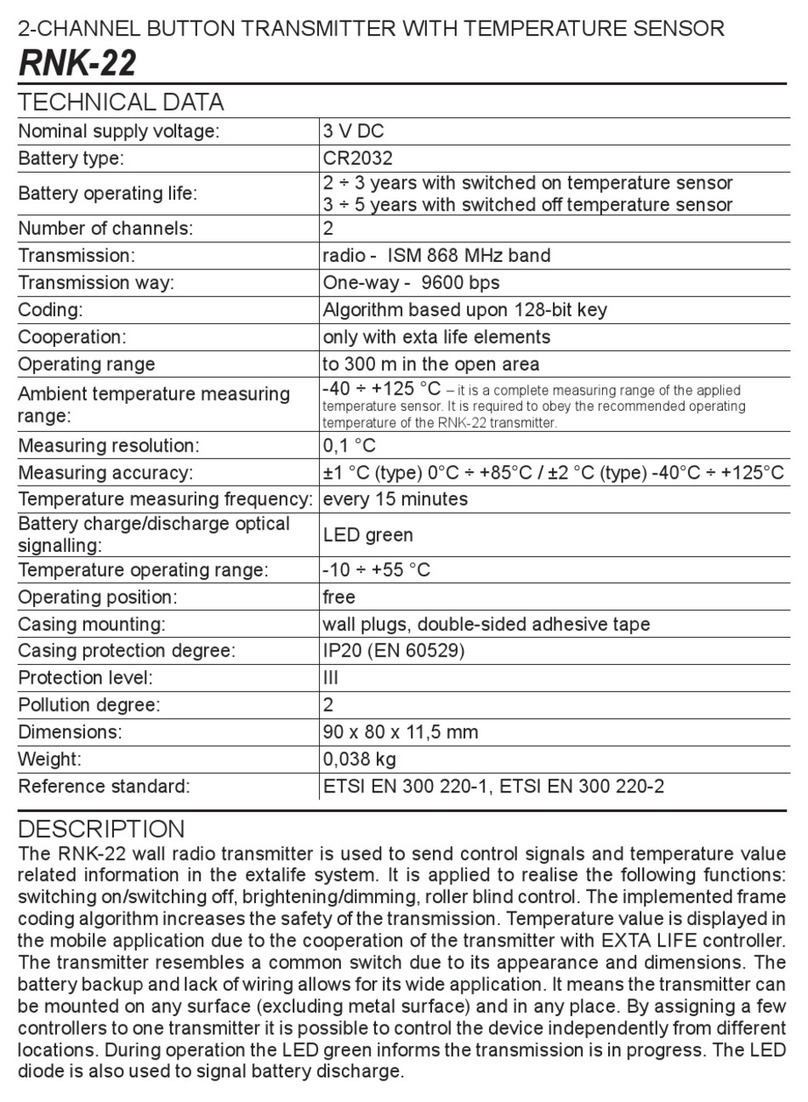
Zamel exta life RNK-22 User manual

Zamel

Zamel exta life RNK-22 User manual

Zamel EXTA LIFE RNP-21 User manual

Zamel

Zamel EXTA LIFE RNP-21 User manual

Zamel RNK-02 User manual

Zamel

Zamel RNK-02 User manual

Zamel EXTA FREE RNK-04 User manual

Zamel

Zamel EXTA FREE RNK-04 User manual

Zamel RNP-22 User manual

Zamel

Zamel RNP-22 User manual

Zamel RNK-04 User manual

Zamel

Zamel RNK-04 User manual

Zamel exta life RNK-22 User manual

Zamel

Zamel exta life RNK-22 User manual

Zamel PDH-250 User manual

Zamel

Zamel PDH-250 User manual

Popular Transmitter manuals by other brands

Seneca K120RTD installation manual

Seneca

Seneca K120RTD installation manual

Nautel GV40 installation manual

Nautel

Nautel GV40 installation manual

HumanTechnik cm-light operating instructions

HumanTechnik

HumanTechnik cm-light operating instructions

INOR APAQ C130 TC User instructions

INOR

INOR APAQ C130 TC User instructions

Linear DXS-64 operating instructions

Linear

Linear DXS-64 operating instructions

FeinTech ABT00102 instruction manual

FeinTech

FeinTech ABT00102 instruction manual

Geo Web Pack quick start guide

Geo

Geo Web Pack quick start guide

Inovonics EchoStream EN1210W installation instructions

Inovonics

Inovonics EchoStream EN1210W installation instructions

IKONNIK KA-6 quick start guide

IKONNIK

IKONNIK KA-6 quick start guide

Rohde & Schwarz SR8000 Series System manual

Rohde & Schwarz

Rohde & Schwarz SR8000 Series System manual

Audio Technica UniPak ATW-T93 Installation and operation

Audio Technica

Audio Technica UniPak ATW-T93 Installation and operation

NIVELCO EasyTREK SCA-300 Series Programming manual

NIVELCO

NIVELCO EasyTREK SCA-300 Series Programming manual

Honeywell 5816WMBR installation instructions

Honeywell

Honeywell 5816WMBR installation instructions

Kamstrup READy MTU Installation and operation guide

Kamstrup

Kamstrup READy MTU Installation and operation guide

Omega ZW Series user guide

Omega

Omega ZW Series user guide

ABB Field 264H Instructions for installation

ABB

ABB Field 264H Instructions for installation

Dejero EnGo 3x manual

Dejero

Dejero EnGo 3x manual

Rosemount 4600 Reference manual

Rosemount

Rosemount 4600 Reference manual

manuals.online logo
manuals.online logoBrands
  • About & Mission
  • Contact us
  • Privacy Policy
  • Terms and Conditions

Copyright 2025 Manuals.Online. All Rights Reserved.

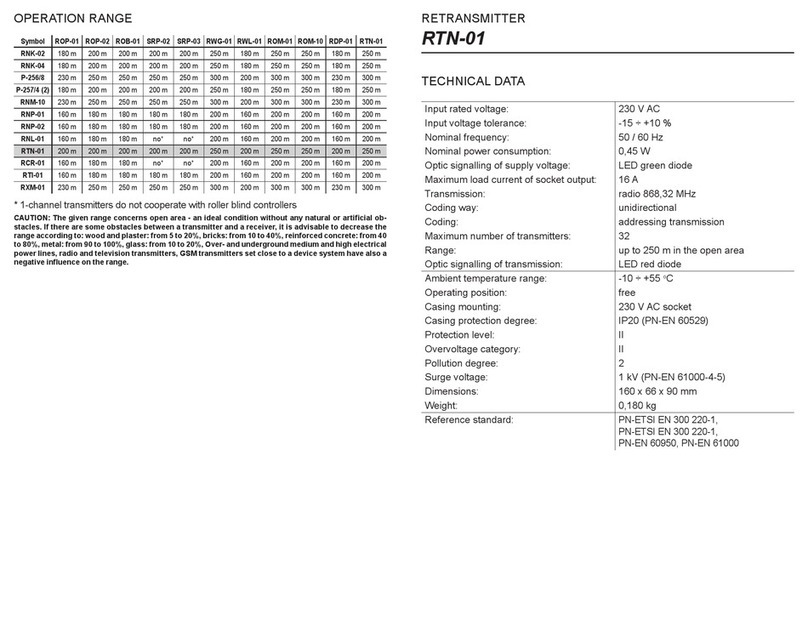
COOPERATION AND OPERATION RANGE
* 1-channel transmitters do not cooperate with roller blind controllers.
CAUTION: The given range concerns open area - an ideal condition with-
out any natural or articial obstacles. If there are some obstacles between
a transmitter and a receiver, it is advisable to decrease the range accord-
ing to: wood and plaster - from 5 to 20, bricks - from 10 to 40 %, reinforced
concrete - from 40 to 80%, metal - from 90 to 100%, glass - from 10 to
20%. Over- and underground medium and high electrical power lines, radio
and television transmitters, GSM transmitters set close to a device system
have also a negative inuence on the range.
Symbol ROP-01 ROP-02 ROB-01 SRP-02 SRP-03 RWG-01 RWL-01 ROM-01 ROM-10 RDP-01 RTN-01
RNK-02 180 m 200 m 200 m 200 m 200 m 250 m 180 m 250 m 250 m 180 m 250 m
RNK-04 180 m 200 m 200 m 200 m 200 m 250 m 180 m 250 m 250 m 180 m 250 m
P-256/8 230 m 250 m 250 m 250 m 250 m 300 m 200 m 300 m 300 m 230 m 300 m
P-257/4 (2)
180 m 200 m 200 m 200 m 200 m 250 m 180 m 250 m 250 m 180 m 250 m
RNM-10 230 m 250 m 250 m 250 m 250 m 300 m 200 m 300 m 300 m 230 m 300 m
RNP-01 160 m 180 m 180 m 180 m 180 m 200 m 160 m 200 m 200 m 160 m 200 m
RNP-02 160 m 180 m 180 m 180 m 180 m 200 m 160 m 200 m 200 m 160 m 200 m
RNL-01 160 m 180 m 180 m
lack* lack*
200 m 160 m 200 m 200 m 160 m 200 m
RTN-01 200 m 200 m 200 m 200 m 200 m 250 m 200 m 250 m 250 m 200 m 250 m
RCR-01 160 m 180 m 180 m
lack* lack*
200 m 160 m 200 m 200 m 160 m 200 m
RTI-01 160 m 180 m 180 m 180 m 180 m 200 m 160 m 200 m 200 m 160 m 200 m
RXM-01 230 m 250 m 250 m 250 m 250 m 300 m 200 m 300 m 300 m 230 m 300 m
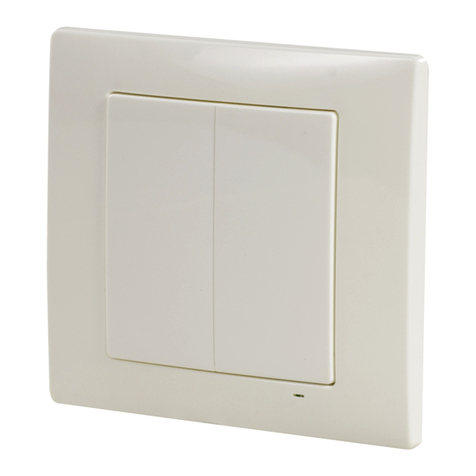
2-CHANNEL BUTTON RADIO TRANSMITTER
RNK-02
Input rated voltage: 3 V DC
Battery type: CR2032
Battery working life: 3 ÷ 5 years (depending on use)
Number of channels: 2
Transmission: radio 868,32 MHz
Transmission way: unidirectional
Coding: addressing transmission
Range: up to 250 m in the open area
Optical signalling of transmission/
battery discharge:
LED red diode
Ambient temperature range: -10 ÷ +55 °C
Operating position: free
Casing mounting: wall plugs, double-sided adhesive tape
Casing protection degree: IP20 (EN 60529)
Protection level: III
Pollution degree: 2
Dimensions: 90 x 80 x 11,5 mm
Weight: 0,038 kg
Reference standard: PN-ETSI EN 300 220-1,
PN-ETSI EN 300 220-2
TECHNICAL DATA
DESCRIPTION
RNK-02 button radio transmitter is an EXTA FREE wireless control, radio de-
vice. It is used to realise control functions: switching on, switching off, brighten-
ing/dimming, putting up/down roller blinds, time operation mode. The transmit-
ter can be mounted on any surface including glass, wood, etc. thanks to its little
size and weight, and external power supply which is not necessary.

FEATURES:
MOUNTING, FUNCTIONING
APPEARANCE
● 2-channelbuttonradiotransmitter,
● remotecontrolofEXTAFREEreceivers,
● possibilityofindependentcontroloftworeceivers,
● widerangeofoperation(upto250m),batterypowered,
● easyinstallationandmountingpossibilityinanyplace,
● sendinginformationandbatterystatusareopticallysignalled,
● possibilityofsimultaneousswitchingon/offofanynumberofEXTAFREE
receivers.
By pressing the button, the transmitter sends a signal with 868,32 MHz fre-
quency which controls EXTA FREE receivers. Device programming proce-
dure (adding a transmitter to a receiver’s memory) is described in par-
ticular EXTA FREE manual instructions. The device range (up to 250 m
depending on a receiver) can be increased by means of a retransmitter or
few RTN-01 retransmitters.
The device can be mounted in any place by means of double-sided adhesive
tape or wall plugs 5 x (3 x 30) mm.
Mounting by means of wall plugs:
Remove the button - to do it press the button on one side, and on the other
side put a screwdriver into a slot and lift up the button (Fig. 1)
Find a place on the wall to mount the transmitter, make two holes corre-
sponding mounting holes from the transmitter’s base.
Set wall plugs in the holes.
Fix the base by means of screwing screws into wall plugs.
Place the button again.
BATTERY CHANGE
Battery discharge status is signalled by several LED red diode ashes
during transmission time.
Remove the button (Fig. 1).
By means of a screwdriver lever up the printedcircuit board releasing the bot-
tom latch (Fig. 2), and remove it from the base.
Remove the battery from the latch (Fig. 3).
Mount a new battery. Watch battery polarisation marked on the latch. Wrong
battery mounting may cause device damage.
Put the removed printed-circuit board back in the base.
Put the button back.
CAUTION: While changing the battery, it is suggested to press any of
the buttons for about 5 seconds before putting it into a latch. Next press
transmission button several times to check its operation. If the transmit-
ter does not work properly repeat the battery change procedure.
Fig. 1
Fig. 2 Fig. 3
Optical signalling of transmitter’s operation
Button
Base