manuals.online logo
Brands
  1. Home
  2. •
  3. Brands
  4. •
  5. Zamel
  6. •
  7. Transmitter
  8. •
  9. Zamel RTN-01 Instruction Manual

Zamel RTN-01 Instruction Manual

Other Zamel Transmitter manuals

Zamel EXTA LIFE RNP-21 User manual

Zamel

Zamel EXTA LIFE RNP-21 User manual

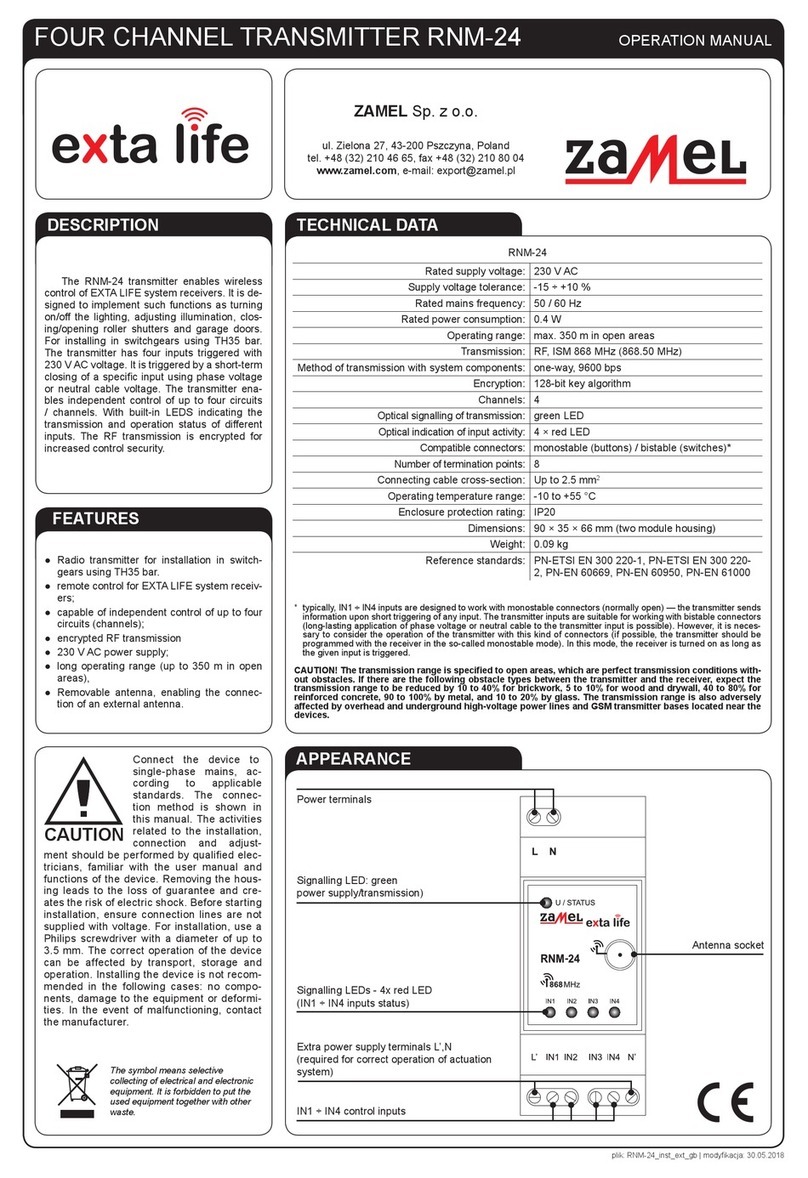
Zamel EXTA LIFE RNM-24 User manual

Zamel

Zamel EXTA LIFE RNM-24 User manual

Zamel RNK-02 User manual

Zamel

Zamel RNK-02 User manual

Zamel EXTA FREE RNK-04 User manual

Zamel

Zamel EXTA FREE RNK-04 User manual

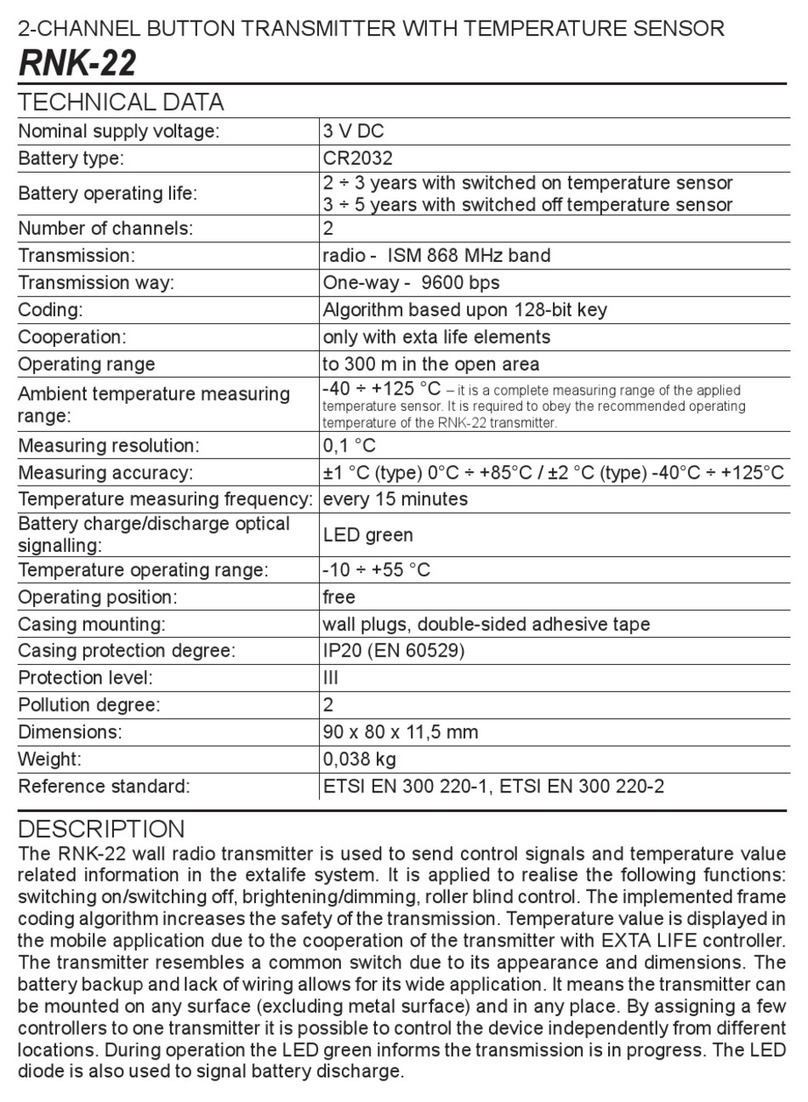
Zamel exta life RNK-22 User manual

Zamel

Zamel exta life RNK-22 User manual

Zamel RNK-02 User manual

Zamel

Zamel RNK-02 User manual

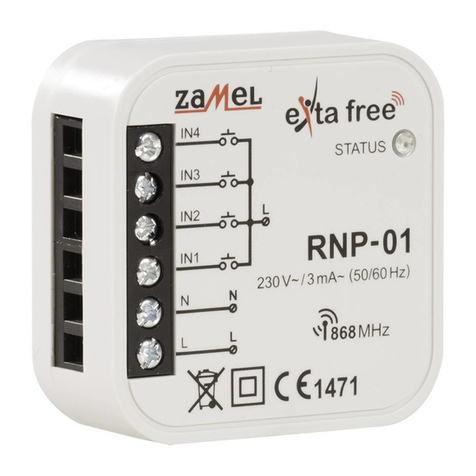
Zamel RTN-01 User manual

Zamel

Zamel RTN-01 User manual

Zamel PDH-250 User manual

Zamel

Zamel PDH-250 User manual

Zamel exta life RNK-22 User manual

Zamel

Zamel exta life RNK-22 User manual

Zamel ROP-01 User manual

Zamel

Zamel ROP-01 User manual

Zamel RNK-04 User manual

Zamel

Zamel RNK-04 User manual

Zamel RNK-02 User manual

Zamel

Zamel RNK-02 User manual

Zamel RNL-01 User manual

Zamel

Zamel RNL-01 User manual

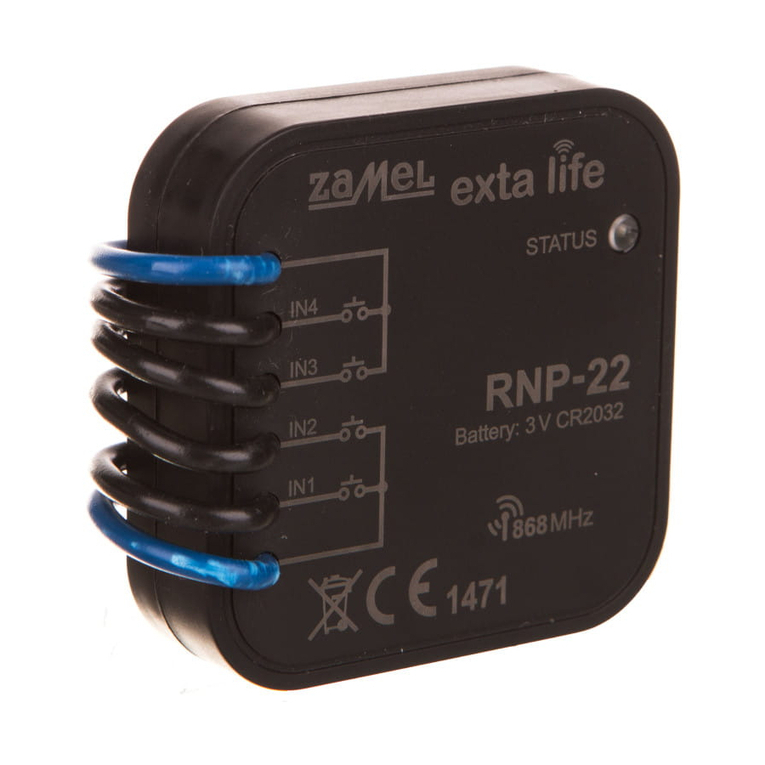
Zamel RNP-22 User manual

Zamel

Zamel RNP-22 User manual

Popular Transmitter manuals by other brands

Seneca K120RTD installation manual

Seneca

Seneca K120RTD installation manual

Nautel GV40 installation manual

Nautel

Nautel GV40 installation manual

HumanTechnik cm-light operating instructions

HumanTechnik

HumanTechnik cm-light operating instructions

INOR APAQ C130 TC User instructions

INOR

INOR APAQ C130 TC User instructions

Linear DXS-64 operating instructions

Linear

Linear DXS-64 operating instructions

FeinTech ABT00102 instruction manual

FeinTech

FeinTech ABT00102 instruction manual

Geo Web Pack quick start guide

Geo

Geo Web Pack quick start guide

Inovonics EchoStream EN1210W installation instructions

Inovonics

Inovonics EchoStream EN1210W installation instructions

IKONNIK KA-6 quick start guide

IKONNIK

IKONNIK KA-6 quick start guide

Rohde & Schwarz SR8000 Series System manual

Rohde & Schwarz

Rohde & Schwarz SR8000 Series System manual

Audio Technica UniPak ATW-T93 Installation and operation

Audio Technica

Audio Technica UniPak ATW-T93 Installation and operation

NIVELCO EasyTREK SCA-300 Series Programming manual

NIVELCO

NIVELCO EasyTREK SCA-300 Series Programming manual

Honeywell 5816WMBR installation instructions

Honeywell

Honeywell 5816WMBR installation instructions

Kamstrup READy MTU Installation and operation guide

Kamstrup

Kamstrup READy MTU Installation and operation guide

Omega ZW Series user guide

Omega

Omega ZW Series user guide

ABB Field 264H Instructions for installation

ABB

ABB Field 264H Instructions for installation

Dejero EnGo 3x manual

Dejero

Dejero EnGo 3x manual

Rosemount 4600 Reference manual

Rosemount

Rosemount 4600 Reference manual

manuals.online logo
manuals.online logoBrands
  • About & Mission
  • Contact us
  • Privacy Policy
  • Terms and Conditions

Copyright 2025 Manuals.Online. All Rights Reserved.

OPERATION RANGE
* 1-channel transmitters do not cooperate with roller blind controllers
CAUTION: The given range concerns open area - an ideal condition without any natural or articial ob-
stacles. If there are some obstacles between a transmitter and a receiver, it is advisable to decrease the
range according to: wood and plaster: from 5 to 20%, bricks: from 10 to 40%, reinforced concrete: from 40
to 80%, metal: from 90 to 100%, glass: from 10 to 20%, Over- and underground medium and high electrical
power lines, radio and television transmitters, GSM transmitters set close to a device system have also a
negative inuence on the range.
Symbol ROP-01 ROP-02 ROB-01 SRP-02 SRP-03 RWG-01 RWL-01 ROM-01 ROM-10 RDP-01 RTN-01
RNK-02 180 m 200 m 200 m 200 m 200 m 250 m 180 m 250 m 250 m 180 m 250 m
RNK-04 180 m 200 m 200 m 200 m 200 m 250 m 180 m 250 m 250 m 180 m 250 m
P-256/8 230 m 250 m 250 m 250 m 250 m 300 m 200 m 300 m 300 m 230 m 300 m
P-257/4 (2) 180 m 200 m 200 m 200 m 200 m 250 m 180 m 250 m 250 m 180 m 250 m
RNM-10 230 m 250 m 250 m 250 m 250 m 300 m 200 m 300 m 300 m 230 m 300 m
RNP-01 160 m 180 m 180 m 180 m 180 m 200 m 160 m 200 m 200 m 160 m 200 m
RNP-02 160 m 180 m 180 m 180 m 180 m 200 m 160 m 200 m 200 m 160 m 200 m
RNL-01 160 m 180 m 180 m
no* no*
200 m 160 m 200 m 200 m 160 m 200 m
RTN-01 200 m 200 m 200 m 200 m 200 m 250 m 200 m 250 m 250 m 200 m 250 m
RCR-01 160 m 180 m 180 m
no* no*
200 m 160 m 200 m 200 m 160 m 200 m
RTI-01 160 m 180 m 180 m 180 m 180 m 200 m 160 m 200 m 200 m 160 m 200 m
RXM-01 230 m 250 m 250 m 250 m 250 m 300 m 200 m 300 m 300 m 230 m 300 m
RETRANSMITTER
RTN-01
TECHNICAL DATA
Input rated voltage: 230 V AC
Input voltage tolerance: -15 ÷ +10 %
Nominal frequency: 50 / 60 Hz
Nominal power consumption: 0,45 W
Optic signalling of supply voltage: LED green diode
Maximum load current of socket output: 16 A
Transmission: radio 868,32 MHz
Coding way: unidirectional
Coding: addressing transmission
Maximum number of transmitters: 32
Range: up to 250 m in the open area
Optic signalling of transmission: LED red diode
Ambient temperature range: -10 ÷ +55 oC
Operating position: free
Casing mounting: 230 V AC socket
Casing protection degree: IP20 (PN-EN 60529)
Protection level: II
Overvoltage category: II
Pollution degree: 2
Surge voltage: 1 kV (PN-EN 61000-4-5)
Dimensions: 160 x 66 x 90 mm
Weight: 0,180 kg
Reference standard:
PN-ETSI EN 300 220-1,
PN-EN 60950, PN-EN 61000
OPERATION
PROGRAMMING
Before retransmitter’s op-
eration start it is important
to set switches, which are
in the back part of a device,
according to a suitable com-
bination. If only one retrans-
mitter is used its switches
should be set in combination”a’ presented in Fig. 1.
CAUTION! Only 4 retransmitters can operate in the transmitters operation range.
In a situation where few retransmitters are used (maximum 4), the switch of the fol-

lowing retransmitter should be set in a combination different from the combination of
the other retransmitters. Suggested setting sequence for the following retransmitters
according to Fig. 1.
RADIO TRANSMITTERS ADDITION (An exemplary programming procedure of
P-257/2 remote control)
Press PROG push-button of RTN-01 device for a longer time until LED red diode
switches on (constant signal). Next release PROG push-button.
 Pressandreleasetransmitter’spush-button.LEDreddiodeswitcheson(rstsignal
pulsates, next the signal is constant).
Press and release the same transmitter’s push-button. LED red diode switches on (the
signal pulsates) and next it switches off - THE TRANSMITTER IS ADDED.
CAUTION! By adding next retransmitters to increase the range of one transmitter, it is
required to add this transmitter to every retransmitter. One transmitter can be added to
a retransmitter during one programming cycle.
RADIO TRANSMITTERS DELETION
Press PROG push-button of RTN-01 device for a longer time.
After 5 seconds LED red diode switches on (signal pulsates) and then it switches off.
Release the push-button in RTN-01 - MEMORY IS DELETED.
DESCRIPTION
FEATURES
APPEARANCE
RTN-01 retransmitter is used to increase radio transmitter signal range of wireless
EXTA FREE control system. Up to four retransmitters can operate in a system - it gives
the possibility to increase the distance between a transmitter and a receiver to 1000 m.
The device is equipped with a 230 V AC pass-through socket - every receiver can be
connected to it. The retransmitter does not block the socket.
● WideroperationrangeofEXTAFREEradiodevices,
● possibilitytocooperatewiththreeotherRTN-01retransmitters,
● easymountingin230VACsocket,
● lowcurrentconsumption,possibilityofconstantwork,
● widerangeofoperation(upto250m),
● powersupplyandradiotransmissionareopticallysignalled.
abc d
Fig. 1. Possible switch settings.
Fig. 2. Operation with maximum number of retransmitters.
Antenna
Optic signalling of power supply
Optic signalling of radio transmission
Programming push-button
230 V AC socket
230 V AC power supply plug
Retransmitter’s
number switch