manuals.online logo
Brands
  1. Home
  2. •
  3. Brands
  4. •
  5. Alarmtech
  6. •
  7. Security Sensor
  8. •
  9. Alarmtech MC 140 User manual

Alarmtech MC 140 User manual

Other Alarmtech Security Sensor manuals
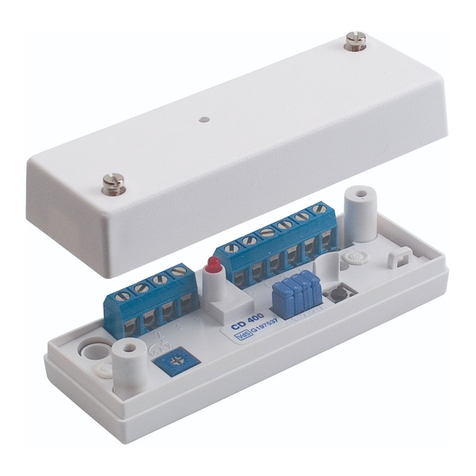
Alarmtech CD 400 User manual

Alarmtech

Alarmtech CD 400 User manual
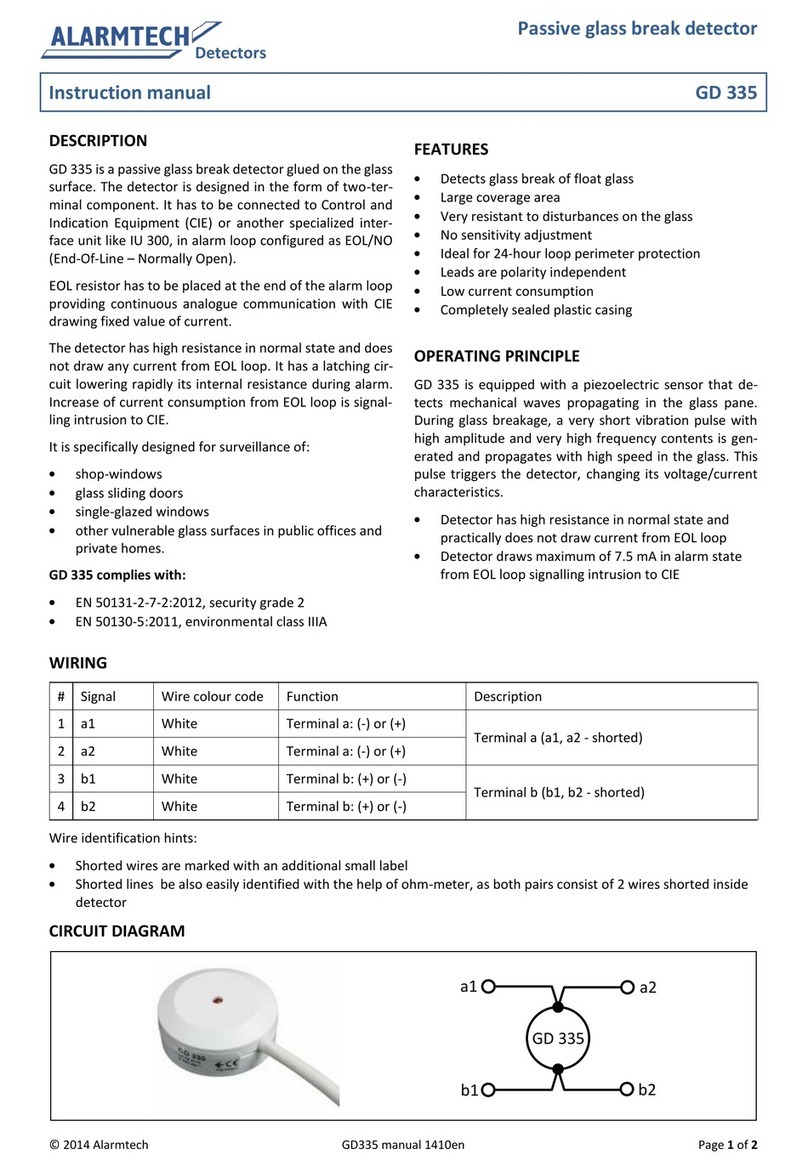
Alarmtech GD 335 User manual

Alarmtech

Alarmtech GD 335 User manual
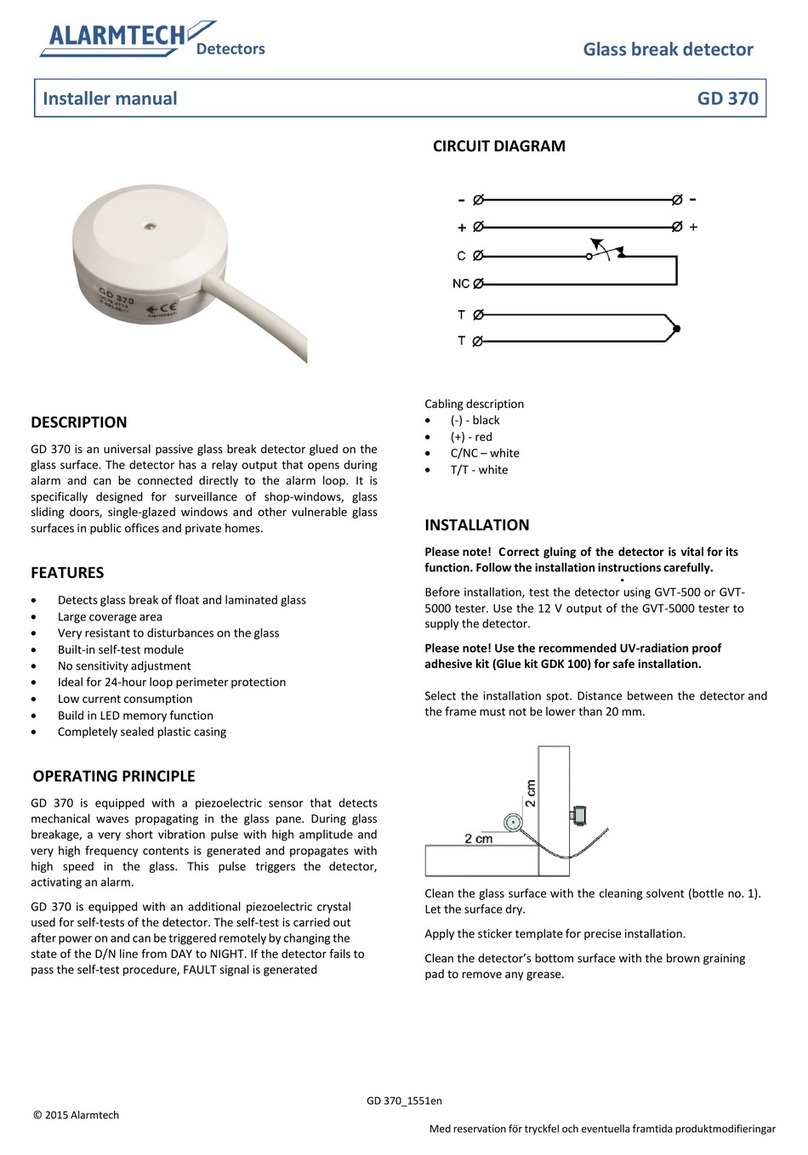
Alarmtech GD 370 User guide

Alarmtech

Alarmtech GD 370 User guide
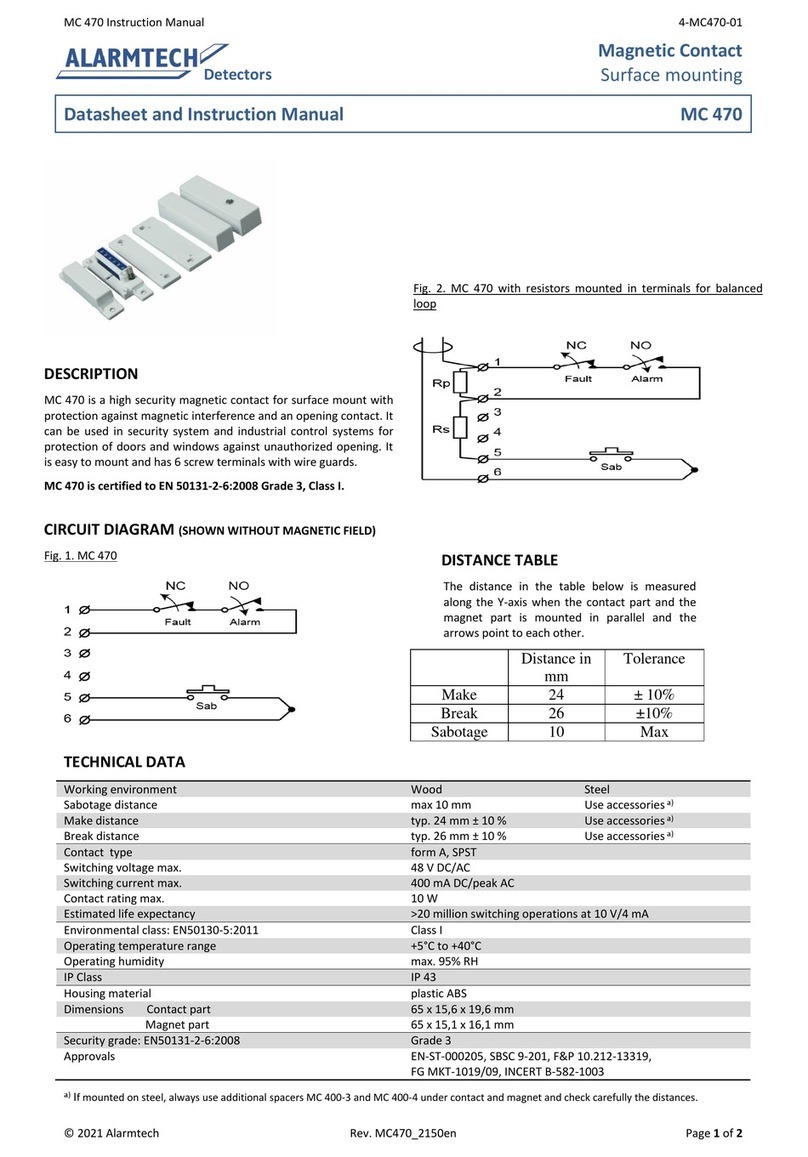
Alarmtech MC 470 User manual

Alarmtech

Alarmtech MC 470 User manual
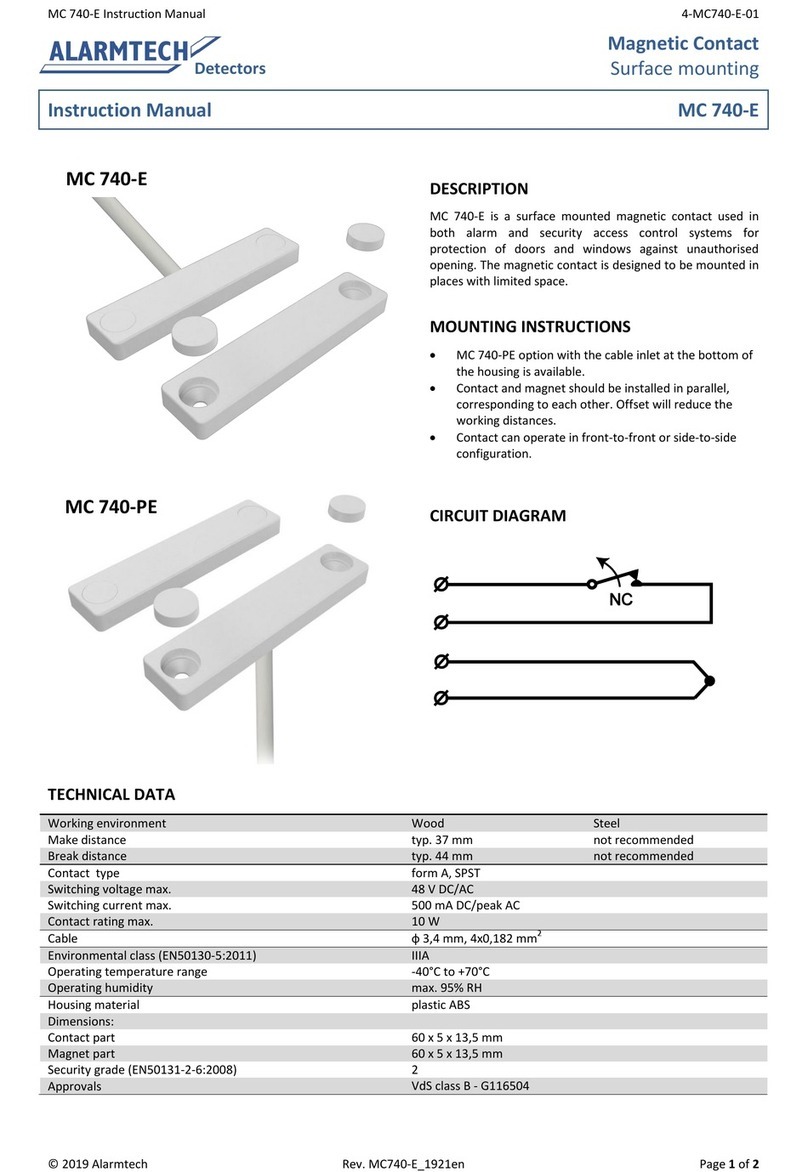
Alarmtech MC 740-E User manual

Alarmtech

Alarmtech MC 740-E User manual
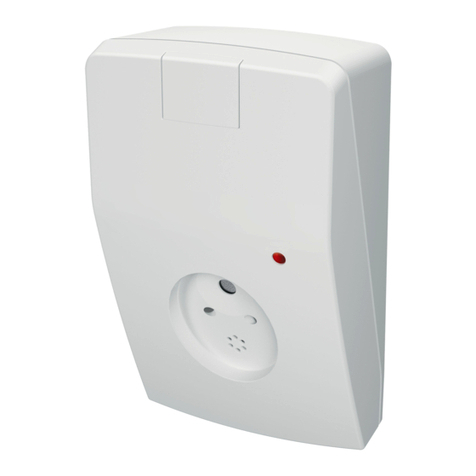
Alarmtech AD 800-AM Manual

Alarmtech

Alarmtech AD 800-AM Manual
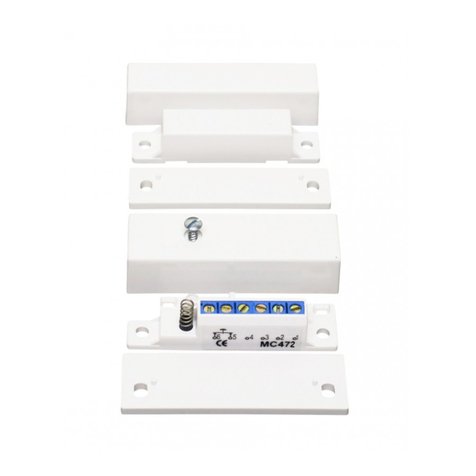
Alarmtech MC 472 User manual

Alarmtech

Alarmtech MC 472 User manual
Alarmtech AD 700 User manual

Alarmtech

Alarmtech AD 700 User manual

Alarmtech AD 800 Manual

Alarmtech

Alarmtech AD 800 Manual

Alarmtech MC 740-E-M14 User manual

Alarmtech

Alarmtech MC 740-E-M14 User manual
Alarmtech MC 346 User manual

Alarmtech

Alarmtech MC 346 User manual
Alarmtech CD 470 User manual

Alarmtech

Alarmtech CD 470 User manual
Alarmtech CD 470 User manual

Alarmtech

Alarmtech CD 470 User manual

Alarmtech MC 746-E User manual

Alarmtech

Alarmtech MC 746-E User manual

Alarmtech GD 375 Instruction Manual

Alarmtech

Alarmtech GD 375 Instruction Manual

Alarmtech MC 340 2x4,7k User manual

Alarmtech

Alarmtech MC 340 2x4,7k User manual
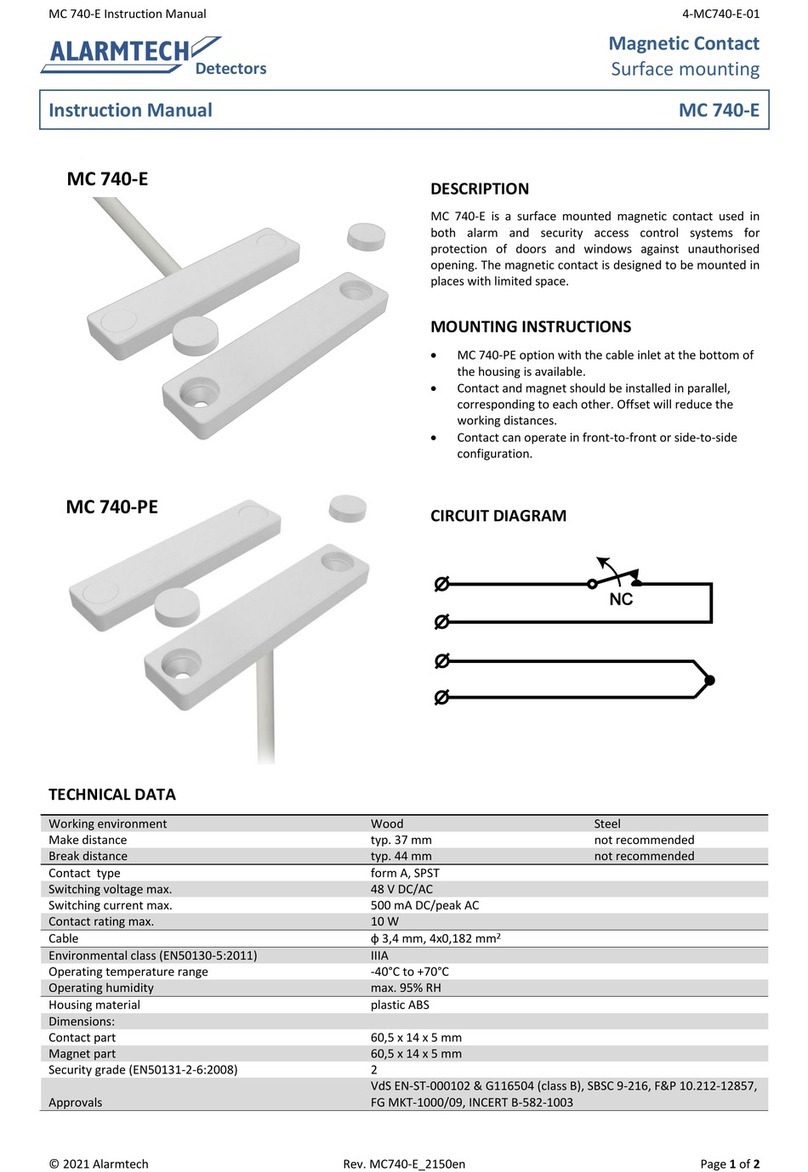
Alarmtech MC 740-E User manual

Alarmtech

Alarmtech MC 740-E User manual

Alarmtech CD 470-I User manual

Alarmtech

Alarmtech CD 470-I User manual

Popular Security Sensor manuals by other brands

Honeywell Home PROSiXCOCN Installation and setup guide

Honeywell Home

Honeywell Home PROSiXCOCN Installation and setup guide

Duevi SIRPZ-RB-868 Operation

Duevi

Duevi SIRPZ-RB-868 Operation

RKI 65-2483RK Operator's manual

RKI

RKI 65-2483RK Operator's manual

Nortech PD160 Enhanced Series user manual

Nortech

Nortech PD160 Enhanced Series user manual

Omron K8AC-H2 manual

Omron

Omron K8AC-H2 manual

Agilent Technologies G8610 Series Quick reference card

Agilent Technologies

Agilent Technologies G8610 Series Quick reference card

Shinko SE2EA-1-0-0 instruction manual

Shinko

Shinko SE2EA-1-0-0 instruction manual
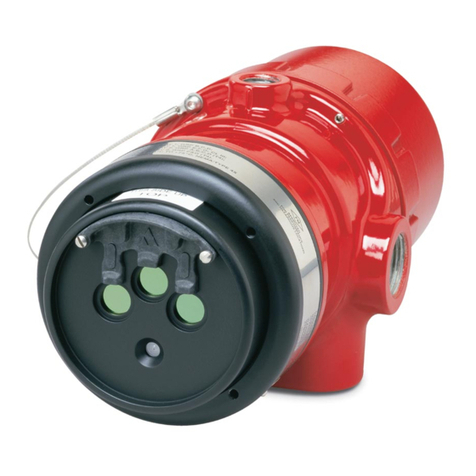
Det-Tronics X Series instructions

Det-Tronics

Det-Tronics X Series instructions

ACR Electronics COBHAM RCL-300A Product support manual
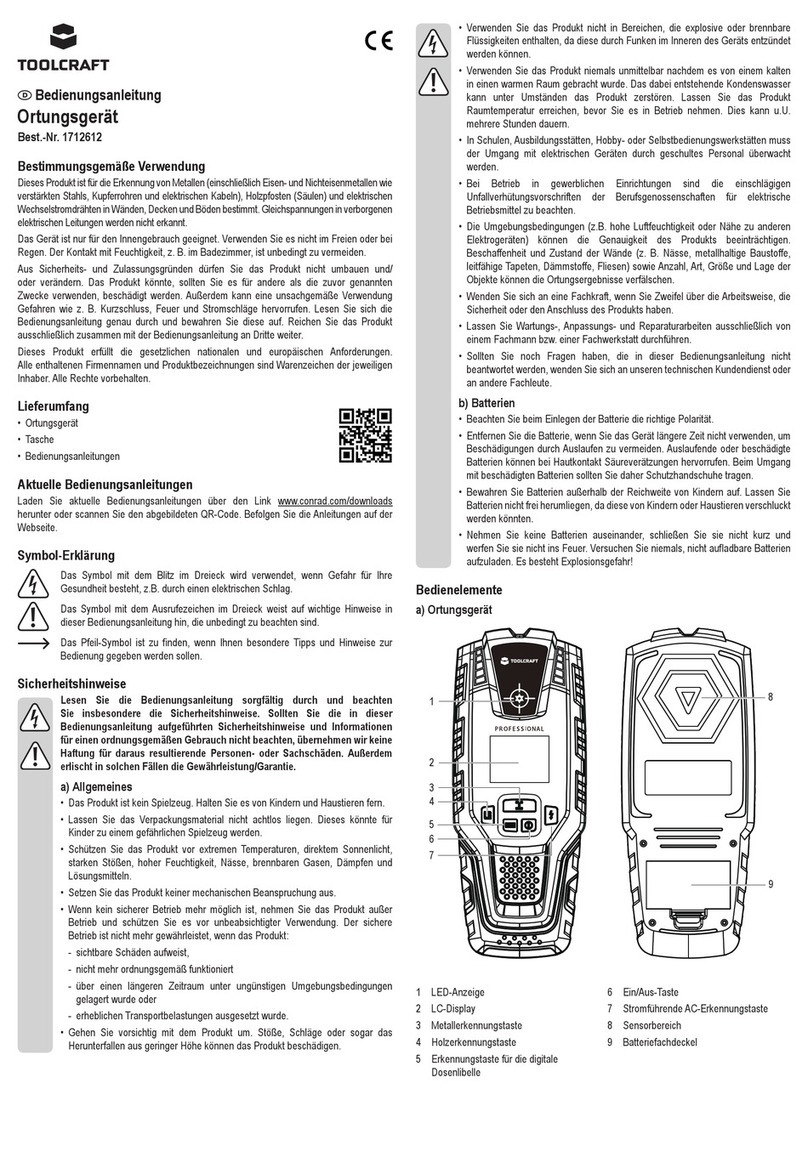
ACR Electronics

ACR Electronics COBHAM RCL-300A Product support manual

TOOLCRAFT 1712612 operating instructions
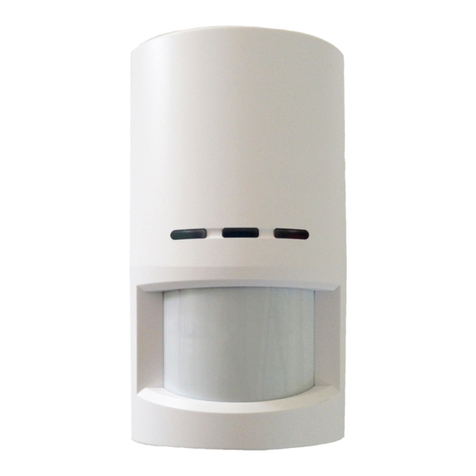
TOOLCRAFT

TOOLCRAFT 1712612 operating instructions

Elkron IM600 Installation, programming and functions manual
Elkron

Elkron IM600 Installation, programming and functions manual

Bosch WEU PDO 6 Original instructions

Bosch

Bosch WEU PDO 6 Original instructions

THORLABS PDA10JT user guide

THORLABS

THORLABS PDA10JT user guide

Waeco UV-DETECT operating manual

Waeco

Waeco UV-DETECT operating manual

Intermatic IOS-DSIMF manual

Intermatic

Intermatic IOS-DSIMF manual

Siemens AZL66 Series manual

Siemens

Siemens AZL66 Series manual

BTI Profiline Multi Finder operating instructions

BTI

BTI Profiline Multi Finder operating instructions

Challenger SL01 instruction manual

Challenger

Challenger SL01 instruction manual

manuals.online logo
manuals.online logoBrands
  • About & Mission
  • Contact us
  • Privacy Policy
  • Terms and Conditions

Copyright 2025 Manuals.Online. All Rights Reserved.

MC 140 Instruction manual 4-MC140-01en
© 2023 Alarmtech Rev. MC140_2308_en Page 1 of 2
Detectors
Magnetic contact
Recessed mounting
Instruction manual MC 140
DESCRIPTION
The magnetic contact MC 140 is designed for recessed
mounting in frames of doors and windows as a
protection against unauthorised opening. It has 4 screw
terminals.
MOUNTING INSTRUCTIONS
 The magnetic contact is designed to be mounted in
predrilled holes in wood or plastic with diameter Ø 19-20
mm
 Mounting in ferromagnetic material is not recommended
 The contact and magnet should be mounted axial towards
each other. The contact in the stationary part of the
monitored object (ex. door frame) and the magnet in the
movable part (ex. door leaf)
 Alignment marks should point in the same direction
 After the installation, use an ohmmeter to check the
electrical connections and test the function of the
magnetic contact.
ALIGNMENT MARKS
CIRCUIT DIAGRAM
OPERATING PRINCIPLE
MC 140 magnetic contact has two parts: the contact part with a
reed switch and the magnet part. In its neutral position the
reed switch remains closed under the force of the magnetic
field. Opening the monitored object increases the distance
between the reed switch and the magnet. This reduces the
influence of the magnetic field on the reed switch until it opens
and activates an alarm.
Magnetic contacts should not be installed in the vicinity of
strong magnetic fields.
MC 140 Instruction manual 4-MC140-01en
© 2023 Alarmtech Rev. MC140_2308_en Page 2 of 2
TECHNICAL DATA
Working environment Wood Steel
Make distance Typ. 21 mm ±30%
Not recommended
Break distance Typ. 24 mm ±30%
Not recommended
Contact type form A (SPST)
Switching voltage max. 48 V DC/AC
Switching current max. 400 mA DC/peak AC
Contact rating max. 10 W
Environmental class (EN50130-5) II
Operating temperature range -40°C to +70°C
Operating humidity range max. 95% r. h.
Housing material ABS plastic
Dimensions:
Contact part ф 35 x 19 mm
Magnet part ф 35 x 12 mm
Security grade (EN 50131-2-6) 1
Approvals VdS EN-ST-000094, SBSC 10-30, INCERT B-582-1003